 PluginStats

Crammer: Save time using AI users statistics
By Crammer · Chrome Web Store · Workflow & Planning
Provides text analytics to the webpage using artificial intelligence to quickly find what you are looking for and save time
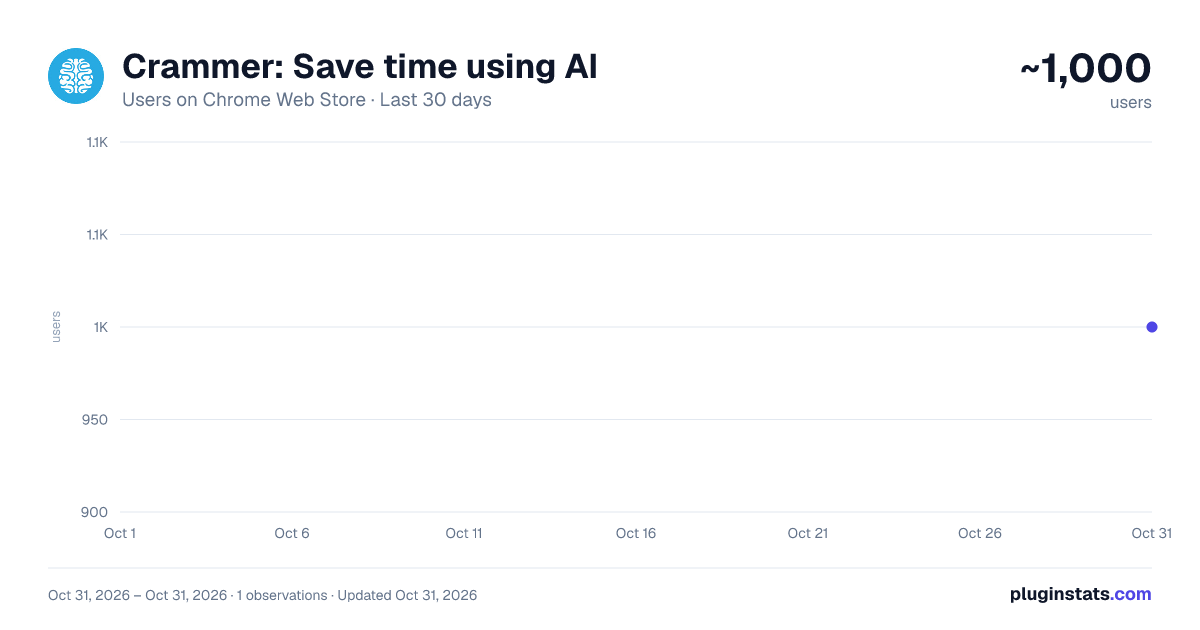
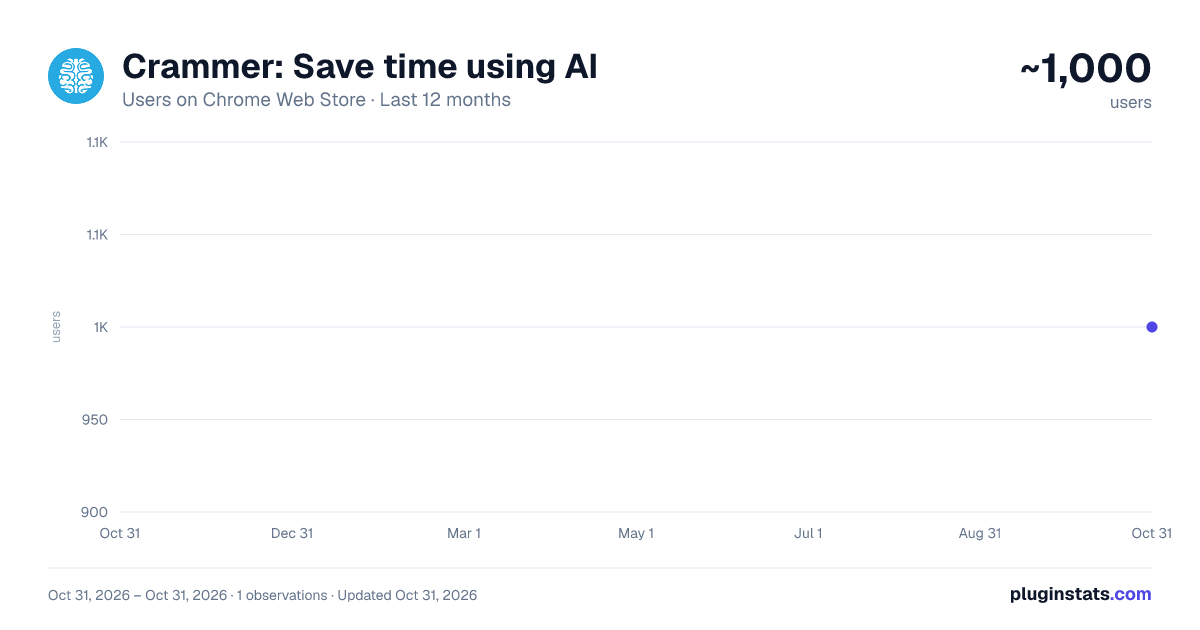
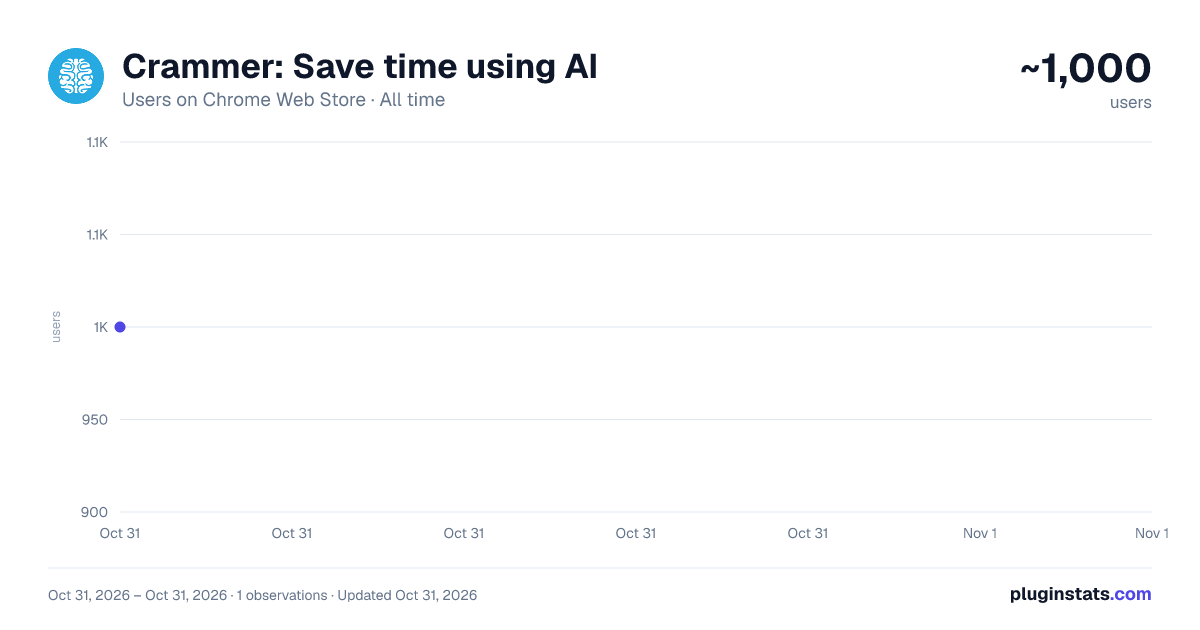
Crammer: Save time using AI has approximately 1,000 recorded users on Chrome Web Store, ranking #2260 of 6,300 tracked listings.
Rating: 4.60 / 5 from 7 ratings
About Crammer: Save time using AI
Provides text analytics to the webpage using artificial intelligence to quickly find what you are looking for and save time
We read on average 15 articles a day but how much do we take from each of them. We often lose interest quickly and don't read the part of the article that matters. Crammer is a Chrome extension tool that uses Artificial Intelligence to analyse and find the key phrases of an article you are reading online. It then shows you the locations of key phrases you select so you can quickly find what you are looking for. ⚡
Think of it as a way of having a contents or glossary for a web page. 🔎
A popup appears over the web page once the text analytics has completed. The great part is that this popup is fully re-sizable and can be dragged anywhere when clicking on the 'Key Phrases' title. If it is getting in the way at all, there is a toggle switch button to hide and show the popup window.
BONUS #1 🎁: Able to perform analysis in 7 languages 🌍 and many more languages are on the way!
BONUS #2 🎁: Now shows a badge for each phrase displaying how many times it is mentioned on the web page!
Description from the Chrome Web Store listing.
README badge
Show your rank in a README or on your website. The badge updates automatically.
Charts
Images: 30d · 1y · all time · 1600×900 dark
Adoption over time
7/30/90-day growth
Ranking history
Ratings over time
Listing placement
Listing placement
Filled points are observed values; hollow points come from Internet Archive snapshots of the listing page. Dashed segments span periods with no observations — values between points are not interpolated.
Each band is one page of 20. Users on a linear scale. Placement is projected from users, so it can differ from the marketplace's own sort order. Hover a dot to see the listing.
Recent observations
Full history (1)Similar Chrome Web Store Workflow & Planning plugins
All 20 Crammer: Save time using AI alternatives



Data source
Covers every Chrome Web Store extension with at least 100 users, found through the store's public sitemap. User counts are read from public listing pages. The 10% most-used extensions are refreshed daily, the next 40% weekly and the next 40% monthly; the least-used 10% are not refreshed. Google displays rounded user counts (and caps the display at 10,000,000+), so small changes may not be visible. Rating counts above 1,000 are rounded (e.g. 1.6K).
Listing: https://chromewebstore.google.com/detail/crammer-save-time-using-a/gedoeahblpgnpabmilljcmenaidbmjpn. First seen Oct 31, 2026; last successful collection Oct 31, 2026. See the methodology.