 PluginStats

Peek - Design & Asset Toolkit users statistics
Chrome Web Store · Developer Tools
Extract assets, colors, typography & tokens from any site. Export to CSS, SCSS, Tailwind & more. The ultimate dev & design toolkit.
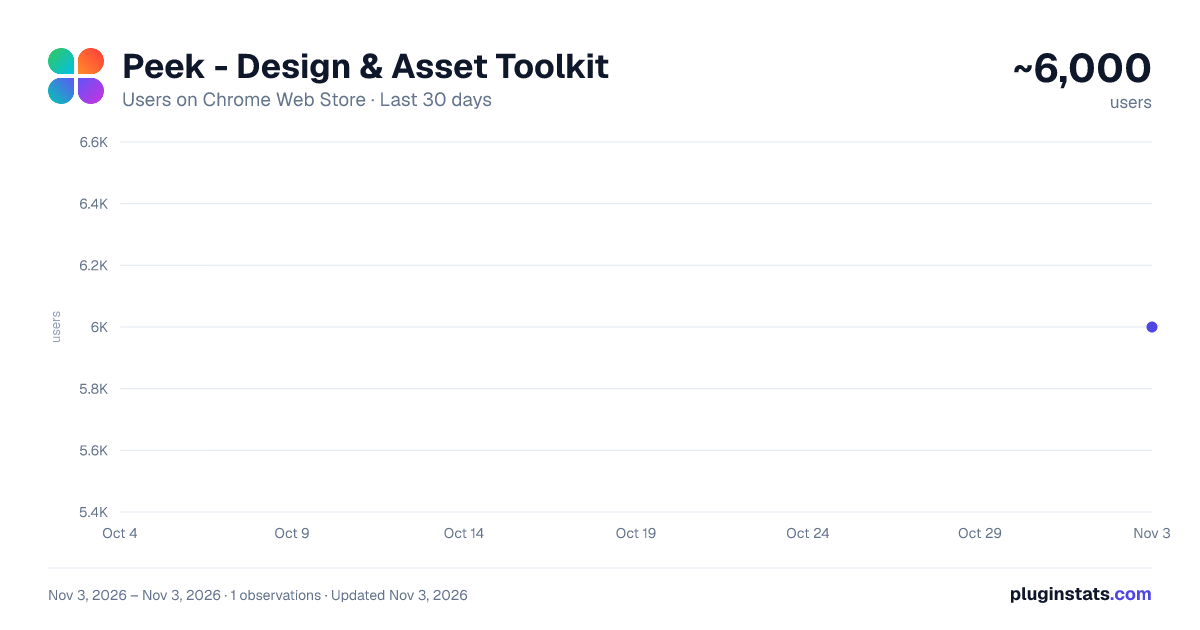
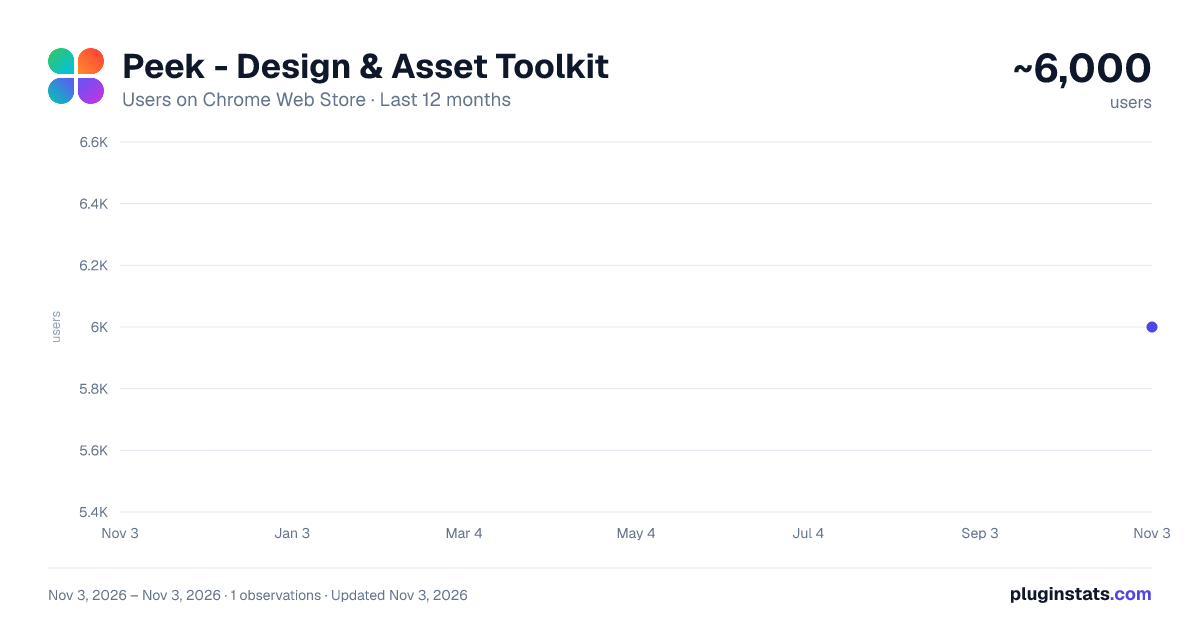
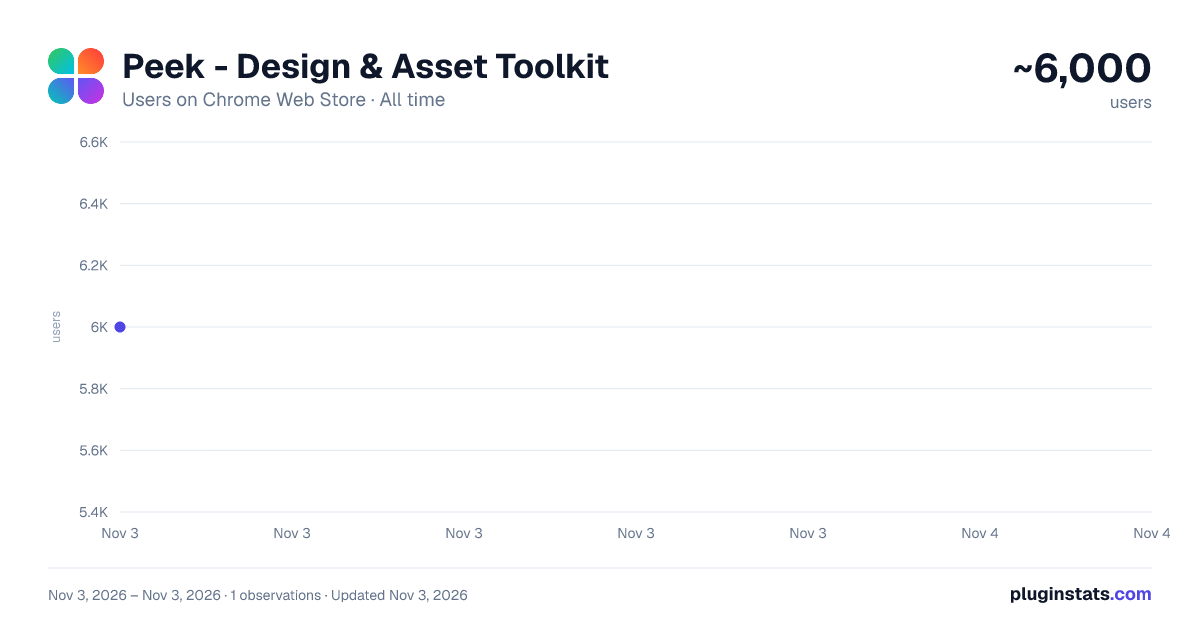
Peek - Design & Asset Toolkit has approximately 6,000 recorded users on Chrome Web Store, ranking #1036 of 6,786 tracked listings.
Rating: 4.70 / 5 from 42 ratings
About Peek - Design & Asset Toolkit
Extract assets, colors, typography & tokens from any site. Export to CSS, SCSS, Tailwind & more. The ultimate dev & design toolkit.
🎨 Instantly Extract Design Tokens, Styles, and Assets from Any Website
Peek is the ultimate all-in-one inspector tool for UI/UX designers, vibe coders, and frontend developers. With a single click, extract a complete design system—colors, gradients, typography, shadows, border radius, and assets—from any website. Say goodbye to manual inspection and hello to a streamlined workflow.
Export production-ready code in CSS, SCSS, Tailwind CSS v3/v4, JSON, SVG, and more.
✨ Key Features 🔍 NEW: Design Audit
- Automatically audit any website against real design system rules: accessibility, color, typography, spacing, layout, and component consistency.
- Peek scores each dimension and gives an overall grade so you can see exactly where a site’s design falls short.
📊 NEW: Design Health & Overview
- The Overview tab now shows a live Design Health score with grade, rationale, and per-dimension breakdown.
- Color harmony detection, WCAG contrast pair analysis, font pairing review, and dark mode detection — all in one place.
- Jump straight to Audit Findings or the full Typescale view from Overview.
🌑 NEW: Shadow Extraction
- Peek extracts every box-shadow and drop-shadow from the page — parsed into individual layers with offset, blur, spread, and color.
- Inspect shadow details in the dedicated Shadow Modal.
- Browse all shadows on the Shadows Page and copy them as CSS tokens with one click.
🛠️ NEW: Tech Stack Detection (Built With)
- Peek detects the popular frameworks the websites were built with.
- Stack icons and tooltips with framework descriptions appear directly in the Overview tab.
⬛ NEW: Border Radius Extraction
- Peek now surfaces border radius tokens used across the page, shown in the Overview tab alongside your color and typography summary.
🖼️ Complete Asset Extraction
- Instantly find and analyze all images, SVGs, and other assets on a page.
- Search assets by name or category; filter by size (small / medium / large).
- Filter, scale, copy, and download assets with one click.
🎨 SVG Color Customization
- Change individual SVG colors directly inside Peek — including multi-color SVGs.
- Copy or download the customized SVG instantly.
- Gradient SVGs are detected automatically and flagged with a clear banner.
🎨 Smart Color & Gradient Detection
- Automatically extracts the entire color palette, including solid colors and gradients.
- Supports HEX, RGB, HSL, and modern formats like OKLCH.
- Copies or downloads in developer-ready formats
📝 Advanced Typography Analysis
- Instantly identify font families, sizes, weights, and line heights.
- Visualize the site’s full typescale with semantic labels (Display, Title, Body, Caption…).
- Live Font Previews: see fonts rendered exactly as they appear on the site.
- Intelligent Script Detection: Peek automatically detects the script (Latin, Bangla, Hindi, Tamil, Telugu, Malayalam, Hebrew, Chinese, Thai, Arabic, Japanese, Cyrillic, etc.) and previews fonts in the appropriate language.
- Copy the full typescale in CSS, SCSS, Tailwind, or JSON from the Overview tab.
📤 Tailwind v3 & v4 Export
- Export color tokens for both Tailwind CSS v3 and v4.
- Peek automatically warns you when a color format (e.g. OKLCH) isn’t compatible with Tailwind v3, so your output always works.
🚀 Lightning-Fast & Developer Friendly
- Get instant style and asset data with no page reloads or performance impact.
- Copy styles directly to your clipboard or download files.
- Export clean, production-ready code.
🎯 Perfect For
- UI/UX Designers creating design systems
- Frontend Developers building component libraries
- Design Teams running design audits and maintaining brand consistency
- Students learning web design principles
🔒 Privacy First
- All processing happens locally on your device
- No data sent to external servers
- Respects your privacy and website content
🚀 Get Started in Seconds
- Install the Peek extension
- Navigate to any website
- Click the Peek icon
- Extract styles instantly
💡 Use Cases
- Run a full design audit on any site in seconds.
- Reverse-engineer a website’s design system.
- Detect what framework and libraries a site is built with.
- Build a palette from an inspiring site.
- Analyze competitor typography and branding.
- Create consistent brand guidelines.
- Prototype faster with real-world design tokens.
🎨 Supported Formats
- CSS, SCSS, Tailwind CSS (v3 & v4), JSON, SVG, and more
- Compatible with all major design tools
- Ready for production use
- Install Peek today and unlock the power of intelligent style and asset extraction!
Release History
🚀 v0.8.10.0 // 29 May 2026 (Patch v0.8.10.1; 12 Jun 2026)
🥳 New!
1️⃣ Design Audit: Peek now audits any website against real design rules across accessibility, color, typography, spacing, layout, and component consistency — with a scored grade and an exportable report.
2️⃣ Design Health Score: The Overview tab shows a live health score, grade, per-dimension breakdown, color harmony detection, WCAG contrast pair analysis, font pairing insights, and dark mode detection.
3️⃣ Shadow Extraction: Every box-shadow and drop-shadow on the page is extracted, parsed into layers, and viewable in a dedicated Shadow Modal and Shadows Page. Copy shadows as CSS tokens instantly.
4️⃣ Tech Stack Detection (Built With): Peek detects popular frameworks the websites are built with — shown with icons and tooltips in the Overview tab.
5️⃣ Border Radius Extraction: Border radius tokens are now surfaced in the Overview tab.
6️⃣ Tailwind v3 Export: Export color tokens specifically for Tailwind CSS v3, with automatic warnings when a color format isn’t compatible.
7️⃣ Assets Tab Search & Filter: Search assets by name or category and filter by size (small / medium / large).…
Description from the Chrome Web Store listing.
README badge
Show your rank in a README or on your website. The badge updates automatically.
Charts
Images: 30d · 1y · all time · 1600×900 dark
Adoption over time
7/30/90-day growth
Ranking history
Ratings over time
Listing placement
Listing placement
Filled points are observed values; hollow points come from Internet Archive snapshots of the listing page. Dashed segments span periods with no observations — values between points are not interpolated.
Each band is one page of 20. Users on a linear scale. Placement is projected from users, so it can differ from the marketplace's own sort order. Hover a dot to see the listing.
Recent observations
Full history (1)Similar Chrome Web Store Developer Tools plugins
All 20 Peek - Design & Asset Toolkit alternatives



Data source
Covers every Chrome Web Store extension with at least 100 users, found through the store's public sitemap. User counts are read from public listing pages. The 10% most-used extensions are refreshed daily, the next 40% weekly and the next 40% monthly; the least-used 10% are not refreshed. Google displays rounded user counts (and caps the display at 10,000,000+), so small changes may not be visible. Rating counts above 1,000 are rounded (e.g. 1.6K).
Listing: https://chromewebstore.google.com/detail/peek-design-asset-toolkit/ioamghgbfkachnkafmlfjgddjljidcbi. First seen Nov 3, 2026; last successful collection Nov 3, 2026. See the methodology.