 PluginStats

Spreadsheet Copy Pro - Google Sheets Enhancer users statistics
By Extivo · Chrome Web Store · Workflow & Planning
Copy, paste, and edit content from restricted Google Sheets with one click. Unlock the full potential of your spreadsheets.
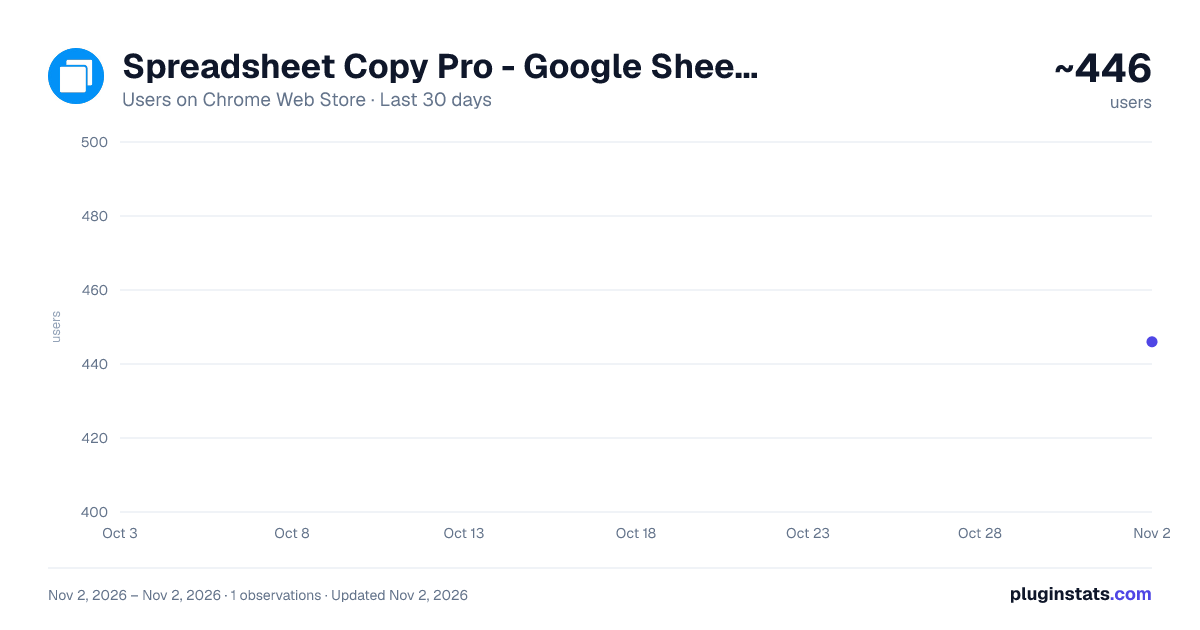
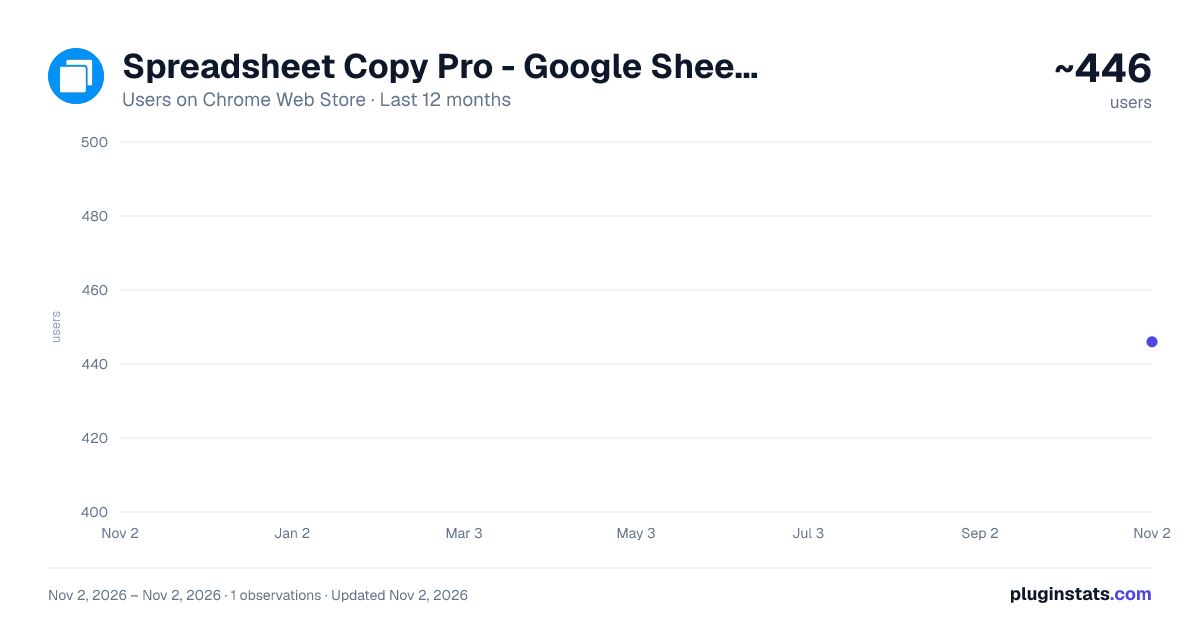
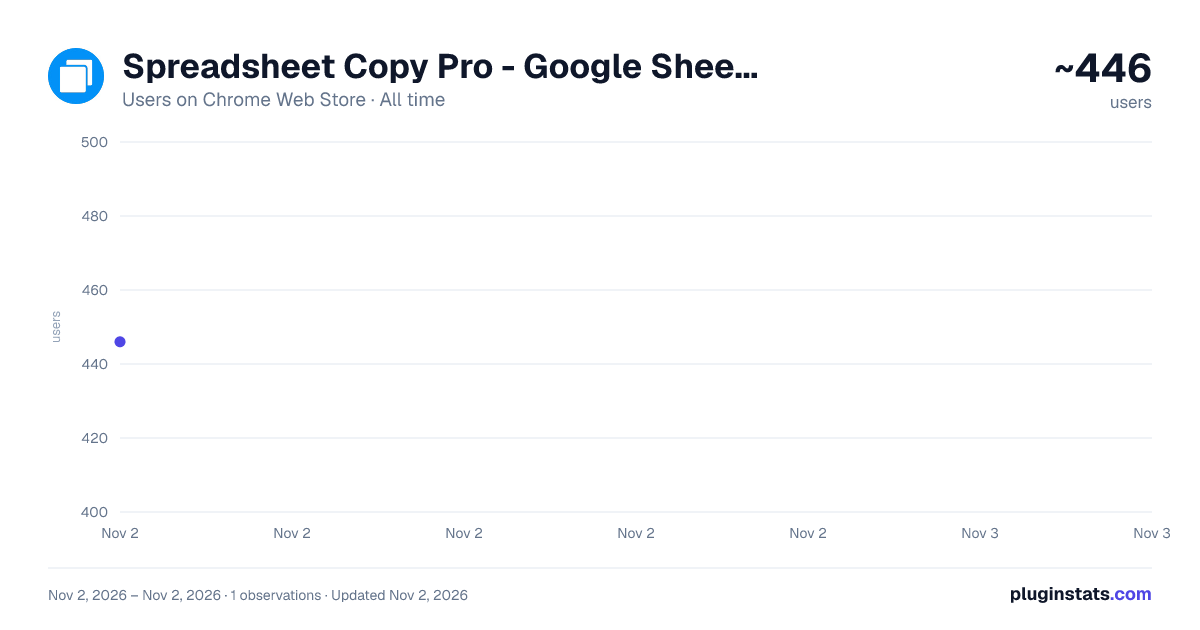
Spreadsheet Copy Pro - Google Sheets Enhancer has approximately 446 recorded users on Chrome Web Store, ranking #3515 of 6,672 tracked listings.
Rating: 1.00 / 5 from 4 ratings
About Spreadsheet Copy Pro - Google Sheets Enhancer
Copy, paste, and edit content from restricted Google Sheets with one click. Unlock the full potential of your spreadsheets.
Tired of being unable to copy content from restricted Google Sheets? Spreadsheet Copy Pro instantly transforms any protected Google Sheet into a fully copyable version, giving you complete access to select, copy, and edit spreadsheet content without limitations.
Perfect for students, researchers, professionals, and anyone who needs to work with shared Google Sheets that have copy restrictions. This powerful extension bypasses viewing limitations while preserving all original formatting and data integrity.
Key Features • One-Click Copy Access - Transform restricted sheets into copyable versions instantly • Preserve Original Formatting - Maintains all colors, fonts, borders, and styling • Privacy Focused - All processing happens locally in your browser • Simple Interface - Clean, intuitive popup design for easy use
How to Use
- Install the Extension - Add Spreadsheet Copy Pro to your Chrome browser
- Open Restricted Google Sheet - Navigate to any Google Sheet with copy restrictions
- Click Extension Icon - Find the Spreadsheet Copy Pro icon in your browser toolbar
- Click "Open Copyable Version" - Single click to create an editable copy
- Copy Content Freely - Select and copy any content from the new copyable version
- Preserve Your Work - Original sheet remains unchanged and unaffected
Perfect For • Students accessing educational materials and research data • Professionals working with shared corporate spreadsheets
Privacy & Security Spreadsheet Copy Pro operates entirely within your browser and never accesses, stores, or transmits your spreadsheet data. All processing is done locally, ensuring your sensitive information remains completely private and secure.
Changlog: UI Updated
Description from the Chrome Web Store listing.
README badge
Show your rank in a README or on your website. The badge updates automatically.
Charts
Images: 30d · 1y · all time · 1600×900 dark
Adoption over time
7/30/90-day growth
Ranking history
Ratings over time
Listing placement
Listing placement
Filled points are observed values; hollow points come from Internet Archive snapshots of the listing page. Dashed segments span periods with no observations — values between points are not interpolated.
Each band is one page of 20. Users on a linear scale. Placement is projected from users, so it can differ from the marketplace's own sort order. Hover a dot to see the listing.
Recent observations
Full history (1)Similar Chrome Web Store Workflow & Planning plugins
All 20 Spreadsheet Copy Pro - Google Sheets Enhancer alternatives



Data source
Covers every Chrome Web Store extension with at least 100 users, found through the store's public sitemap. User counts are read from public listing pages. The 10% most-used extensions are refreshed daily, the next 40% weekly and the next 40% monthly; the least-used 10% are not refreshed. Google displays rounded user counts (and caps the display at 10,000,000+), so small changes may not be visible. Rating counts above 1,000 are rounded (e.g. 1.6K).
Listing: https://chromewebstore.google.com/detail/spreadsheet-copy-pro-goog/daejkllcjjcgekkgnoanhidfjobeoafm. First seen Nov 2, 2026; last successful collection Nov 2, 2026. See the methodology.