 PluginStats
TabScribe users statistics
By AIEnabler · Chrome Web Store · Workflow & Planning
Live on-device transcription of any Chrome tab's audio, with copy and export. Uses the same speech engine as Chrome Live Caption.
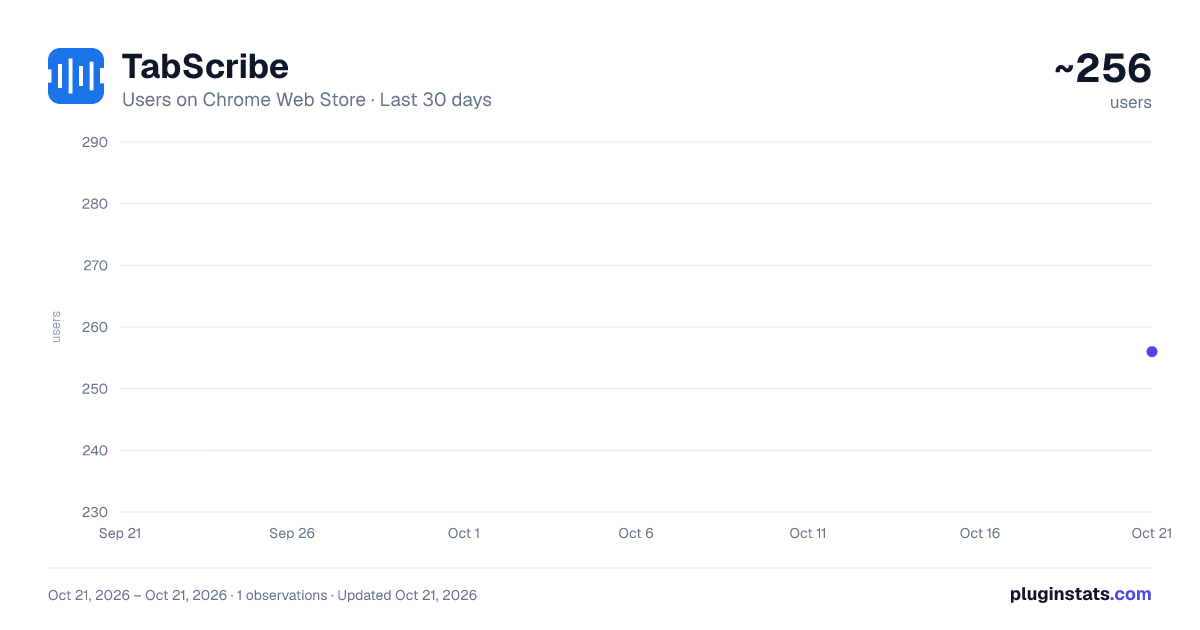
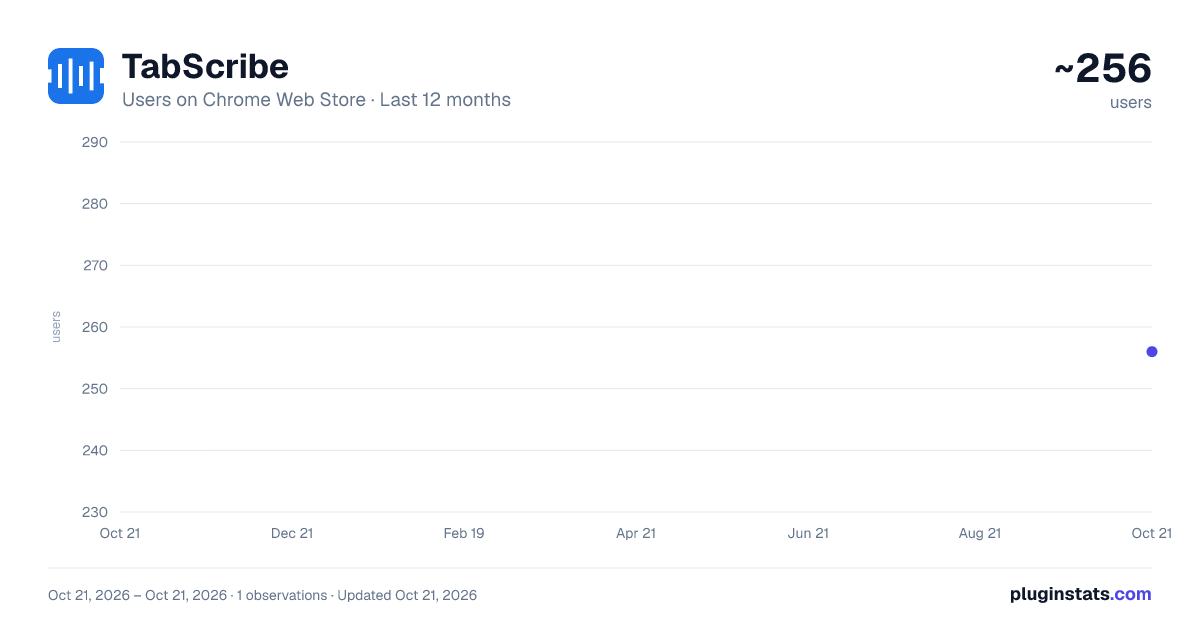
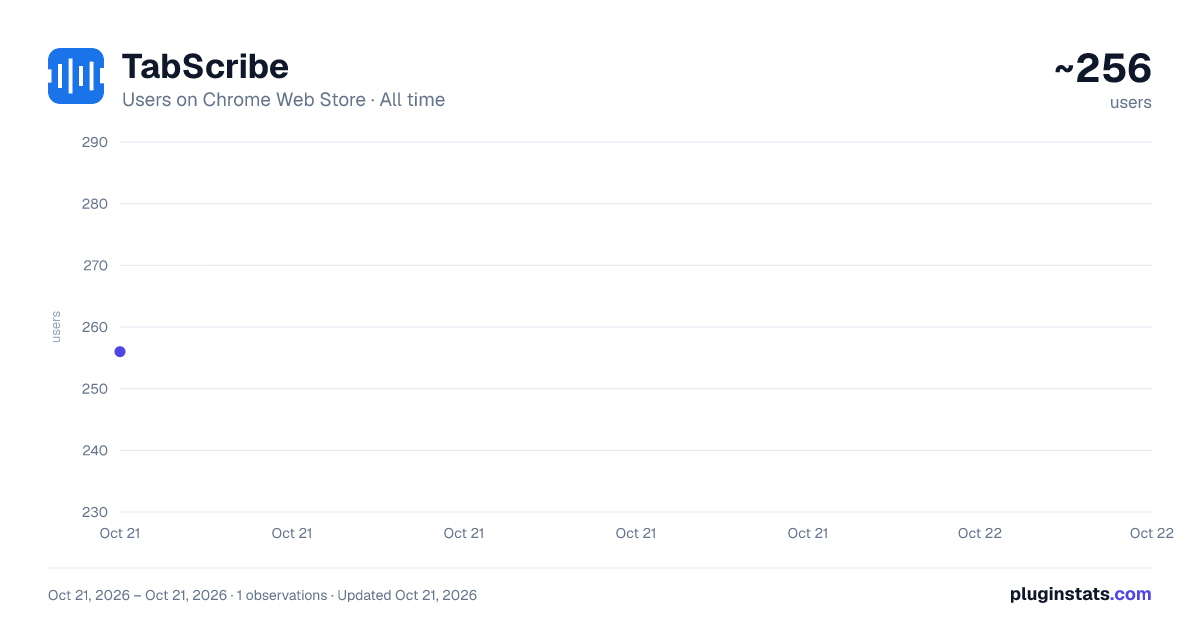
TabScribe has approximately 256 recorded users on Chrome Web Store, ranking #1977 of 2,952 tracked listings.
About TabScribe
Live on-device transcription of any Chrome tab's audio, with copy and export. Uses the same speech engine as Chrome Live Caption.
Source Code: https://github.com/workaienabled/TabScribe
TabScribe turns the current Chrome tab's audio into a focused live transcript. Read the meeting as it happens, copy a useful passage into your own AI chat, and download the full transcript when you are done.
KEEP THE MEETING IN VIEW • Use the compact side panel or move the transcript into a separate window. • The tab stays audible while transcription runs. • Select text without live updates disrupting your selection. Select-to-copy is on by default. • Copy a selected passage, or copy the whole meeting transcript when nothing is selected. • Download the full transcript as a plain-text file, with optional timestamps. • Optionally include your own microphone speech in the downloaded file. Microphone speech is not shown in the live transcript or included in Copy. Chrome microphone permission is required; tab transcription works without it.
ON-DEVICE BY DEFAULT On-device only is enabled by default. Chrome may need to download a speech-language model before first use. Once a supported model is installed, on-device recognition processes the audio on your device.
Cloud recognition is optional and must be chosen explicitly. If you turn off On-device only or choose Use cloud instead, audio is sent to Google's speech-recognition service through Chrome. There is no automatic cloud fallback.
TabScribe has no developer-operated transcription server, analytics, advertising, or built-in AI chat. It does not automatically send transcripts to an AI provider. You decide what to copy and where to paste it.
GET STARTED
- Pin TabScribe and open the meeting or audio tab you want to transcribe.
- Click the TabScribe toolbar icon on that tab.
- Press Record. Download a supported language model if Chrome requests one.
- Copy passages as needed and download the full transcript before quitting Chrome.
Preferences and window size are stored locally. Transcript recovery uses browser session storage and is not a permanent backup: download important transcripts before fully exiting Chrome, reloading, or updating the extension.
Requires a supported Google Chrome build and speech-recognition language. The manifest's API minimum is Chrome 139; availability varies by browser build and platform. Chrome internal pages and Chrome Web Store pages cannot be captured. Recognition can make mistakes; review important text and obtain any required permission before transcribing a meeting.
Description from the Chrome Web Store listing.
README badge
Show your rank in a README or on your website. The badge updates automatically.
Charts
Images: 30d · 1y · all time · 1600×900 dark
Adoption over time
7/30/90-day growth
Ranking history
Ratings over time
Listing placement
Listing placement
Filled points are observed values; hollow points come from Internet Archive snapshots of the listing page. Dashed segments span periods with no observations — values between points are not interpolated.
Each band is one page of 20. Users on a linear scale. Placement is projected from users, so it can differ from the marketplace's own sort order. Hover a dot to see the listing.
Recent observations
Full history (1)Similar Chrome Web Store Workflow & Planning plugins
All 20 TabScribe alternatives



Data source
Covers every Chrome Web Store extension with at least 100 users, found through the store's public sitemap. User counts are read from public listing pages. The 10% most-used extensions are refreshed daily, the next 40% weekly and the next 40% monthly; the least-used 10% are not refreshed. Google displays rounded user counts (and caps the display at 10,000,000+), so small changes may not be visible. Rating counts above 1,000 are rounded (e.g. 1.6K).
Listing: https://chromewebstore.google.com/detail/tabscribe/gbkpodajighnehcchmfdfkfallfdickd. First seen Oct 21, 2026; last successful collection Oct 21, 2026. See the methodology.