 PluginStats
RTF Viewer — Open and Read RTF Files users statistics
By freebusinessapps · Chrome Web Store · Workflow & Planning
Open, read, search and export RTF documents in your browser. Works offline; files never leave your device.
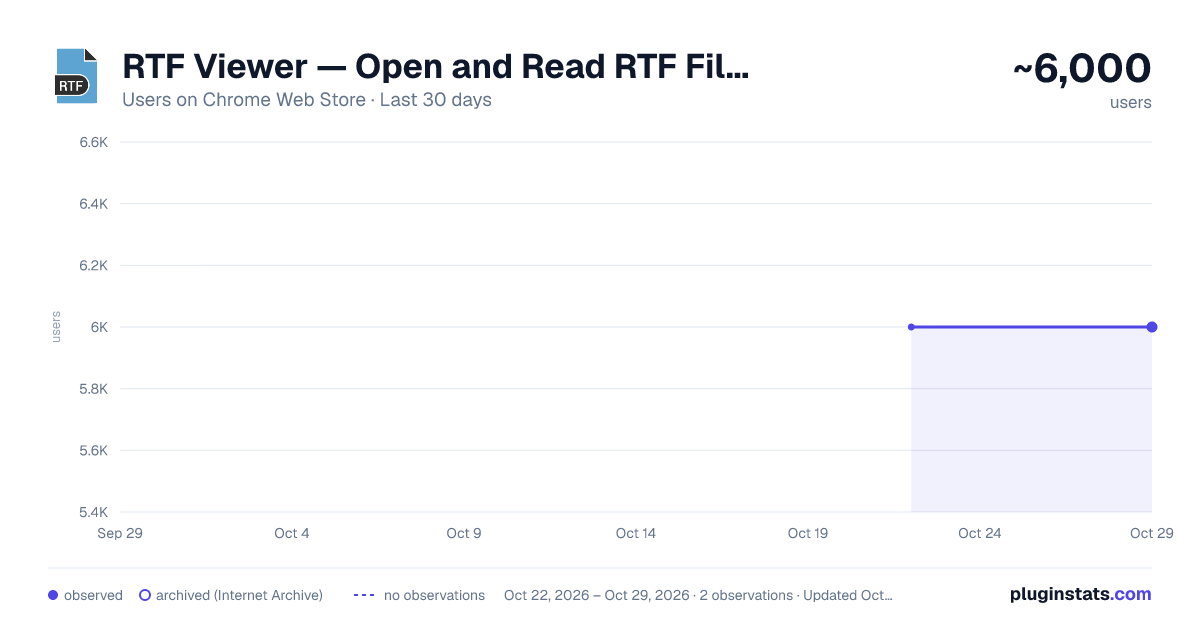
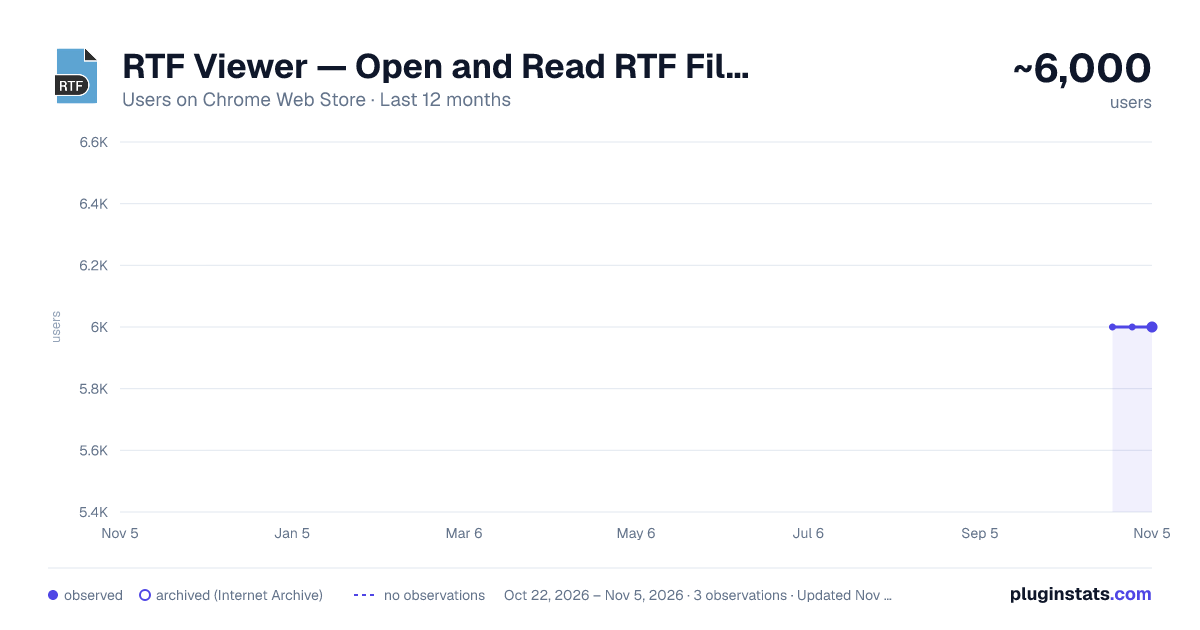
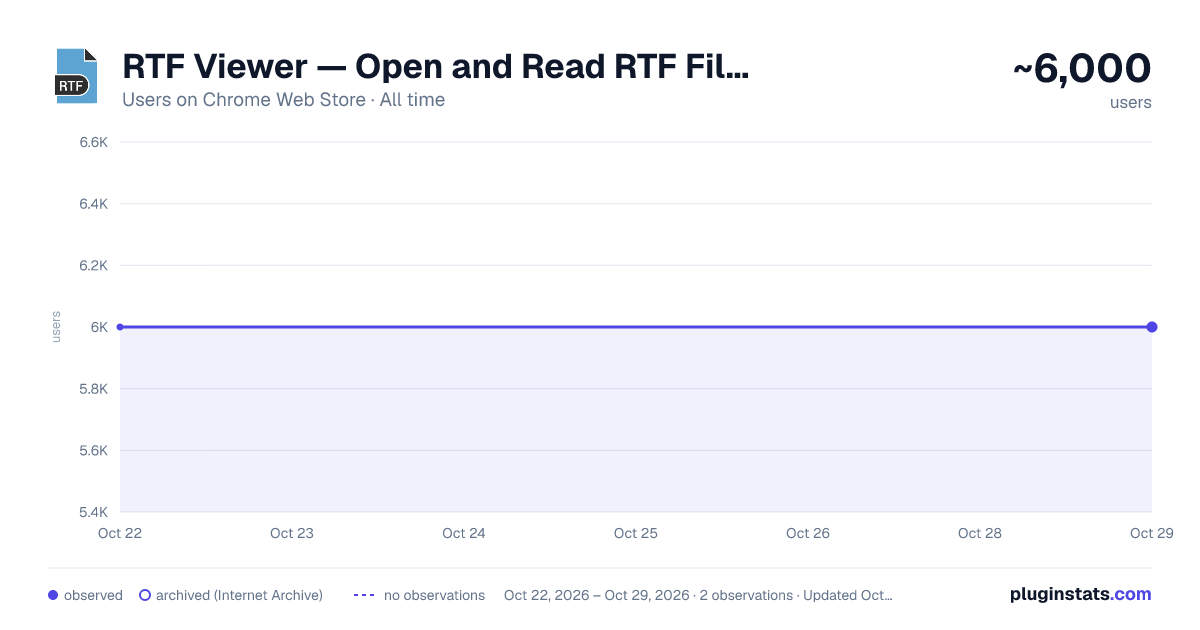
RTF Viewer — Open and Read RTF Files has approximately 6,000 recorded users on Chrome Web Store, ranking #561 of 3,404 tracked listings.
Rating: 2.70 / 5 from 13 ratings
About RTF Viewer — Open and Read RTF Files
Open, read, search and export RTF documents in your browser. Works offline; files never leave your device.
RTF Viewer 4.0 — What's New
Version 4.0 is a complete rebuild of RTF Viewer. Every bug on our public defect list has been fixed, and the extension has grown from a bare file-preview page into a proper document reader. Everything below runs entirely on your own computer: your documents are never uploaded, and the extension works with no network connection at all.
NEW: RTF LINKS NOW ACTUALLY OPEN
The biggest complaint about earlier versions was simple — an extension called "RTF Viewer" did not open RTF files. Clicking a .rtf link still downloaded it, and the viewer could only be reached by hand. Version 4.0 can now intercept .rtf links and open them directly in the reader. This is strictly opt-in: the feature is off until you turn it on in Settings, permission is requested at the moment you enable it, and the extension hands that permission straight back when you switch it off.
NEW: A REAL TOOLBAR
The toolbar used to be an empty box. It now holds zoom, text size, page width, theme, document outline, find, print, export, "open another file", and settings — all of them working, all of them remembered between sessions.
NEW: EXPORT TO PDF, DOCX, HTML AND PLAIN TEXT
You can now save any document you open as a PDF, a Word .docx file, a standalone HTML page, or plain text. All four conversions happen locally in your browser. Nothing is sent to a conversion service, and export works offline like the rest of the extension. The .docx files were tested to open cleanly in Word and LibreOffice.
NEW: DRAG, DROP AND PASTE
Drop an .rtf file anywhere on the page to open it. Drop a link to one and it will be fetched and rendered. Paste a file or rich text straight from the clipboard. The file picker is still there when you want it.
NEW: READING COMFORT
Choose system, light, dark or sepia themes. Adjust text size, page width and zoom. The document no longer sits at a fixed 816-pixel width that got clipped in narrow windows — it scrolls in its own container and has a fit-to-window mode.
NEW: FIND, OUTLINE, TABS AND RECENT FILES
Search inside a document with highlighting, a match count, and next/previous navigation that wraps, on Ctrl+F and F3. A sidebar builds an outline from the document's headings so you can jump around long files. Open several documents at once in tabs, each keeping its own scroll position, search and outline. A recent files list (metadata only, clearable at any time) makes it easy to return to something you were reading.
NEW: ACCESSIBILITY AND FIRST RUN
Visible focus rings, ARIA roles and landmarks, live regions that announce loading state to screen readers, keyboard shortcuts throughout, and reduced-motion support. Installing the extension now opens a short in-extension welcome screen that explains how to open a file, instead of sending you to an external website.
FIXED: DOCUMENTS THAT RENDERED INCORRECTLY
Files were previously read as UTF-8 text, which silently destroyed any byte that was not valid UTF-8 — the cause of mangled characters in older documents and broken embedded images. The whole pipeline now works on raw bytes end to end. Documents containing PNG, JPEG or GIF images used to throw an internal error and fail to render; those formats are now supported alongside WMF and EMF metafiles.
FIXED: PAGES THAT HUNG ON "LOADING …"
A document the parser could not handle produced an unhandled error, leaving the page stuck on "Loading …" with no message and no way out. Failures are now caught and shown as a clear, recoverable error with a way to try another file. Network loads have a timeout and can be cancelled. Choosing the same file twice in a row works again. Very large files are capped and warned about instead of freezing the tab.
FIXED: SECURITY AND PRIVACY
jQuery was updated from 3.2.1 to 3.7.1 and DOMPurify from 1.0.2 to 3.2.4, closing several known vulnerabilities on the exact code path that handles untrusted document content. Sanitized output is now inserted as DOM rather than re-parsed from a string. Insecure http:// links were removed, along with roughly 630 KB of unreachable code, unused frameworks and webfonts.
FIXED: LANGUAGE AND LAYOUT
Messages such as "Loading", "File not found" and parse errors were hardcoded English in a 43-language product. They are now translated like everything else. Arabic, Farsi, Hebrew and Urdu finally render right-to-left, with page language and direction set from your browser's language. Invalid markup that quietly broke several panels was rewritten and is now checked automatically.
TESTED
The release is covered by 750 automated package checks and 85 in-browser tests.
HONEST LIMITATIONS
.doc and .wri files are still not supported. Parsing runs on the main thread, so very large documents take a moment; the interface warns you first and stays responsive. A few of the newest interface strings still fall back to English in some languages while translation catches up.
Description from the Chrome Web Store listing.
README badge
Show your rank in a README or on your website. The badge updates automatically.
Charts
Images: 30d · 1y · all time · 1600×900 dark
Adoption over time
7/30/90-day growth
Ranking history
Ratings over time
Listing placement
Listing placement
Filled points are observed values; hollow points come from Internet Archive snapshots of the listing page. Dashed segments span periods with no observations — values between points are not interpolated.
Each band is one page of 20. Users on a linear scale. Placement is projected from users, so it can differ from the marketplace's own sort order. Hover a dot to see the listing.
Recent observations
Full history (1)Similar Chrome Web Store Workflow & Planning plugins
All 20 RTF Viewer — Open and Read RTF Files alternatives



Data source
Covers every Chrome Web Store extension with at least 100 users, found through the store's public sitemap. User counts are read from public listing pages. The 10% most-used extensions are refreshed daily, the next 40% weekly and the next 40% monthly; the least-used 10% are not refreshed. Google displays rounded user counts (and caps the display at 10,000,000+), so small changes may not be visible. Rating counts above 1,000 are rounded (e.g. 1.6K).
Listing: https://chromewebstore.google.com/detail/rtf-viewer-—-open-and-rea/gakocbldedehknpnjfdeolkgcpbndjji. First seen Oct 22, 2026; last successful collection Oct 22, 2026. See the methodology.