 PluginStats

ChatGPT Image Auto: Bulk AI Image Generator users statistics
Bulk-generate images on ChatGPT from a prompt list: run queue, up to 15 reference images per prompt, aspect ratios, auto-download.
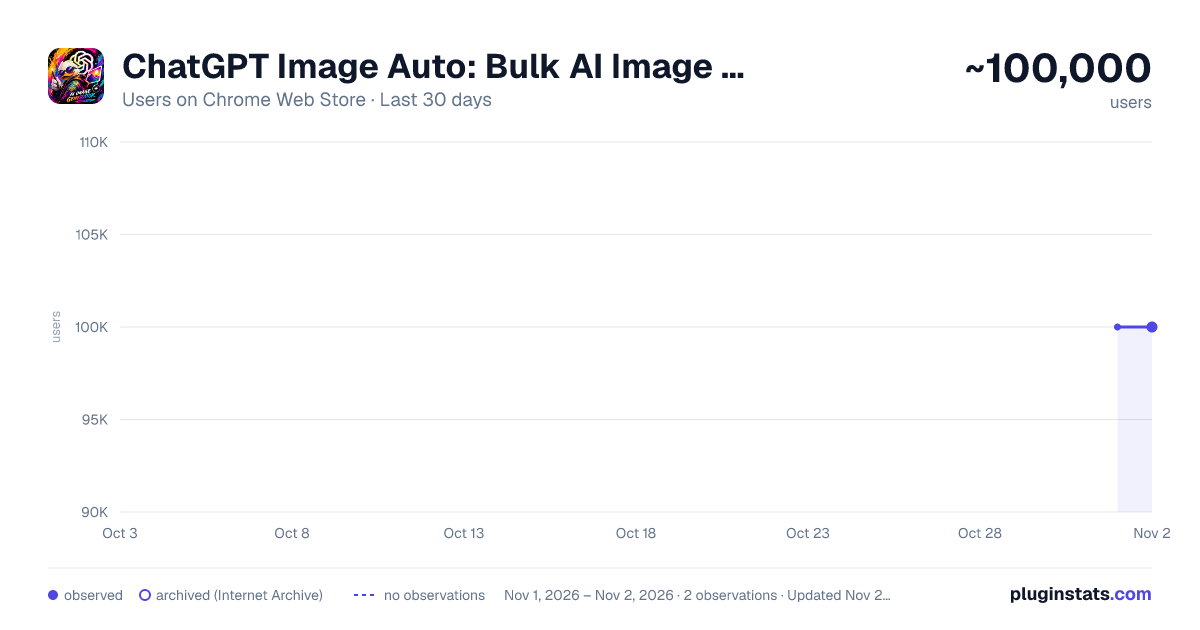
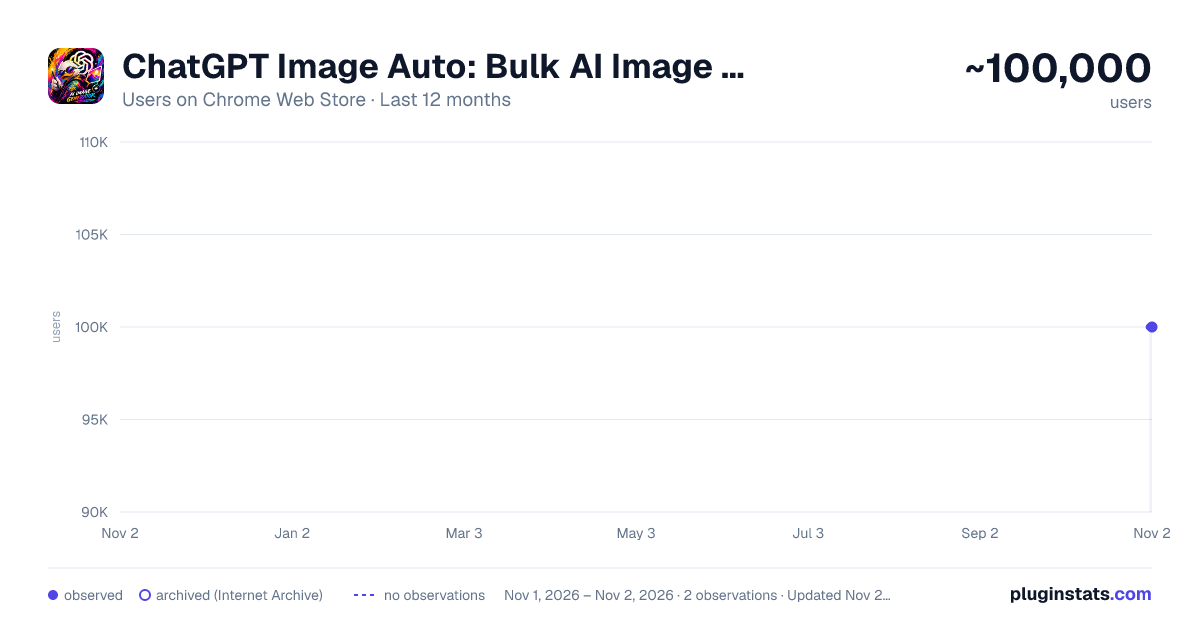
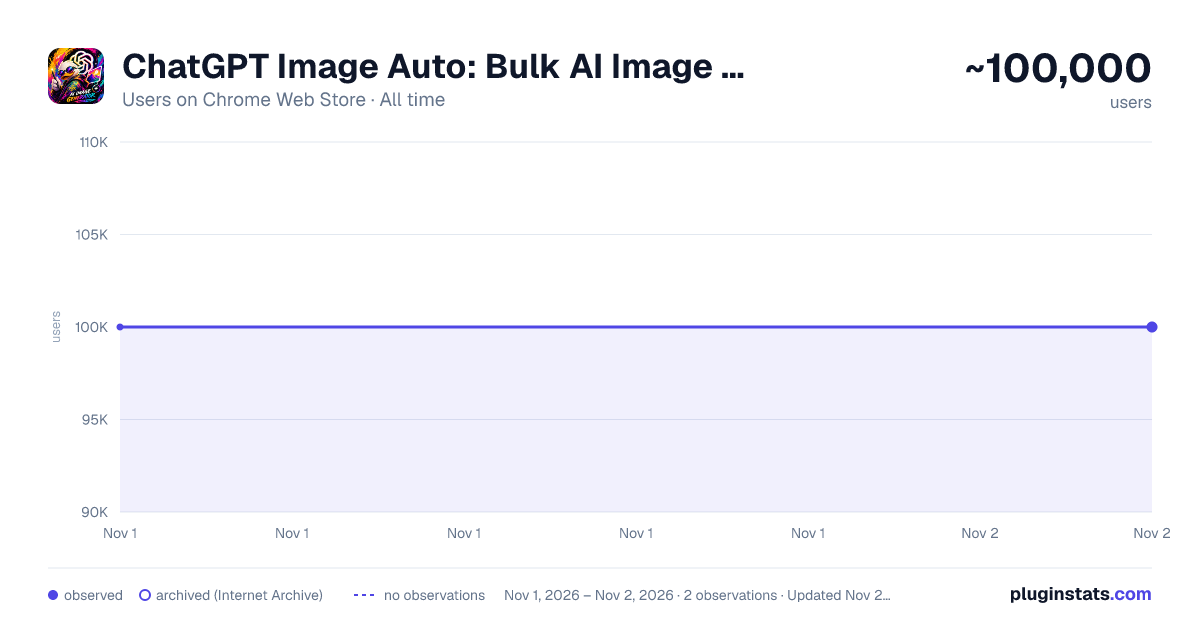
ChatGPT Image Auto: Bulk AI Image Generator has approximately 100,000 recorded users on Chrome Web Store, ranking #182 of 6,300 tracked listings.
Rating: 3.50 / 5 from 152 ratings
About ChatGPT Image Auto: Bulk AI Image Generator
Bulk-generate images on ChatGPT from a prompt list: run queue, up to 15 reference images per prompt, aspect ratios, auto-download.
🚀 ChatGPT Image Auto turns ChatGPT's image generator into a hands-off batch tool. Paste a list of prompts, hit Run, and walk away — the side panel sends each prompt sequentially, waits for the image to finish, downloads it to your computer, then moves on to the next one.
✨ WHAT YOU GET
📋 Bulk prompt queue. Paste prompts line-by-line or import a .txt file. Each row shows real-time status (waiting → generating → done) so you always know where the run is.
🔒 Strict serial execution. Prompts run one at a time, fully completed before the next starts. No double-submits, no lost images, no rate-limit collisions.
⬇️ Auto-download with deduplication. Every generated image lands in your Downloads folder automatically. Built-in file_id tracking prevents the same image from being saved twice.
🖼️ Reference images per prompt. Attach one or more reference images to any prompt before queuing — the panel uploads them in order and waits for ChatGPT to confirm before submitting.
📐 Aspect ratio + prompt-split controls. Pick aspect ratio with a single click; toggle prompt-split mode to control how multi-line prompts are batched.
📚 Library tab. Browse every image you've generated through the extension, with the original prompt and a link back to the source conversation. No more digging through chat history.
🔁 Per-row retry & delete. Recover from a failed prompt without restarting the whole queue. Bulk "retry all failed" is one click.
🌐 Bilingual UI. Full English and Vietnamese (Tiếng Việt) interface, switchable from the panel header.
💡 WHY INSTALL IT
⏱️ If you generate more than two or three images at a time on ChatGPT, you already know the friction: typing prompts one by one, waiting, right-click → Save image as…, naming files, repeating. This extension collapses that loop into "paste prompts, walk away, come back to a folder full of images." It's the difference between 30 minutes of manual clicking and 30 seconds of setup.
🛡️ PRIVACY & SAFETY
🔐 Runs entirely in your browser. No external server, no analytics, no telemetry. ✅ Only requests permissions it actually uses: side panel, downloads, and access to chatgpt.com. 🚫 Your prompts and images never leave your machine except to the ChatGPT tab you're already using.
⚠️ Requires an active ChatGPT account with image generation enabled.
Description from the Chrome Web Store listing.
README badge
Show your rank in a README or on your website. The badge updates automatically.
Charts
Images: 30d · 1y · all time · 1600×900 dark
Adoption over time
7/30/90-day growth
Ranking history
Ratings over time
Listing placement
Listing placement
Filled points are observed values; hollow points come from Internet Archive snapshots of the listing page. Dashed segments span periods with no observations — values between points are not interpolated.
Each band is one page of 20. Users on a linear scale. Placement is projected from users, so it can differ from the marketplace's own sort order. Hover a dot to see the listing.
Recent observations
Full history (1)Similar Chrome Web Store Tools plugins
All 20 ChatGPT Image Auto: Bulk AI Image Generator alternatives



Data source
Covers every Chrome Web Store extension with at least 100 users, found through the store's public sitemap. User counts are read from public listing pages. The 10% most-used extensions are refreshed daily, the next 40% weekly and the next 40% monthly; the least-used 10% are not refreshed. Google displays rounded user counts (and caps the display at 10,000,000+), so small changes may not be visible. Rating counts above 1,000 are rounded (e.g. 1.6K).
Listing: https://chromewebstore.google.com/detail/chatgpt-image-auto/gedfnhdibkfgacmkbjgpfjihacalnlpn. First seen Nov 1, 2026; last successful collection Nov 1, 2026. See the methodology.