 PluginStats
WriteRight users statistics
By Arik W (2 listings) · Chrome Web Store · Workflow & Planning
Detects the written language and sets the writing direction to RTL/LTR
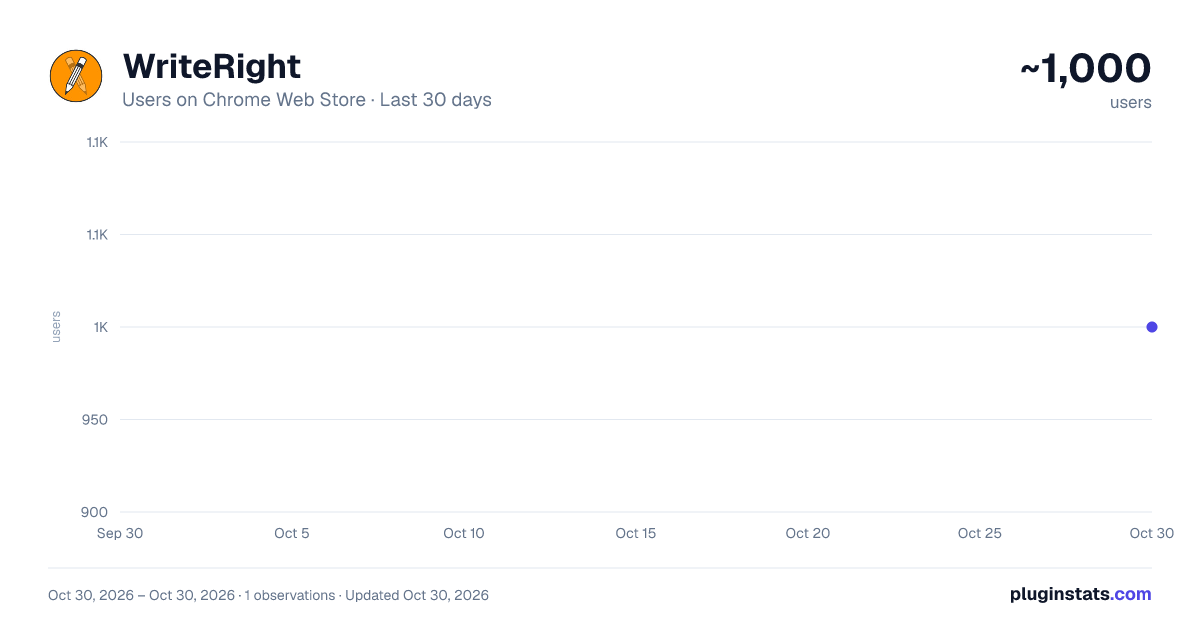
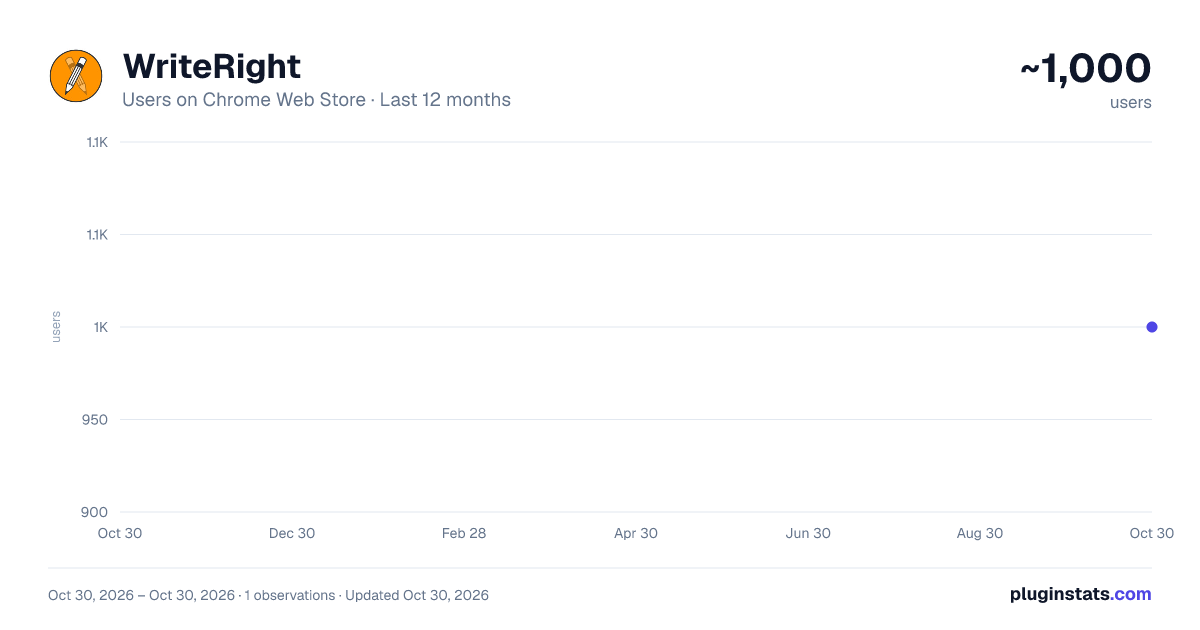
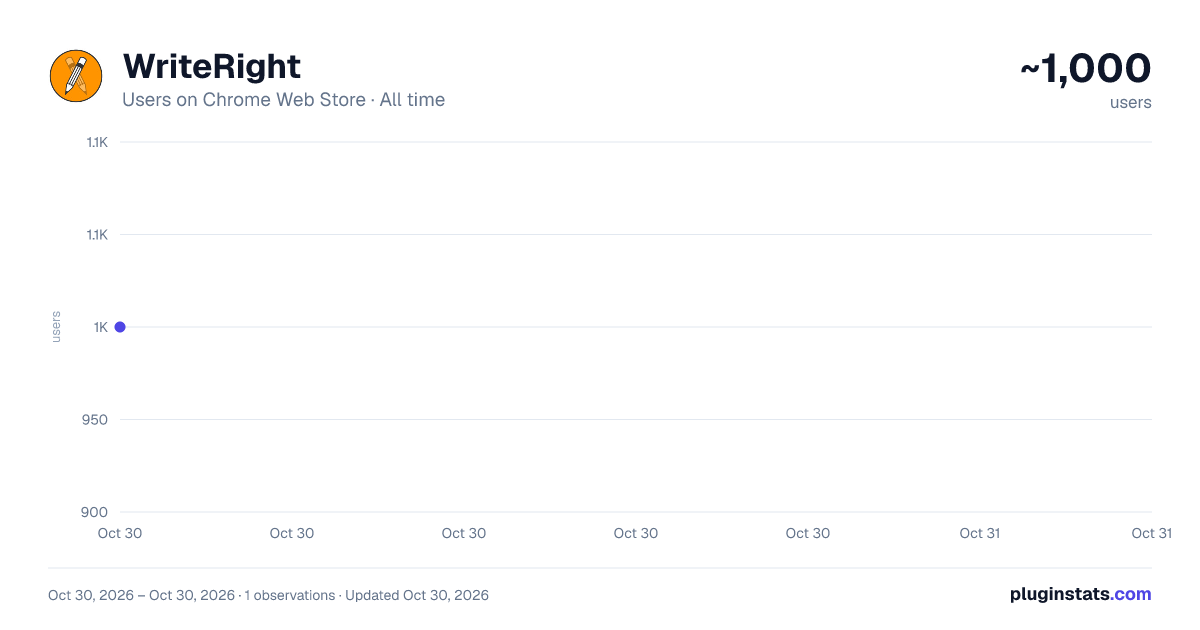
WriteRight has approximately 1,000 recorded users on Chrome Web Store, ranking #2032 of 5,550 tracked listings.
Rating: 4.70 / 5 from 16 ratings
About WriteRight
Detects the written language and sets the writing direction to RTL/LTR
WriteRight
WriteRight is a chrome extension that automatically sets the writing direction of input elements and allows the user to override it with keyboard shortcuts.
Features
- Automatically detects the writing direction of the first word character in an input element and sets it to RTL or LTR accordingly.
- Allows the user to manually set the writing direction to RTL with the right control and right shift keys, or to LTR with the left control and left shift keys.
- Only changes the writing direction of editable input elements.
- Re-enables the auto-detection mode when the input element is cleared.
Use Cases
WriteRight is especially useful for users who need to switch between different writing directions frequently. Some examples are:
- On Windows, users can change the writing direction to LTR or RTL using CTRL + LEFT or RIGHT SHIFT shortcuts. This feature is missing from Chrome on Linux, but WriteRight enables it.
- WriteRight also automatically sets the writing direction in webpages that align the text to a fixed side. For example, in Google's website, the search field is fixed to LTR, but WriteRight can change it to RTL if needed.
Usage
After installing WriteRight, you can use it on any webpage that has input elements. Just start typing and the extension will automatically set the writing direction for you. If you want to override the writing direction, you can use the keyboard shortcuts: left control and left shift for LTR, or right control and right shift for RTL.
Development
WriteRight was generated using Bing's GPT, a powerful natural language processing model that can create various types of content. The extension's source files are available on Github, where you can also report issues or suggest improvements.
Description from the Chrome Web Store listing.
README badge
Show your rank in a README or on your website. The badge updates automatically.
Charts
Images: 30d · 1y · all time · 1600×900 dark
Adoption over time
7/30/90-day growth
Ranking history
Ratings over time
Listing placement
Listing placement
Filled points are observed values; hollow points come from Internet Archive snapshots of the listing page. Dashed segments span periods with no observations — values between points are not interpolated.
Each band is one page of 20. Users on a linear scale. Placement is projected from users, so it can differ from the marketplace's own sort order. Hover a dot to see the listing.
Recent observations
Full history (1)Similar Chrome Web Store Workflow & Planning plugins
All 20 WriteRight alternatives



Data source
Covers every Chrome Web Store extension with at least 100 users, found through the store's public sitemap. User counts are read from public listing pages. The 10% most-used extensions are refreshed daily, the next 40% weekly and the next 40% monthly; the least-used 10% are not refreshed. Google displays rounded user counts (and caps the display at 10,000,000+), so small changes may not be visible. Rating counts above 1,000 are rounded (e.g. 1.6K).
Listing: https://chromewebstore.google.com/detail/writeright/gleiglfcmildnecmodgoeijleblhobjk. First seen Oct 30, 2026; last successful collection Oct 30, 2026. See the methodology.