 PluginStats

Pixel to REM users statistics
By Prima Labs · Chrome Web Store · Developer Tools
Easily convert pixels to REM or vise-versa
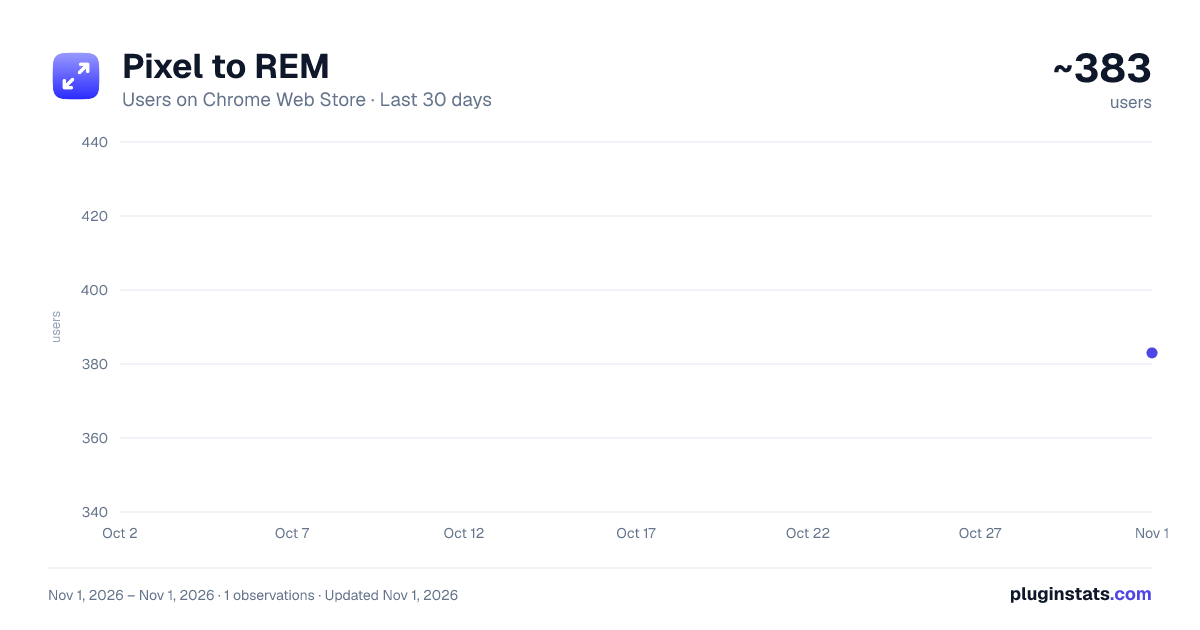
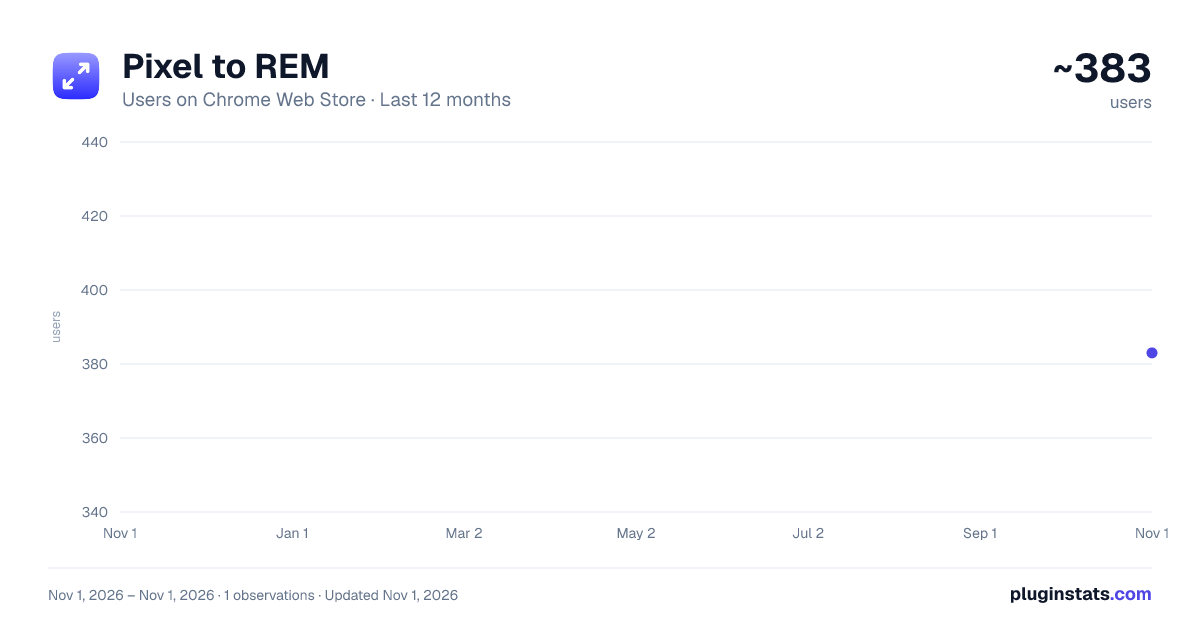
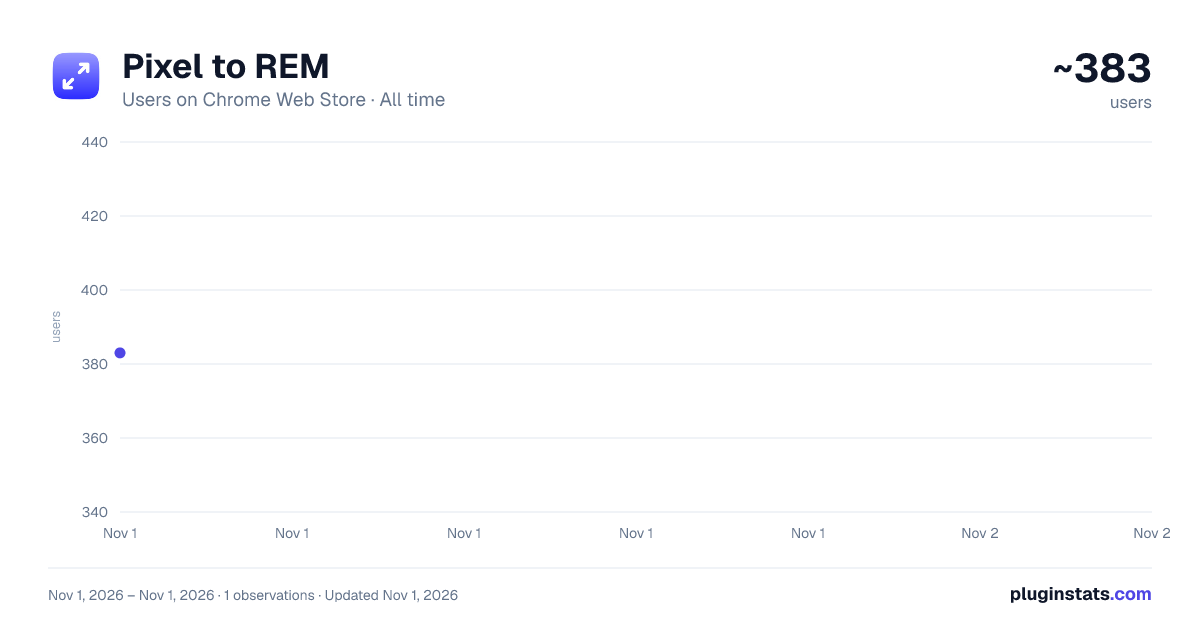
Pixel to REM has approximately 383 recorded users on Chrome Web Store, ranking #3811 of 6,786 tracked listings.
Rating: 3.50 / 5 from 2 ratings
About Pixel to REM
Easily convert pixels to REM or vise-versa
Pixel2REM - Simple Pixels to REM Converter Chrome Extension
Pixel2REM is your essential Chrome extension for seamless pixel-to-REM conversions and vice versa. Easily switch between these units, making responsive web design a breeze.
Key Features:
Effortless Pixel to REM Conversion: Say goodbye to manual calculations. Pixel2REM allows you to convert pixel values to REM units with a single click. Ensure pixel-perfect precision in responsive layouts.
Intuitive REM to Pixel Conversion: Convert REM values back to pixels effortlessly. Seamlessly adapt your design elements across different screen sizes without the headache of complex math.
Real-Time Results: Witness instant conversions as you input pixel or REM values. No waiting, just quick and accurate results at your fingertips.
User-Friendly Interface: Pixel2REM boasts a straightforward and intuitive interface, making it accessible to web designers of all levels.
Customization Options: Tailor the extension to your preferences by selecting the base font size for REM calculations, ensuring optimal flexibility in your design workflow.
Privacy-Minded: Rest assured that Pixel2REM operates locally within your browser. Your data remains private and never leaves your device.
Free and Unlimited: Pixel2REM is free to download and use. Enjoy limitless pixel-to-REM and REM-to-pixel conversions without any limitations.
How It Works:
Install the Extension: Visit the Chrome Web Store, search for "Pixel2REM," and click "Add to Chrome" to install the extension.
Activate the Extension: Once installed, the Pixel2REM icon appears in your browser's toolbar. Click on it to open the converter.
Choose Your Conversion: Select whether you want to convert pixels to REM or REM to pixels.
Enter the Value: Input the pixel or REM value in the designated field.
View the Result: Instantly view the converted value in the other unit.
Stay Productive: Effortlessly switch between units as you fine-tune your responsive designs.
Simplify Responsive Design:
Pixel2REM empowers web designers with a user-friendly tool for seamless pixel-to-REM conversions and vice versa. Download Pixel2REM now and elevate your responsive design experience to new heights!
Description from the Chrome Web Store listing.
README badge
Show your rank in a README or on your website. The badge updates automatically.
Charts
Images: 30d · 1y · all time · 1600×900 dark
Adoption over time
7/30/90-day growth
Ranking history
Ratings over time
Listing placement
Listing placement
Filled points are observed values; hollow points come from Internet Archive snapshots of the listing page. Dashed segments span periods with no observations — values between points are not interpolated.
Each band is one page of 20. Users on a linear scale. Placement is projected from users, so it can differ from the marketplace's own sort order. Hover a dot to see the listing.
Recent observations
Full history (1)Similar Chrome Web Store Developer Tools plugins
All 20 Pixel to REM alternatives



Data source
Covers every Chrome Web Store extension with at least 100 users, found through the store's public sitemap. User counts are read from public listing pages. The 10% most-used extensions are refreshed daily, the next 40% weekly and the next 40% monthly; the least-used 10% are not refreshed. Google displays rounded user counts (and caps the display at 10,000,000+), so small changes may not be visible. Rating counts above 1,000 are rounded (e.g. 1.6K).
Listing: https://chromewebstore.google.com/detail/pixel-to-rem/geenmcdnflmeghgkkklekaepmbochanh. First seen Nov 1, 2026; last successful collection Nov 1, 2026. See the methodology.