 PluginStats

Hide My Tabs! users statistics
By salvoventura · Chrome Web Store · Privacy & Security
Hide specific tabs or groups of tabs for privacy and restore them later.
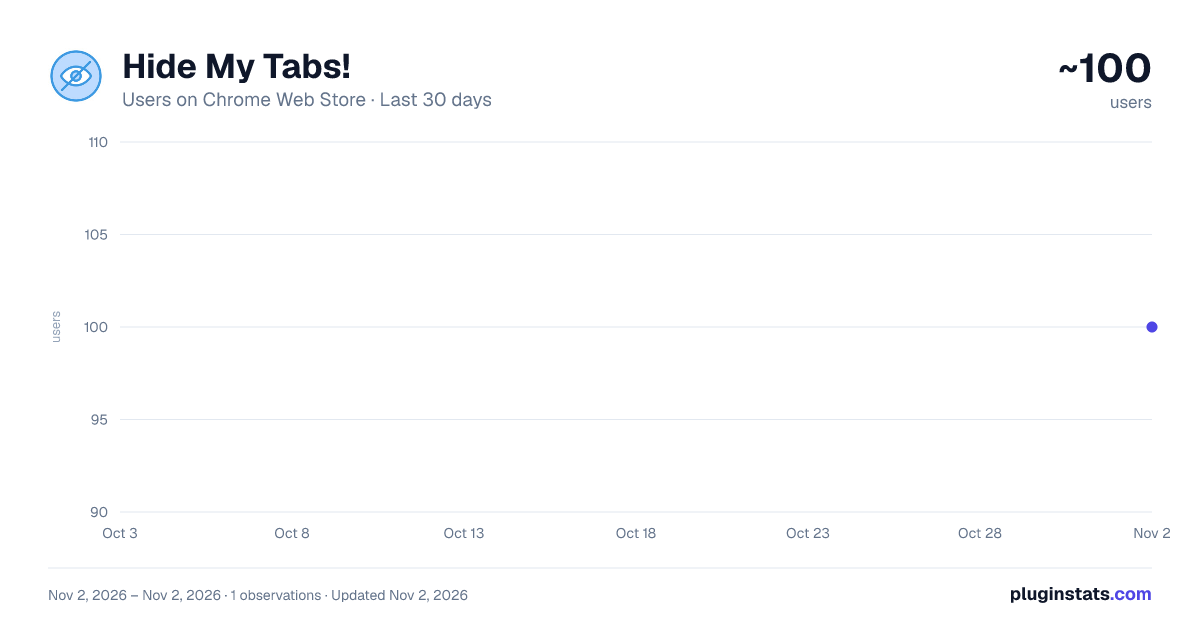
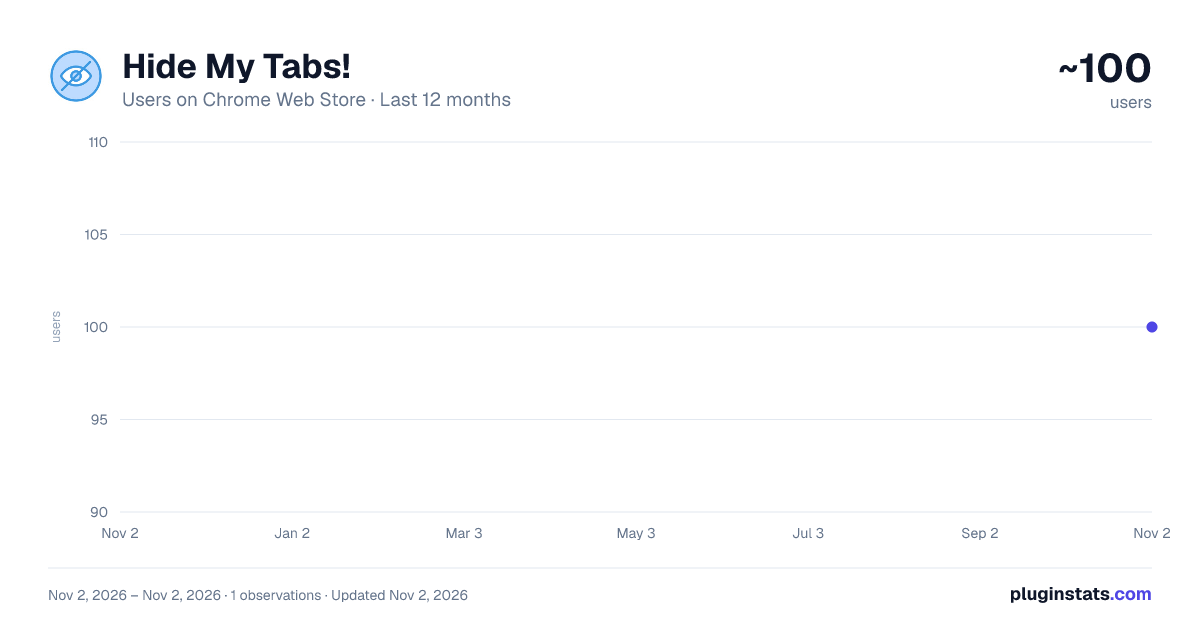
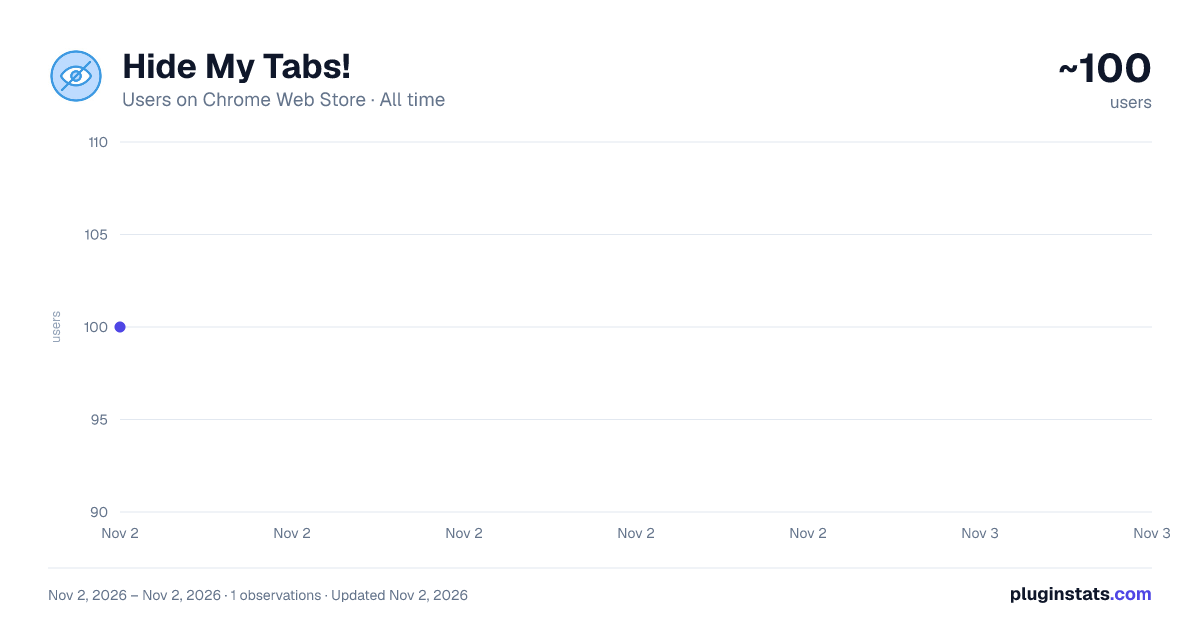
Hide My Tabs! has approximately 100 recorded users on Chrome Web Store, ranking #6776 of 6,786 tracked listings.
About Hide My Tabs!
Hide specific tabs or groups of tabs for privacy and restore them later.
Hide my Tabs!
Instantly hide sensitive tabs for privacy during screen shares, presentations, or when others are nearby. Replace tab content with a neutral "New Tab" appearance while preserving your session. Quick, secure, and completely local—no data ever leaves your browser.
Full description:
Instantly hide sensitive tabs for privacy during screen shares, presentations, or when others are nearby. Replace tab content with a neutral "New Tab" appearance while preserving your session. Quick, secure, and completely local—no data ever leaves your browser.
Why Hide My Tabs?
In today's remote work environment, we constantly share screens with colleagues, clients, and collaborators. Sometimes you need to hide sensitive information without closing tabs or losing your workflow. Hide My Tabs gives you instant privacy control with a single click.
Key Features
• Single-Click Privacy - Hide individual tabs or your entire session instantly • Multi-Tab Support - Select and hide multiple tabs at once with checkboxes • Session Management - Save frequently-hidden tab selections for quick reuse • Context Menu Integration - Right-click any page for quick hide/unhide options • Usage Statistics - Track how often you protect your privacy • 100% Local Storage - All data stays in your browser, nothing sent to servers
How It Works
Hidden tabs display a neutral "New Tab" page that looks completely normal to anyone viewing your screen. Your original tabs are safely stored and can be restored instantly when you're ready. No one sees your sensitive content, and you don't lose your place.
Perfect For
- Screen sharing during video calls
- Live presentations and demos
- Working in public spaces
- Protecting confidential research
- Managing personal browsing at work
Privacy First
No tracking, no analytics, no external servers. Everything happens locally in your browser. Your tab data is automatically deleted when restored or when tabs are closed.
Description from the Chrome Web Store listing.
README badge
Show your rank in a README or on your website. The badge updates automatically.
Charts
Images: 30d · 1y · all time · 1600×900 dark
Adoption over time
7/30/90-day growth
Ranking history
Ratings over time
Listing placement
Listing placement
Filled points are observed values; hollow points come from Internet Archive snapshots of the listing page. Dashed segments span periods with no observations — values between points are not interpolated.
Each band is one page of 20. Users on a linear scale. Placement is projected from users, so it can differ from the marketplace's own sort order. Hover a dot to see the listing.
Recent observations
Full history (1)Similar Chrome Web Store Privacy & Security plugins
All 20 Hide My Tabs! alternatives



Data source
Covers every Chrome Web Store extension with at least 100 users, found through the store's public sitemap. User counts are read from public listing pages. The 10% most-used extensions are refreshed daily, the next 40% weekly and the next 40% monthly; the least-used 10% are not refreshed. Google displays rounded user counts (and caps the display at 10,000,000+), so small changes may not be visible. Rating counts above 1,000 are rounded (e.g. 1.6K).
Listing: https://chromewebstore.google.com/detail/hide-my-tabs/emocmepaajcbnijnaccgidmfdkfljpfj. First seen Nov 2, 2026; last successful collection Nov 2, 2026. See the methodology.