 PluginStats

BA Click FX users statistics
Chrome Web Store · Functionality & UI
Add game-inspired click rings, particles, and cursor trails to ordinary websites.
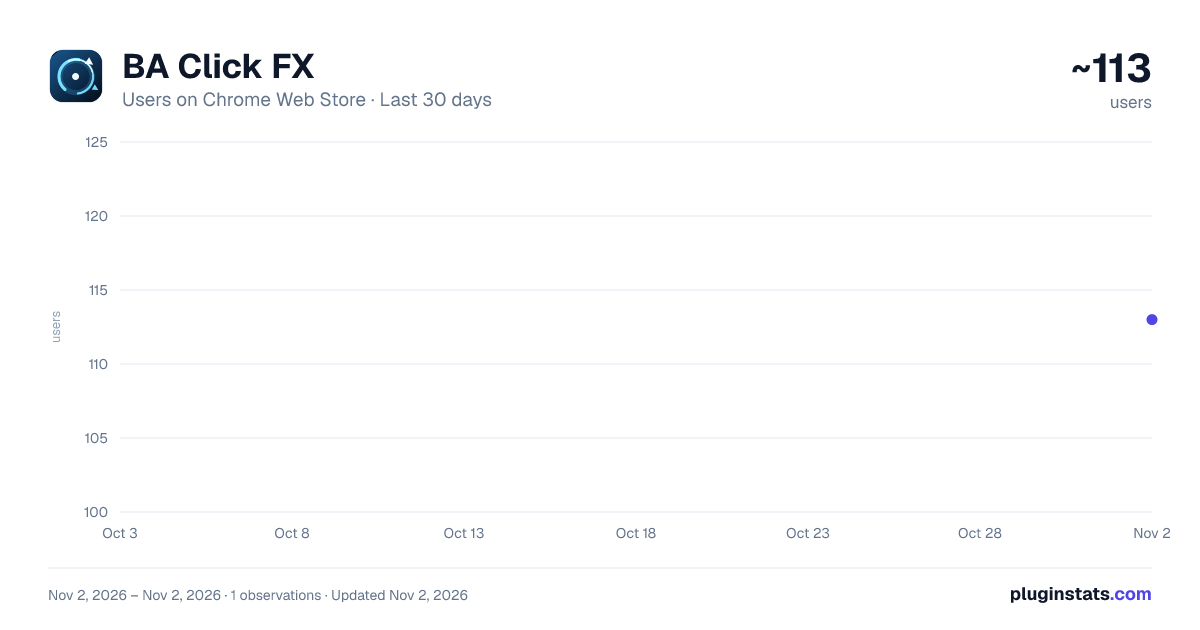
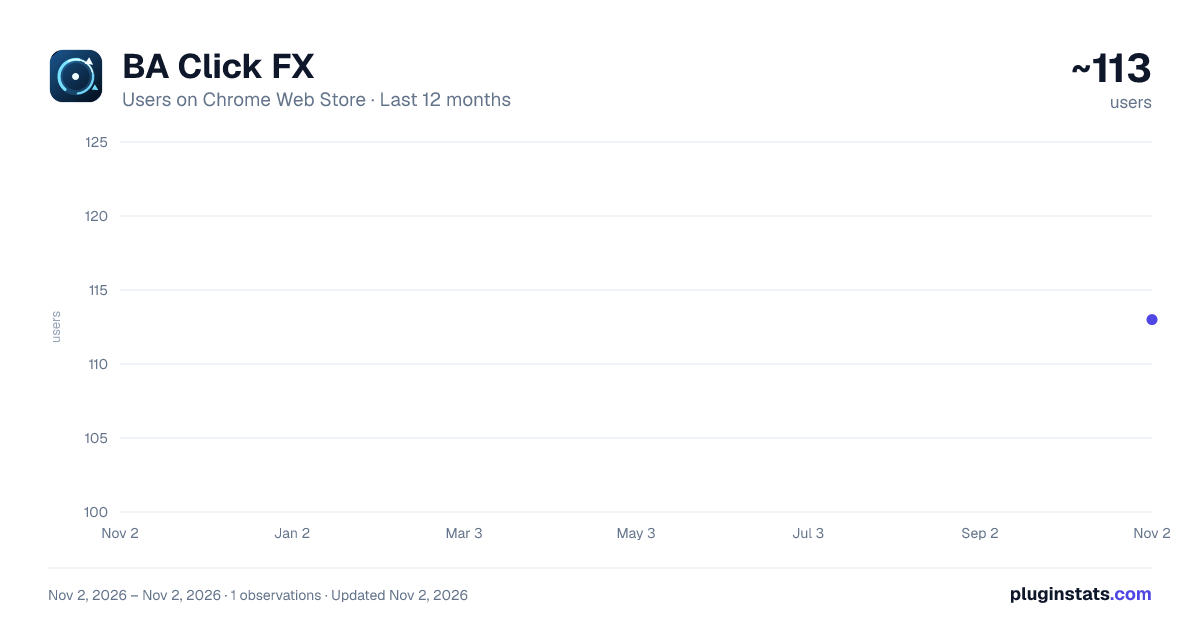
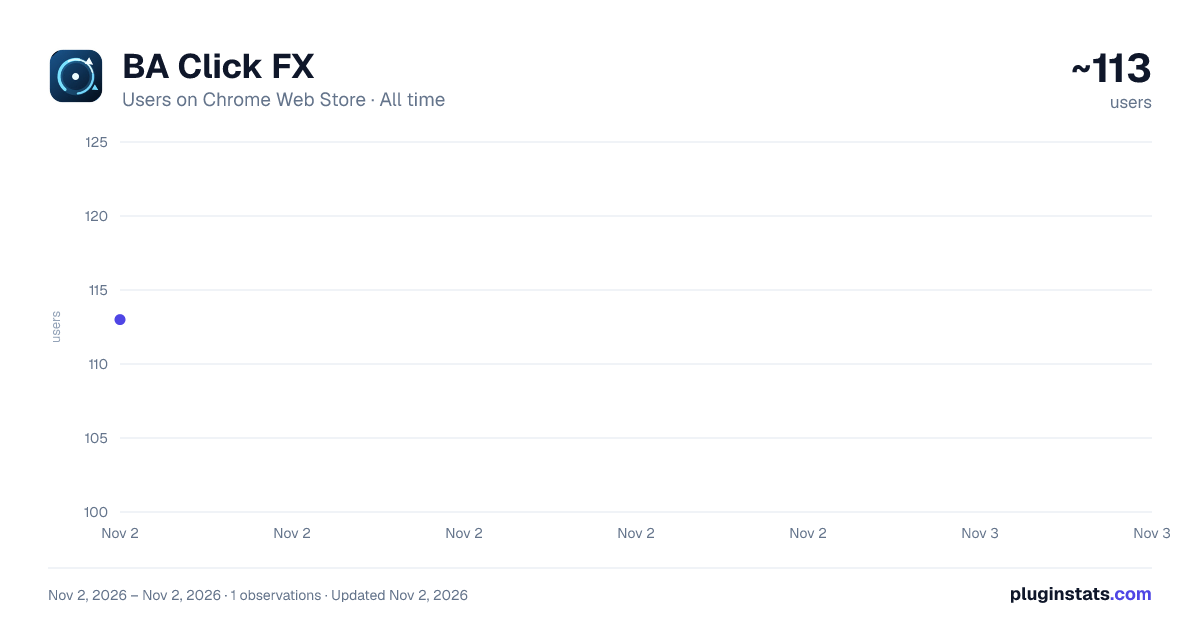
BA Click FX has approximately 113 recorded users on Chrome Web Store, ranking #6351 of 6,672 tracked listings.
Rating: 5.00 / 5 from 5 ratings
About BA Click FX
Add game-inspired click rings, particles, and cursor trails to ordinary websites.
BA Click FX is an unofficial, fan-made visual-effects extension for ordinary webpages.
It adds blue-themed, game-inspired click rings, particle fragments, and a cursor light trail. The effects are rendered locally with Canvas 2D and can be adjusted from the toolbar popup.
Features: • Enable or disable click effects and cursor trails independently • Enable or disable the extension for the current website • Adjust theme color, opacity, effect size, and quality • Save visual preferences and per-site rules using browser-provided extension storage • Release Canvas resources while a tab is in the background • Work offline with no developer server or remotely hosted code
Privacy and local processing: • Pointer coordinates and click/move events are processed temporarily in memory only to draw visible effects • The current website origin is processed locally for the per-site switch • A website origin is saved only when you explicitly disable that website • The developer does not receive browsing activity, pointer data, or saved preferences • No ads, analytics, telemetry, profiling, page-content collection, or network requests
Known limitations: • Browser internal pages, extension stores, and some built-in viewers do not allow content scripts • Effects are intentionally limited to top-level documents, so events inside some iframes are not displayed • Local file pages require the user to enable file URL access in the browser extension settings
BA Click FX is not affiliated with or endorsed by Nexon, NEXON Games, Yostar, or the Blue Archive project. No official game logos, characters, screenshots, or assets are included.
Description from the Chrome Web Store listing.
README badge
Show your rank in a README or on your website. The badge updates automatically.
Charts
Images: 30d · 1y · all time · 1600×900 dark
Adoption over time
7/30/90-day growth
Ranking history
Ratings over time
Listing placement
Listing placement
Filled points are observed values; hollow points come from Internet Archive snapshots of the listing page. Dashed segments span periods with no observations — values between points are not interpolated.
Each band is one page of 20. Users on a linear scale. Placement is projected from users, so it can differ from the marketplace's own sort order. Hover a dot to see the listing.
Recent observations
Full history (1)Similar Chrome Web Store Functionality & UI plugins
All 20 BA Click FX alternatives



Data source
Covers every Chrome Web Store extension with at least 100 users, found through the store's public sitemap. User counts are read from public listing pages. The 10% most-used extensions are refreshed daily, the next 40% weekly and the next 40% monthly; the least-used 10% are not refreshed. Google displays rounded user counts (and caps the display at 10,000,000+), so small changes may not be visible. Rating counts above 1,000 are rounded (e.g. 1.6K).
Listing: https://chromewebstore.google.com/detail/ba-click-fx/clphaaacolnifhgmeblfeofapccgoami. First seen Nov 2, 2026; last successful collection Nov 2, 2026. See the methodology.