 PluginStats

Bulk Slack Message Removal users statistics
Chrome Web Store · Workflow & Planning
Delete Slack messages in bulk. It supports removing slack messages in public channels, private channels, group chat, and DM.…
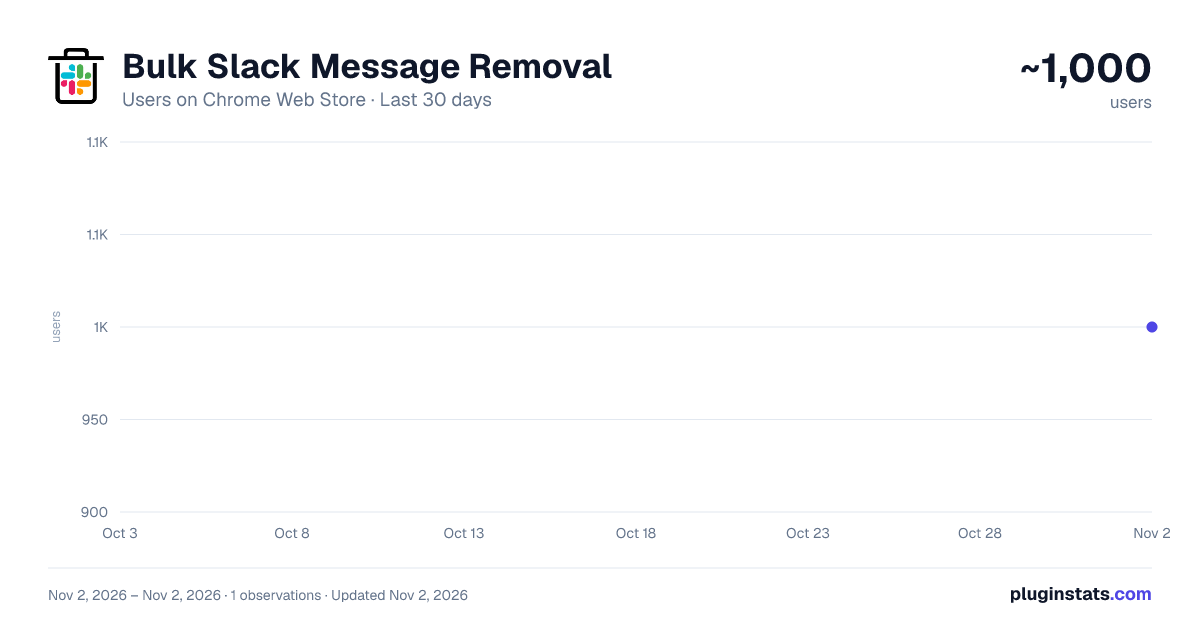
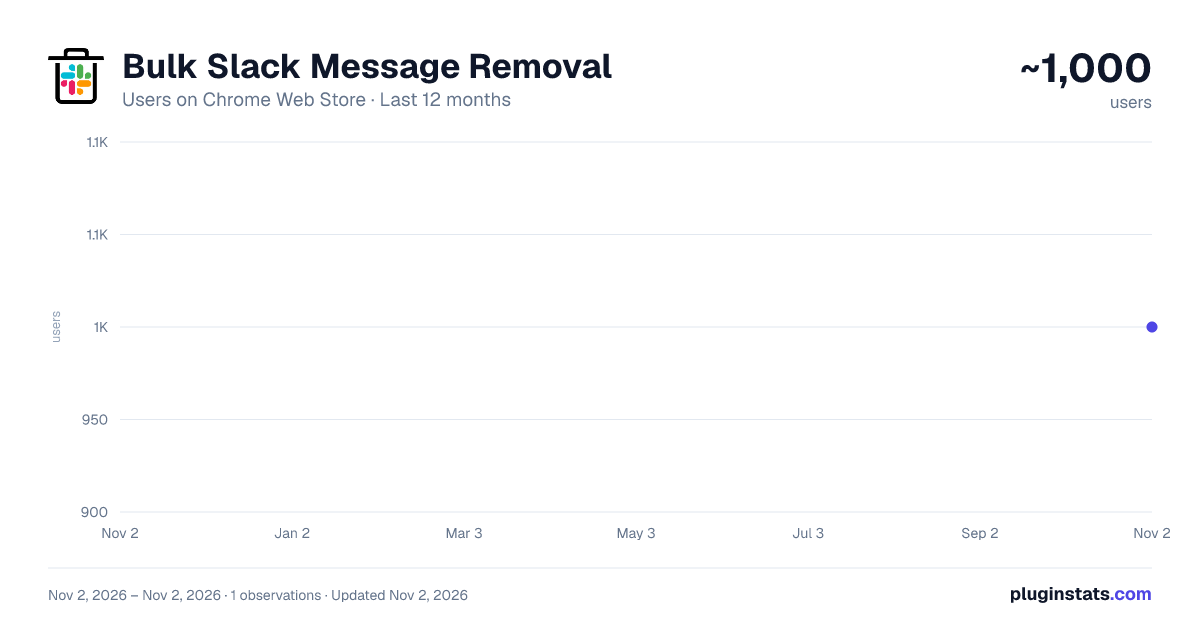
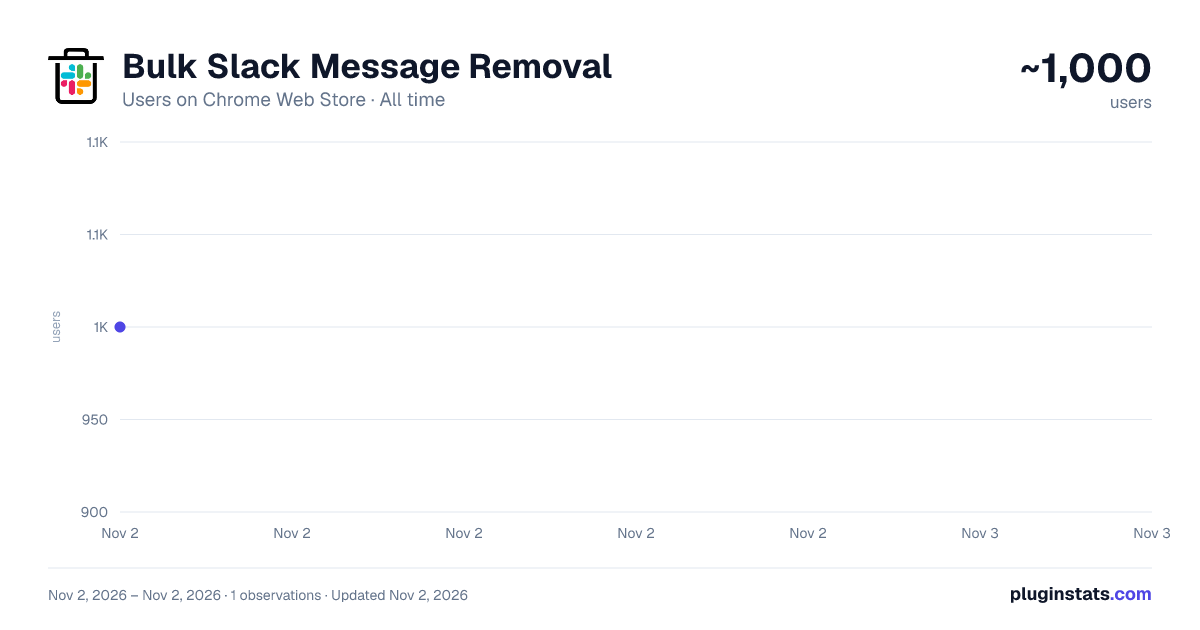
Bulk Slack Message Removal has approximately 1,000 recorded users on Chrome Web Store, ranking #2426 of 6,786 tracked listings.
Rating: 4.20 / 5 from 20 ratings
About Bulk Slack Message Removal
Delete Slack messages in bulk. It supports removing slack messages in public channels, private channels, group chat, and DM.…
Delete Slack messages in bulk. It supports removing slack messages in public channels, private channels, group chat, and DM. (Caveat: for group chat and DM, you can ONLY remove your own messages).
● No OAuth required. ● Unaffected by recent Slack API trottling changes.
Also, it removes threaded messages as well. Disclaimer: This is a paid product.
ATTENTION: There are 2 different types of licenses. You must be an admin in order to delete other people's messages. Once again, you can't delete other people's DM or group chat messages.
Admin License - If you are a Slack admin, you should choose this license. It would allow you to remove other people's messages in channels. A non-admin license will let you remove your own messages only.
NOTE: you can only remove your own messages in a DM, however.
Non-admin License - You should choose this license if you are simply a member in your Slack workspace. Nothing prevents you from using an admin license, but you'll still only be allowed to remove your own messages.
Instructions
- Log in with your Slack login.
- Get a license via Gumroad and enter it in the extension popup.
- Select the target channel, DM, etc..
- Select the message sender whose messages you would like to delete.
- Click on the Bulk Delete button. For detailed instructions, please visit https://github.com/noitcudni/bulk-slack-message-removal-extension
UPDATE (6/27/2025)
- Don't need to go thru Oauth anymore. UPDATE (5/1/2024)
- Handles External users. UPDATE (4/2/2024)
- Delete Deactivated users' messages. UPDATE (11/24/2023)
- Delete by matching subtext UPDATE (11/21/2023)
- Able to delete bot messages.
- More efficient fetching of messages and thread messages.
- Overall more smooth experience for the end users. UPDATE (12/4/2022) Able to delete bot messages only if you select ALL as the target user. UPDATE (8/7/2022) Time filter
For support and feature requests: please ping me at https://twitter.com/noitcudni
Description from the Chrome Web Store listing.
README badge
Show your rank in a README or on your website. The badge updates automatically.
Charts
Images: 30d · 1y · all time · 1600×900 dark
Adoption over time
7/30/90-day growth
Ranking history
Ratings over time
Listing placement
Listing placement
Filled points are observed values; hollow points come from Internet Archive snapshots of the listing page. Dashed segments span periods with no observations — values between points are not interpolated.
Each band is one page of 20. Users on a linear scale. Placement is projected from users, so it can differ from the marketplace's own sort order. Hover a dot to see the listing.
Recent observations
Full history (1)Similar Chrome Web Store Workflow & Planning plugins
All 20 Bulk Slack Message Removal alternatives



Data source
Covers every Chrome Web Store extension with at least 100 users, found through the store's public sitemap. User counts are read from public listing pages. The 10% most-used extensions are refreshed daily, the next 40% weekly and the next 40% monthly; the least-used 10% are not refreshed. Google displays rounded user counts (and caps the display at 10,000,000+), so small changes may not be visible. Rating counts above 1,000 are rounded (e.g. 1.6K).
Listing: https://chromewebstore.google.com/detail/bulk-slack-message-remova/dahaofhkbloejmcijfknenbdgohmmeen. First seen Nov 2, 2026; last successful collection Nov 2, 2026. See the methodology.