 PluginStats
Docs Comment Exporter users statistics
Chrome Web Store · Workflow & Planning
Export Google Docs comments to CSV, Markdown, or JSON - in one click.
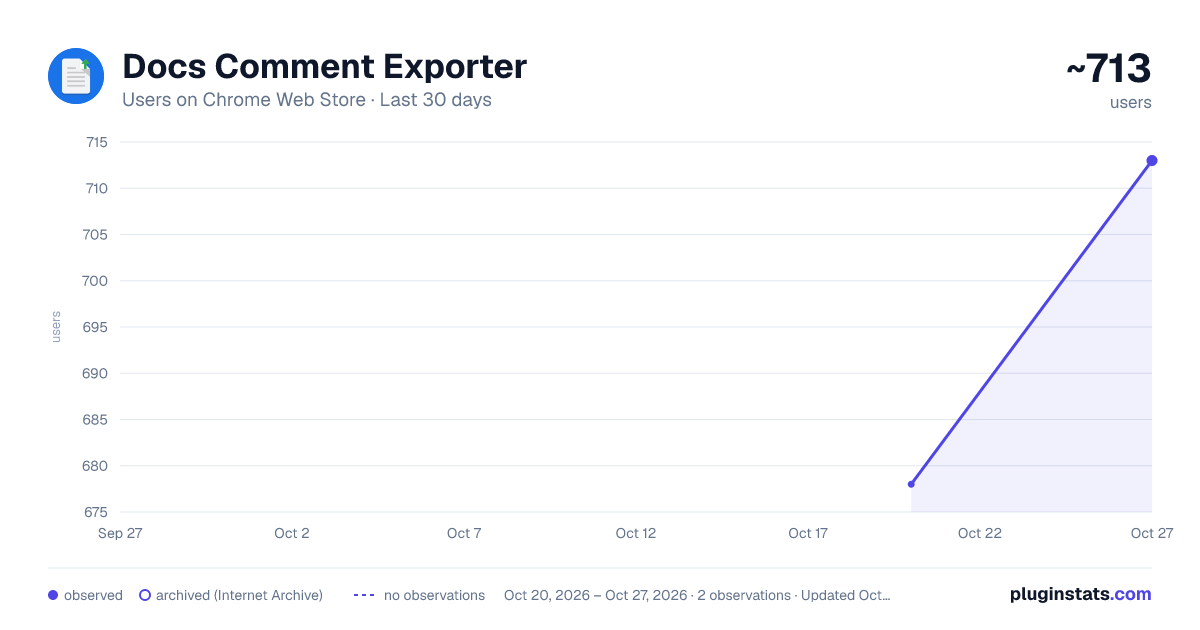
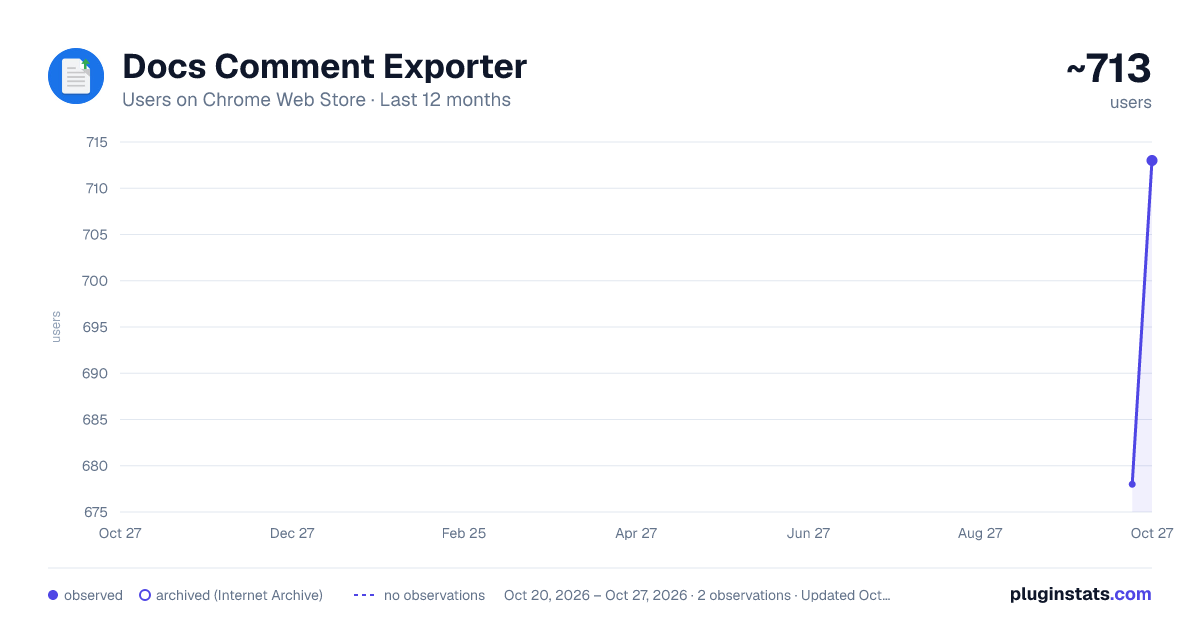
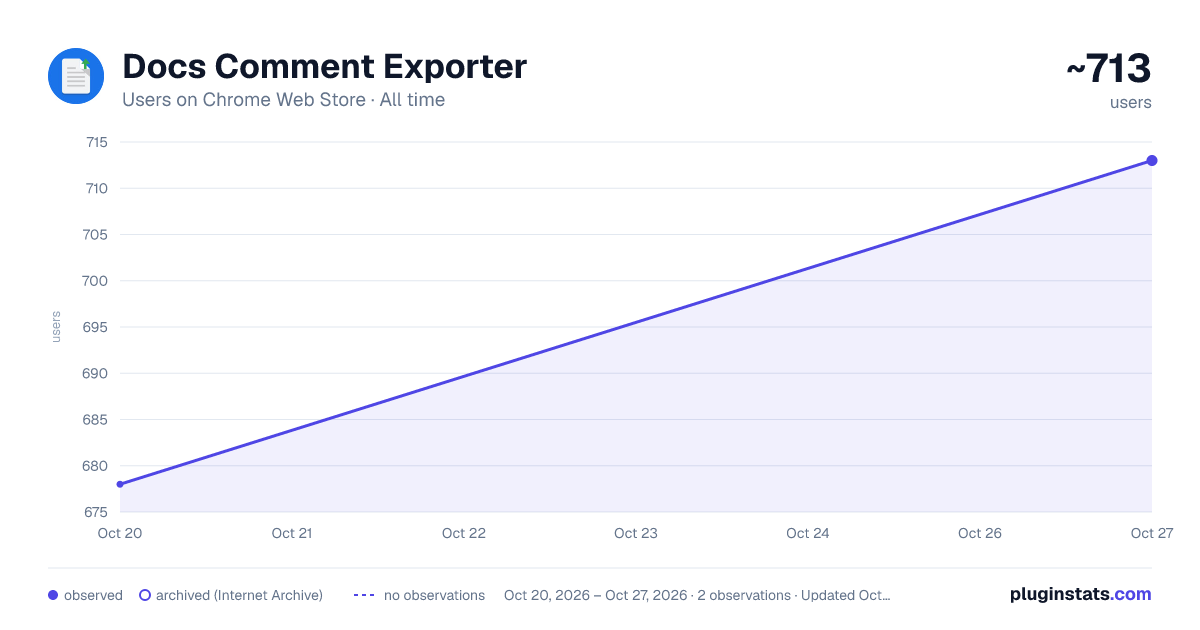
Docs Comment Exporter has approximately 678 recorded users on Chrome Web Store, ranking #1080 of 2,495 tracked listings.
Rating: 5.00 / 5 from 2 ratings
About Docs Comment Exporter
Export Google Docs comments to CSV, Markdown, or JSON - in one click.
Stop manually copying and pasting Google Docs comments. This extension lets you download, filter, and save all your document's feedback in one click.
If you need to review editing notes offline, organize project feedback, or keep a backup of resolved threads, this tool does the work for you. Install the extension to export your first document instantly.
📄 What’s New in Version 2.2.0 Advanced Filters: Search comments by keyword or filter by author, resolved/unresolved status, and replies. Reset your view in one click.
Clearer Reply Threads: Exports show exact timestamps when conversations were "Resolved" or "Reopened" to preserve full discussion context.
Non-Intrusive UI: Drag the export button anywhere on the page or snap it to the edge of the screen so it stays out of your reading path.
📌 Core Features One-Click Export: Download document comments in seconds with zero setup required.
Complete History: Capture full text, author names, exact timestamps, and complete reply chains.
100% Private & Secure: Processing runs entirely inside your browser. Comments are never sent, stored, or read externally.
Granular Permissions: The extension only requests access to read the exact file you actively export—never your entire Google Drive.
Perfect For Writers & Editors: Track revision requests and ensure no feedback is missed during editing.
Project Managers: Filter for unresolved comments by specific team members prior to deadlines.
Educators & Students: Save grading notes and peer reviews for offline reference.
Record Keeping: Maintain offline copies of document discussions for project archives.
Add to Chrome now to stop losing track of your Google Docs comments and keep your feedback organized.
Description from the Chrome Web Store listing.
README badge
Show your rank in a README or on your website. The badge updates automatically.
Charts
Images: 30d · 1y · all time · 1600×900 dark
Adoption over time
7/30/90-day growth
Ranking history
Ratings over time
Listing placement
Listing placement
Filled points are observed values; hollow points come from Internet Archive snapshots of the listing page. Dashed segments span periods with no observations — values between points are not interpolated.
Each band is one page of 20. Users on a linear scale. Placement is projected from users, so it can differ from the marketplace's own sort order. Hover a dot to see the listing.
Recent observations
Full history (1)Similar Chrome Web Store Workflow & Planning plugins
All 20 Docs Comment Exporter alternatives



Data source
Covers every Chrome Web Store extension with at least 100 users, found through the store's public sitemap. User counts are read from public listing pages. The 10% most-used extensions are refreshed daily, the next 40% weekly and the next 40% monthly; the least-used 10% are not refreshed. Google displays rounded user counts (and caps the display at 10,000,000+), so small changes may not be visible. Rating counts above 1,000 are rounded (e.g. 1.6K).
Listing: https://chromewebstore.google.com/detail/docs-comment-exporter/oajilnlhmojjpkkdjdejdcmhpkcoohec. First seen Oct 20, 2026; last successful collection Oct 20, 2026. See the methodology.