 PluginStats
Remote Desktop users statistics
Chrome Web Store · Workflow & Planning
Get remote desktop access and management for your remote computers, even behind NAT and firewalls. No VPNs, no white IPs required.
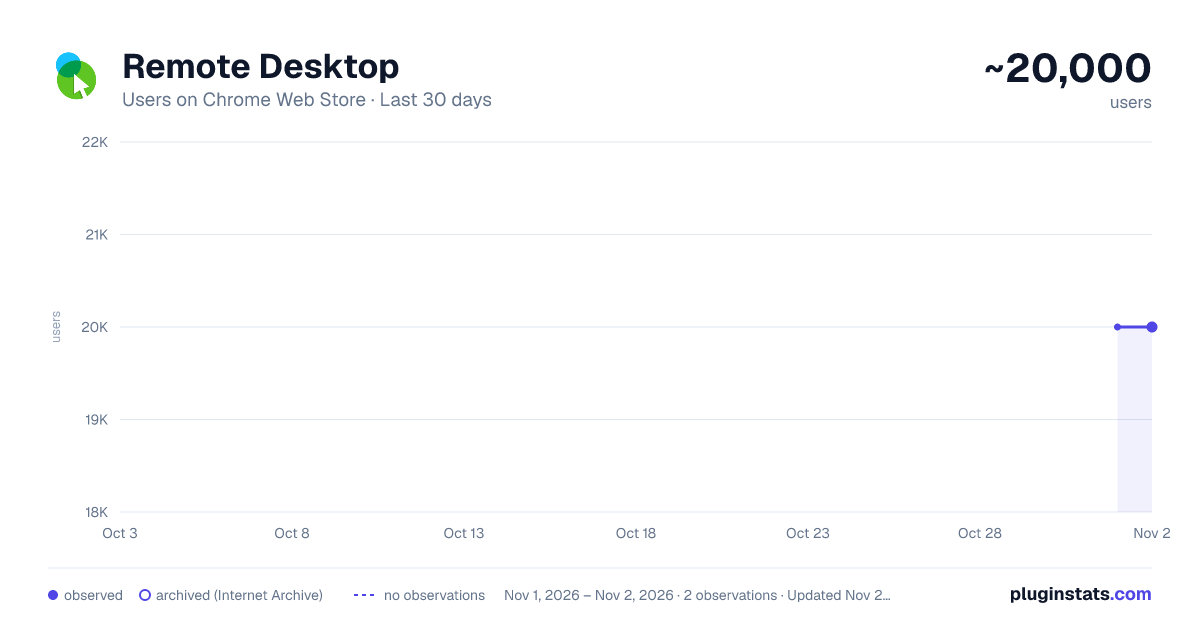
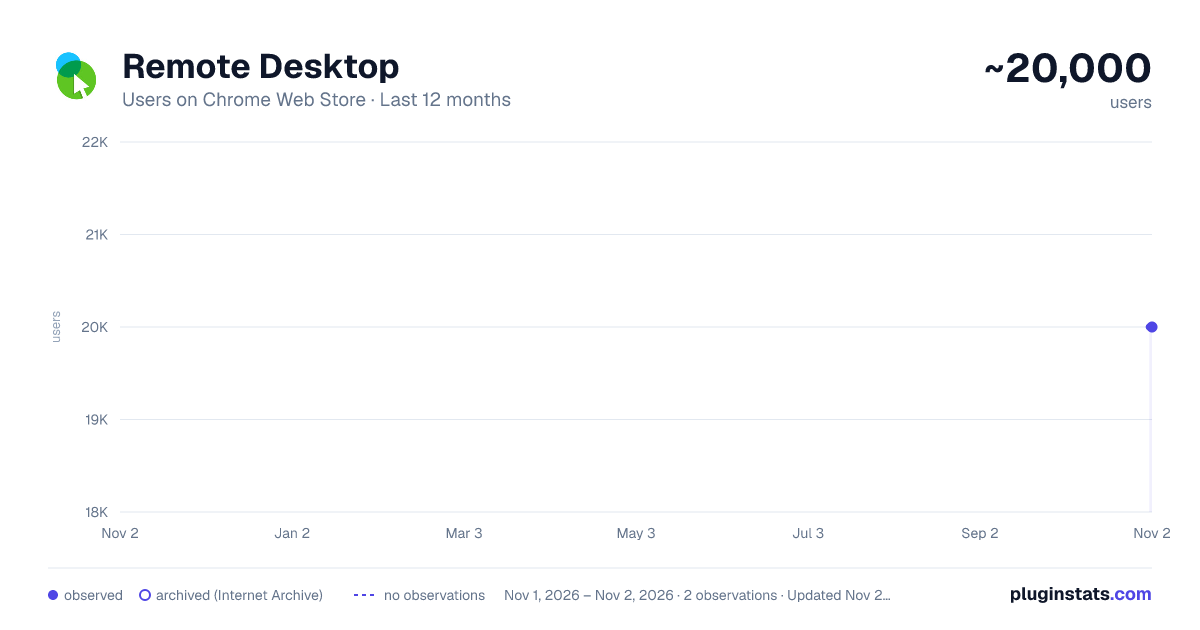
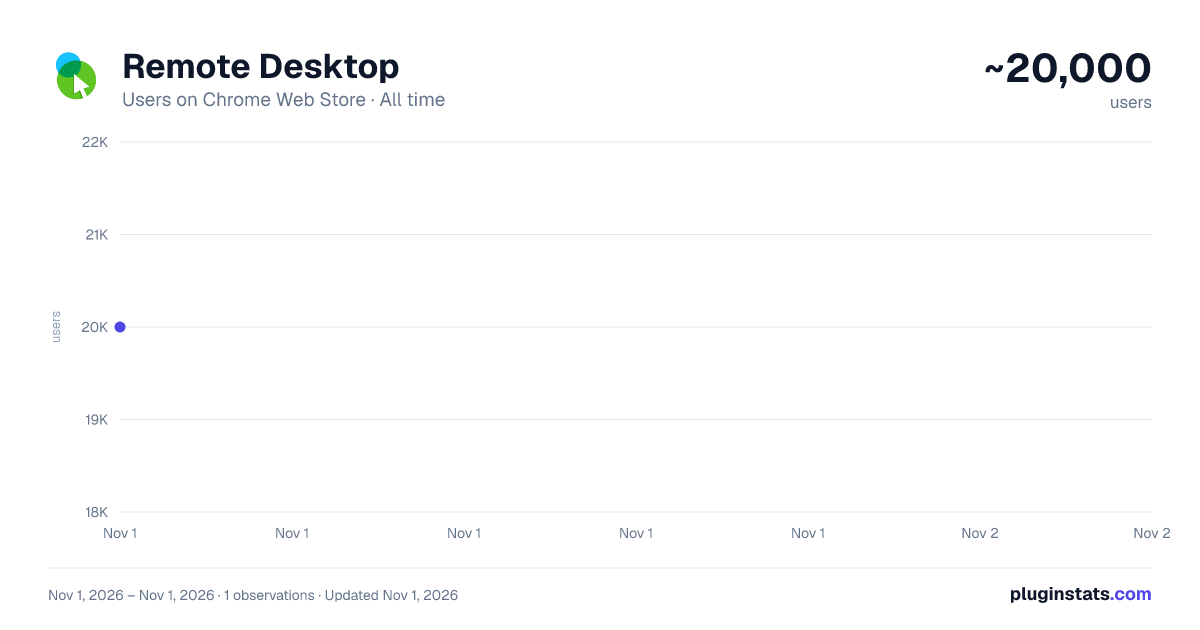
Remote Desktop has approximately 20,000 recorded users on Chrome Web Store, ranking #492 of 6,300 tracked listings.
Rating: 3.40 / 5 from 10 ratings
About Remote Desktop
Get remote desktop access and management for your remote computers, even behind NAT and firewalls. No VPNs, no white IPs required.
Access your home or office computer remotely, just as if you were sitting right in front of it. Simply install the DeskRoll Unattended Access app on your computer, and you'll be able to connect to it anytime using either the browser extension or the DeskRoll website. No installation is needed on the device you're accessing from. The Remote Desktop extension interface allows you to view the list of computers connected to your DeskRoll account, connect to them, or add new devices.
✨ Key Features:
☑️ No additional ports needed: Connect to a remote computer, even from a restricted office network, through the DeskRoll website or the Remote Desktop extension. ☑️ Full-featured access: Transfer files, run software, send and receive emails, and more, all via remote connection. ☑️ P2P support: Fast transfer speeds for both file sharing and screen capture with the peer-to-peer protocol. ☑️ Unattended access: Once the DeskRoll app is installed, you can connect to the remote computer anytime without needing someone on the other side to approve access. ☑️ Secure: Remote Access Without RDP and VPN: DeskRoll provides reliable remote desktop connection without VPN and works even for computers without white IP address, behind NAT and Firewall. ☑️ Safe remote desktop streaming: Your connection is secured with 256-bit encryption over a protected SSL data channel, providing enhanced security compared to typical RDP solutions. You can also set an additional password for extra protection, with two-factor authentication available on paid plans. ☑️ Broad compatibility: Access Windows machines from any device, including mobiles. ☑️ Full-featured 1 month free trial (the Remote Desktop extension provides free remote access for personal use, allowing you to connect up to two devices).
For IT professionals, support teams, or business needs, try DeskRoll Pro. It offers enhanced compatibility and functionality, with the ability to connect more devices, share access with colleagues, store connection history, and more—making it the perfect solution for remote technical support and customer assistance.
💡 How to set up a remote desktop connection:
- Install the Remote Desktop extension
- Click the extension icon in your browser.
- Sign in to your DeskRoll account.
- Add your remote computer by clicking the “Add Computer” button.
- Download and Install DeskRoll Unattended Access app following the instructions.
🔥 Now, you can connect to your remote computers with just one click, anytime and from any device!
Description from the Chrome Web Store listing.
README badge
Show your rank in a README or on your website. The badge updates automatically.
Charts
Images: 30d · 1y · all time · 1600×900 dark
Adoption over time
7/30/90-day growth
Ranking history
Ratings over time
Listing placement
Listing placement
Filled points are observed values; hollow points come from Internet Archive snapshots of the listing page. Dashed segments span periods with no observations — values between points are not interpolated.
Each band is one page of 20. Users on a linear scale. Placement is projected from users, so it can differ from the marketplace's own sort order. Hover a dot to see the listing.
Recent observations
Full history (1)Similar Chrome Web Store Workflow & Planning plugins
All 20 Remote Desktop alternatives



Data source
Covers every Chrome Web Store extension with at least 100 users, found through the store's public sitemap. User counts are read from public listing pages. The 10% most-used extensions are refreshed daily, the next 40% weekly and the next 40% monthly; the least-used 10% are not refreshed. Google displays rounded user counts (and caps the display at 10,000,000+), so small changes may not be visible. Rating counts above 1,000 are rounded (e.g. 1.6K).
Listing: https://chromewebstore.google.com/detail/remote-desktop/geemhpgkjffenbpinjhghbilojbokmhl. First seen Nov 1, 2026; last successful collection Nov 1, 2026. See the methodology.