 PluginStats
Lucky Draw users statistics
By haoting0426 (2 listings) · Chrome Web Store · Tools
A Chrome extension for lucky draw
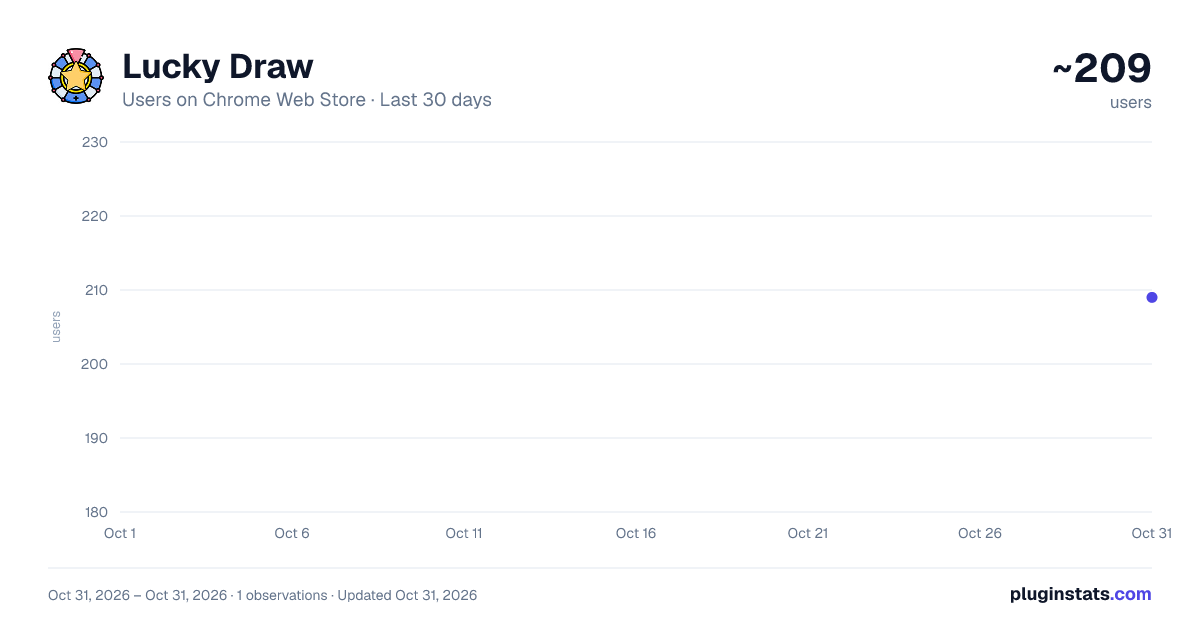
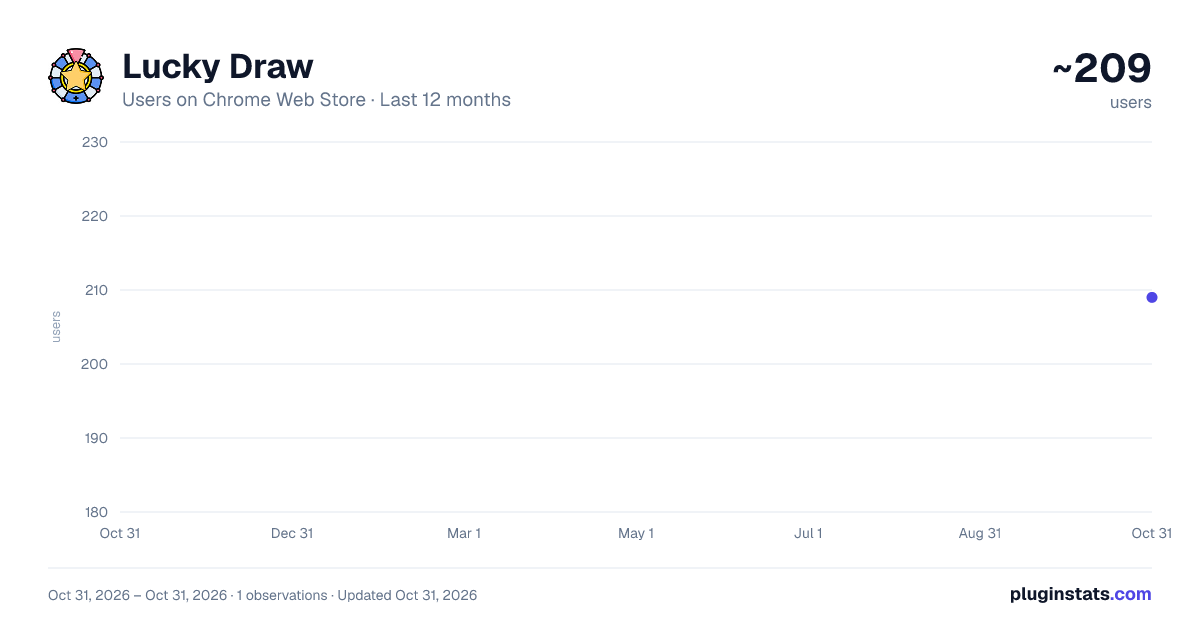
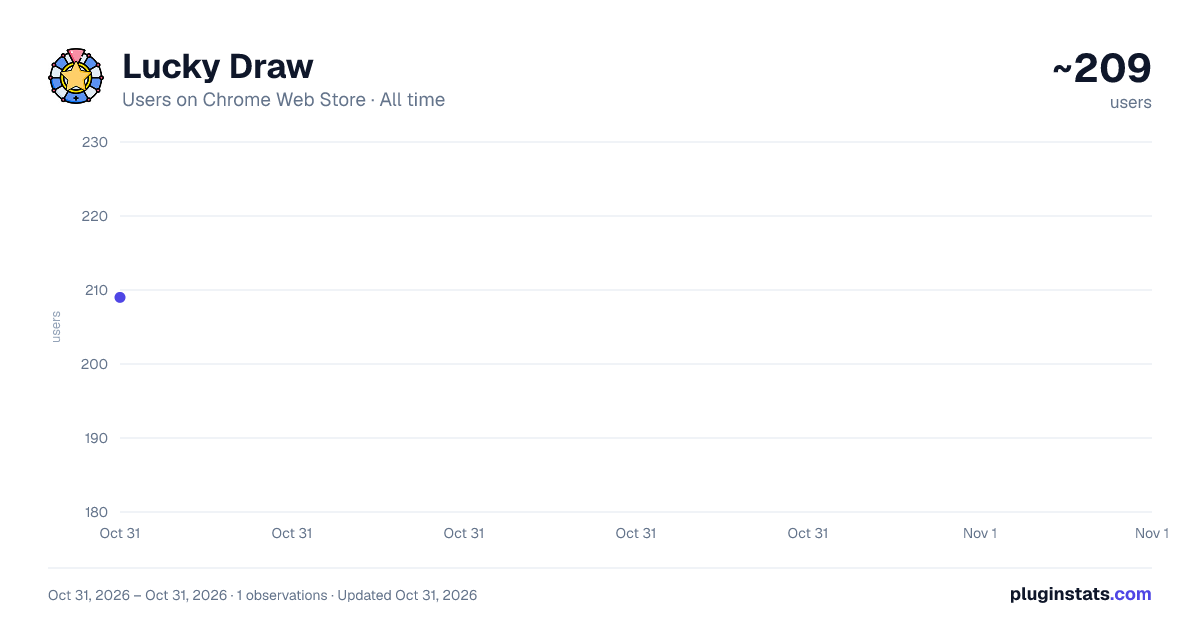
Lucky Draw has approximately 209 recorded users on Chrome Web Store, ranking #4355 of 5,946 tracked listings.
About Lucky Draw
A Chrome extension for lucky draw
Lucky Draw 是一個有趣的 Google Extension,可以協助您進行隨機抽籤。透過 Lucky Draw,您可以輸入最小值和最大值,再點選「抽籤」按鈕,便能得到一個隨機數字。如果您需要進行抽獎、抽獎組隊、抽選主持人等活動,Lucky Draw 是您的最佳選擇。只需點選一下 Lucky Draw 圖示,即可輕鬆進行抽籤,是不是很簡單呢?
在 Lucky Draw 的設計中,我們特別設置了個性化的綠色主題,以確保您的使用體驗更為舒適。同時,您可以自行選擇數字的範圍,以便於不同場合的使用。Lucky Draw 的使用非常簡單,您只需要按照以下步驟操作即可:
1.點選 Lucky Draw 圖示,彈出設定菜單。 2.輸入您需要的數字範圍。 3.點選「抽籤」按鈕,即可得到一個隨機數字。 4.祝您好運! Lucky Draw 可以應用於多種場合,包括抽獎、隨機分組、抽選主持人、隨機選擇答案等等。如果您希望在這些場合下,能夠更加公平地進行隨機抽籤,Lucky Draw 是您的最佳選擇。不僅使用方便,而且界面美觀、操作流暢。趕快下載 Lucky Draw,體驗隨機抽籤的樂趣吧!
Lucky Draw is a fun Google Extension that can help you with random drawings. With Lucky Draw, you can enter the minimum and maximum values, and then click the "Draw" button to get a random number. If you need to do activities such as drawing lots, drawing teams, or drawing hosts, Lucky Draw is your best choice. With just a click on the Lucky Draw icon, you can easily draw lots. Isn't it easy?
In the design of Lucky Draw, we have specially set a personalized green theme to ensure a more comfortable user experience. At the same time, you can choose the range of numbers yourself to facilitate different uses. Using Lucky Draw is very simple, you only need to follow the following steps:
1.Click the Lucky Draw icon to open the settings menu. 2.Enter the number range you need. 3.Click the "Draw" button to get a random number. 4.Good luck to you! Lucky Draw can be used in many situations, including drawing lots, random grouping, selecting hosts, and randomly choosing answers
Description from the Chrome Web Store listing.
README badge
Show your rank in a README or on your website. The badge updates automatically.
Charts
Images: 30d · 1y · all time · 1600×900 dark
Adoption over time
7/30/90-day growth
Ranking history
Ratings over time
Listing placement
Listing placement
Filled points are observed values; hollow points come from Internet Archive snapshots of the listing page. Dashed segments span periods with no observations — values between points are not interpolated.
Each band is one page of 20. Users on a linear scale. Placement is projected from users, so it can differ from the marketplace's own sort order. Hover a dot to see the listing.
Recent observations
Full history (1)Similar Chrome Web Store Tools plugins
All 20 Lucky Draw alternatives



Data source
Covers every Chrome Web Store extension with at least 100 users, found through the store's public sitemap. User counts are read from public listing pages. The 10% most-used extensions are refreshed daily, the next 40% weekly and the next 40% monthly; the least-used 10% are not refreshed. Google displays rounded user counts (and caps the display at 10,000,000+), so small changes may not be visible. Rating counts above 1,000 are rounded (e.g. 1.6K).
Listing: https://chromewebstore.google.com/detail/lucky-draw/gleomccnkgdefjgfmacbpakgioplhabi. First seen Oct 31, 2026; last successful collection Oct 31, 2026. See the methodology.