 PluginStats
xHighlighter users statistics
By Andre Bradshaw · Chrome Web Store · Tools
Find and highlight words with boolean search and regular expressions
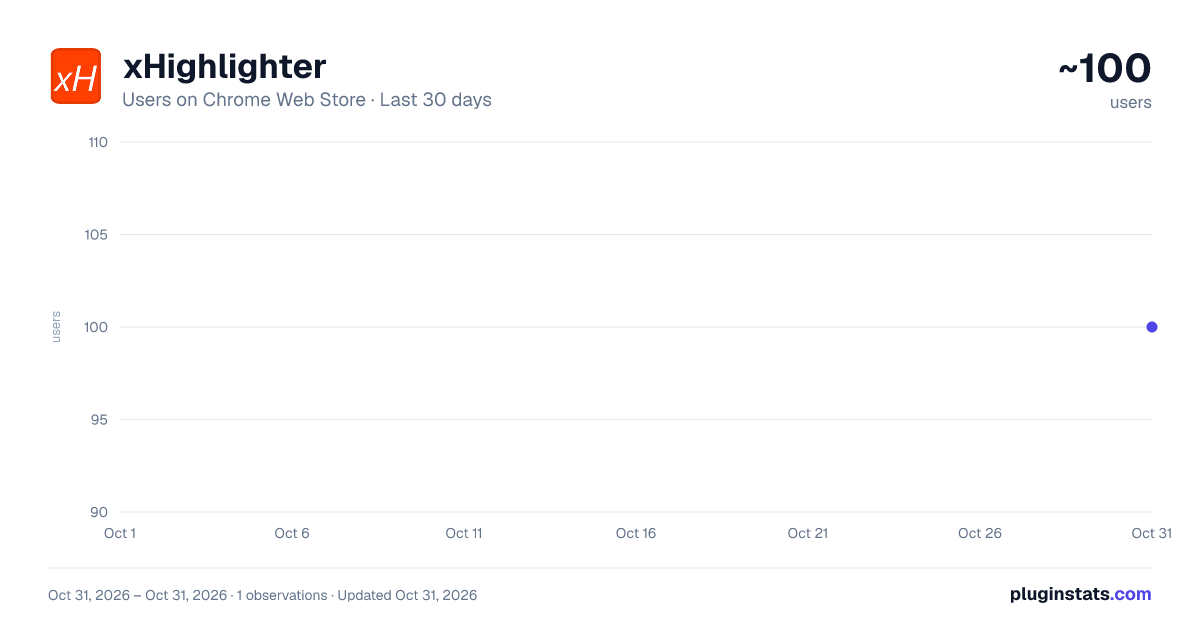
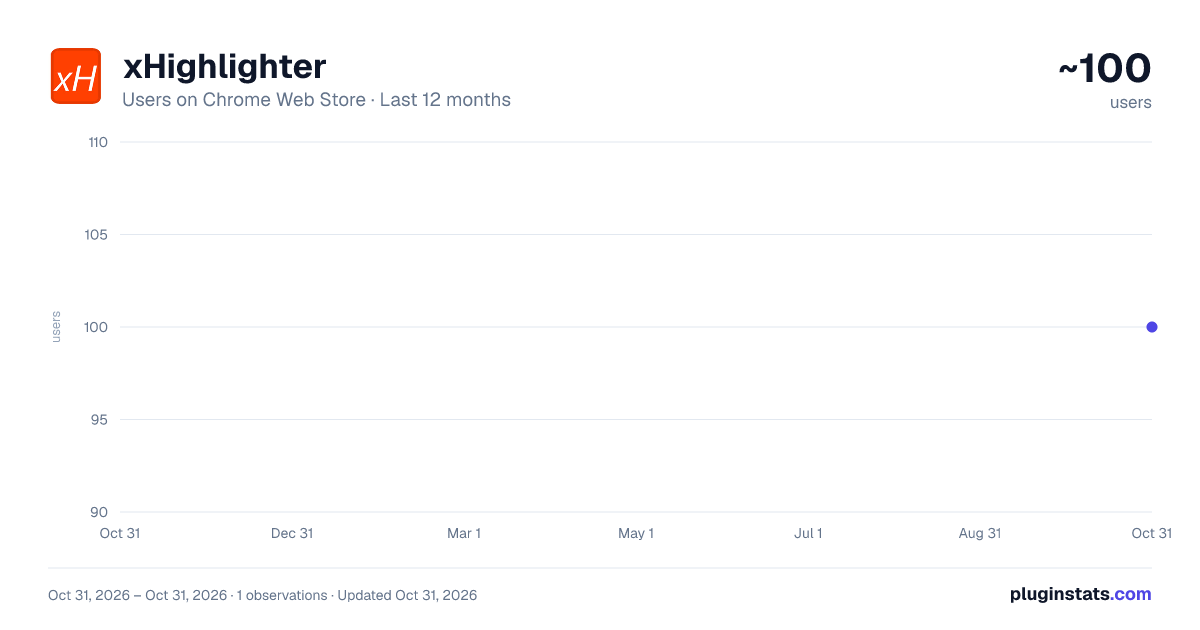
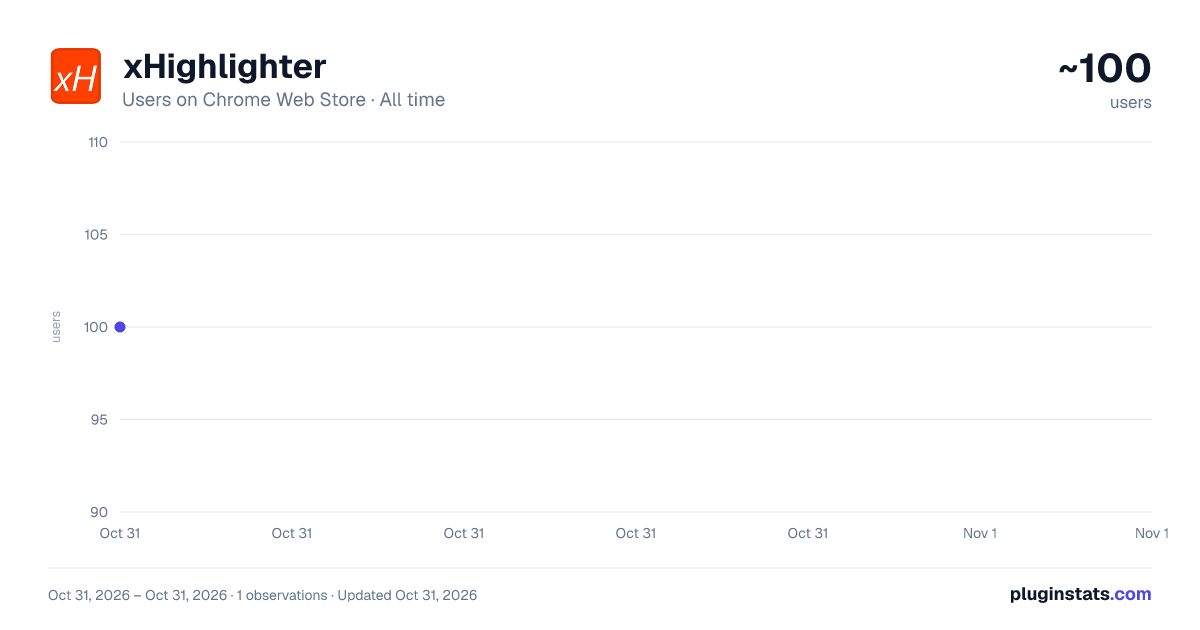
xHighlighter has approximately 100 recorded users on Chrome Web Store, ranking #5942 of 5,946 tracked listings.
Rating: 4.30 / 5 from 3 ratings
About xHighlighter
Find and highlight words with boolean search and regular expressions
Search and highlight matching words on a web page using boolean search operators or regular expressions.
Control+Shift+H to initiate macCtrl+Shift+H for macOS
Alt+H (Option+H for macOS) or ArrowDown to scroll to next highlight.
Your last search will auto-populate in the field when initiated. Checks for last search on domain and returns that first if available.
Version 2.18 updates (11 Sep 2024)
- Fixed issue where highlights do not show up on single page apps.
Version 2.17 updates (10 Sep 2024)
- Position of UI will save itself for the next time it is loaded. If the UI gets moved out of bounds, it will re-align back to the top left.
Version 2.16 updates (7 Sep 2024)
- Added ability to name and save multiple saved searches. This uses local browser storage. Clicking the x next to the saved search will remove it from your browser.
- loads in the top right corner now. other minor UI changes
Version 2.15 updates (5 Sep 2024)
- Fixed commands issue.
- started adding support for multiple saved searches, but it is not yet complete. Saved searches will not save beyond the current browser session.
Version: 2.14 updates (3 Sep 2024)
- Changed command keys.
- Removed unnecessary permissions.
Version: 2.11 updates (2 Sep 2024)
- UI updates/changes.
- now has the option for you to select "always open" so it will always load your last search when a window loads.
- fixed the regex and pasting issue so you no longer need to press enter.
- no longer need to press ctrl+shift+comma to scroll to the next match on the page unless your cursor is not focused in the search textarea. Instead of ctrl+shift+comma, you can now just use your up and down arrow keys. a) current focus of view for highlighted match will glow.
Description from the Chrome Web Store listing.
README badge
Show your rank in a README or on your website. The badge updates automatically.
Charts
Images: 30d · 1y · all time · 1600×900 dark
Adoption over time
7/30/90-day growth
Ranking history
Ratings over time
Listing placement
Listing placement
Filled points are observed values; hollow points come from Internet Archive snapshots of the listing page. Dashed segments span periods with no observations — values between points are not interpolated.
Each band is one page of 20. Users on a linear scale. Placement is projected from users, so it can differ from the marketplace's own sort order. Hover a dot to see the listing.
Recent observations
Full history (1)Similar Chrome Web Store Tools plugins
All 20 xHighlighter alternatives



Data source
Covers every Chrome Web Store extension with at least 100 users, found through the store's public sitemap. User counts are read from public listing pages. The 10% most-used extensions are refreshed daily, the next 40% weekly and the next 40% monthly; the least-used 10% are not refreshed. Google displays rounded user counts (and caps the display at 10,000,000+), so small changes may not be visible. Rating counts above 1,000 are rounded (e.g. 1.6K).
Listing: https://chromewebstore.google.com/detail/xhighlighter/glhdakhjcoloepbkanhmnkjlfknmhhfh. First seen Oct 31, 2026; last successful collection Oct 31, 2026. See the methodology.