 PluginStats

Tab Duplicator: Custom URL Parameters users statistics
Chrome Web Store · Developer Tools
Duplicate the current tab with custom URL parameters.
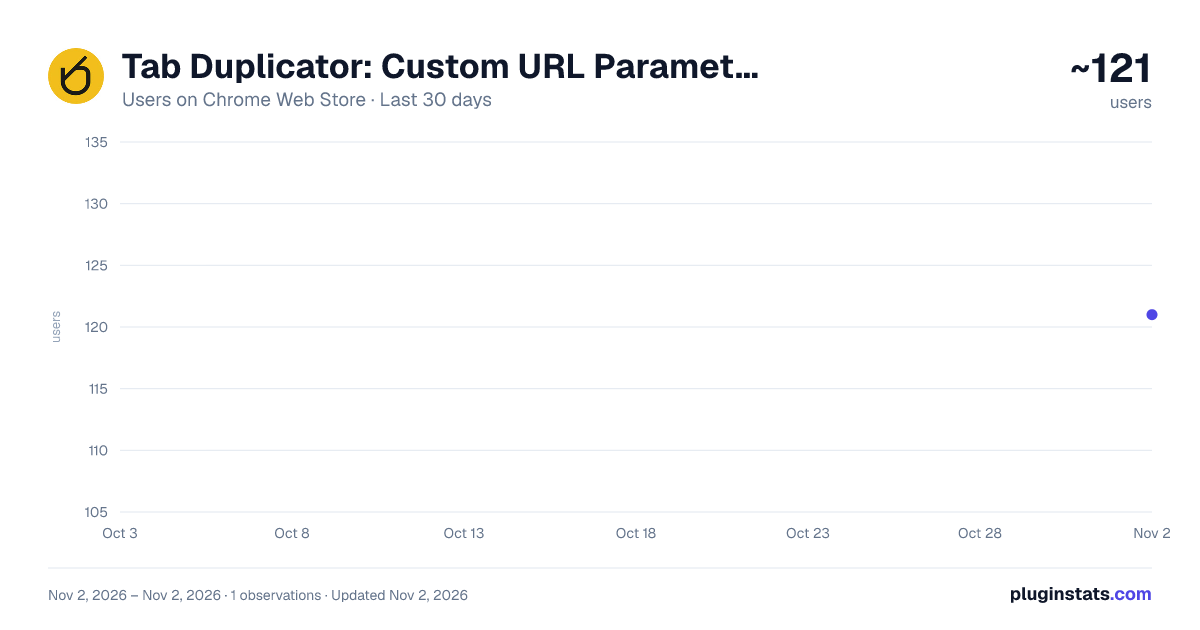
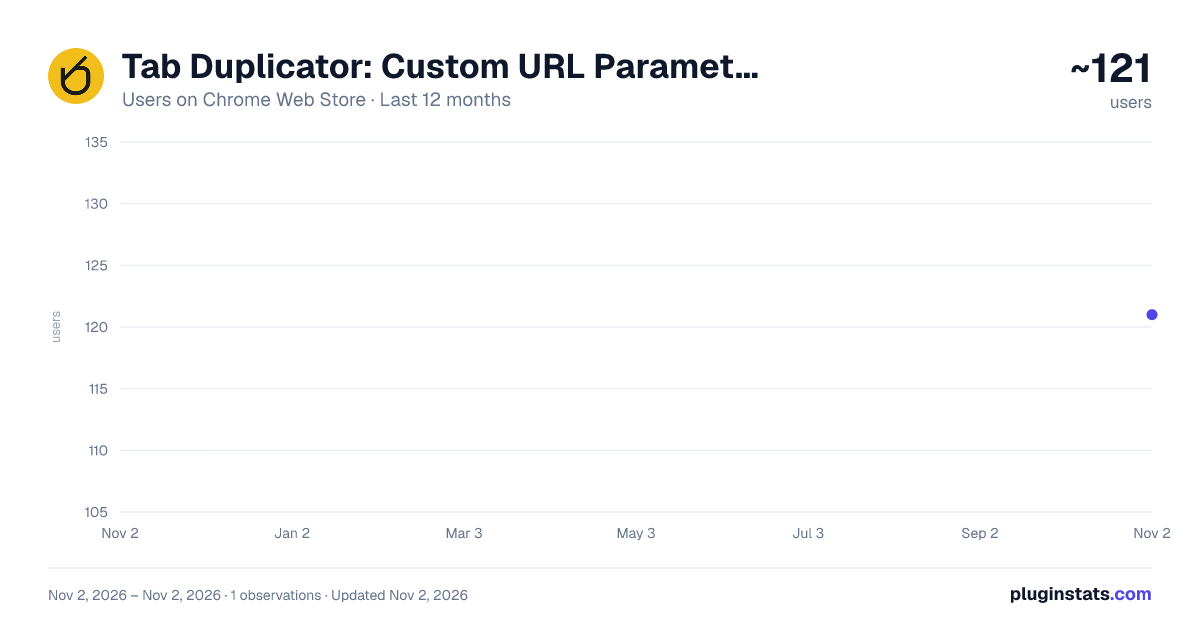
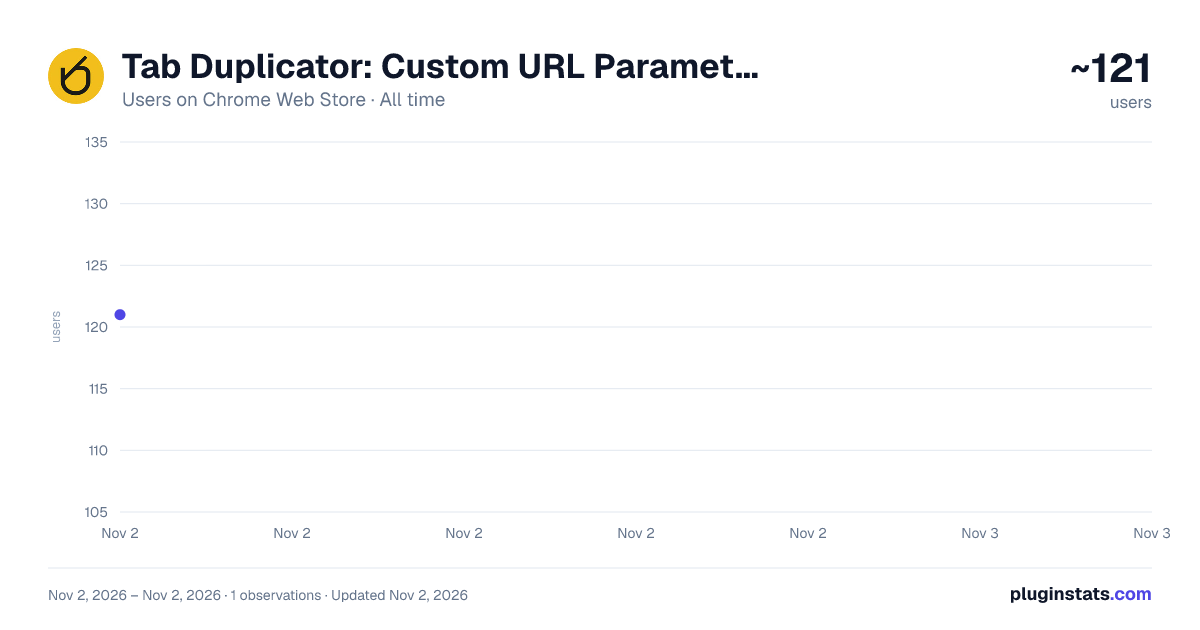
Tab Duplicator: Custom URL Parameters has approximately 121 recorded users on Chrome Web Store, ranking #6266 of 6,786 tracked listings.
Rating: 3.80 / 5 from 4 ratings
About Tab Duplicator: Custom URL Parameters
Duplicate the current tab with custom URL parameters.
Duplicate the current Chrome tab and instantly add a custom URL parameter — the fastest way to test admin flags, environment overrides, tracking params, or any query string you use every day.
FEATURES • Duplicate with parameters — append a saved parameter or path to the current tab's URL in one click, either opening a new tab or updating the current one. • Basic and Advanced modes — Basic mode for quick one-off duplication, Advanced mode to manage a full list of reusable parameters. • Unlimited saved parameters — save as many URL parameters or paths as you need. • Parameter groups — organize saved parameters into groups and filter the list down to just one group at a time. • Drag-to-reorder — reorder your saved parameters by dragging, since list order controls which number key (1-9) triggers each one. • Keyboard shortcuts — open the extension and fire a saved parameter without touching the mouse: Ctrl/Cmd+Shift+L, then a number key (1-9). • Side panel support — pin the extension to Chrome's side panel for a persistent view alongside your tabs, or use the classic popup. • Copy to clipboard — copy any saved parameter with one click. • Export/import — back up your parameter list or move it to another machine as a JSON file.
HOW TO USE
- Click the extension icon in the toolbar, or press Ctrl/Cmd+Shift+L.
- Type a URL parameter or path (for example: admin, or ?debug=true) and press Enter to save it.
- Click a saved parameter to open a duplicate tab with it appended, or press Ctrl/Cmd+Shift+L then a number key (1-9) for instant recall.
- Drag a parameter's handle to reorder the list and change its shortcut number. Switch to Advanced mode to organize parameters into groups, or export/import your list as JSON.
PRIVACY This extension does not collect any personal data and makes no network requests of any kind. Your saved URL parameters, groups, and preferences are stored locally via Chrome's storage API, and sync across your own signed-in Chrome browsers the same way your bookmarks do. Nothing is ever sent to the developer or any third party.
PERMISSIONS • "storage" — saves your URL parameters, groups, and preferences so they persist between sessions. • "activeTab" — reads the current tab's URL only when you click the icon or use the keyboard shortcut, to build the duplicated tab's URL. No other open tabs are ever read. • "sidePanel" — enables the optional side panel view.
SUPPORT Found a bug or have a feature request? Use the Support tab on this listing, or the Support link in the extension's header menu.
Open source on GitHub: github.com/lunev/the-duplicator
Description from the Chrome Web Store listing.
README badge
Show your rank in a README or on your website. The badge updates automatically.
Charts
Images: 30d · 1y · all time · 1600×900 dark
Adoption over time
7/30/90-day growth
Ranking history
Ratings over time
Listing placement
Listing placement
Filled points are observed values; hollow points come from Internet Archive snapshots of the listing page. Dashed segments span periods with no observations — values between points are not interpolated.
Each band is one page of 20. Users on a linear scale. Placement is projected from users, so it can differ from the marketplace's own sort order. Hover a dot to see the listing.
Recent observations
Full history (1)Similar Chrome Web Store Developer Tools plugins
All 20 Tab Duplicator: Custom URL Parameters alternatives



Data source
Covers every Chrome Web Store extension with at least 100 users, found through the store's public sitemap. User counts are read from public listing pages. The 10% most-used extensions are refreshed daily, the next 40% weekly and the next 40% monthly; the least-used 10% are not refreshed. Google displays rounded user counts (and caps the display at 10,000,000+), so small changes may not be visible. Rating counts above 1,000 are rounded (e.g. 1.6K).
Listing: https://chromewebstore.google.com/detail/tab-duplicator-custom-url/cmbkalfnmgbghjoghgcplcmcijbdijei. First seen Nov 2, 2026; last successful collection Nov 2, 2026. See the methodology.