 PluginStats
n8n Workflow Trigger users statistics
By Sascha.Seniuk · Chrome Web Store · Workflow & Planning
Trigger n8n workflows from any web page with a simple right-click. Automate faster, smarter.
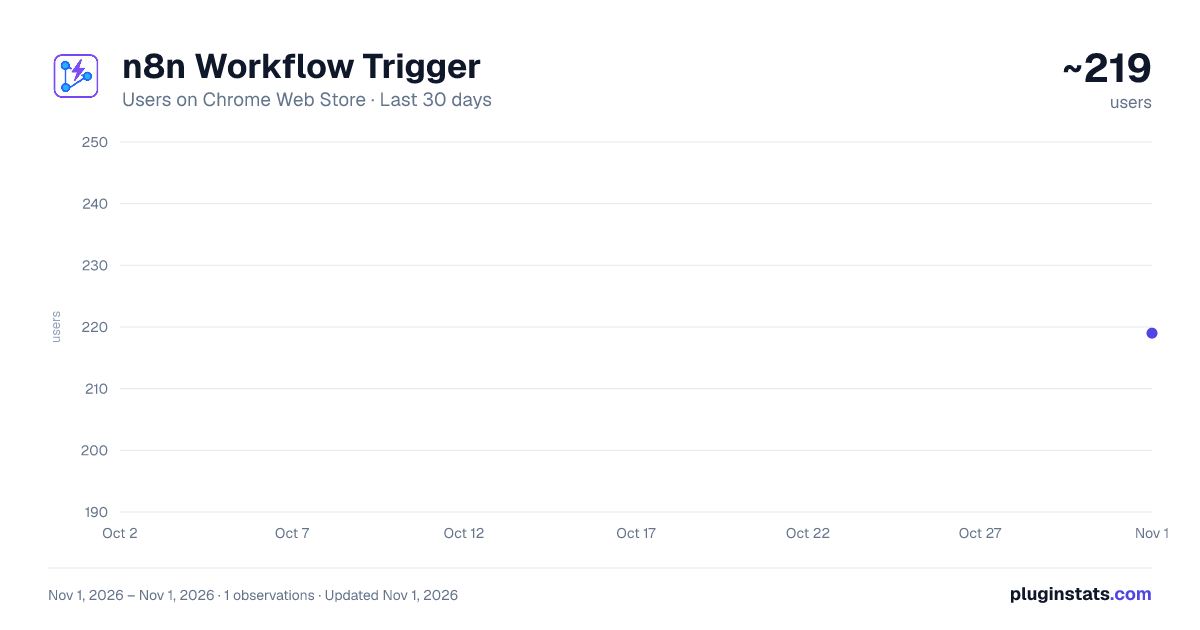
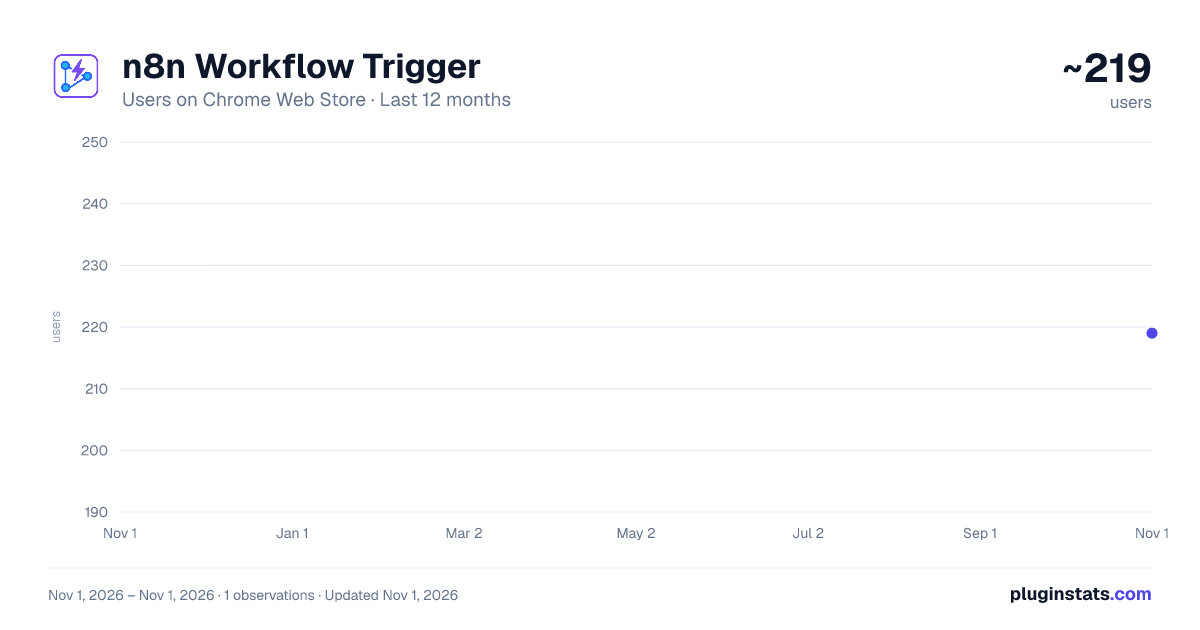
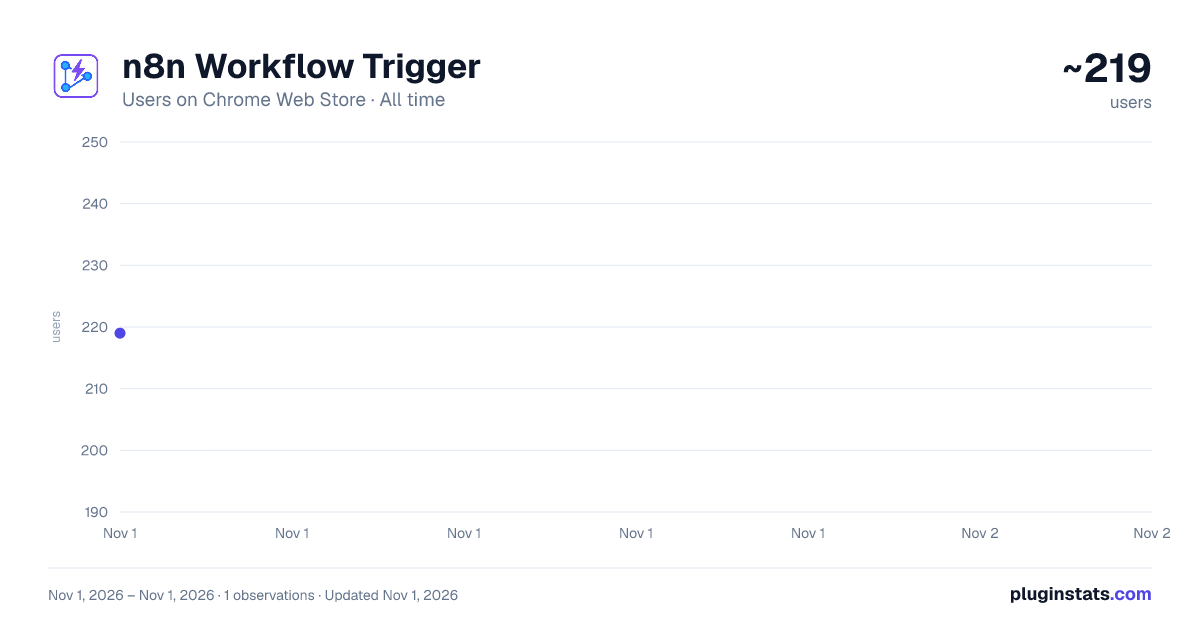
n8n Workflow Trigger has approximately 219 recorded users on Chrome Web Store, ranking #4524 of 6,300 tracked listings.
About n8n Workflow Trigger
Trigger n8n workflows from any web page with a simple right-click. Automate faster, smarter.
Trigger n8n workflows from any web page using the right-click menu.
This extension allows you to trigger custom n8n workflows directly from your browser. You can use it on any web page, selected text, images, or links. It's ideal for automating personal workflows, sending data to APIs, or triggering no-code automations with a single click.
Key features:
Trigger workflows via the context menu (right-click)
Send page URL, title, selection, link, or image data to your webhook
Define custom parameters, including required ones
Manage multiple workflows easily in the extension settings
Secure by design: permissions are only requested for the domains you choose
Real-time feedback via Chrome notifications
Examples:
Send selected text to an AI model or note-taking system
Save research links directly to Notion or Google Sheets
Trigger image or content processing pipelines
Use n8n as your backend for one-click automation tools
No tracking, analytics, or third-party servers. All data stays on your device and is only sent to the webhooks you explicitly configure.
You need an active n8n instance with webhook workflows to use this extension.
Description from the Chrome Web Store listing.
README badge
Show your rank in a README or on your website. The badge updates automatically.
Charts
Images: 30d · 1y · all time · 1600×900 dark
Adoption over time
7/30/90-day growth
Ranking history
Ratings over time
Listing placement
Listing placement
Filled points are observed values; hollow points come from Internet Archive snapshots of the listing page. Dashed segments span periods with no observations — values between points are not interpolated.
Each band is one page of 20. Users on a linear scale. Placement is projected from users, so it can differ from the marketplace's own sort order. Hover a dot to see the listing.
Recent observations
Full history (1)Similar Chrome Web Store Workflow & Planning plugins
All 20 n8n Workflow Trigger alternatives



Data source
Covers every Chrome Web Store extension with at least 100 users, found through the store's public sitemap. User counts are read from public listing pages. The 10% most-used extensions are refreshed daily, the next 40% weekly and the next 40% monthly; the least-used 10% are not refreshed. Google displays rounded user counts (and caps the display at 10,000,000+), so small changes may not be visible. Rating counts above 1,000 are rounded (e.g. 1.6K).
Listing: https://chromewebstore.google.com/detail/n8n-workflow-trigger/geekbgiepmeejeggiphblbjcodegedef. First seen Nov 1, 2026; last successful collection Nov 1, 2026. See the methodology.