 PluginStats
OmniDev: CSS, Tailwind, Screenshot & QA Inspector users statistics
By jambo.team · Chrome Web Store · Developer Tools
Inspect CSS & Tailwind, capture full-page screenshots, extract fonts & colors, detect tech stacks, audit SEO/a11y, and debug QA.
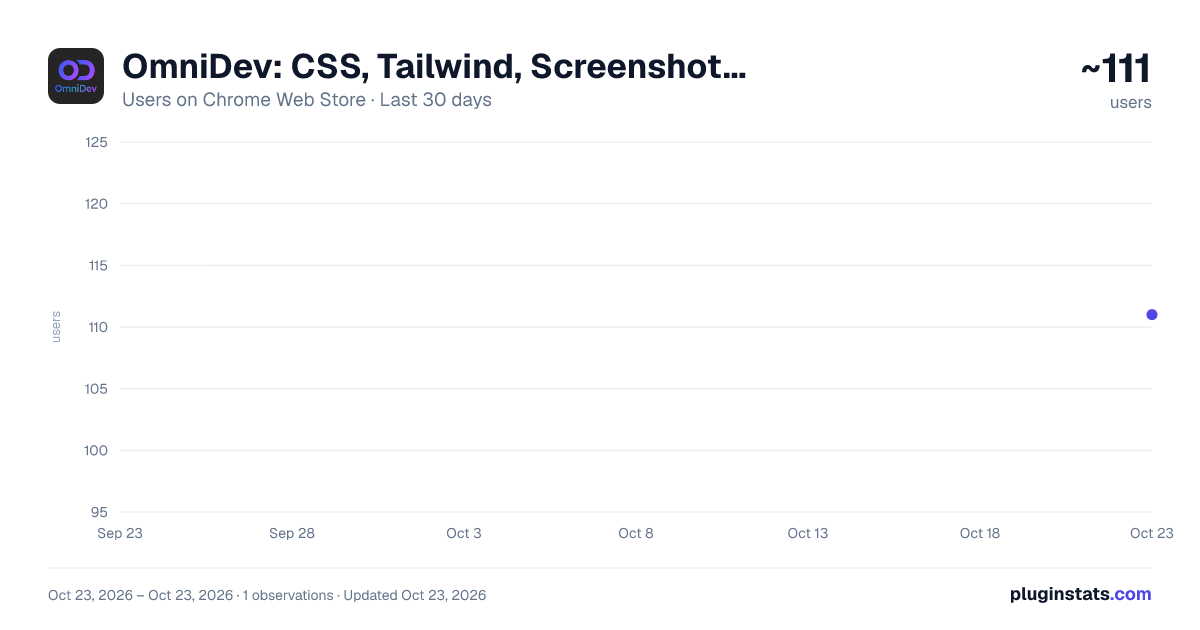
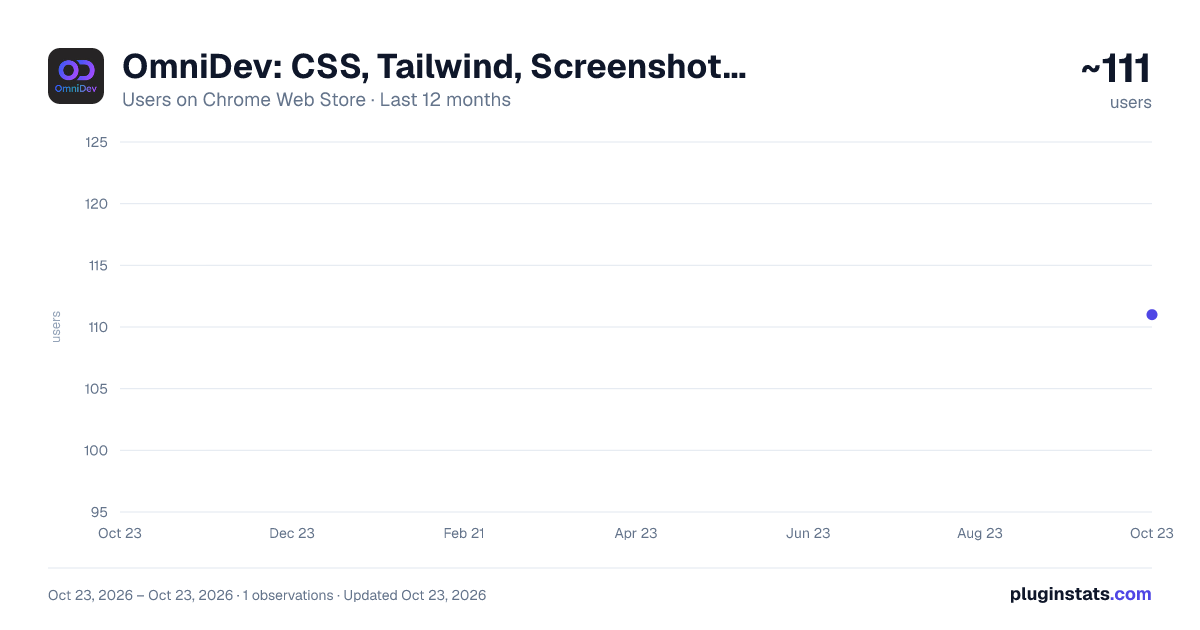
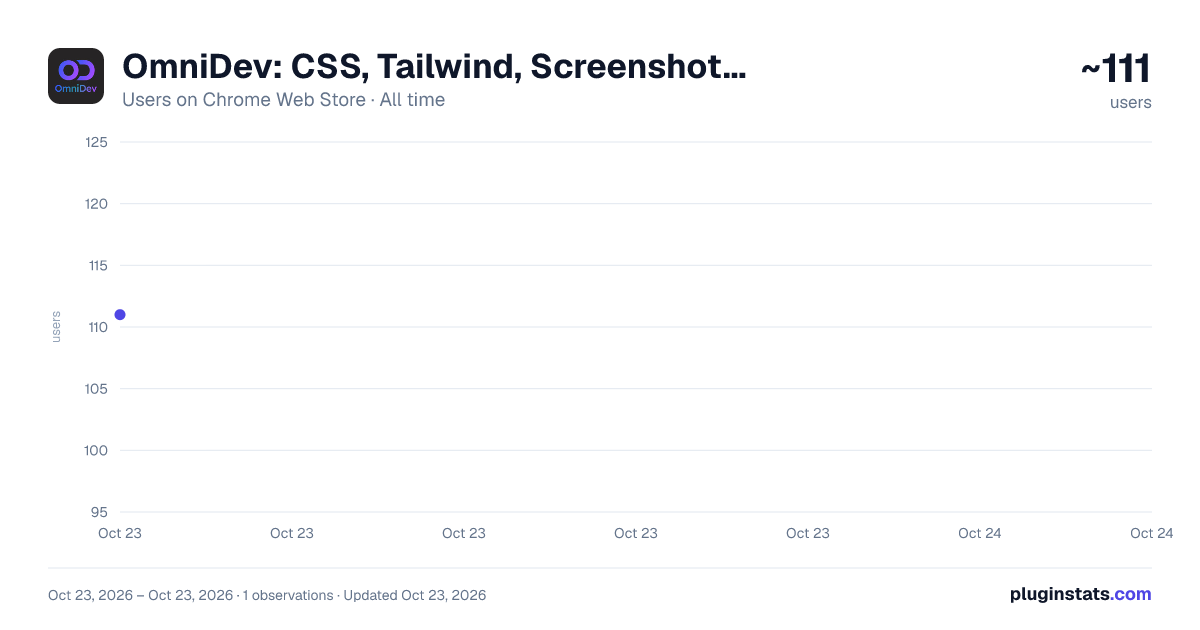
OmniDev: CSS, Tailwind, Screenshot & QA Inspector has approximately 111 recorded users on Chrome Web Store, ranking #3698 of 3,853 tracked listings.
Rating: 5.00 / 5 from 4 ratings
About OmniDev: CSS, Tailwind, Screenshot & QA Inspector
Inspect CSS & Tailwind, capture full-page screenshots, extract fonts & colors, detect tech stacks, audit SEO/a11y, and debug QA.
OmniFront: The Ultimate Frontend Power-Tool 🚀 Stop digging through deep nested menus in standard DevTools. OmniFront gives you a lightning-fast, visual superpower for inspecting, debugging, and perfecting your web applications.
Whether you are a developer, designer, or QA engineer, OmniFront streamlines your workflow with a suite of professional tools designed for the modern web.
🎯 Deep CSS & Tailwind v4 Inspection Tired of tools that miss styles hidden in @layer or CCSS variables?
- Tailwind v4 Ready: Our recursive scanner finds every utility, even those nested deep in CSS layers.
- Modern Media Query Support: Fully supports the new range syntax (e.g., width >= 768px).
- Visual Breakpoint Debugger: See exactly which rules are active at your current viewport and why.
📏 Professional Layout Tools
- Smart Spacing Visualizer: Instantly see margins, padding, and borders. Works seamlessly with Shadow DOM and complex Web Components.
- Precision Page Ruler: Measure any element with a professional crosshair cursor. Lock your measurements and see distances in real-time without interfering with the site’s text selection.
- Viewport HUD: Keep track of your exact dimensions and active breakpoints at a glance.
🕵️♂️ Advanced Debugging & Performance
- Enhanced Console Spy: Capture logs, 404 resource errors, and network failures that standard consoles might miss.
- Live Core Web Vitals: Monitor LCP and CLS in real-time as you interact with the page. T- -ech Stack Analyzer: Instantly identify the frameworks, libraries, and fonts powering any site.
⚡ Productivity Boosters
- Form Tester & Dummy Data Filler: Fill complex forms instantly—even those inside iframes or Shadow Roots.
- Full-Page & Element Screenshots: Capture perfect, high-resolution snapshots of specific components or entire pages.
- Color & Font Explorer: Extract the exact color palette and typography system used on any website.
🛡️ Built for Reliability OmniFront is engineered for the production environment. With our unique Tool Isolation system, a single error in a complex script won't crash the extension. Each tool runs in its own protected boundary, ensuring your debugging session is never interrupted.
🌍 Multi-Language Support Optimized for the global developer community with support for multiple languages and a clean, Apple-inspired "glassmorphism" UI that feels like a native part of your browser.
🧠 Website Technology Intelligence Go beyond basic tech detection with a deeper, evidence-based view of what powers a website.
- Identify frameworks, UI libraries, analytics tools, tag managers, CDNs, CMS platforms, performance tools, and infrastructure signals.
- Designed for modern apps using client-side rendering, bundled scripts, Shadow DOM, metadata, headers, network signals, and runtime clues.
- See not just what was detected, but why it was detected, with confidence levels and supporting signals.
- Surface useful business and organization signals behind a website where reliable public data is available.
- Built to observe without disrupting the page, breaking interactions, or interrupting your browsing flow.
OmniFront, Because great frontend work deserves better tools. Install now and supercharge your development workflow.
Description from the Chrome Web Store listing.
README badge
Show your rank in a README or on your website. The badge updates automatically.
Charts
Images: 30d · 1y · all time · 1600×900 dark
Adoption over time
7/30/90-day growth
Ranking history
Ratings over time
Listing placement
Listing placement
Filled points are observed values; hollow points come from Internet Archive snapshots of the listing page. Dashed segments span periods with no observations — values between points are not interpolated.
Each band is one page of 20. Users on a linear scale. Placement is projected from users, so it can differ from the marketplace's own sort order. Hover a dot to see the listing.
Recent observations
Full history (1)Similar Chrome Web Store Developer Tools plugins
All 20 OmniDev: CSS, Tailwind, Screenshot & QA Inspector alternatives



Data source
Covers every Chrome Web Store extension with at least 100 users, found through the store's public sitemap. User counts are read from public listing pages. The 10% most-used extensions are refreshed daily, the next 40% weekly and the next 40% monthly; the least-used 10% are not refreshed. Google displays rounded user counts (and caps the display at 10,000,000+), so small changes may not be visible. Rating counts above 1,000 are rounded (e.g. 1.6K).
Listing: https://chromewebstore.google.com/detail/omnidev-frontend-hero/coknoejldppeedldfgmijhmbpmelpipm. First seen Oct 23, 2026; last successful collection Oct 23, 2026. See the methodology.