 PluginStats

Text Extractor From Image users statistics
By romant094.cws · Chrome Web Store · Tools
Using Text Extractor From Image is an easy way to convert image to text. Extract text from picture in one click with high accuracy!
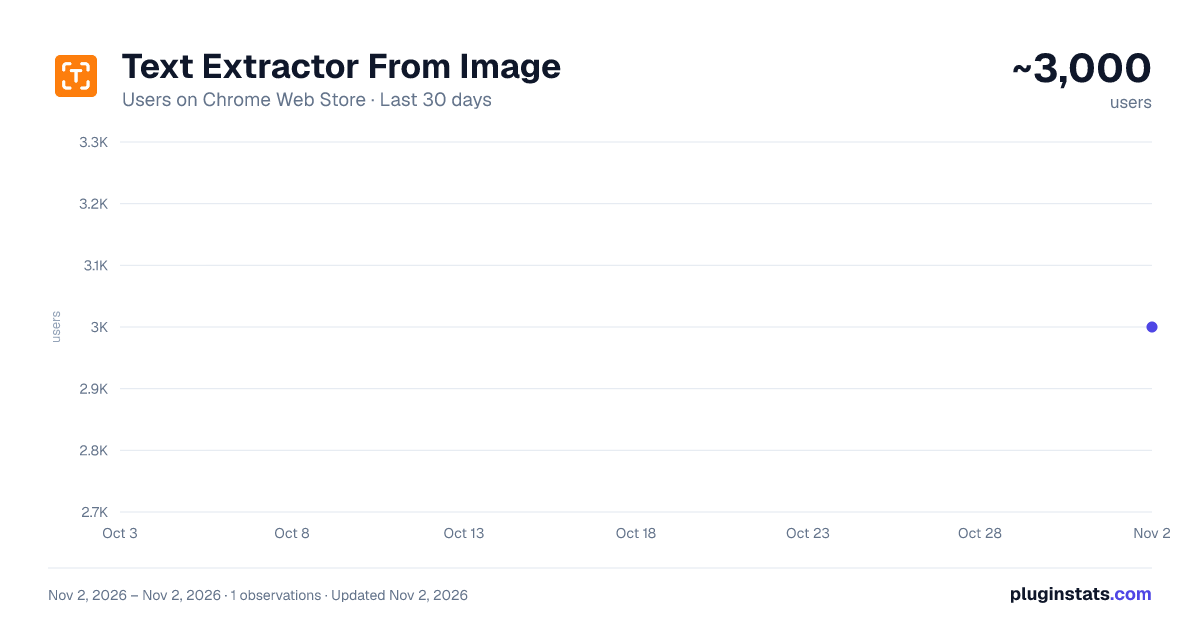
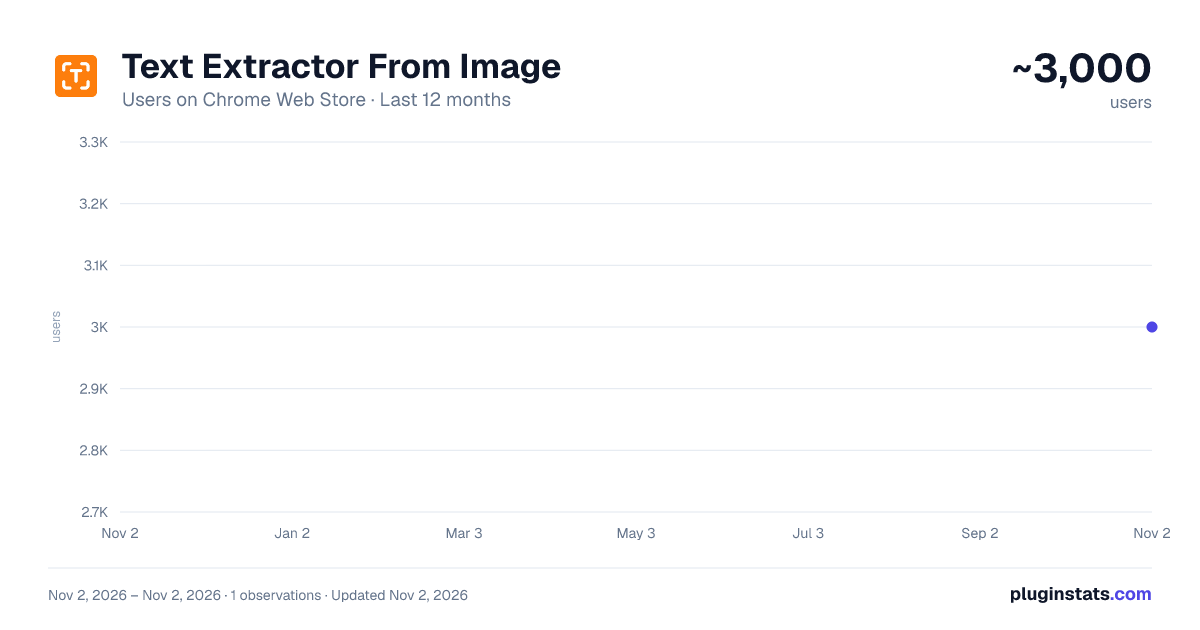
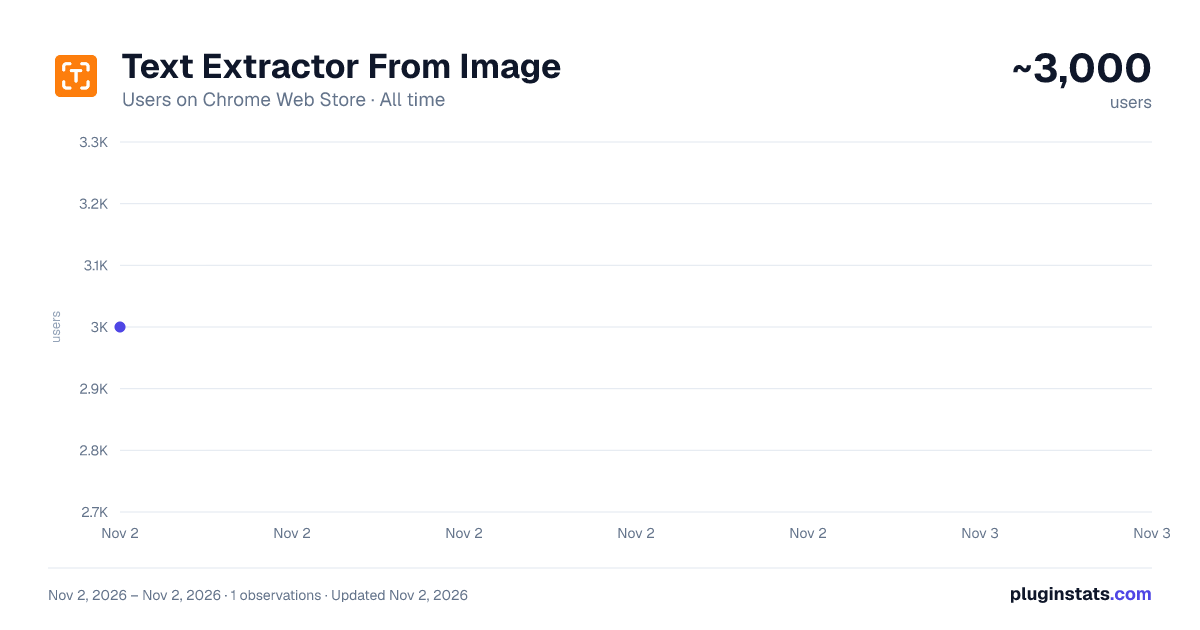
Text Extractor From Image has approximately 3,000 recorded users on Chrome Web Store, ranking #1441 of 6,672 tracked listings.
Rating: 4.60 / 5 from 22 ratings
About Text Extractor From Image
Using Text Extractor From Image is an easy way to convert image to text. Extract text from picture in one click with high accuracy!
Extract Text from Any Image in Seconds with Our AI-Powered Chrome Extension!
Need to extract text from image quickly and accurately? Our text extractor from image Chrome extension is the ultimate tool to help you grab text from pictures, and scanned documents effortlessly. Whether you're a student, researcher, or professional, our extension saves you time by converting images into editable content with just one click!
🔥 Why Choose This Text Extractor Tool?
Our text extractor from image AI is designed to make your life easier. Here’s why it stands out:
➤ Fast & Accurate: Extracts text from images instantly with high precision. ➤ Supports Multiple Formats: Works with JPG, PNG, and more. ➤ No More Typing Manually: Converts scanned documents and handwritten notes into editable content. ➤ Works Online: No need to install heavy software – just use our online text extractor from image. ➤ Easy to Use: One-click functionality for instant results.
How Does This AI Text Extractor from Image Work?
Using our Extractor Chrome extension is as easy as one, two, three:
1️⃣ Upload or select an image on any webpage. 2️⃣ Click the extension icon to activate the extractor tool. 3️⃣ Copy and paste the content wherever you need it!
It’s that simple! 🚀
Convert Any Image to Text – Perfect for All Your Needs!
This text extractor from image app is a game-changer for:
👨🎓 Students – Extract notes from images effortlessly. 🧑🔬 Researchers – Convert scanned documents into digital content. 🧑💻 Professionals – Save time by extracting data from reports and presentations. 🧑🎨 Content Creators – Grab contents from memes, infographics, and screenshots.
Whatever your use case, our image to text converter has got you covered!
Extract Text from Images with Ease
Need a text extractor from image? No problem! Our tool works flawlessly with images, making it a powerful extractor tool for digitizing.
With this picture to text converter, you can:
📄 Extract data from receipts, contracts, and invoices. 📜 Convert old paper documents into editable formats. 🪧 Grab words from presentation slides and whiteboard notes.
AI-Powered Precision for Unmatched Accuracy
Unlike basic OCR tools, our AI text extractor from image ensures higher accuracy, even with difficult handwriting or low-quality scans. Whether you need to extract text from picture or convert photo to document, our smart algorithm guarantees clear and precise results. No More Struggling with Copying from Images
Ever tried to copy content from a screenshot or a scanned page? It’s frustrating! But with our text extractor from images, you can:
🟢 Extract content from social media posts and memes. 🟢 Grab important details from charts and graphs. 🟢 Convert handwritten notes into digital. 🟢 Retrieve quotes and captions from screenshots.
Say goodbye to manual typing and hello to efficiency!
Works Anywhere – No Software Installation Needed
Our online text from image extractor runs directly in your Chrome browser. No need to install bulky software – just add the text extractor from image extension and start extracting instantly!
🔹 Quick and easy setup. 🔹 No complicated steps. 🔹 Reliable and accurate text recognition. 🔹 Works seamlessly within your browser.
Just click, extract, and use your data anywhere!
Supports Multiple Languages & Fonts
Struggling to get contents from different languages or unusual fonts? Our ai text from image extractor supports multiple languages, ensuring you get accurate results every time. Whether it’s printed, handwritten, or stylized, this image from text extractor can handle it all!
Pic to Text – The Ultimate Productivity Booster Whether you need to get data from image for work, school, or personal use, convert photo to text tool will help you stay productive. 📌 Extract data from charts and infographics. 📌 Capture important information from posters and banners. 📌 Convert scanned reports into editable formats.
No more retyping – just extract text from image and paste it wherever you need!
Start Using this Text Extractor from Image Chrome Extension Today!
✅ Download now and experience the power of AI in your browser. ✅ Save time and boost your efficiency with our img to text tool. ✅ Convert scanned images and photos into editable content effortlessly.
Try it now and see why thousands of users love our text from image extractor! 🚀
Description from the Chrome Web Store listing.
README badge
Show your rank in a README or on your website. The badge updates automatically.
Charts
Images: 30d · 1y · all time · 1600×900 dark
Adoption over time
7/30/90-day growth
Ranking history
Ratings over time
Listing placement
Listing placement
Filled points are observed values; hollow points come from Internet Archive snapshots of the listing page. Dashed segments span periods with no observations — values between points are not interpolated.
Each band is one page of 20. Users on a linear scale. Placement is projected from users, so it can differ from the marketplace's own sort order. Hover a dot to see the listing.
Recent observations
Full history (1)Similar Chrome Web Store Tools plugins
All 20 Text Extractor From Image alternatives



Data source
Covers every Chrome Web Store extension with at least 100 users, found through the store's public sitemap. User counts are read from public listing pages. The 10% most-used extensions are refreshed daily, the next 40% weekly and the next 40% monthly; the least-used 10% are not refreshed. Google displays rounded user counts (and caps the display at 10,000,000+), so small changes may not be visible. Rating counts above 1,000 are rounded (e.g. 1.6K).
Listing: https://chromewebstore.google.com/detail/text-extractor-from-image/cmcpmjnbmcplnihakigigeonnbndoncm. First seen Nov 2, 2026; last successful collection Nov 2, 2026. See the methodology.