 PluginStats
TeamCal for Google Calendar™ users statistics
Chrome Web Store · Workflow & Planning
The missing schedule view for Google Calendar
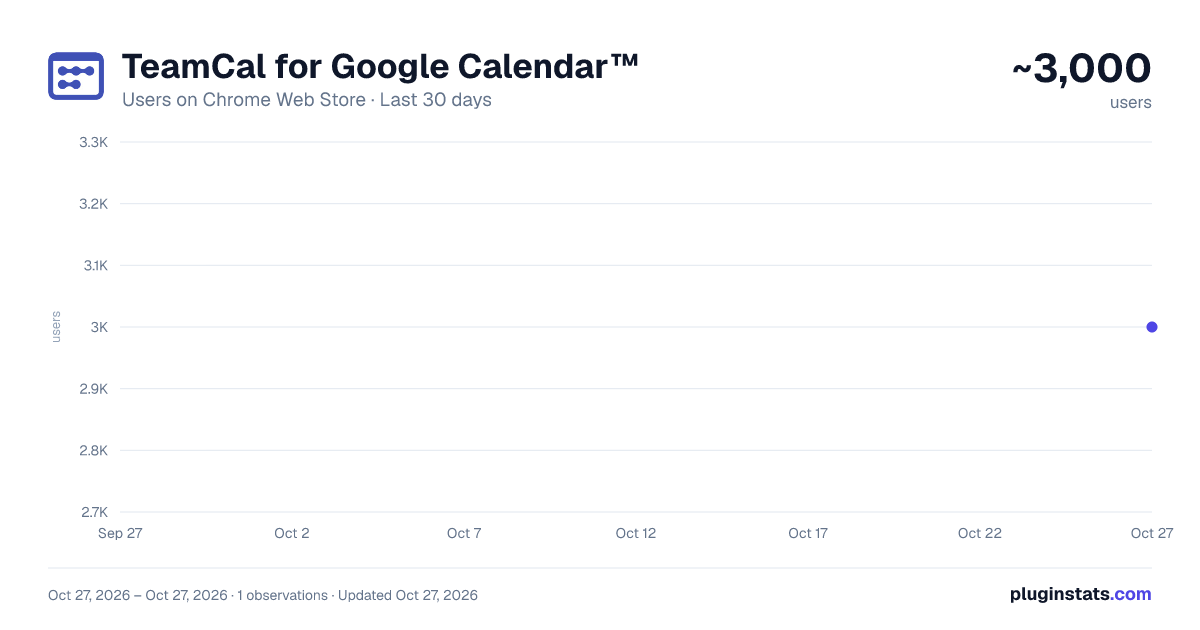
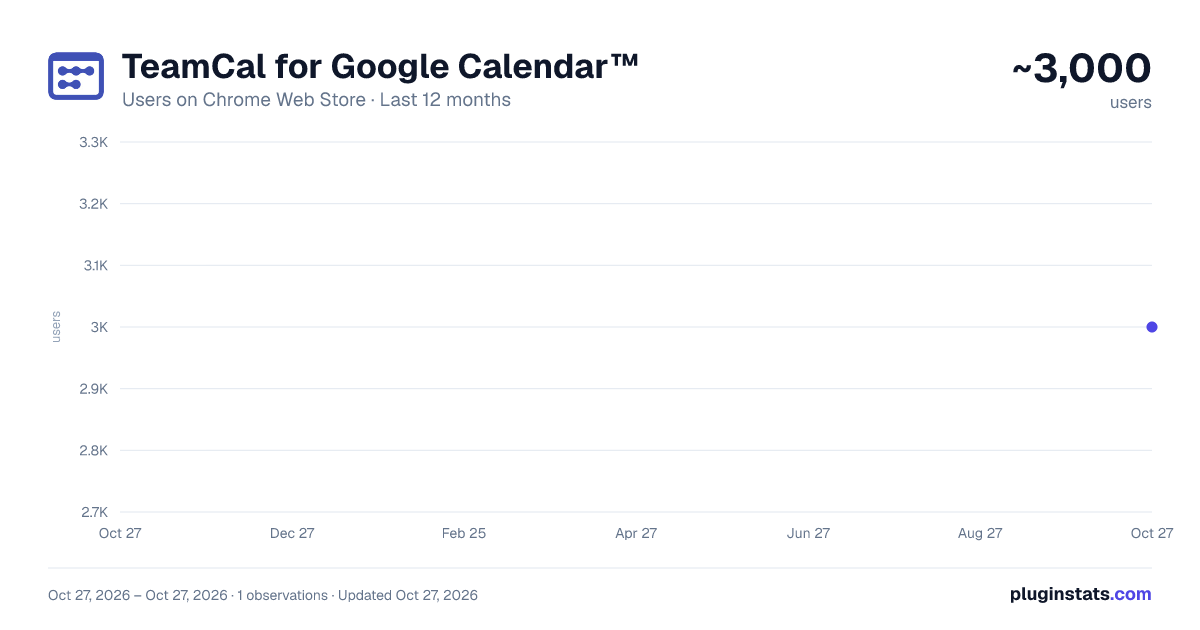
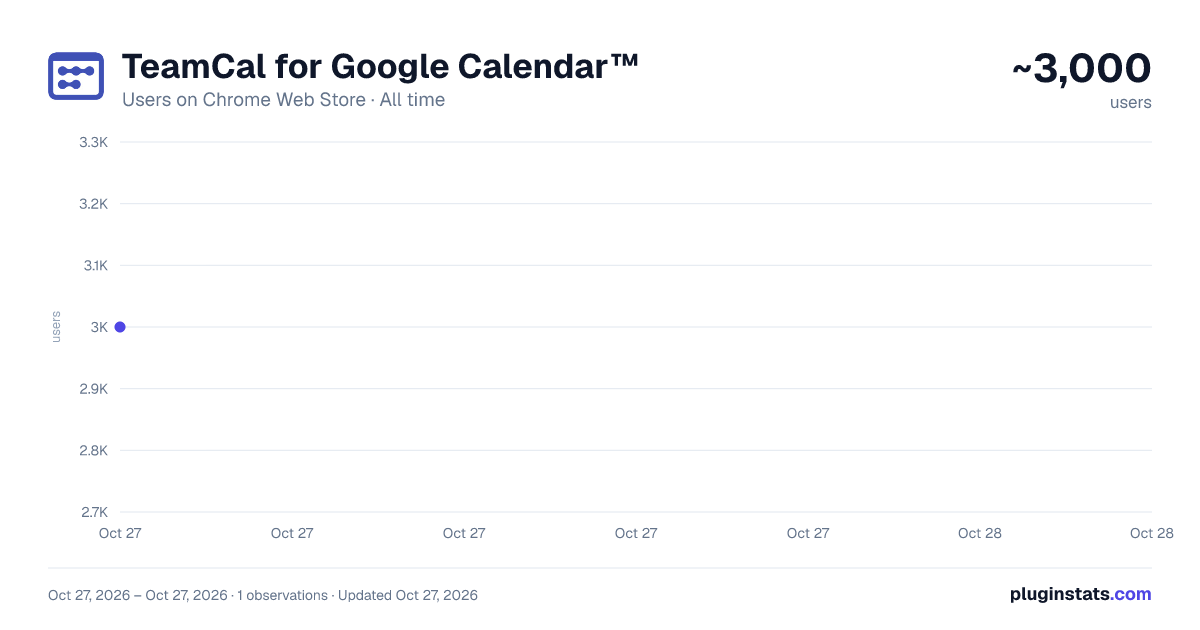
TeamCal for Google Calendar™ has approximately 3,000 recorded users on Chrome Web Store, ranking #999 of 4,553 tracked listings.
Rating: 3.90 / 5 from 15 ratings
About TeamCal for Google Calendar™
The missing schedule view for Google Calendar
TeamCal provides a timeline view layout for Google Calendar that displays many calendars at once
Get done more! Employee scheduling made easy.
TeamCal transforms your Google Calendar into the perfect tool to schedule your employees, contractors, rooms, machinery, and resources.
Google Calendar can become very cluttered when displaying multiple calendars. TeamCal will display your calendar data as a nice Gantt like “Schedule View”. The TeamCal schedule view is a new horizontal timeline view for Google Calendar that displays many calendars at once.
See employee availability easily by comparing events on a horizontal Gantt like timeline view. With a glance, you can identify scheduling gaps and prevent overbooking. Perfect for scheduling staff rotations, on-call duty times, and team vacations.
Stop switching between Google Calendar and other tools for scheduling your team. Because TeamCal uses your Google Calendar data, all information required for scheduling is available in a single place. Create new events or change existing ones directly within TeamCal.
Share your schedule with employees and clients to keep everyone updated. With TeamCal, you can embed your schedule on a website, TV screen, or show it as a dashboard. You can export a PDF of your schedule, too. Print or send your planning results by email.
Features:
- Integrated & synced with Google Calendar
- Customizable Scheduling view
- Share, Print, and Export your schedules
- Support for mobile and tablets
- Multi-user functionality
- And much more!
Chrome Extension: This Chrome extension shows you all TeamCal schedules in a convenient drop down. Access your schedules directly from the Chrome toolbar.
Description from the Chrome Web Store listing.
README badge
Show your rank in a README or on your website. The badge updates automatically.
Charts
Images: 30d · 1y · all time · 1600×900 dark
Adoption over time
7/30/90-day growth
Ranking history
Ratings over time
Listing placement
Listing placement
Filled points are observed values; hollow points come from Internet Archive snapshots of the listing page. Dashed segments span periods with no observations — values between points are not interpolated.
Each band is one page of 20. Users on a linear scale. Placement is projected from users, so it can differ from the marketplace's own sort order. Hover a dot to see the listing.
Recent observations
Full history (1)Similar Chrome Web Store Workflow & Planning plugins
All 20 TeamCal for Google Calendar™ alternatives



Data source
Covers every Chrome Web Store extension with at least 100 users, found through the store's public sitemap. User counts are read from public listing pages. The 10% most-used extensions are refreshed daily, the next 40% weekly and the next 40% monthly; the least-used 10% are not refreshed. Google displays rounded user counts (and caps the display at 10,000,000+), so small changes may not be visible. Rating counts above 1,000 are rounded (e.g. 1.6K).
Listing: https://chromewebstore.google.com/detail/teamcal-for-google-calend/dniglbfmfllnnkbjilhjignncgcadojn. First seen Oct 27, 2026; last successful collection Oct 27, 2026. See the methodology.