 PluginStats
Stepsy: create step-by-step guide with screenshots users statistics
Chrome Web Store · Workflow & Planning
Step-by-Step Guide Creator, SOP Documentation
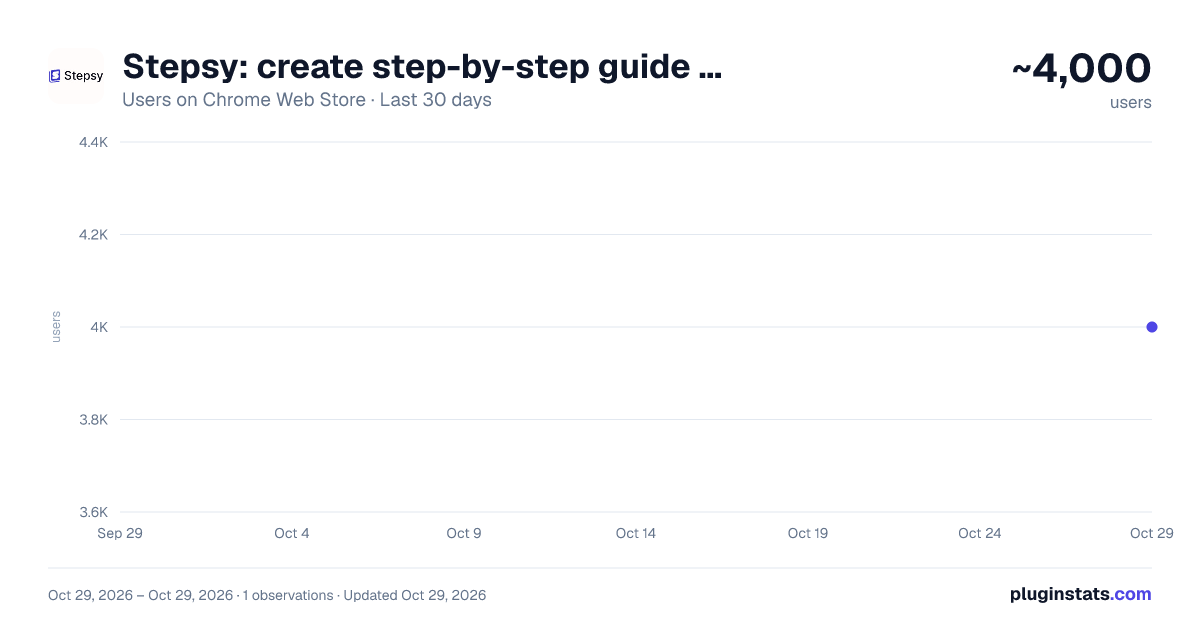
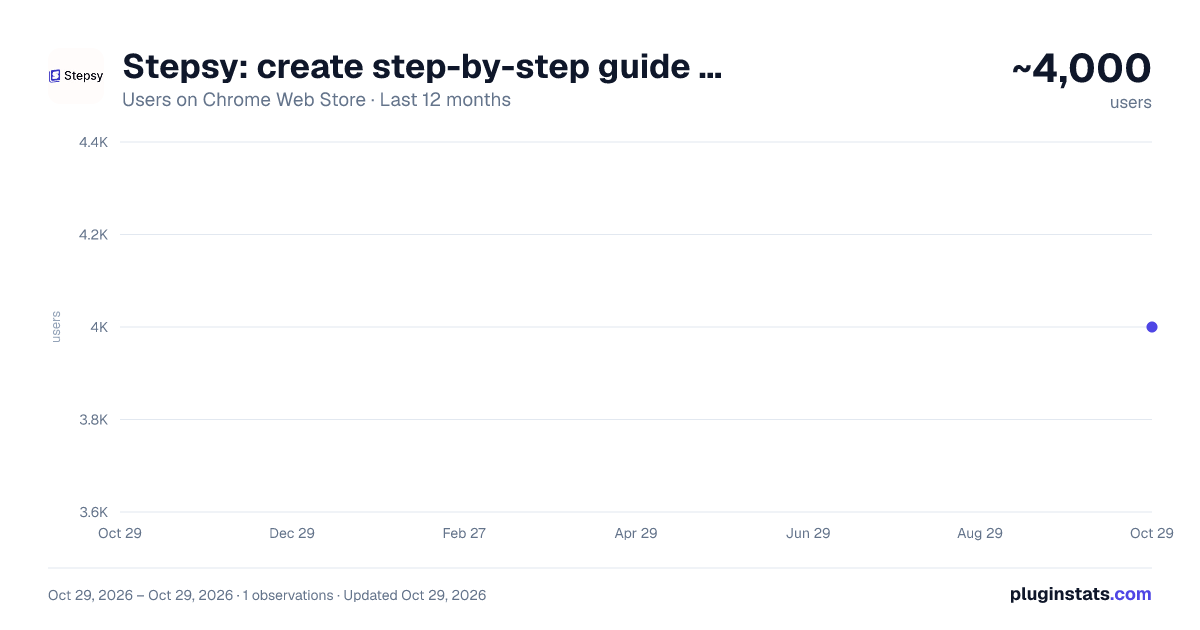
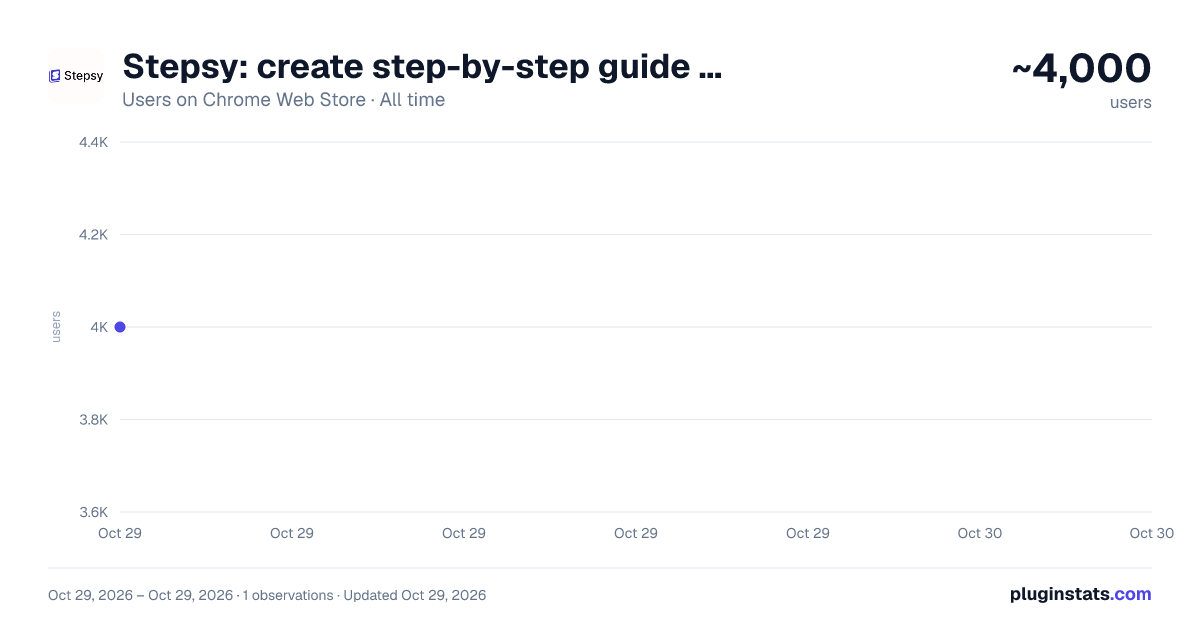
Stepsy: create step-by-step guide with screenshots has approximately 4,000 recorded users on Chrome Web Store, ranking #1007 of 5,223 tracked listings.
Rating: 4.50 / 5 from 27 ratings
About Stepsy: create step-by-step guide with screenshots
Step-by-Step Guide Creator, SOP Documentation
Struggle to describe your every step with screenshots in the browser manually? Welcome to Stepsy, your free AI-powered go-to solution for generating powerful, yet easy-to-understand step-by-step guides, SOPs, process tasks, or manuals, and sharing them with your colleagues and customers.
Our software features have been proven to deliver exceptional results. With our intuitive interface and robust functionality, you can streamline your processes and achieve greater efficiency.
Stepsy is free to use, along with Personal and Team plans to fit any team's needs.
BENEFITS OF USING STEPSY: 📈 Increase data processing efficiency 📊 Improve workflow documentation accuracy ⚙️Ensure consistency across instructions ⏳ Save time of tedious work for each guide 🎯 Simplify the training and onboarding process
STEPSY’S FEATURES: 📸Record your steps with screenshots on clicks: Just do your work, and we will automatically capture the screenshots with auto-generated descriptions. ✨Customize your screenshots: No need for other tools, we have a built-in image editor. ⚙️AI-tuned step descriptions and document summaries: Eliminate the need for manual repetitive text input, let us care about it. 📥Export and share via GDrive: Your guide quickly becomes shareable online via your own GDrive. 🔐Keep your screenshots safe: Your screenshots never leave YOUR space. Everything happens in YOUR browser and then gets exported directly to YOUR GDrive or YOUR local workstation.
HOW TO USE STEPSY: Step 1. Get started Begin by downloading our extension for free.
Step 2. Capture the process Navigate to the website you want to document. Then, open the Stepsy icon in your Chrome toolbar and click the “Record a Guide” icon to initiate the process. Once you've captured your process, you can edit and customize it with a built-in toolset.
Step 3. Publish your results Simply click the “Finish and share” button and publish it as a Google Docs document directly to your Google Drive.
WHO'S STEPSY FOR
👩💻Managers
👨🔧IT operations team
🤵♂️CEO & Founders
👨💼Consultants
👩💼Human Resources (HR)
👨💻Marketing Teams
👩🏫Educators & Trainers
💁🏻♀️Anyone who wants to share their knowledge!
WHAT YOU CAN CREATE WITH STEPSY
✔️ Standard operating procedures (SOPs)
✔️ Step-by-step instructions
✔️ Manuals
✔️ How-to guides
✔️ Study guides & tutorials
✔️ Annotations & annotated screenshots
✔️ Roadmaps
✔️ Process documentation
✔️ New employee onboarding
✔️ Training guides
✔️ Any documentation you need!
What used to take hours, now takes seconds with our free step-by-step guide creator — empowering you and your team's productivity as well as allowing you all to focus on what truly matters: innovation and growth.
Description from the Chrome Web Store listing.
README badge
Show your rank in a README or on your website. The badge updates automatically.
Charts
Images: 30d · 1y · all time · 1600×900 dark
Adoption over time
7/30/90-day growth
Ranking history
Ratings over time
Listing placement
Listing placement
Filled points are observed values; hollow points come from Internet Archive snapshots of the listing page. Dashed segments span periods with no observations — values between points are not interpolated.
Each band is one page of 20. Users on a linear scale. Placement is projected from users, so it can differ from the marketplace's own sort order. Hover a dot to see the listing.
Recent observations
Full history (1)Similar Chrome Web Store Workflow & Planning plugins
All 20 Stepsy: create step-by-step guide with screenshots alternatives



Data source
Covers every Chrome Web Store extension with at least 100 users, found through the store's public sitemap. User counts are read from public listing pages. The 10% most-used extensions are refreshed daily, the next 40% weekly and the next 40% monthly; the least-used 10% are not refreshed. Google displays rounded user counts (and caps the display at 10,000,000+), so small changes may not be visible. Rating counts above 1,000 are rounded (e.g. 1.6K).
Listing: https://chromewebstore.google.com/detail/stepsy-create-step-by-ste/ddoojdgacehbmbpfnlecfhopecckmmfh. First seen Oct 29, 2026; last successful collection Oct 29, 2026. See the methodology.