 PluginStats
Substack Messaging Extension users statistics
By Momentum Making Tools · Chrome Web Store · Developer Tools
The Substack Auto Messenger Chrome extension is a tool designed to simplify communication with your Substack subscribers. It allows…
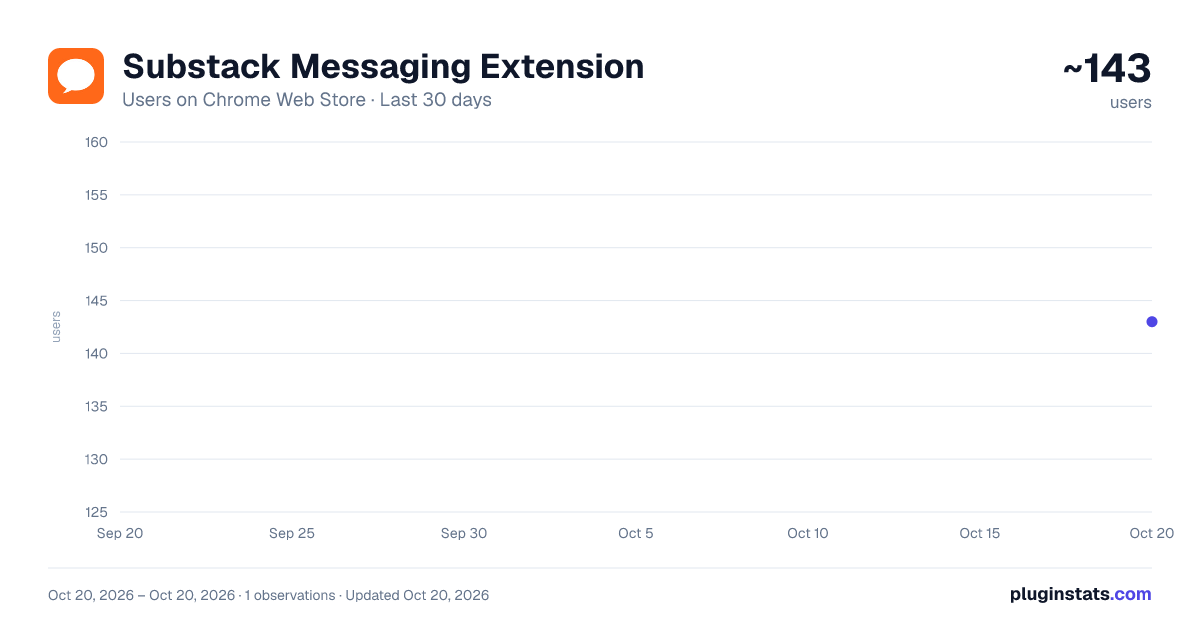
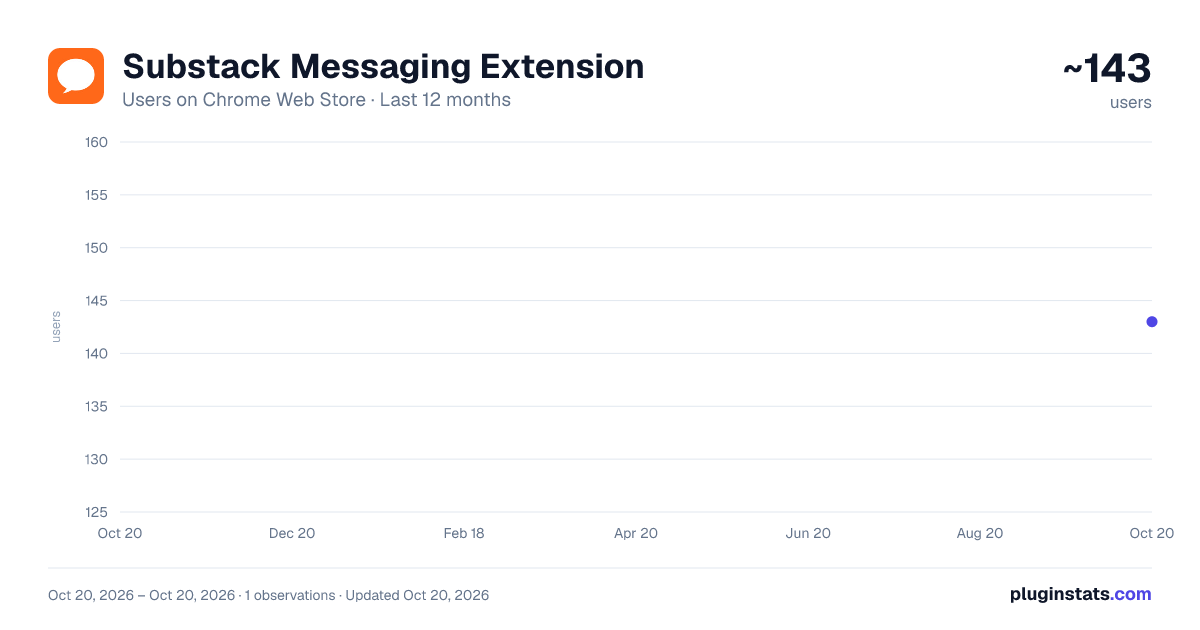
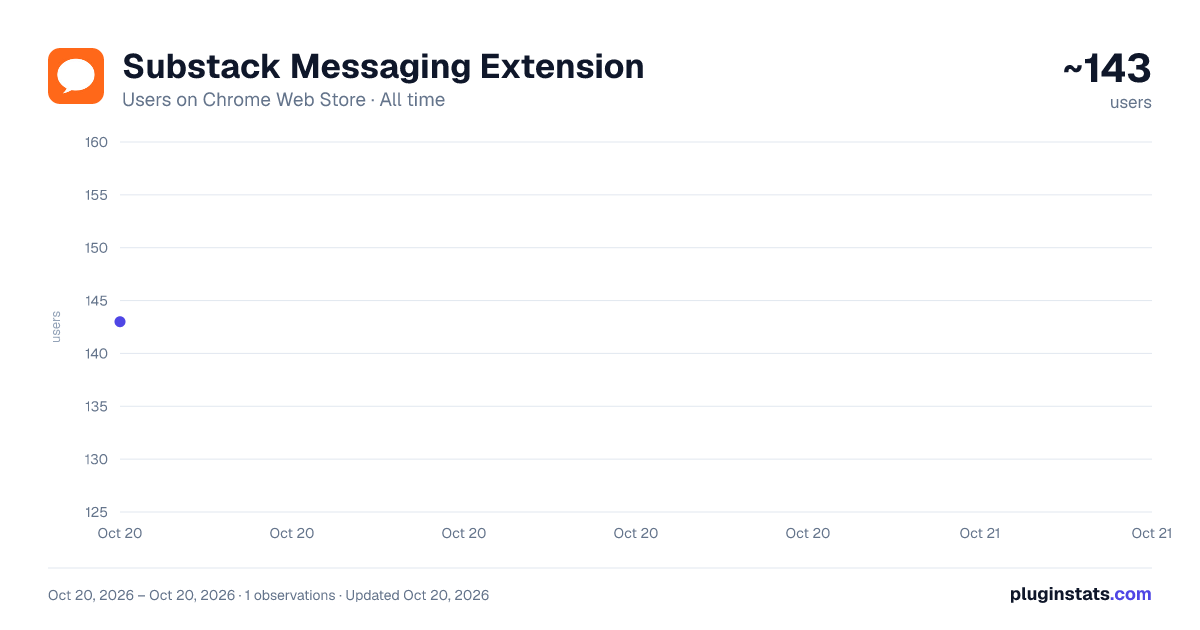
Substack Messaging Extension has approximately 143 recorded users on Chrome Web Store, ranking #2164 of 2,495 tracked listings.
Rating: 3.70 / 5 from 3 ratings
About Substack Messaging Extension
The Substack Auto Messenger Chrome extension is a tool designed to simplify communication with your Substack subscribers. It allows…
The Substack Auto Messenger Chrome extension is a tool designed to simplify communication with your Substack subscribers. It allows you to send personalized or generic messages directly to your subscribers efficiently.
Here's how it works:
- Install the Extension
- Download and install the Substack Auto Messenger Chrome extension from the Chrome Web Store.
- Navigate to the Correct Page
- Log in to your Substack profile.
- Go to your Subscribers page at this exact link: https://yournewsletter.substack.com/publish/subscribers (Make sure there’s nothing added to the link after “subscribers.”)
-
Open the Extension Click on the Substack Auto Messenger extension icon in your Chrome toolbar. Buy your monthly subscription in order to use the extension. To do that, click on the "Buy Now" button, which will open a new window.
-
Compose Your Message
- Use the provided text box to write your message.
- Limit the recipients to up to 50 subscribers at a time
- Double-check your message before sending.
-
Keep the Subscribers page open while the extension runs. The extension will indicate whether messages are successfully sent.
-
Best Practices Message Size: Keep messages concise and meaningful. Batch Sending: Avoid sending too many messages at once to maintain smooth operation (you can send max. 50 messages at once). Monitor Progress: Watch the extension's status updates to ensure all messages are sent correctly.
With this tool, you can efficiently manage your communication, welcome new subscribers, and strengthen engagement with your Substack audience.
Description from the Chrome Web Store listing.
README badge
Show your rank in a README or on your website. The badge updates automatically.
Charts
Images: 30d · 1y · all time · 1600×900 dark
Adoption over time
7/30/90-day growth
Ranking history
Ratings over time
Listing placement
Listing placement
Filled points are observed values; hollow points come from Internet Archive snapshots of the listing page. Dashed segments span periods with no observations — values between points are not interpolated.
Each band is one page of 20. Users on a linear scale. Placement is projected from users, so it can differ from the marketplace's own sort order. Hover a dot to see the listing.
Recent observations
Full history (1)Similar Chrome Web Store Developer Tools plugins
All 20 Substack Messaging Extension alternatives



Data source
Covers every Chrome Web Store extension with at least 100 users, found through the store's public sitemap. User counts are read from public listing pages. The 10% most-used extensions are refreshed daily, the next 40% weekly and the next 40% monthly; the least-used 10% are not refreshed. Google displays rounded user counts (and caps the display at 10,000,000+), so small changes may not be visible. Rating counts above 1,000 are rounded (e.g. 1.6K).
Listing: https://chromewebstore.google.com/detail/substack-messaging-extens/ljlojmjecdpmomhinccabcnboiidnbpd. First seen Oct 20, 2026; last successful collection Oct 20, 2026. See the methodology.