 PluginStats
DataLayer Inspector users statistics
Chrome Web Store · Developer Tools
Monitor and debug data layer implementations in real-time.Track Adobe, GTM, and custom data layer events with an interactive viewer.
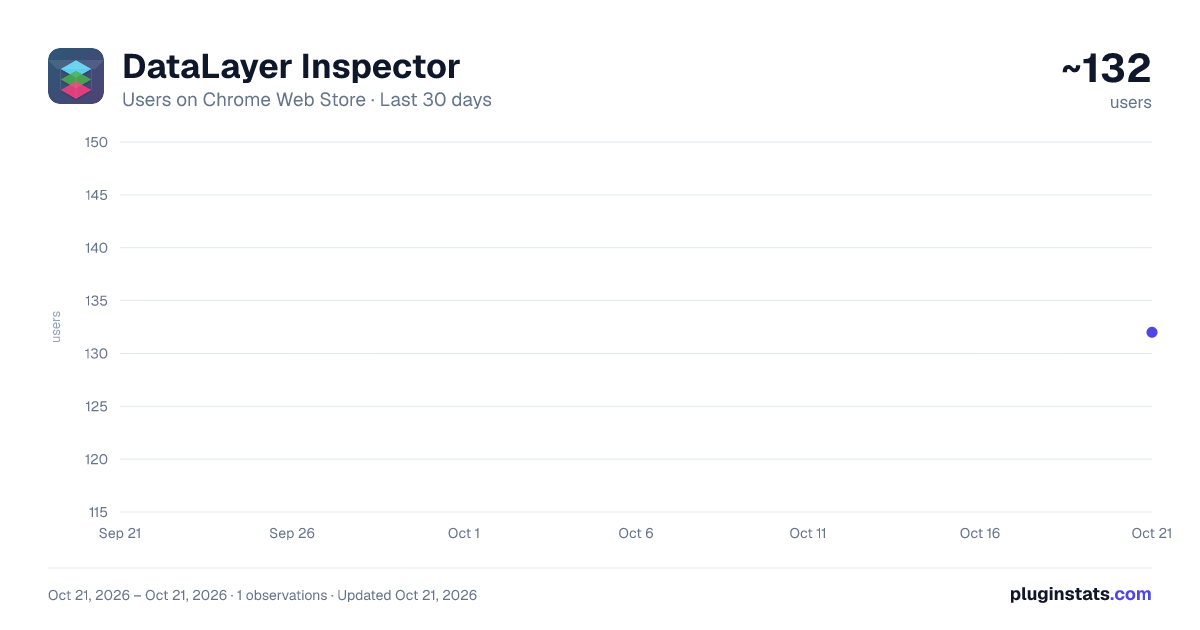
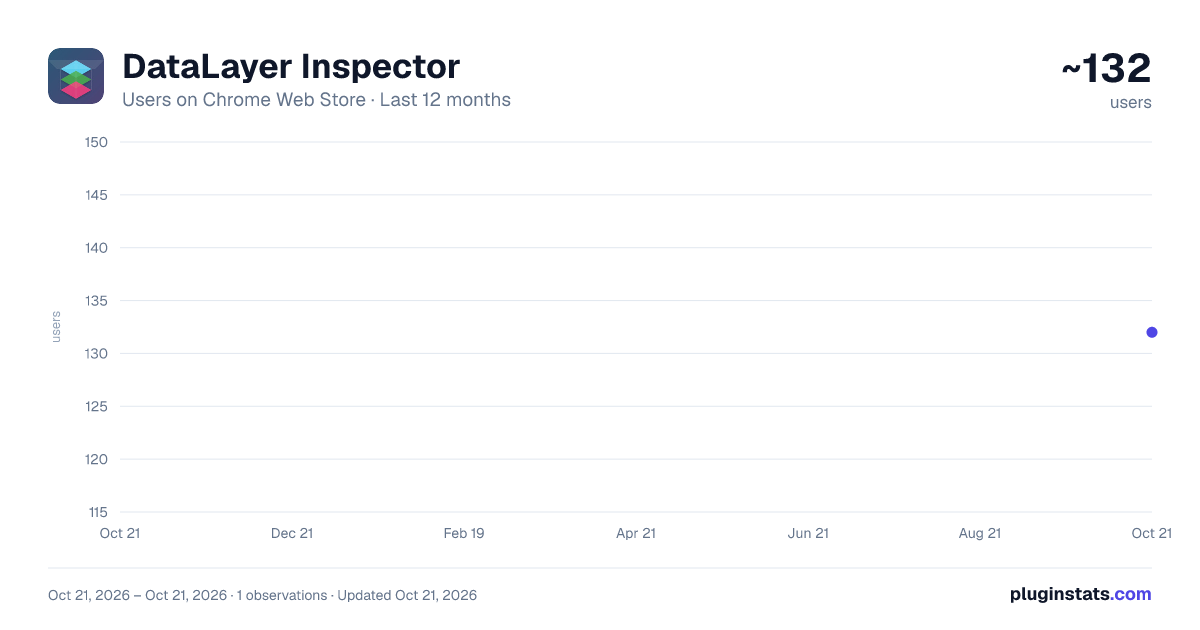
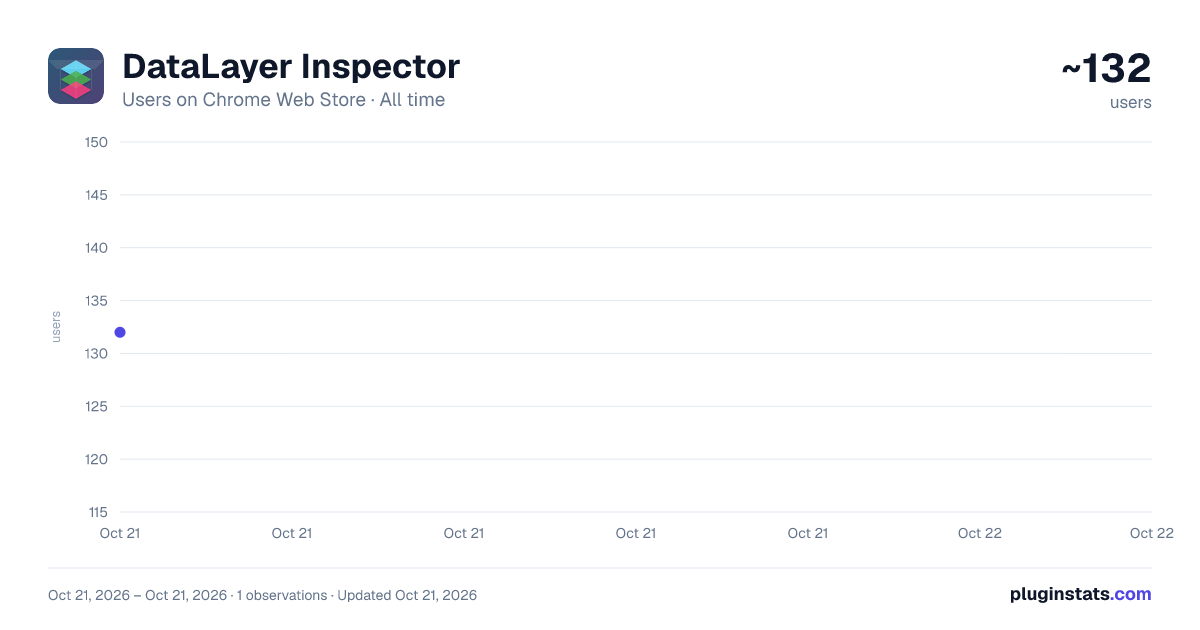
DataLayer Inspector has approximately 132 recorded users on Chrome Web Store, ranking #2642 of 2,952 tracked listings.
Rating: 4.00 / 5 from 4 ratings
About DataLayer Inspector
Monitor and debug data layer implementations in real-time.Track Adobe, GTM, and custom data layer events with an interactive viewer.
DataLayer Inspector is a powerful developer tool that helps you monitor, inspect, and debug data layer implementations in real-time. Whether you're working with Adobe Analytics, Google Tag Manager (GTM), or custom data layers, this extension provides a seamless way to track and validate your data layer events.
Key Features:
🔍 Real-Time Monitoring
- Watch data layer events as they happen
- See instant updates when data changes
- Track user interactions and page events
🎯 Universal Compatibility
- Works with Adobe Data Layer
- Supports Google Tag Manager
- Compatible with custom data layer implementations
- Monitor any data layer object in your website
⚡ Developer-Friendly Features
- Interactive floating viewer
- Expandable/collapsible JSON tree view
- Copy event data with one click
- Search and filter capabilities
- Dark/light theme support
⚙️ Flexible Configuration
- Customize data layer path
- Position viewer anywhere on screen
- Resize to your preferred dimensions
- Minimize when not in use
- Optional permissions for specific sites
🔒 Privacy-Focused
- Works entirely in your browser
- No data collection or transmission
- No external dependencies
Perfect For:
- Web Developers
- Analytics Engineers
- Marketing Technologists
- QA Engineers
- Digital Analysts
Use Cases:
- Debug analytics implementations
- Validate marketing tags
- Monitor e-commerce events
- Test data layer pushes
- Verify user interaction tracking
- Troubleshoot tracking issues
How to Use:
- Install the extension
- Click the extension icon to activate
- Watch data layer events in real-time
- Click events to expand and inspect details
- Use the settings to customize the path for custom data layers
The DataLayer Inspector makes it easy to ensure your analytics and marketing tags are firing correctly with the right data. Save time debugging and gain confidence in your implementations.
Support:
For questions, feature requests, or bug reports, please email at hi@srikanthr.dev
#analytics #debugging #developer-tools #gtm #adobe #data-layer
Description from the Chrome Web Store listing.
README badge
Show your rank in a README or on your website. The badge updates automatically.
Charts
Images: 30d · 1y · all time · 1600×900 dark
Adoption over time
7/30/90-day growth
Ranking history
Ratings over time
Listing placement
Listing placement
Filled points are observed values; hollow points come from Internet Archive snapshots of the listing page. Dashed segments span periods with no observations — values between points are not interpolated.
Each band is one page of 20. Users on a linear scale. Placement is projected from users, so it can differ from the marketplace's own sort order. Hover a dot to see the listing.
Recent observations
Full history (1)Similar Chrome Web Store Developer Tools plugins
All 20 DataLayer Inspector alternatives



Data source
Covers every Chrome Web Store extension with at least 100 users, found through the store's public sitemap. User counts are read from public listing pages. The 10% most-used extensions are refreshed daily, the next 40% weekly and the next 40% monthly; the least-used 10% are not refreshed. Google displays rounded user counts (and caps the display at 10,000,000+), so small changes may not be visible. Rating counts above 1,000 are rounded (e.g. 1.6K).
Listing: https://chromewebstore.google.com/detail/datalayer-inspector/dkdnkpbkmhjhglpkfmlfnbgmlhbehmgc. First seen Oct 21, 2026; last successful collection Oct 21, 2026. See the methodology.