 PluginStats

Insert HTML into Gmail users statistics
Chrome Web Store · Communication
Compose HTML with a live preview and insert it into a Gmail message at the cursor. Local-only, no accounts.
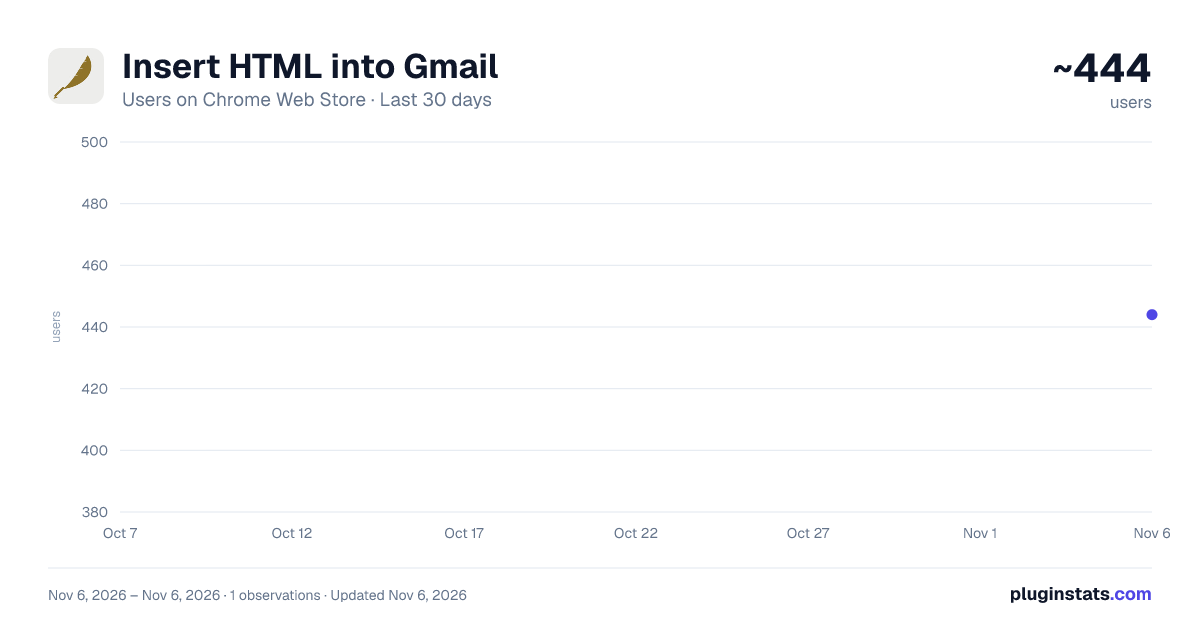
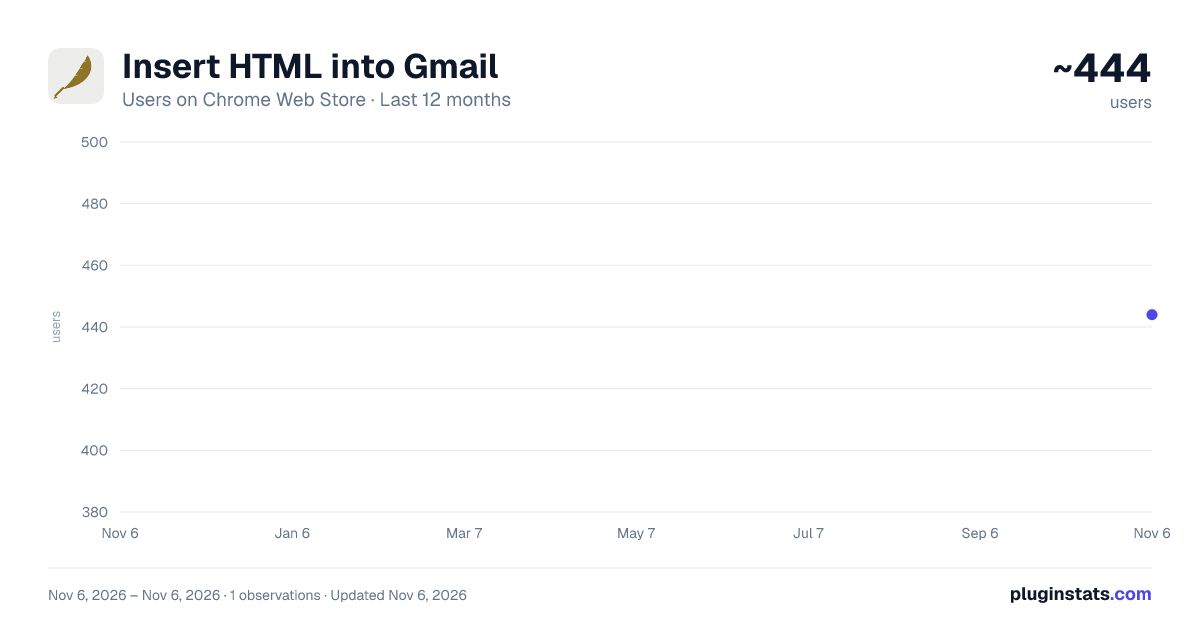
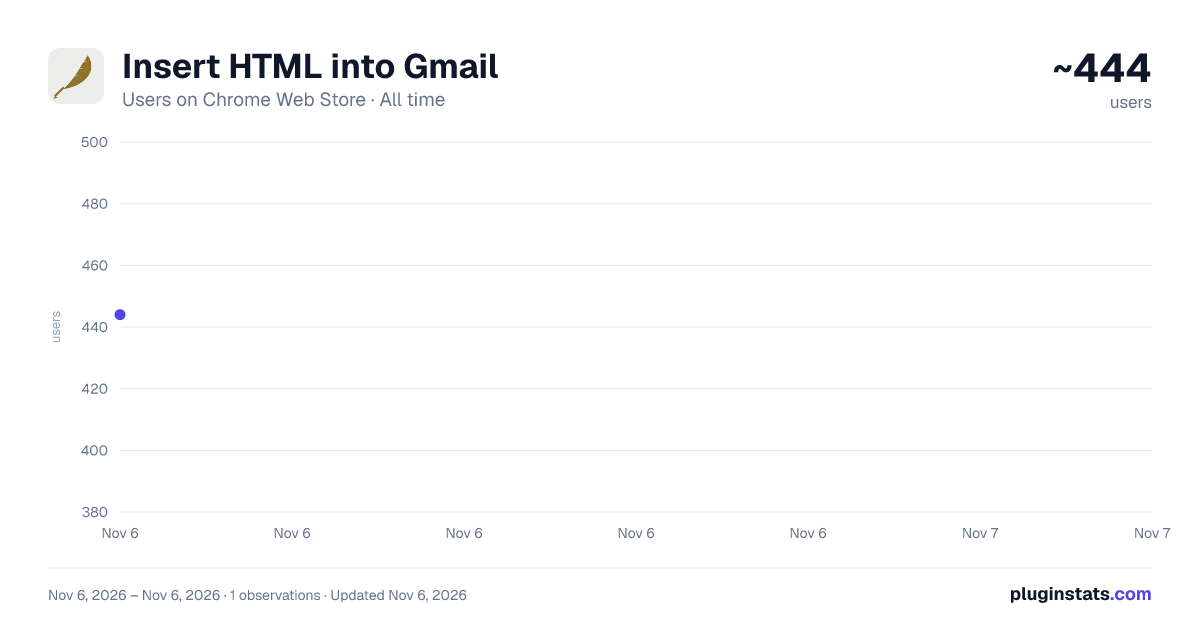
Insert HTML into Gmail has approximately 444 recorded users on Chrome Web Store, ranking #4038 of 7,624 tracked listings.
About Insert HTML into Gmail
Compose HTML with a live preview and insert it into a Gmail message at the cursor. Local-only, no accounts.
Write HTML email — a newsletter, a styled announcement, a formatted table — and drop it straight into a Gmail message.
HTML Composer gives you a fast, private path: type or paste HTML (or upload an .html file), see it rendered in a live preview, then insert it into your open Gmail compose window at the cursor. That's it. No accounts, no sign-up, and nothing is ever sent to a server — everything happens locally in your browser.
WHAT IT DOES • Syntax-highlighted HTML editor with a live, side-by-side preview • Insert your HTML into a Gmail draft at the cursor, with one click • Upload an .html file, or drag and drop one onto the editor • Already have content in the draft? Choose to replace it or append — so you never paste twice by accident • A built-in example newsletter to start from, and one-click reset to defaults
HOW TO USE IT
- Open Gmail and click Compose.
- Click into the message body to place your cursor.
- Open the extension, write or paste your HTML, and check the preview.
- Click "Insert into Gmail." Send as normal.
PRIVATE BY DESIGN • The only site it can touch is mail.google.com. • No analytics, no trackers, no external servers, no account. • Your in-progress HTML is kept only in your browser for the current session and is cleared when you restart Chrome. • It never reads or transmits your emails, contacts, or any other Gmail data.
GOOD TO KNOW Gmail sanitizes HTML when a message is sent: inline styles and standard tags are kept, but <style> blocks, external stylesheets, and class-based CSS (including media queries) are stripped. For best results, use inline styles and tables for layout — the same rules that apply to all HTML email.
Open source — code and privacy policy: https://github.com/pastroup/gmail-html-inserter
Description from the Chrome Web Store listing.
README badge
Show your rank in a README or on your website. The badge updates automatically.
Charts
Images: 30d · 1y · all time · 1600×900 dark
Adoption over time
7/30/90-day growth
Ranking history
Ratings over time
Listing placement
Listing placement
Filled points are observed values; hollow points come from Internet Archive snapshots of the listing page. Dashed segments span periods with no observations — values between points are not interpolated.
Each band is one page of 20. Users on a linear scale. Placement is projected from users, so it can differ from the marketplace's own sort order. Hover a dot to see the listing.
Recent observations
Full history (1)Similar Chrome Web Store Communication plugins
All 20 Insert HTML into Gmail alternatives



Data source
Covers every Chrome Web Store extension with at least 100 users, found through the store's public sitemap. User counts are read from public listing pages. The 10% most-used extensions are refreshed daily, the next 40% weekly and the next 40% monthly; the least-used 10% are not refreshed. Google displays rounded user counts (and caps the display at 10,000,000+), so small changes may not be visible. Rating counts above 1,000 are rounded (e.g. 1.6K).
Listing: https://chromewebstore.google.com/detail/insert-html-into-gmail/ikognjjooohdogdjloijnahhkgoekncj. First seen Nov 6, 2026; last successful collection Nov 6, 2026. See the methodology.