 PluginStats

YouTube GIF Comments users statistics
By Sam · Chrome Web Store · Communication
Renders GIF tags into inline GIFs on YouTube comments.
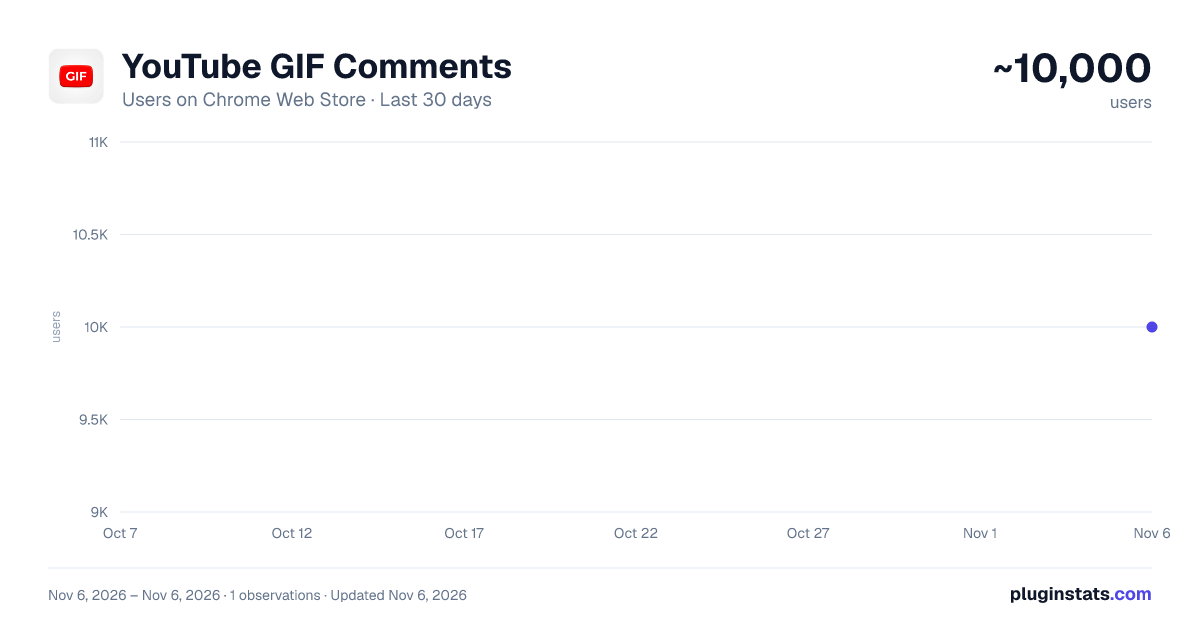
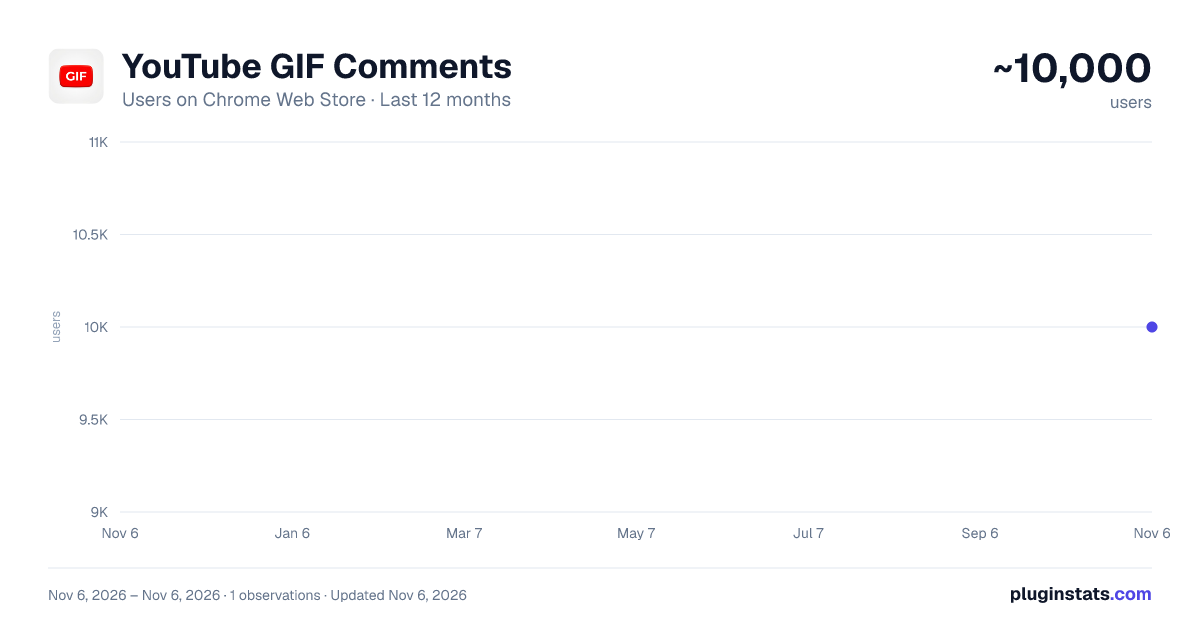
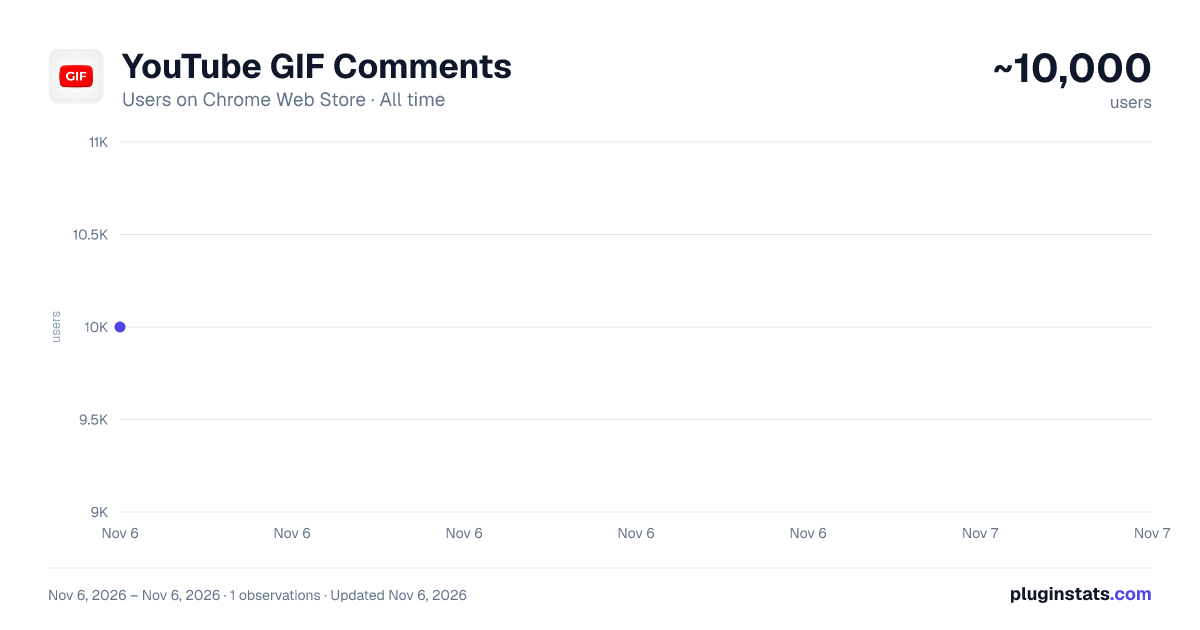
YouTube GIF Comments has approximately 10,000 recorded users on Chrome Web Store, ranking #892 of 7,624 tracked listings.
Rating: 2.50 / 5 from 216 ratings
About YouTube GIF Comments
Renders GIF tags into inline GIFs on YouTube comments.
YouTube GIF Comments Text and emojis are not always enough to get your point across in a YouTube comment section. Posting links to external GIFs is clunky because most people will not click on them. This extension solves that problem by integrating a native GIF search and rendering system directly into the YouTube interface.
Core Features Native UI integration: The extension adds a simple GIF button right next to the native emoji picker in the YouTube comment box. It fits naturally into the existing layout and looks like an official part of the site. Giphy search: You can search through Giphy's library inside a clean, responsive popup. It allows you to find trending reactions or search for specific terms quickly. Live previews: When you select a GIF, you get a preview below the comment input. This lets you see how it looks and write your text message before posting. You can also swap or remove the GIF with a single click. Inline rendering: The extension automatically converts special raw tags in comments into actual GIFs. They render directly in the comment thread without breaking the default layout of the page. YouTube Shorts compatibility: The extension is optimized for both standard videos and Shorts. The search window detects available screen space and automatically opens above the button if space is tight at the bottom of the screen. Inline GIFs also render inside the Shorts comment drawer. Stable performance: The rendering system is optimized so it does not slow down your browser or cause lag when you scroll through long comment sections. It works smoothly with YouTube's virtual DOM structure. How it works Open the comment box on any video or Short and click the new GIF button. Search for a reaction in the popup and click the GIF you want to use. You will see a preview of the GIF below your text box. Add your comment text and click submit. The extension turns the tag into a GIF for anyone who has the extension installed. Privacy and Tech Specs This extension is built on Manifest V3 and runs locally in your browser. It does not collect any personal data, track your history, or require access to your YouTube credentials. It only uses the minimal permissions required to insert the UI and render the images.
Please note: Because YouTube comments do not natively support image uploads, the extension uses a tag system. Other users will need to have the extension installed to see the inline images. If they do not, they will see a small, readable text tag instead of a broken link.
Description from the Chrome Web Store listing.
README badge
Show your rank in a README or on your website. The badge updates automatically.
Charts
Images: 30d · 1y · all time · 1600×900 dark
Adoption over time
7/30/90-day growth
Ranking history
Ratings over time
Listing placement
Listing placement
Filled points are observed values; hollow points come from Internet Archive snapshots of the listing page. Dashed segments span periods with no observations — values between points are not interpolated.
Each band is one page of 20. Users on a linear scale. Placement is projected from users, so it can differ from the marketplace's own sort order. Hover a dot to see the listing.
Recent observations
Full history (1)Similar Chrome Web Store Communication plugins
All 20 YouTube GIF Comments alternatives



Data source
Covers every Chrome Web Store extension with at least 100 users, found through the store's public sitemap. User counts are read from public listing pages. The 10% most-used extensions are refreshed daily, the next 40% weekly and the next 40% monthly; the least-used 10% are not refreshed. Google displays rounded user counts (and caps the display at 10,000,000+), so small changes may not be visible. Rating counts above 1,000 are rounded (e.g. 1.6K).
Listing: https://chromewebstore.google.com/detail/youtube-gif-comments/fogcfkjicadghgcpicdfgmmdldedgnhl. First seen Nov 6, 2026; last successful collection Nov 6, 2026. See the methodology.