 PluginStats

PromptDC: AI Prompt & Writing Assistant users statistics
Chrome Web Store · Communication
Improve prompts and writing in one click on any site. Fix grammar, rewrite emails and posts, summarize, and enhance AI prompts.
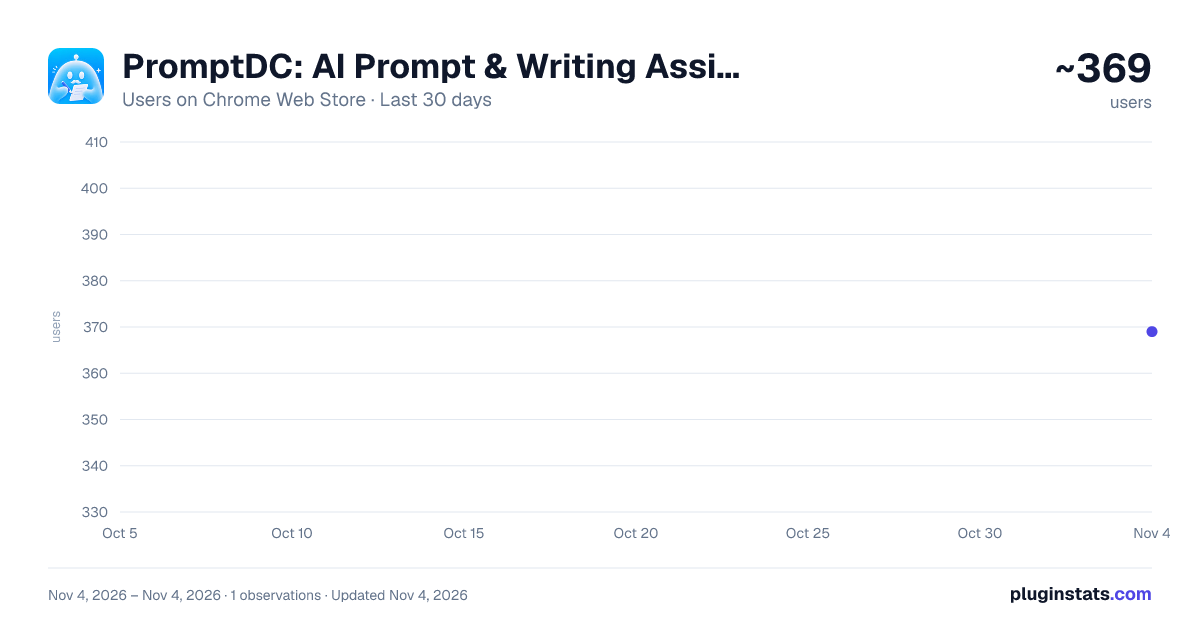
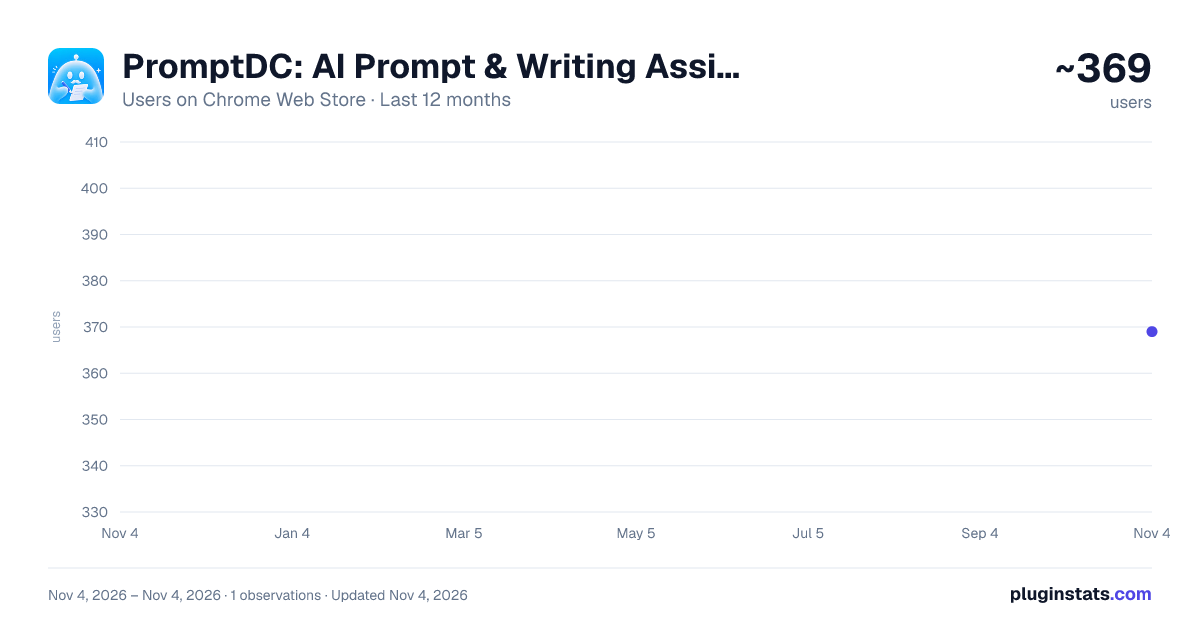
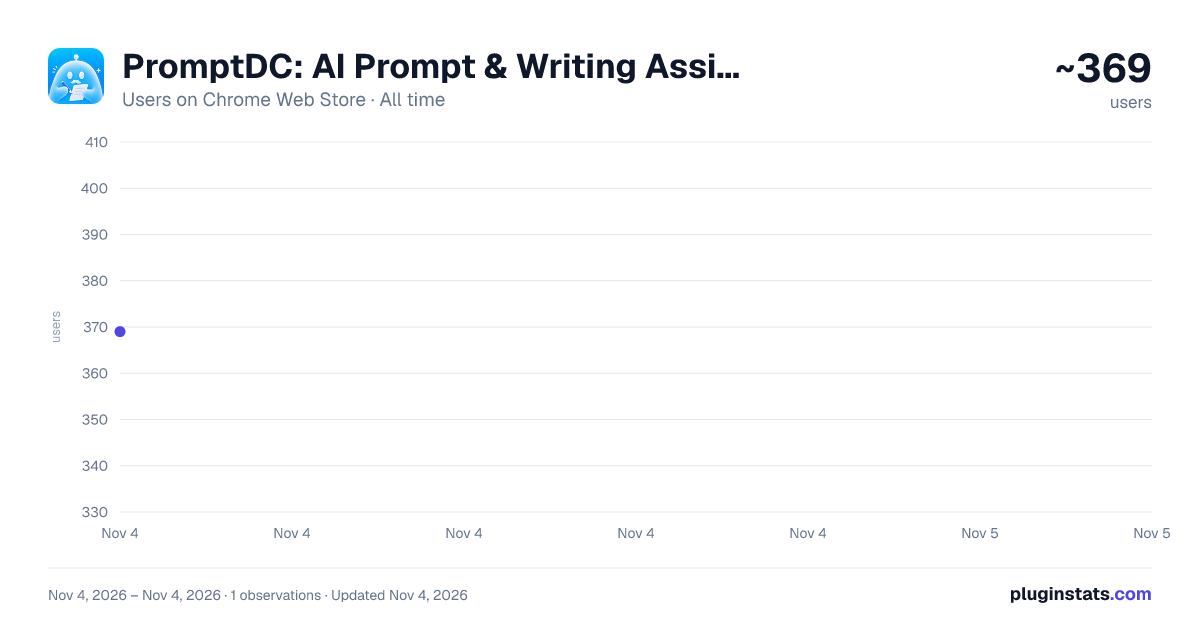
PromptDC: AI Prompt & Writing Assistant has approximately 369 recorded users on Chrome Web Store, ranking #4217 of 7,342 tracked listings.
Rating: 4.20 / 5 from 12 ratings
About PromptDC: AI Prompt & Writing Assistant
Improve prompts and writing in one click on any site. Fix grammar, rewrite emails and posts, summarize, and enhance AI prompts.
One click. Any website. Better words for people and AI.
PromptDC polishes everyday writing and turns rough AI prompts into clearer instructions, directly in any text box, on any text you select, or in the sidebar Enhance panel.
🚀 HOW IT WORKS
- Select text on any webpage, or focus a text box and start typing
- Choose the profile that fits your task, or describe what you want with a custom Action
- Click the enhance button (✨) to improve your writing or prompt
- Review the result in Changes or Edit view
- Accept an editable rewrite in place, or copy the result from a read-only page
Prefer the keyboard? Press Ctrl+Shift+Space on Windows or Command+Shift+Space on Mac to enhance the focused text field.
✍️ WRITING MODE
Choose from nine built-in writing profiles:
• Grammar corrects spelling, grammar, punctuation, and awkward phrasing • Email turns rough notes into a clear, complete email • Social sharpens posts for the platform and audience • Summarize distills selected text into the essential points • Reply drafts a clear response to a message • Professional gives your writing a polished workplace tone • Concise removes filler while preserving the meaning • Explain makes complex text easier to understand • Image Prompt expands an idea into a detailed image-generation prompt
Select part of an email, post, document, article, or webpage and run the profile you need. In editable text, PromptDC can replace only the selected text or rewrite the field in place. On read-only pages, it copies the improved result to your clipboard.
Create custom profiles with your own instructions, then set a default profile for each website. Use Grammar on Gmail, Social on X, Professional on LinkedIn, or any setup that matches your workflow.
✨ FLOATING TOOLBAR, SELECTION & CUSTOM ACTIONS
The floating toolbar appears beside text you select anywhere on the web. It also appears as you work in editable text boxes, unless you enable Selection-only mode.
• Click Enhance to run the active profile • Switch profiles without leaving the page • Use Action to tell the AI exactly what to do with the text • Open Community and Library prompts • Open Settings in the sidebar
Need something a profile doesn't cover? Open the profile switcher, type a custom Action such as "shorten this", "make it friendlier", or "translate to Spanish", and press Enter. PromptDC applies your instruction to the selected text or the text box as a one-off, without changing your profiles.
After an enhancement, open Changes to see deletions in red and additions in green. Switch to Edit to adjust the result before accepting or copying it.
🪄 ENHANCE PANEL IN THE SIDEBAR
Sometimes the text you want to improve isn't on the page yet. Open the sidebar and use the Enhance panel, a scratchpad that works exactly like the PromptDC desktop app:
- Pick a profile, or switch to Action and describe what to do
- Paste or type your text
- Click Enhance
The result replaces your text. Review it in Changes or Edit view, copy it anywhere, or hit Undo to get your original back. Perfect for polishing a message before you paste it into a form, chat, or document that has no text box support.
💻 CODING MODE
Turn a vague coding request into a clear, structured prompt with requirements, constraints, edge cases, and an expected output. Use Code mode with ChatGPT, Claude, Lovable, Replit, and other AI coding tools to get implementation-ready instructions without leaving the text box.
Coding sites default to Code mode. You can still switch profiles or create your own per-site rule whenever your task changes.
📚 COMMUNITY & LIBRARY
• Browse prompts and system instructions shared by the community • Keep your own reusable prompts in My Library • Type "//" in any text field to search and insert a saved or community prompt • Insert useful prompts without opening another tab or copying and pasting
💾 SAVE TO LIBRARY
Found text or a prompt you want to reuse?
- Select it on any webpage
- Right-click and choose "Save to Library"
- Add a name, description, type, category, and tags
- Find it later from My Library or with the "//" shortcut
⚙️ SIDEBAR SETTINGS
Make PromptDC work the way you do:
• Language: Choose the output language • Format: Regular, JSON, XML, or YAML • Enhancement Mode: Simple for quick tasks, or Structured for complex implementations • Override System Prompt: Replace the default enhancement instructions with your own • Always Include: Add a rule or instruction to every enhancement • Selection-only mode: Show PromptDC only when you select text, not when you focus or type in an empty text box • Profiles and site defaults: Create custom profiles and choose which profile activates on each website
📝 BEFORE & AFTER
Writing mode (Email profile)
Before:
hey sam, cant make our 2pm catchup tomorrow, dentist appt got moved. can we do thurs morning instead? need to go over the launch notes + next steps. sorry for late change
After:
Subject: Rescheduling Tomorrow's 2:00 PM Catch-Up
Hi Sam,
My dentist appointment was moved, so I can't make our 2:00 PM catch-up tomorrow. I'm sorry for the late change.
Could we reschedule for Thursday morning? I'd still like to go over the launch notes and next steps. Please let me know if that works for you.
Best, [Your Name]
Coding mode
Before:
"create a food tracking app"
After (Rewritten):
"Design and implement a responsive food tracking app with a hero section, a daily food log (date, foods, calories/macros), and an Add Food modal (name, calories, protein, carbs, fats). Include loading, empty, and error states, responsive layout, and semantic HTML. Structure the codebase with small, reusable components (FoodLog, AddFoodModal, FoodEntryCard) using design system tokens, with no inline overrides."
💡 WHY PROMPTDC?…
Description from the Chrome Web Store listing.
README badge
Show your rank in a README or on your website. The badge updates automatically.
Charts
Images: 30d · 1y · all time · 1600×900 dark
Adoption over time
7/30/90-day growth
Ranking history
Ratings over time
Listing placement
Listing placement
Filled points are observed values; hollow points come from Internet Archive snapshots of the listing page. Dashed segments span periods with no observations — values between points are not interpolated.
Each band is one page of 20. Users on a linear scale. Placement is projected from users, so it can differ from the marketplace's own sort order. Hover a dot to see the listing.
Recent observations
Full history (1)Similar Chrome Web Store Communication plugins
All 20 PromptDC: AI Prompt & Writing Assistant alternatives



Data source
Covers every Chrome Web Store extension with at least 100 users, found through the store's public sitemap. User counts are read from public listing pages. The 10% most-used extensions are refreshed daily, the next 40% weekly and the next 40% monthly; the least-used 10% are not refreshed. Google displays rounded user counts (and caps the display at 10,000,000+), so small changes may not be visible. Rating counts above 1,000 are rounded (e.g. 1.6K).
Listing: https://chromewebstore.google.com/detail/promptdc-ai-prompt-writin/dandneiidpgdhdadiogkcikebchholpp. First seen Nov 4, 2026; last successful collection Nov 4, 2026. See the methodology.