 PluginStats

Picture & video downloader for Brightwheel users statistics
By rash.extensions · Chrome Web Store · Household
Independent Chrome extension to help download pictures and videos in bulk from Brightwheel (childcare management tool)
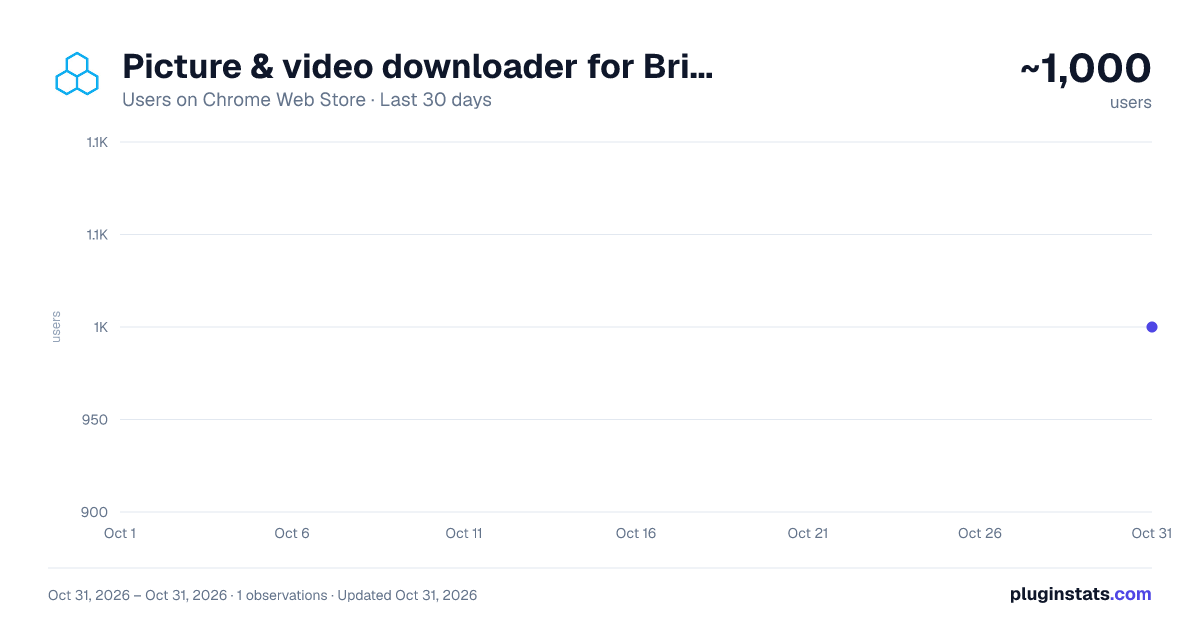
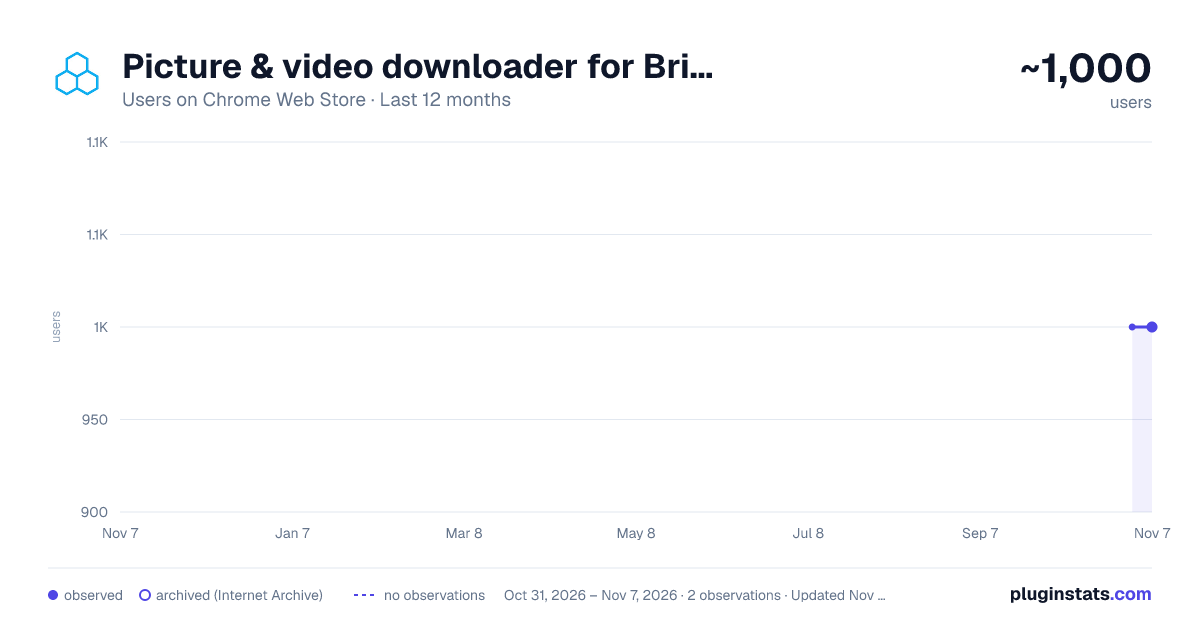
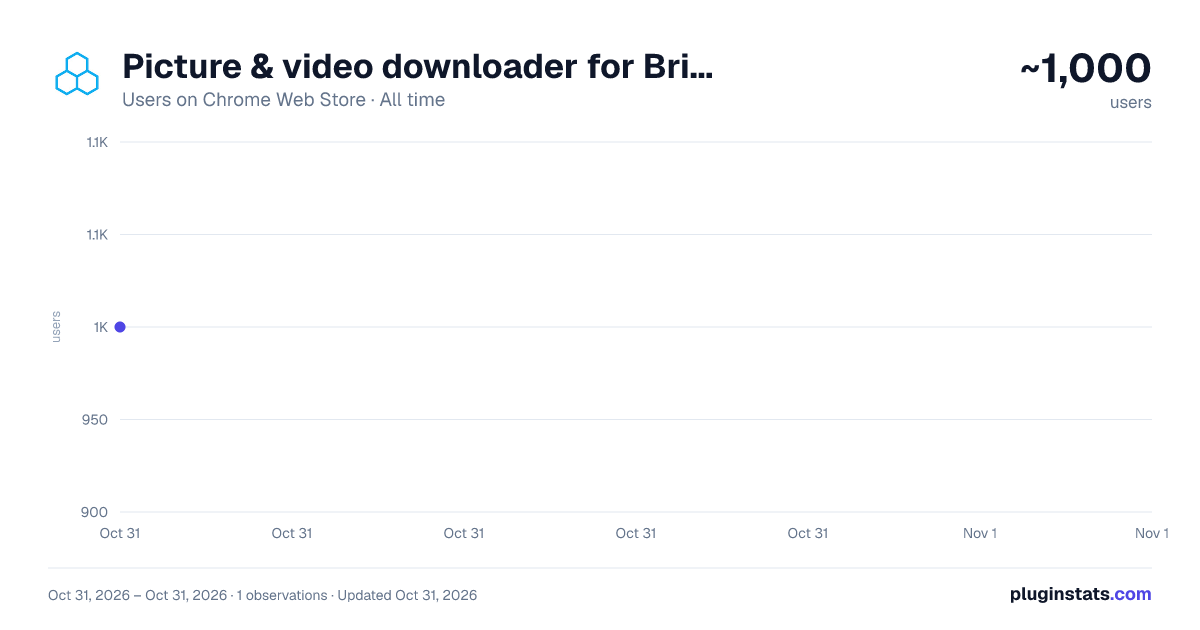
Picture & video downloader for Brightwheel has approximately 1,000 recorded users on Chrome Web Store, ranking #2341 of 6,672 tracked listings.
Rating: 4.90 / 5 from 17 ratings
About Picture & video downloader for Brightwheel
Independent Chrome extension to help download pictures and videos in bulk from Brightwheel (childcare management tool)
Are you trying to download pictures or videos of your child from Brightwheel?While the official website from Brightwheel says that you cannot download your pictures in bulk and you must save each picture individually, this chrome extension makes it super easy to do just that with only one click! Just enter the date range of when the pictures were posted to Brightwheel and you can then download all your pictures in a single zip file.
Note: "Brightwheel" is a registered trademark of its respective owner. This Chrome extension is not affiliated with, approved by, sponsored by, or associated with Brightwheel or its affiliates. Use of the "Brightwheel" name in this extension's description is for identification purposes only and does not imply any association with the trademark holder.
Privacy Note: This extension does not access, view, store, or transmit your login credentials, passwords, or any of your images/videos. Your email is collected in order to support an upgrade to a premium version through Stripe, a reputable, third party payment processor. We will never share or sell your email.
To use
- Login to the Brightwheel portal
- Once logged in, right click anywhere on the page and hit the "Bulk download media" in the right click menu.
- A new tab will open with a form where you can specify which child, the start/end date and any keywords you want to exclude
- Press Next, you should see how many pictures will be included in the zip file
- Press Download and after a few seconds you should have a zip file in your default downloads folder with all the pictures and videos inside.
Description from the Chrome Web Store listing.
README badge
Show your rank in a README or on your website. The badge updates automatically.
Charts
Images: 30d · 1y · all time · 1600×900 dark
Adoption over time
7/30/90-day growth
Ranking history
Ratings over time
Listing placement
Filled points are observed values; hollow points come from Internet Archive snapshots of the listing page. Dashed segments span periods with no observations — values between points are not interpolated.
Each band is one page of 20. Users on a linear scale. Placement is projected from users, so it can differ from the marketplace's own sort order. Hover a dot to see the listing.
Recent observations
Full history (1)Similar Chrome Web Store Household plugins
All 20 Picture & video downloader for Brightwheel alternatives



Data source
Covers every Chrome Web Store extension with at least 100 users, found through the store's public sitemap. User counts are read from public listing pages. The 10% most-used extensions are refreshed daily, the next 40% weekly and the next 40% monthly; the least-used 10% are not refreshed. Google displays rounded user counts (and caps the display at 10,000,000+), so small changes may not be visible. Rating counts above 1,000 are rounded (e.g. 1.6K).
Listing: https://chromewebstore.google.com/detail/picture-video-downloader/gljbmiilfgabbipapcmfenedegaklnjb. First seen Oct 31, 2026; last successful collection Oct 31, 2026. See the methodology.