 PluginStats

PrismTab - New Tab Dashboard users statistics
Chrome Web Store · Functionality & UI
Lightning-fast, powerful and fully customizable new tab page.
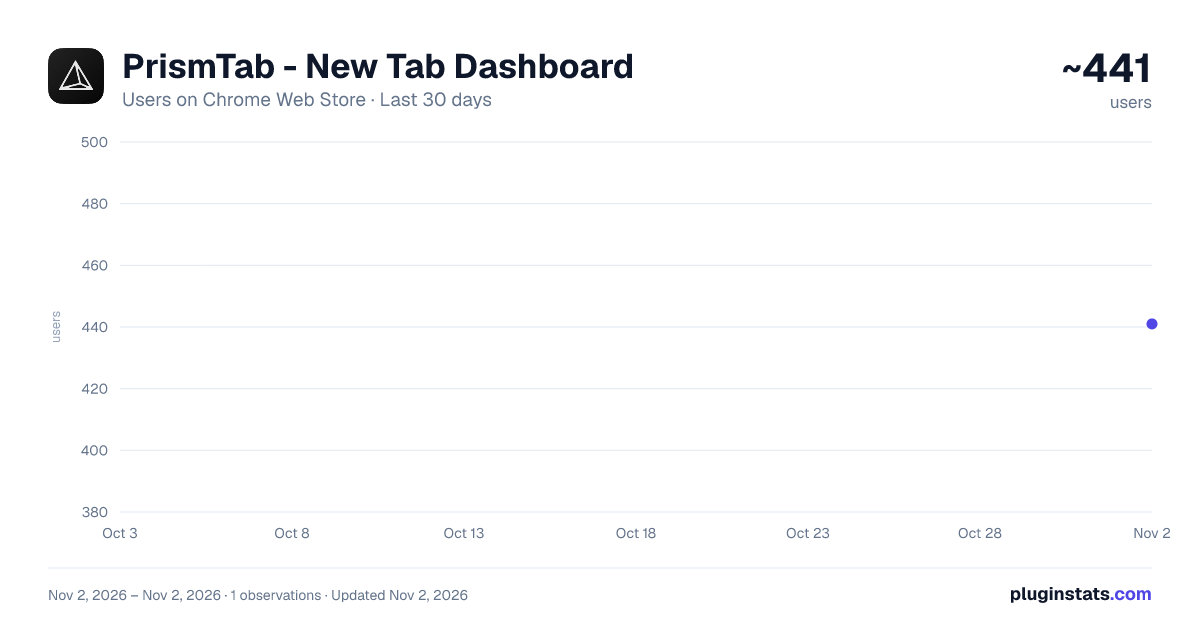
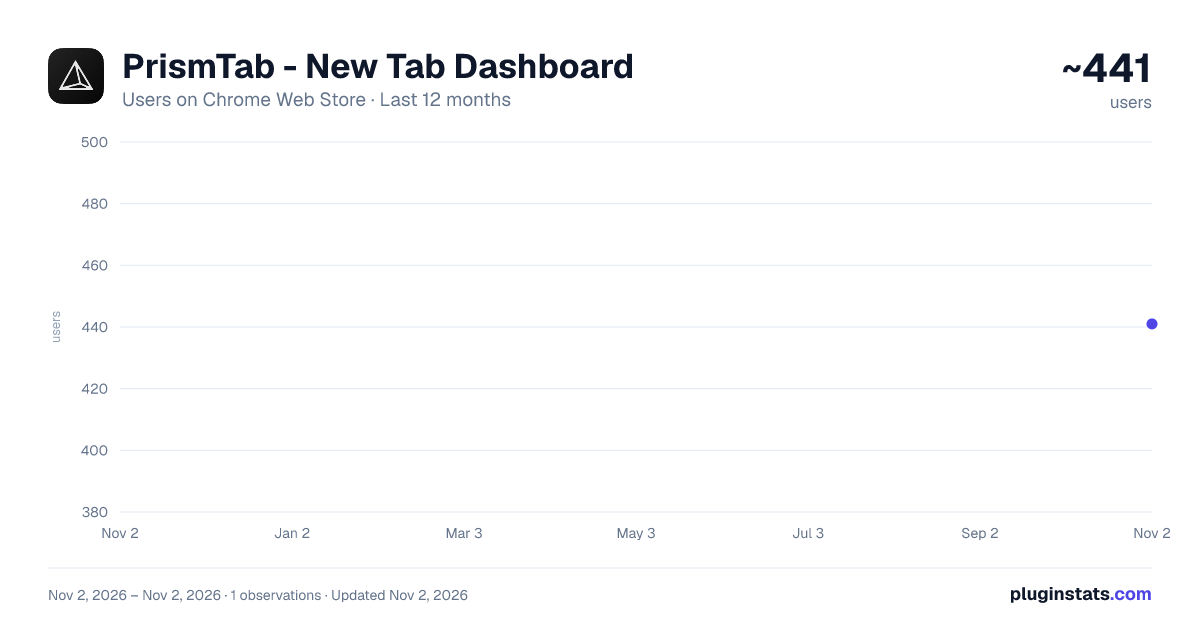
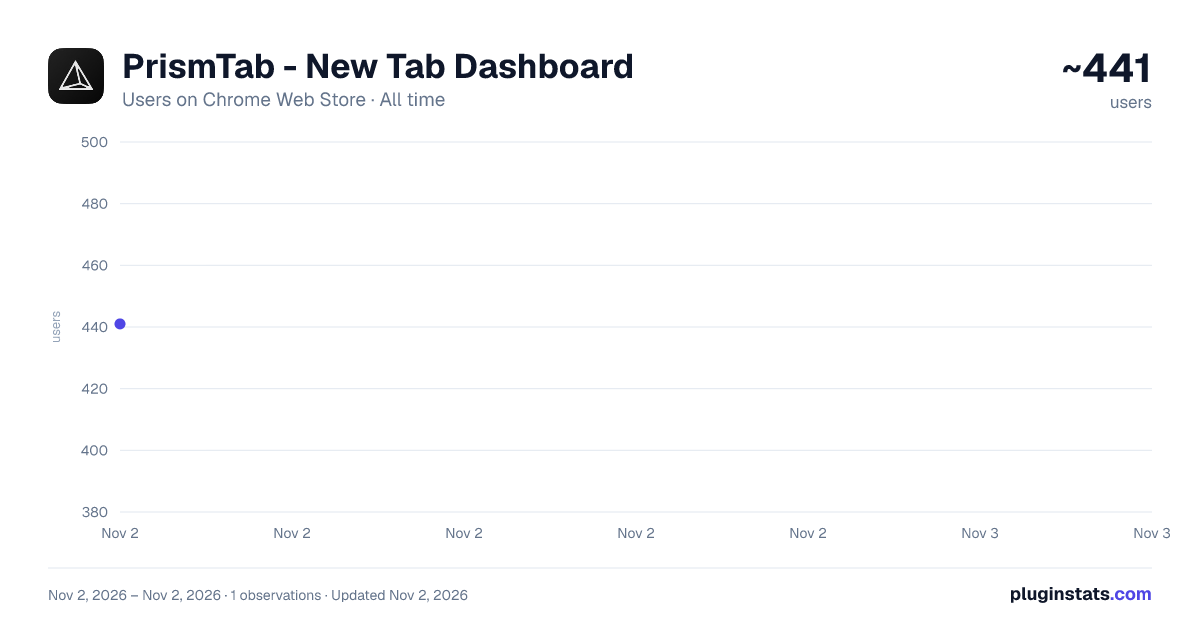
PrismTab - New Tab Dashboard has approximately 441 recorded users on Chrome Web Store, ranking #3531 of 6,672 tracked listings.
Rating: 5.00 / 5 from 8 ratings
About PrismTab - New Tab Dashboard
Lightning-fast, powerful and fully customizable new tab page.
PrismTab replaces your default new tab page with a fast, customizable workspace built for focus and aesthetics. Features built-in widgets, two-way bookmark sync, and a distraction-free Zen mode — completely private and offline.
✦ Two Ways to Work
- Dashboard Mode: A customizable home screen with bookmarks, widgets, folders, and a floating dock.
- Minimalist Mode: A calm screen with a clean clock, daily focus goal, and quote.
✦ Built-in Widgets
- Notes: Clean scratchpad with rich text, checklists, links, and auto-save.
- Tasks: Simple to-do list with drag-to-reorder and progress tracking.
- Calendar: Day schedule and monthly view with 1-click Zoom/Meet links.
- Weather: Current temperatures, 7-day forecast, sunrise/sunset times, and air quality.
- Clock: Digital and analog faces with world timezones and sweeping hands.
- Timer: Pomodoro countdowns and custom focus timers with audio alerts.
- News Feeds: Clutter-free RSS reader for your favorite blogs and news sites.
- Utilities Hub: Quick calculator, unit converter, QR code generator, text tools, and more.
✦ Bookmarks & Layout
- 2-Way Sync: Connects to your browser bookmarks bar and keeps changes in sync.
- Fluid Drag & Drop: Move items freely, drop links together to make folders, or pin to the dock.
- Nested Folders: Organize shortcuts into clean folders inside folders.
- The Dock: A clean bottom or side shelf for your most-used websites.
- Spotlight Search: Press Cmd + F (or Ctrl + F) to find any link or widget instantly.
✦ Full Customization
- Themes: Dark mode, light mode, or match system settings with custom accent colors.
- Wallpapers: Daily curated photos, default gallery, solid/gradient colors, or custom uploads.
- Icon Styles: Choose squircle or circle icons with glass, solid, or clean transparent styles.
- Adaptive Text: Text contrast automatically shifts so links stay readable on any background.
✦ Fast, Private & Offline
- Instant Load: Built without heavy frameworks for zero-lag tab opens.
- 100% Local: Your data stays in your browser. Nothing is sent to external servers.
- Backup Anytime: Export your full setup to a file and restore it on any computer.
Description from the Chrome Web Store listing.
README badge
Show your rank in a README or on your website. The badge updates automatically.
Charts
Images: 30d · 1y · all time · 1600×900 dark
Adoption over time
7/30/90-day growth
Ranking history
Ratings over time
Listing placement
Listing placement
Filled points are observed values; hollow points come from Internet Archive snapshots of the listing page. Dashed segments span periods with no observations — values between points are not interpolated.
Each band is one page of 20. Users on a linear scale. Placement is projected from users, so it can differ from the marketplace's own sort order. Hover a dot to see the listing.
Recent observations
Full history (1)Similar Chrome Web Store Functionality & UI plugins
All 20 PrismTab - New Tab Dashboard alternatives



Data source
Covers every Chrome Web Store extension with at least 100 users, found through the store's public sitemap. User counts are read from public listing pages. The 10% most-used extensions are refreshed daily, the next 40% weekly and the next 40% monthly; the least-used 10% are not refreshed. Google displays rounded user counts (and caps the display at 10,000,000+), so small changes may not be visible. Rating counts above 1,000 are rounded (e.g. 1.6K).
Listing: https://chromewebstore.google.com/detail/prismtab-new-tab-dashboar/cmblgpbjejphigjahcmddndhnffobbid. First seen Nov 2, 2026; last successful collection Nov 2, 2026. See the methodology.