 PluginStats

TranscribeFlow users statistics
By TranscribeFlow · Chrome Web Store · Accessibility
Easy and Seamless Audio Transcription & Precise AI Transcript Summaries
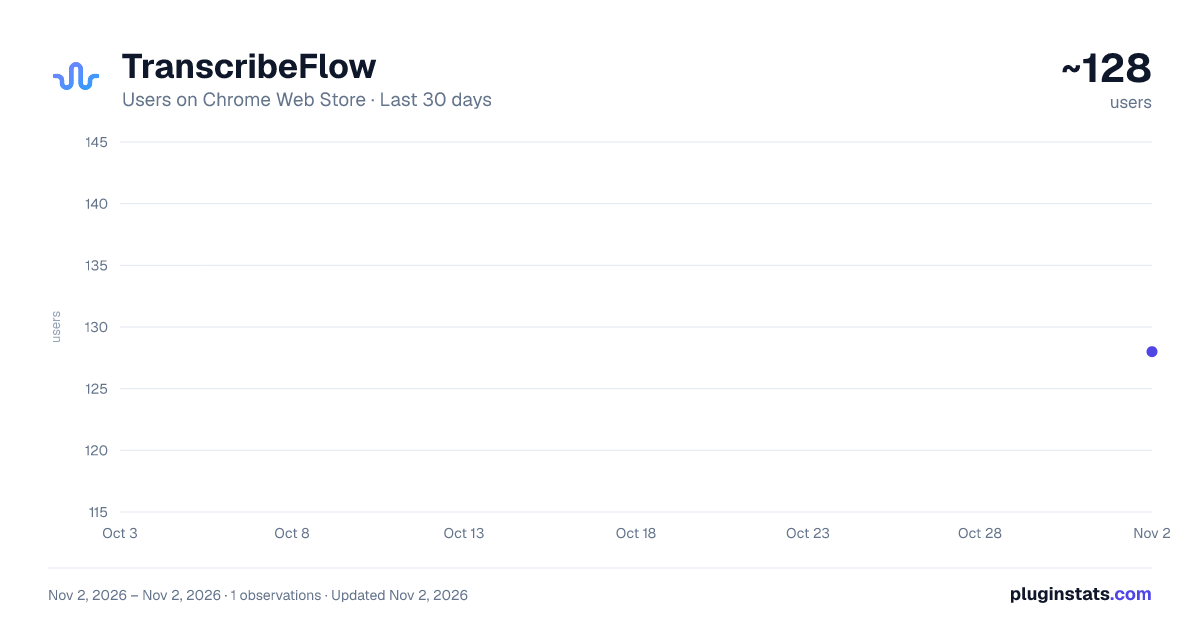
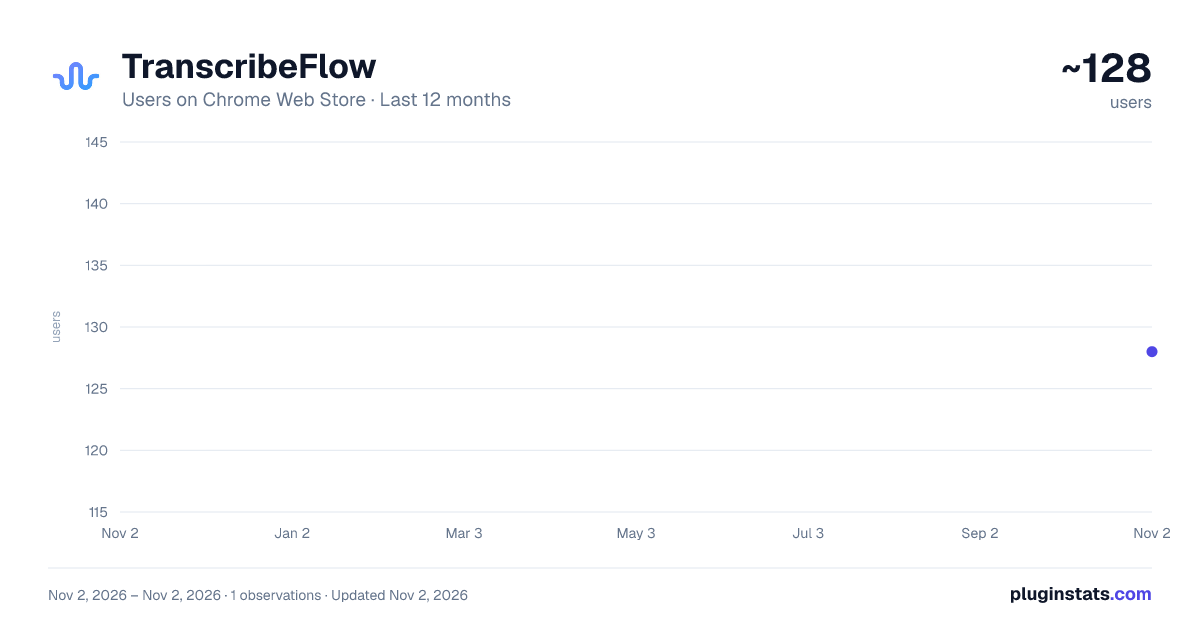
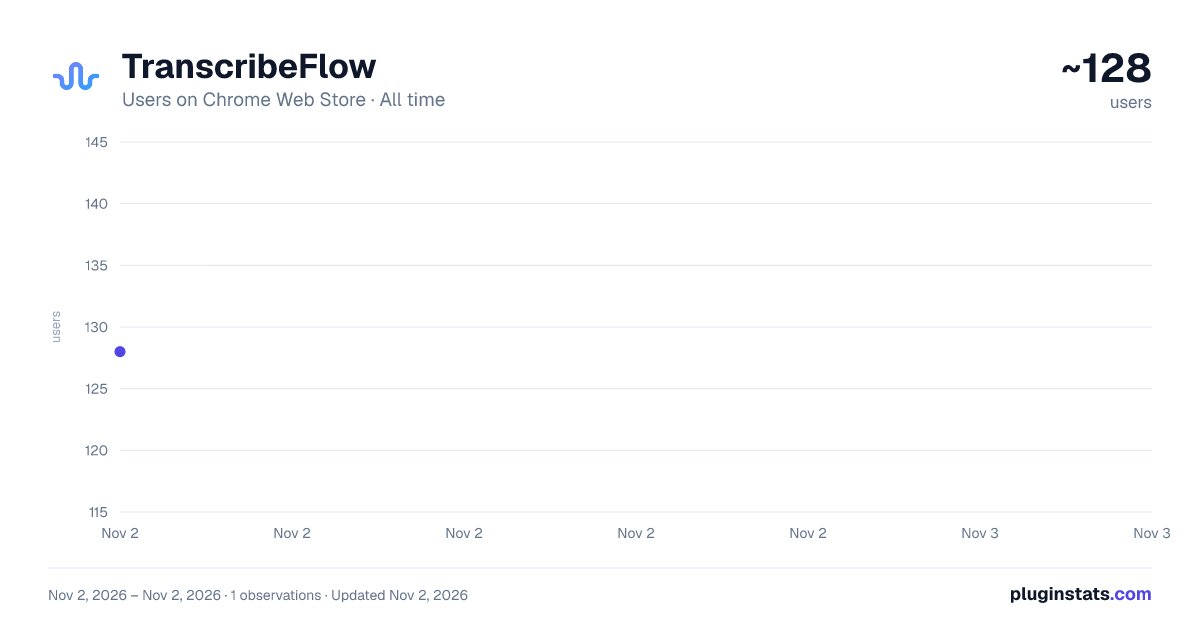
TranscribeFlow has approximately 128 recorded users on Chrome Web Store, ranking #6123 of 6,786 tracked listings.
Rating: 3.40 / 5 from 5 ratings
About TranscribeFlow
Easy and Seamless Audio Transcription & Precise AI Transcript Summaries
🎙️ TranscribeFlow – AI Transcription for Chrome Tabs TranscribeFlow is your go-to Chrome extension for the transcription of any tab's audio — from meetings and webinars to YouTube videos and podcasts. Powered by AI, TranscribeFlow converts spoken audio into accurate, readable text, directly from your browser.
Whether you're a student, journalist, content creator, remote worker, or anyone who wants to capture audio insights as text — TranscribeFlow makes it effortless.
✨ Key Features: 🔊 Transcription of Any Tab Transcribe audio from Zoom, Google Meet, YouTube, podcasts, webinars, and more — no downloads or integrations needed.
🧠 Powered by AI Enjoy fast and accurate AI transcription backed by a powerful speech-to-text engine.
📝 AI Summarization Go beyond transcription. Automatically generate concise summaries of your transcripts — perfect for quick reviews and sharing key points.
🎯 Multi-Use Perfect for meeting notes, lecture capture, research, accessibility, and content repurposing.
💾 Save & Export Download transcripts and summaries for future reference.
🧩 Use Cases:
Students transcribing lectures
Professionals capturing meeting notes automatically
Creators generating captions or blog content from videos
Journalists recording interviews directly from browser audio
Teams building searchable knowledge from conversations
🚀 Why TranscribeFlow? Unlike tools that only work on specific platforms, TranscribeFlow works with any tab that has audio. No need for complex setups or uploading files. Just click, transcribe, and go.
🛠 How It Works:
Open the tab with the audio you want to transcribe.
Launch the TranscribeFlow extension.
Click "Start Transcription."
Watch your audio turn into text — instantly.
Optionally, generate a summary with one click.
🔐 Secure & Private All transcriptions and summaries are processed securely. We don’t store or share your audio or text.
Start capturing and understanding everything you hear — instantly and accurately — with TranscribeFlow.
📥 Install now and never miss a word again.
Description from the Chrome Web Store listing.
README badge
Show your rank in a README or on your website. The badge updates automatically.
Charts
Images: 30d · 1y · all time · 1600×900 dark
Adoption over time
7/30/90-day growth
Ranking history
Ratings over time
Listing placement
Listing placement
Filled points are observed values; hollow points come from Internet Archive snapshots of the listing page. Dashed segments span periods with no observations — values between points are not interpolated.
Each band is one page of 20. Users on a linear scale. Placement is projected from users, so it can differ from the marketplace's own sort order. Hover a dot to see the listing.
Recent observations
Full history (1)Similar Chrome Web Store Accessibility plugins
All 20 TranscribeFlow alternatives



Data source
Covers every Chrome Web Store extension with at least 100 users, found through the store's public sitemap. User counts are read from public listing pages. The 10% most-used extensions are refreshed daily, the next 40% weekly and the next 40% monthly; the least-used 10% are not refreshed. Google displays rounded user counts (and caps the display at 10,000,000+), so small changes may not be visible. Rating counts above 1,000 are rounded (e.g. 1.6K).
Listing: https://chromewebstore.google.com/detail/transcribeflow/cmdjoakdcogianplocglngnmmkmemiml. First seen Nov 2, 2026; last successful collection Nov 2, 2026. See the methodology.