 PluginStats
CSS Selector Capture Pro users statistics
By POINT & SHOOT · Chrome Web Store · Developer Tools
Generate a copiable CSS Selector with a mouseover without Devtool
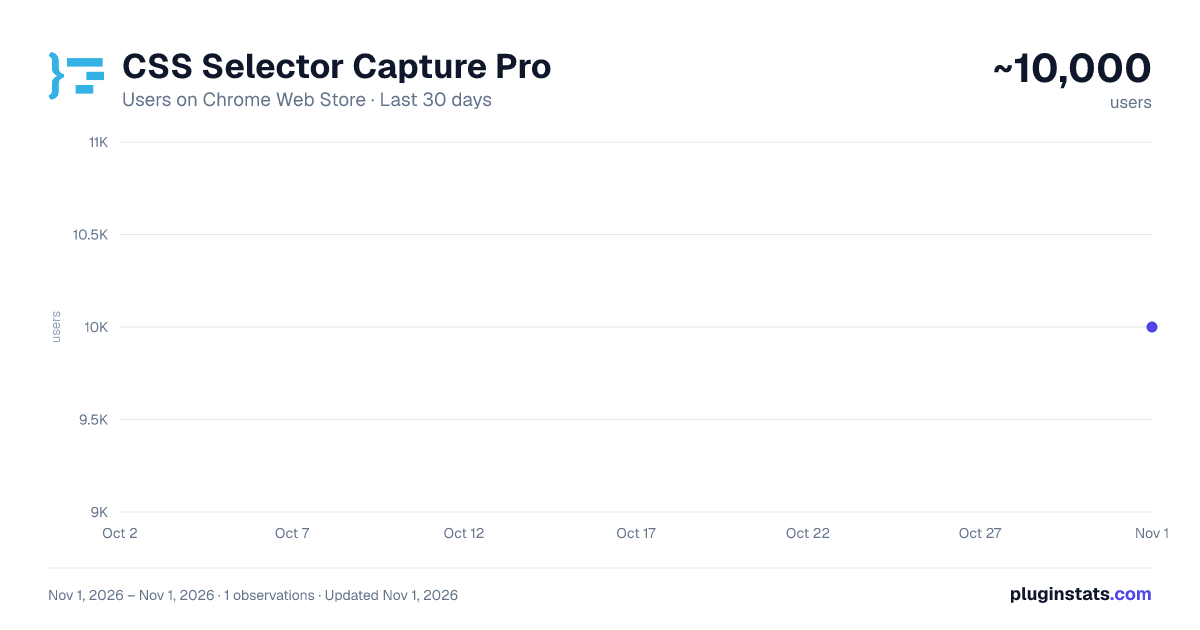
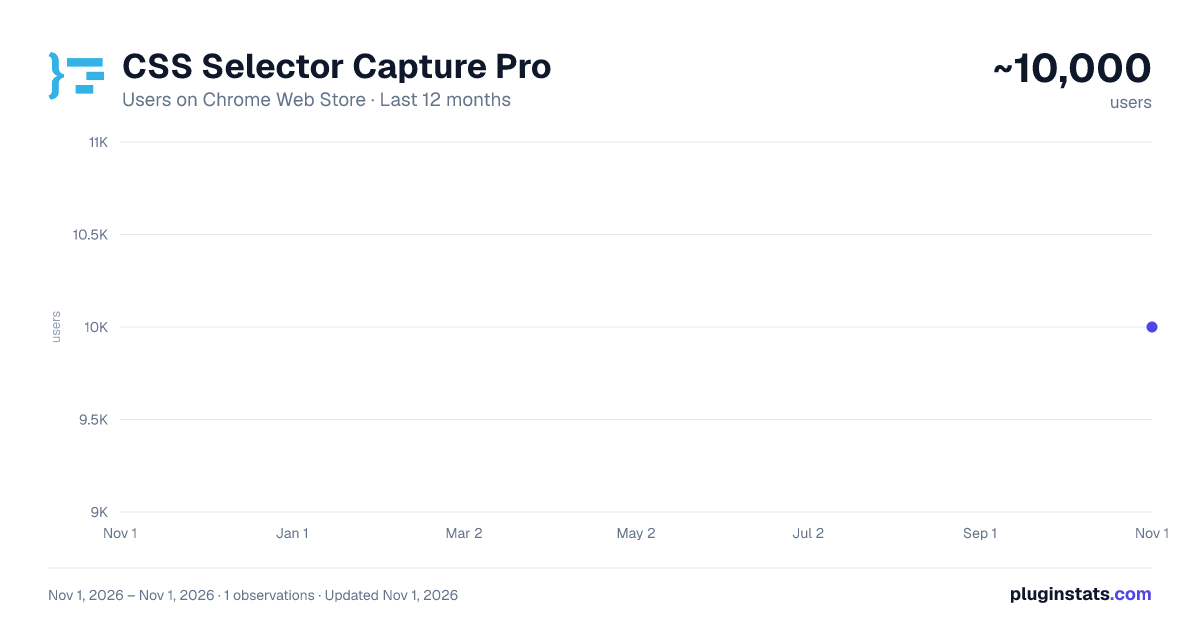
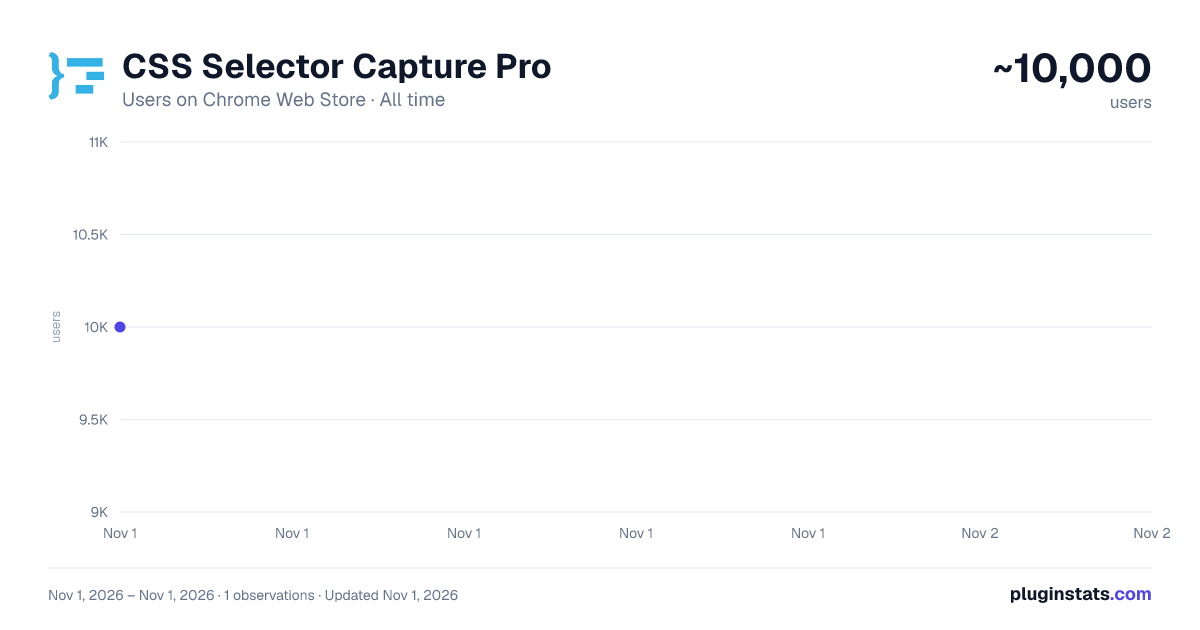
CSS Selector Capture Pro has approximately 10,000 recorded users on Chrome Web Store, ranking #744 of 6,300 tracked listings.
Rating: 5.00 / 5 from 13 ratings
About CSS Selector Capture Pro
Generate a copiable CSS Selector with a mouseover without Devtool
Clean, simple and intuitive to use, accompanied with these exclusive features. ✓ Copiable and tweak-able Selector ready to use in CSS/JavaScript ✓ Highlights of elements which match the Selector ✓ Total matches based on the Selector within Viewport context ✓ The choice of Concise or Verbose selector ✓ Minimal interference with the page
≡ How to Use
- Short version:
- Enable the App, Use "CTRL" Key to lock/unlock the selector highlight in position and click the Copy button to copy the selector.
- If needed, click on the selector path to tweak the selector before copying.
- Use "ESC" key to exit the App
-
Detailed User Guide: https://github.com/CharltonC/chrome-css-selector-capture-doc/blob/master/README.md
-
Beware the extension does not support the following contexts:
- shadow DOM (suggestion: use chrome devtool since you will be traversing down the shadow root anyway)
- iframe (suggestion: to open the iframe URL in new tab and use the extension)
≡ Where would this extension be useful
-
The extension would typically suit the use of Front End Development, End to End testing such as Selenium as well as Data Scraping where visually identifying a target, matches and getting the CSS selector are needed.
-
If you do find this extension useful, please support it by simply giving it a good review and that will help others find it.
≡ Privacy
- The extension does NOT collect any data or send data to third party.
≡ Release
- 2.4.1 (2024.07.29)
- Adjusted text alignment
- 2.4.0 (2024.06.06)
- Optimization for highlights, scroll and resize
- 2.3.2 (2023.08.24)
- Upgraded to manifest v3
- 2.3.1 (2021.09.01)
- Fixed algorithm in v2.3.0
- 2.3.0 (2021.07.15)
- Optimization for concise selector
- 2.2.0 (2019.03.23)
- Added a User Guide Link in Extension Icon Popup
- 2.1.0 (2019.03.21)
- Added a shortcut hotkey (CTRL) for locking toggle of the overlays
- 2.0.0 (2019.02.25)
- Optimization for concise selector (i.e. shorter)
- Adjustment of selector background opacity when trigger button for Settings Dialog is on top and user hovers it
- 1.0.3 (2018.10.15)
- Optimization for selector retrieval
- 1.0.0 (2018.09.29)
- Initial Release
Description from the Chrome Web Store listing.
README badge
Show your rank in a README or on your website. The badge updates automatically.
Charts
Images: 30d · 1y · all time · 1600×900 dark
Adoption over time
7/30/90-day growth
Ranking history
Ratings over time
Listing placement
Listing placement
Filled points are observed values; hollow points come from Internet Archive snapshots of the listing page. Dashed segments span periods with no observations — values between points are not interpolated.
Each band is one page of 20. Users on a linear scale. Placement is projected from users, so it can differ from the marketplace's own sort order. Hover a dot to see the listing.
Recent observations
Full history (1)Similar Chrome Web Store Developer Tools plugins
All 20 CSS Selector Capture Pro alternatives



Data source
Covers every Chrome Web Store extension with at least 100 users, found through the store's public sitemap. User counts are read from public listing pages. The 10% most-used extensions are refreshed daily, the next 40% weekly and the next 40% monthly; the least-used 10% are not refreshed. Google displays rounded user counts (and caps the display at 10,000,000+), so small changes may not be visible. Rating counts above 1,000 are rounded (e.g. 1.6K).
Listing: https://chromewebstore.google.com/detail/css-selector-capture-pro/cpnkcffhllafbdbljkmhebnpbnlhapmd. First seen Nov 1, 2026; last successful collection Nov 1, 2026. See the methodology.