 PluginStats
Tasks - To do & task list by Workona users statistics
Chrome Web Store · Workflow & Planning
The best task list for work in the browser.
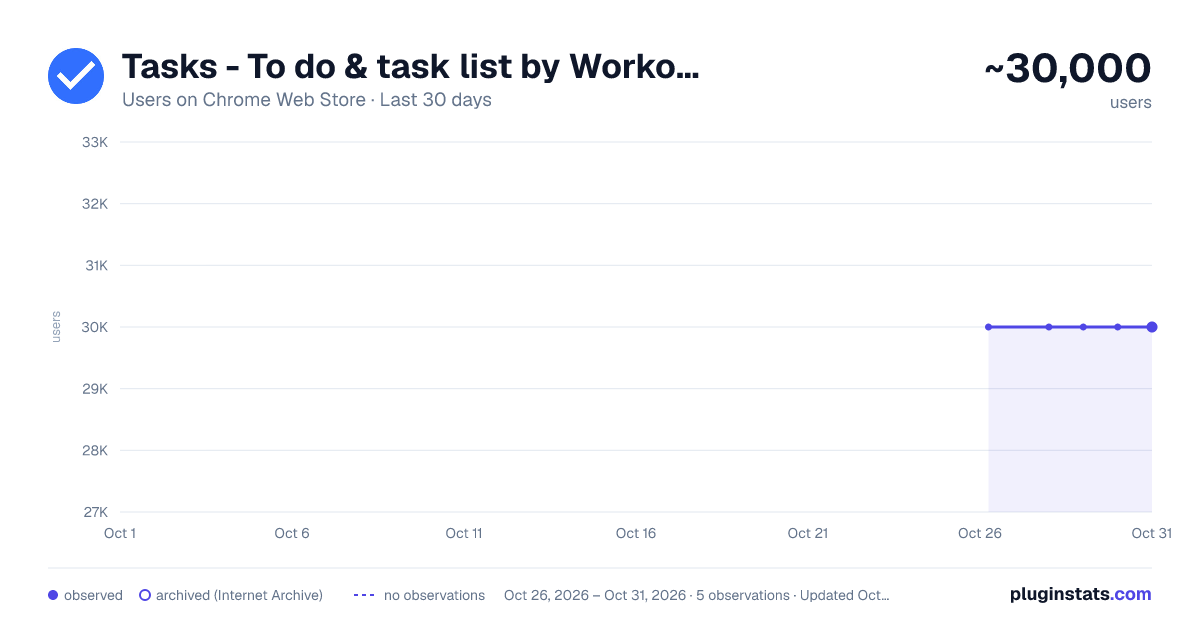
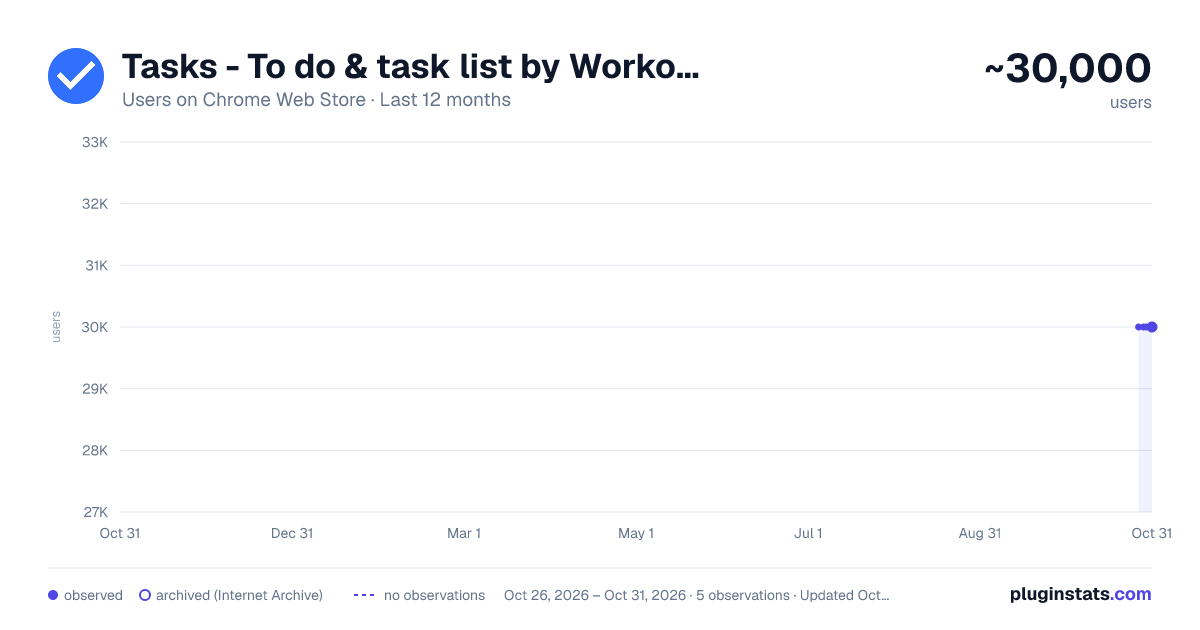
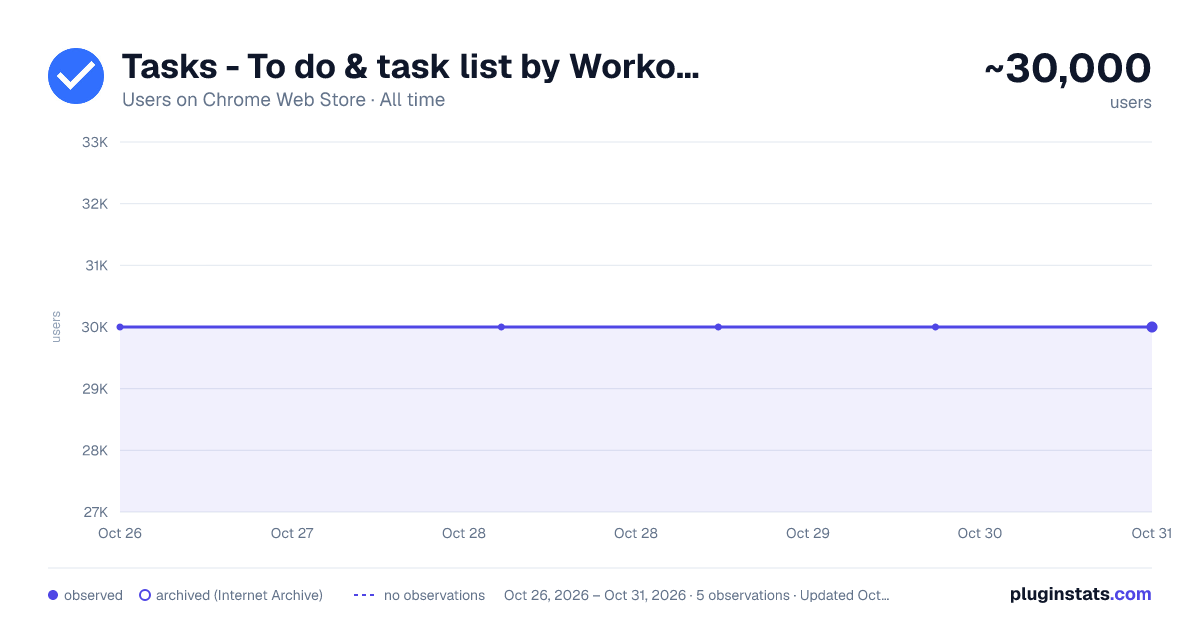
Tasks - To do & task list by Workona has approximately 30,000 recorded users on Chrome Web Store, ranking #304 of 4,553 tracked listings.
Rating: 4.80 / 5 from 124 ratings
About Tasks - To do & task list by Workona
The best task list for work in the browser.
Workona Tasks are the best way to manage tasks in Chrome. Now it’s simple to jot down a task, check in with your most important todos, or create a task list for a project. Creating todo lists is easier than ever — just click the button in your browser bar.
This extension lets you create and update tasks from any Chrome tab, and even attach tabs to your tasks so you have the full context.
Learn more about Workona: https://workona.com
FEATURES
Create a task instantly Turn any tab or email into a task as soon as you think of it. Just click the extension button in your browser bar or use the keyboard shortcut Opt + Z (or Alt + Z). This lets you quickly add tasks while you work and attach a tab or resource. With your to-do list accessible from every page, it’s easier to stay on top of tasks.
Top tasks at your fingertips Your task list is now just a click away in Chrome. Without leaving your current tab or interrupting your workflow, you can access your most important tasks and log any other to-dos that come to mind.
Convenient task popup Workona’s task manager includes a popup that’s just a click away. This helps you capture to-dos without opening a separate app. It’s designed to cut down on context switching so you can maintain focus. Without breaking your workflow, you can create as many todo lists as you need.
To-do lists for every project Want to separate your to-dos by project? Add them to workspaces, which can provide instant context for each task. To give even more context, attach relevant tabs and docs to the task.
Fully featured task list Your task list includes a rich text editor for polished formatting, keyboard shortcuts to move faster, and intuitive drag-and-drop attachments. Plus, a due date email digest to let you know when deadlines are here (optional).
SUPPORT
Feel free to contact support at support@workona.com and we'll reply as soon as possible.
MORE INFORMATION
By installing the extension, you agree to Workona’s Terms of Service (workona.com/policies/terms) and Privacy Policy (workona.com/policies/privacy).
Description from the Chrome Web Store listing.
README badge
Show your rank in a README or on your website. The badge updates automatically.
Charts
Images: 30d · 1y · all time · 1600×900 dark
Adoption over time
7/30/90-day growth
Ranking history
Ratings over time
Listing placement
Listing placement
Filled points are observed values; hollow points come from Internet Archive snapshots of the listing page. Dashed segments span periods with no observations — values between points are not interpolated.
Each band is one page of 20. Users on a linear scale. Placement is projected from users, so it can differ from the marketplace's own sort order. Hover a dot to see the listing.
Recent observations
Full history (1)Similar Chrome Web Store Workflow & Planning plugins
All 20 Tasks - To do & task list by Workona alternatives



Data source
Covers every Chrome Web Store extension with at least 100 users, found through the store's public sitemap. User counts are read from public listing pages. The 10% most-used extensions are refreshed daily, the next 40% weekly and the next 40% monthly; the least-used 10% are not refreshed. Google displays rounded user counts (and caps the display at 10,000,000+), so small changes may not be visible. Rating counts above 1,000 are rounded (e.g. 1.6K).
Listing: https://chromewebstore.google.com/detail/tasks-to-do-task-list-by/dneiffjipkkinmcpploifdknmhlmfbhc. First seen Oct 26, 2026; last successful collection Oct 26, 2026. See the methodology.