 PluginStats
YouTube Transcript Extractor users statistics
Use YouTube Transcript Extractor online to get transcript from video. Easily work with text after you download youtube transcript.
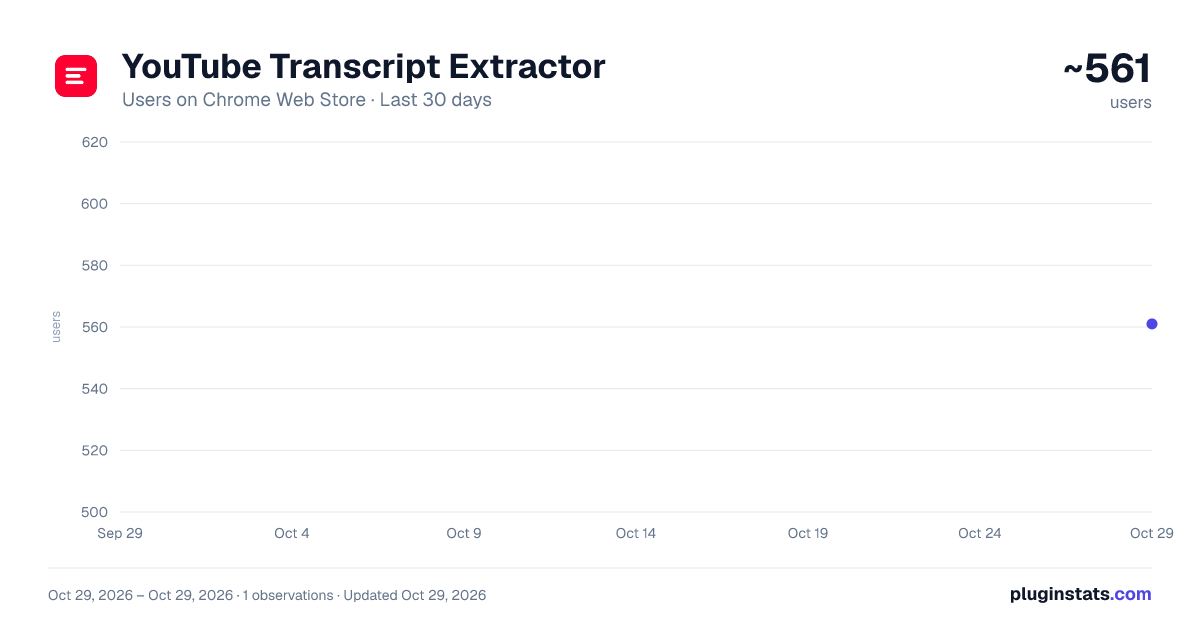
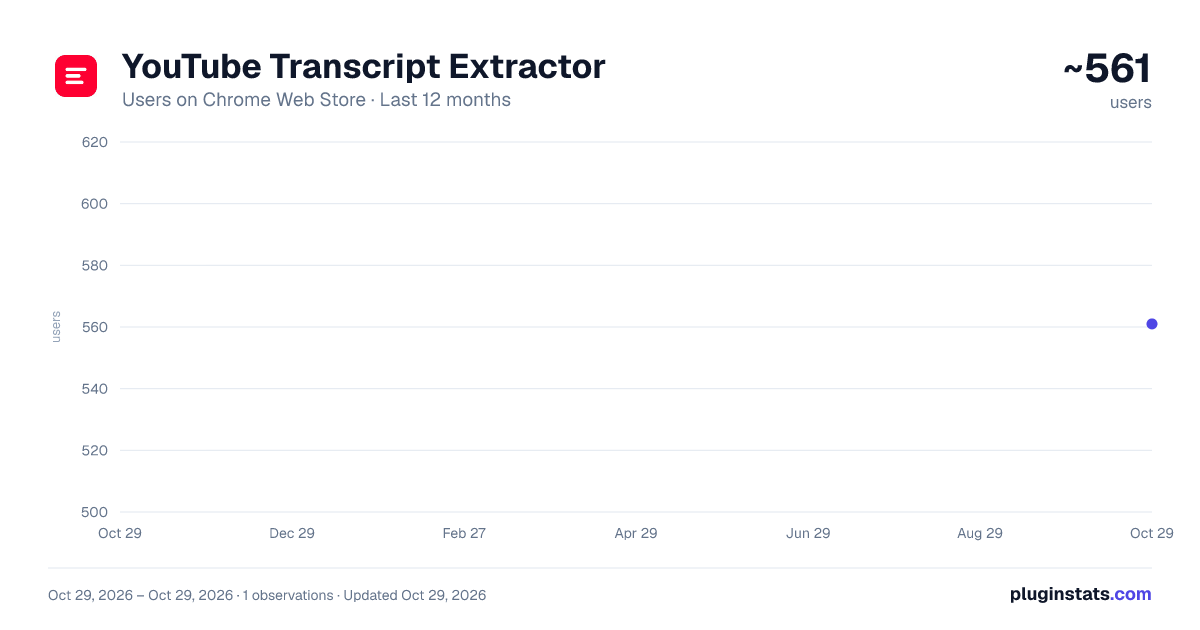
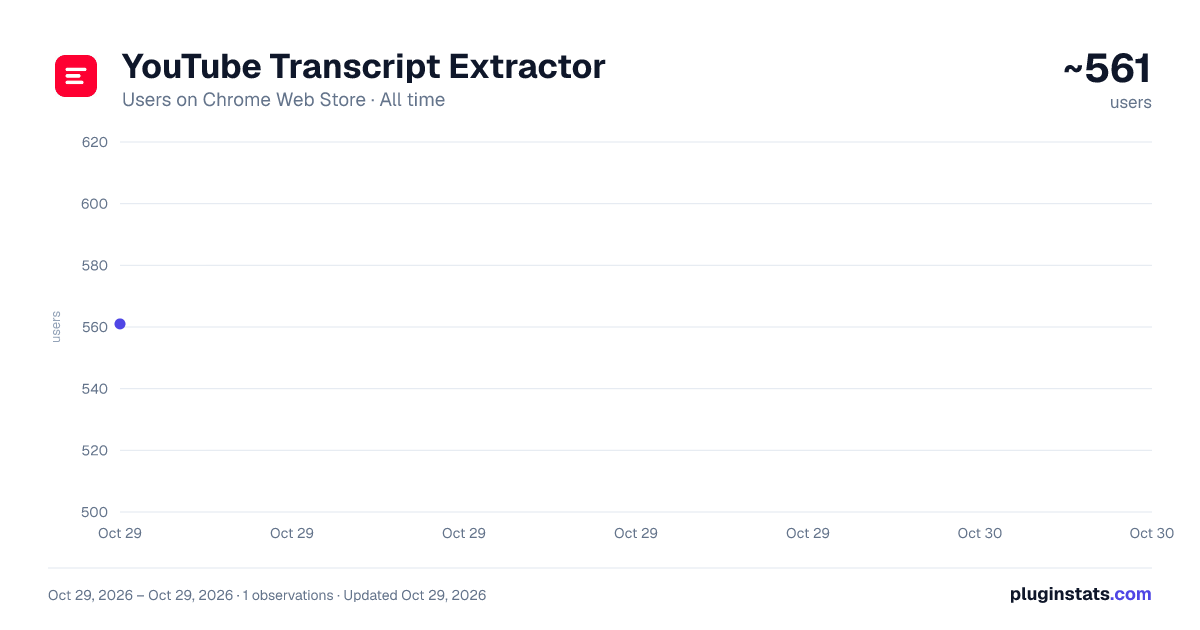
YouTube Transcript Extractor has approximately 561 recorded users on Chrome Web Store, ranking #2504 of 5,223 tracked listings.
Rating: 5.00 / 5 from 7 ratings
About YouTube Transcript Extractor
Use YouTube Transcript Extractor online to get transcript from video. Easily work with text after you download youtube transcript.
Do you want to get youtube transcript content without leaving the video page? Google chrome's YouTube transcript extractor turns available captions into clean, readable text in seconds.
You can move from watching to working with a video almost instantly, without selecting caption lines manually, using YouTube transcript extractor.
🚀 Quick Start Tips
- Install transcript extractor youtube by clicking the "Add to Chrome" button.
- Open any YouTube video with accessible captions.
- Click the "Get transcript" button.
- Review the text, copy it, or follow a time code to an important moment.
- Select download youtube transcript to save a local copy.
⚡ Main features YouTube transcript extractor brings useful actions together in one interface:
➤ Keep time codes for quick navigation through the recording. ➤ Copy or save the complete written output with one action. ➤ Use the youtube transcript downloader inside the browser. ➤ Search long recordings through a convenient written version. ➤ YouTube transcript extractor keeps the process in your current tab. ➤ Extract transcript directly from the video page. ➤ Follow a simple workflow after youtube video transcript extractor is launched.
🎯 Why convert a YouTube video to text?
Spoken information can be difficult to scan. YouTube transcript extractor helps you find facts, instructions, definitions, and important ideas without replaying the same section. The youtube to transcript workflow creates a reference you can review at your own pace.
🚀 Common ways to use the extension:
1️⃣ Review an online lesson and prepare study notes. 2️⃣ Extract youtube transcript captions for the lesson, 3️⃣ Copy youtube transcript text from a webinar or presentation. 4️⃣ Prepare an outline from a tutorial or video podcast.
🎓 For students and researchers Use the extension to turn lectures and talks into searchable reading material. YouTube transcript extractor helps you find relevant sections, prepare summaries, and return to specific moments through timestamps.
✍️ For writers and creators The extracted text provides a starting point for show notes, briefs, articles, and summaries. YouTube transcript extractor helps you identify themes and move selected passages into your workspace. Check the original context when quoting someone's work.
💼 For work and everyday productivity The extension is useful for product demos, software guides, training materials, webinars, and professional talks. Find a relevant passage and use its time code to return to the exact moment, and then download youtube transcript.
Most people simply want one result: youtube script extractor. This tool keeps the extraction workflow short and predictable.
📌 Youtube caption extractor works well with
- Online courses and lectures
- Interviews and video podcasts
- Tutorials and how-to guides
- Product reviews and demonstrations
- Research talks, webinars, and presentations
🌐 Languages and availability YouTube transcript extractor retrieves manual and automatic captions when the platform makes them accessible. You can get transcript from youtube video pages in different languages, but availability and accuracy depend on the source. If captions are missing or restricted, there may be nothing to extract.
❓ Frequently asked questions
📍 What if I use a different search phrase? Some users type youtube transciprt or youtube transcriot, while others search for transcript extractor youtube. These variations describe the same goal: getting readable captions from a video. 📍 Can I save the complete text? Yes, google chrome's YouTube script extractor lets you save the result locally and open it whenever you need it. 📍 Can I copy everything at once? Yes. Copy the full output and paste it into a document, note-taking app, or editor. 📍 Are time codes included? Yes. Timestamps connect each passage with the corresponding moment in the recording. 📍 Does it work with every video? It works when accessible captions are available. Support depends on uploader settings, language, and platform data. 📍 Does the tool create new captions? No. It retrieves text already available on the page.
✨ Stop replaying long sections to recover one idea. Turn text from video into a resource that is easier to search, save, and use.
Description from the Chrome Web Store listing.
README badge
Show your rank in a README or on your website. The badge updates automatically.
Charts
Images: 30d · 1y · all time · 1600×900 dark
Adoption over time
7/30/90-day growth
Ranking history
Ratings over time
Listing placement
Listing placement
Filled points are observed values; hollow points come from Internet Archive snapshots of the listing page. Dashed segments span periods with no observations — values between points are not interpolated.
Each band is one page of 20. Users on a linear scale. Placement is projected from users, so it can differ from the marketplace's own sort order. Hover a dot to see the listing.
Recent observations
Full history (1)Similar Chrome Web Store Tools plugins
All 20 YouTube Transcript Extractor alternatives



Data source
Covers every Chrome Web Store extension with at least 100 users, found through the store's public sitemap. User counts are read from public listing pages. The 10% most-used extensions are refreshed daily, the next 40% weekly and the next 40% monthly; the least-used 10% are not refreshed. Google displays rounded user counts (and caps the display at 10,000,000+), so small changes may not be visible. Rating counts above 1,000 are rounded (e.g. 1.6K).
Listing: https://chromewebstore.google.com/detail/youtube-transcript-extrac/ponoihopjlbcaacacjfnghdlddpdnibk. First seen Oct 29, 2026; last successful collection Oct 29, 2026. See the methodology.