 PluginStats

HTML to PDF File Converter users statistics
Try the HTML to PDF File Converter to save a page as pdf in just a few clicks. You can quickly convert html file to pdf format
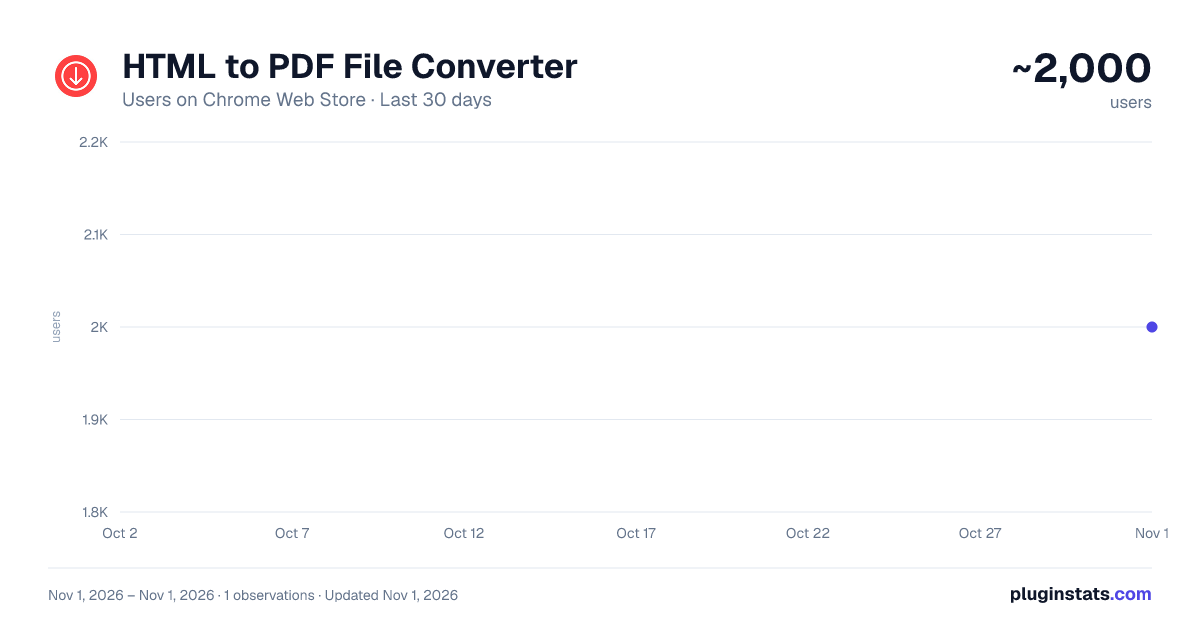
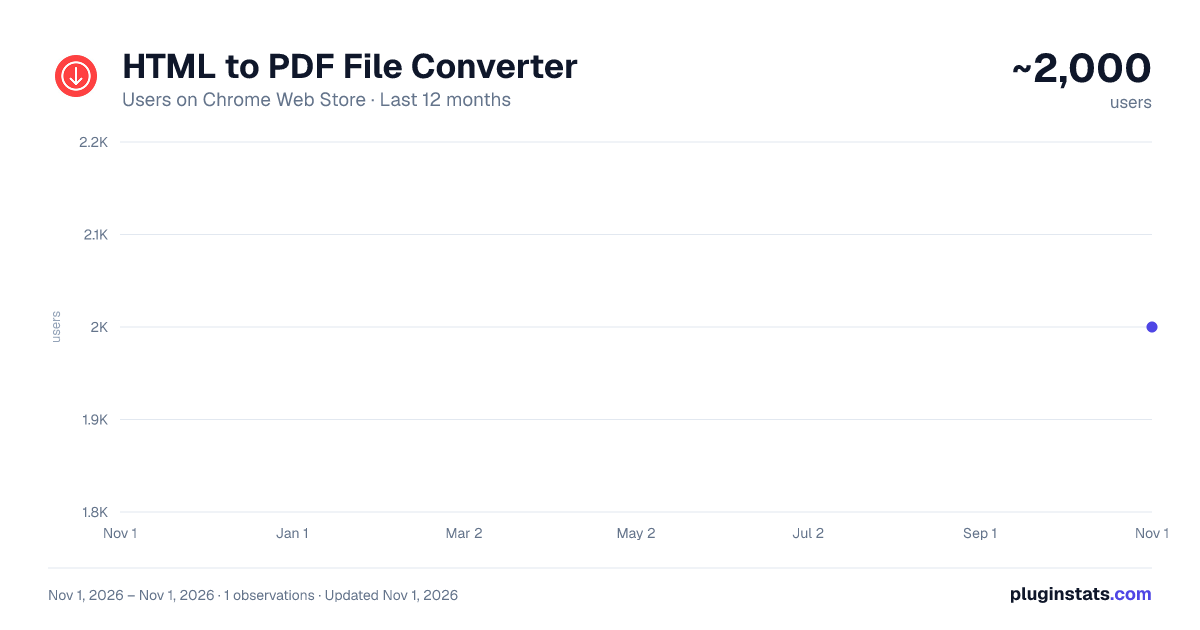
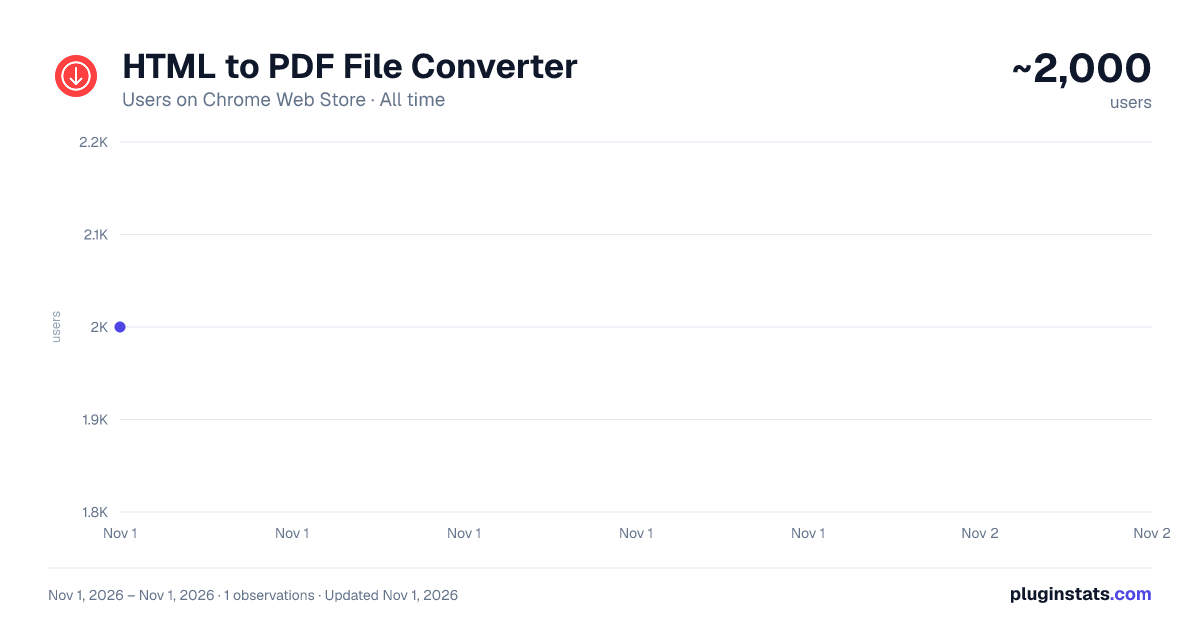
HTML to PDF File Converter has approximately 2,000 recorded users on Chrome Web Store, ranking #1741 of 6,672 tracked listings.
Rating: 4.10 / 5 from 14 ratings
About HTML to PDF File Converter
Try the HTML to PDF File Converter to save a page as pdf in just a few clicks. You can quickly convert html file to pdf format
Whether you're a developer, researcher, or just someone who wants to archive web content, this tool is perfect for you!
🌟 With our HTML to PDF file converter, you can:
- Keep the original formatting, images, and links intact
- Save entire web pages as PDF files with one click
- Convert multiple pages at once for bulk processing
- Use it as an online HTML to PDF file converter
Stop wasting time copying and pasting web content manually! Use our file converter and get high-quality results within seconds.
Follow these simple steps:
1️⃣ Install the HTML to PDF Converter from the Chrome Web Store 2️⃣ Open the webpage you want to convert 3️⃣ Click the Save button in the extension toolbar 4️⃣ Choose your preferred settings 5️⃣ Download and enjoy!
It’s that easy! No complex setups, no coding required – just a seamless way to convert HTML file to PDF in seconds.
🎯 Key Features of Our HTML to PDF File Converter
➤ One-Click Conversion – Simply click and convert HTML to PDF instantly ➤ Preserves Layout & Formatting – Your saved web page looks just like the original ➤ Supports .html to PDF Conversion
✔️ Why Choose This Tool? • Lightweight design: Zero lag or memory drain. • Local processing: All html convertion actions happen on your device for maximum privacy. 🔒 • Offline use: Convert web to pdf without internet after installation.
With our extension HTML convert to PDF processes are simple and efficient!
🌍 Convert Webpage Anytime, Anywhere
Our Chrome HTML document extension is perfect for:
- Researchers saving articles for offline reading
- Students keeping notes and reference materials
- Professionals creating reports from online data
- Anyone looking for a reliable website to PDF tool
No matter your needs, our HTML file to PDF converter is here to help!
Take full control over your webpage to PDF conversions with our powerful settings.
📂 Need a Reliable html to pdf file converter? Look No Further!
Unlike other HTML to PDF converters, our extension is:
✅ Fast – Converts HTML to PDF in seconds ✅ User-Friendly – Simple interface for all users ✅ Lightweight – Won’t slow down your browser ✅ Secure – No data tracking or file storage
Whether you need to convert HTML file to PDF for work, study, or personal use, this is the tool you’ve been looking for!
🏆 Solution for Web to PDF Conversion
Whether you need a report, an article, or research material, the HTML to PDF File Converter makes the process seamless and efficient With just a few clicks, you can:
✔️ Save page as PDF and print it anytime ✔️ Convert webpage and read it offline ✔️ Save webpage as PDF with all images and links intact
It’s the ultimate HTML to PDF solution for everyone!
🔐 Security First
Your data stays safe. This html converter to pdf processes files locally—no cloud uploads. Ideal for confidential documents, financial records, or personal projects.
🚫🌐 Outperform Online Tools
Skip unreliable online html to pdf file converter platforms plagued by ads, limits, or slow speeds. This extension works offline, instantly, and without restrictions.
❓ FAQ – Frequently Asked Questions
❓ How does the HTML to PDF file converter work? 💡 The extension captures the content of a webpage or HTML file and converts it into a PDF format while preserving the original layout, images, and links.
❓ Can I convert HTML file to PDF offline? 💡 Yes! The HTML to PDF converter works even without an internet connection.
❓ Can I customize the output? 💡 Yes! You can adjust page size, margins, orientation, and more to create a customized webpage to PDF output.
❓ Is there a file size limit? 💡 No! Our file converter to PDF supports all HTML files, regardless of size.
❓ How do I save webpage using this tool? 💡 Simply open the page, click the extension icon, select Save, and download your file instantly!
❓ Does it keep hyperlinks and images? 💡 Yes! Unlike other HTML to PDF converters, this tool maintains all images, links, and formatting in the final file.
⬇️ Get Started Now!
The HTML to PDF File Converter is a must-have tool for anyone who frequently works with web content. With just a few clicks, you can preserve the exact structure of any webpage.
💡 Final Tip
Need to save webpage regularly? Pin the extension to your toolbar for instant access. Whether it’s a single page or a complex site, this tool handles web page to pdf effortlessly.
Don’t settle for clunky software or risky online tools. Click install and unlock the easiest way to convert html to pdf directly in Chrome. Your go-to html to pdf converter is just one click away!
Description from the Chrome Web Store listing.
README badge
Show your rank in a README or on your website. The badge updates automatically.
Charts
Images: 30d · 1y · all time · 1600×900 dark
Adoption over time
7/30/90-day growth
Ranking history
Ratings over time
Listing placement
Listing placement
Filled points are observed values; hollow points come from Internet Archive snapshots of the listing page. Dashed segments span periods with no observations — values between points are not interpolated.
Each band is one page of 20. Users on a linear scale. Placement is projected from users, so it can differ from the marketplace's own sort order. Hover a dot to see the listing.
Recent observations
Full history (1)Similar Chrome Web Store Tools plugins
All 20 HTML to PDF File Converter alternatives



Data source
Covers every Chrome Web Store extension with at least 100 users, found through the store's public sitemap. User counts are read from public listing pages. The 10% most-used extensions are refreshed daily, the next 40% weekly and the next 40% monthly; the least-used 10% are not refreshed. Google displays rounded user counts (and caps the display at 10,000,000+), so small changes may not be visible. Rating counts above 1,000 are rounded (e.g. 1.6K).
Listing: https://chromewebstore.google.com/detail/html-to-pdf-file-converte/emgingnapooedmcfkjgmhajalngeligm. First seen Nov 1, 2026; last successful collection Nov 1, 2026. See the methodology.