 PluginStats

Web Text Expander: Text Shortcuts & Snippets users statistics
Tired of retyping the same replies, prompts and form entries? This text expander inserts saved snippets via quick text shortcuts.
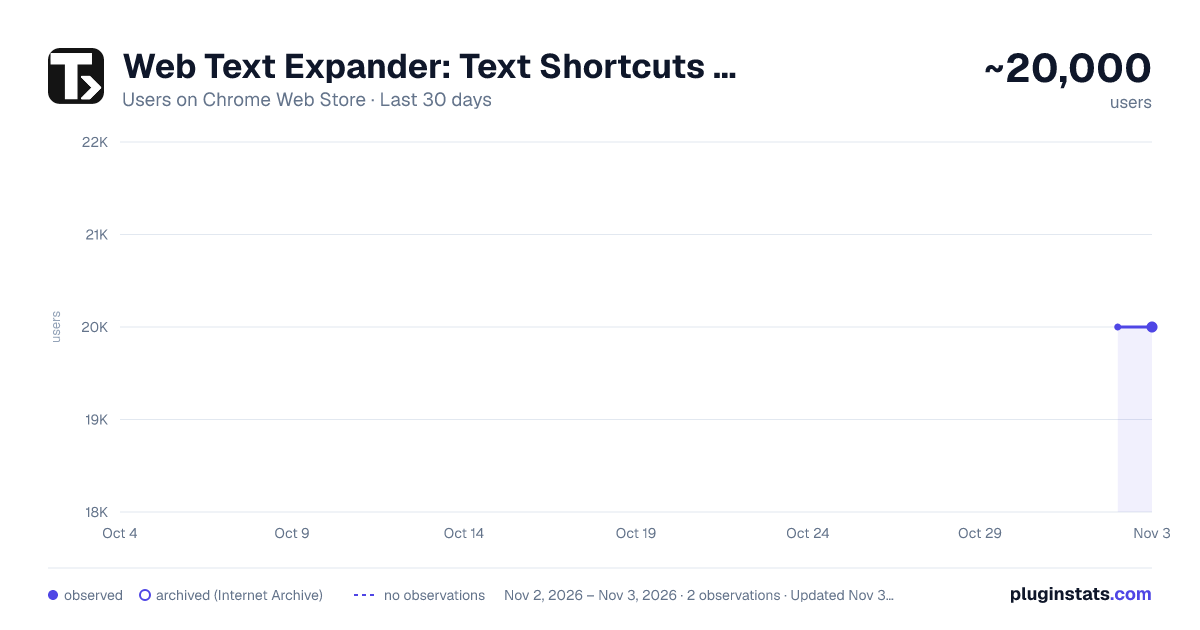
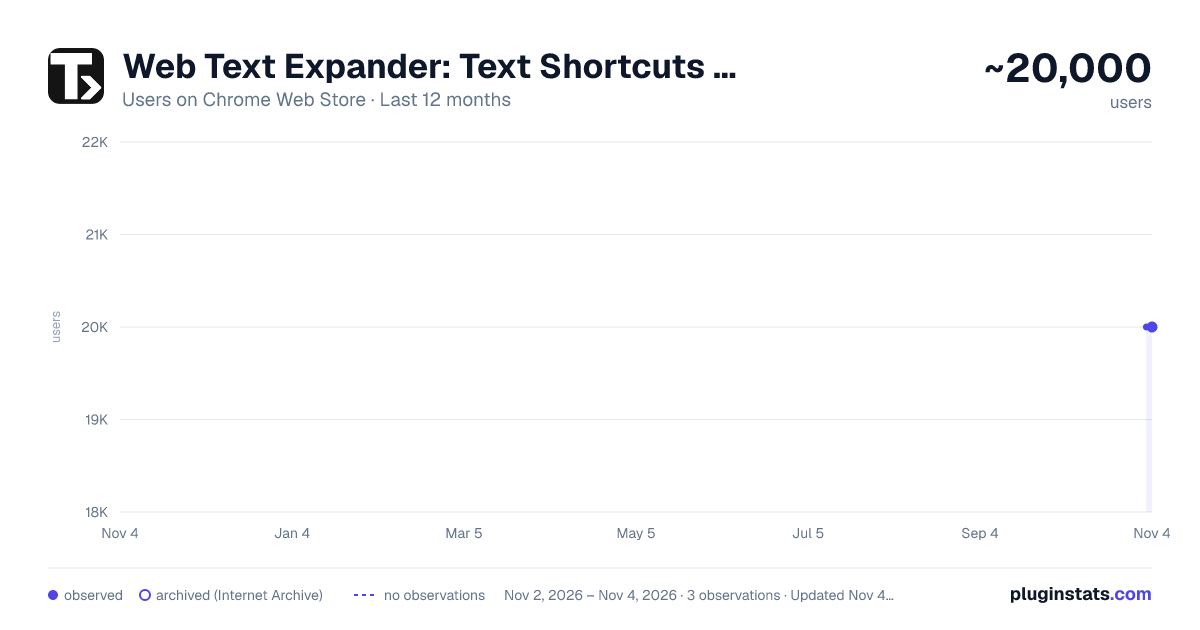
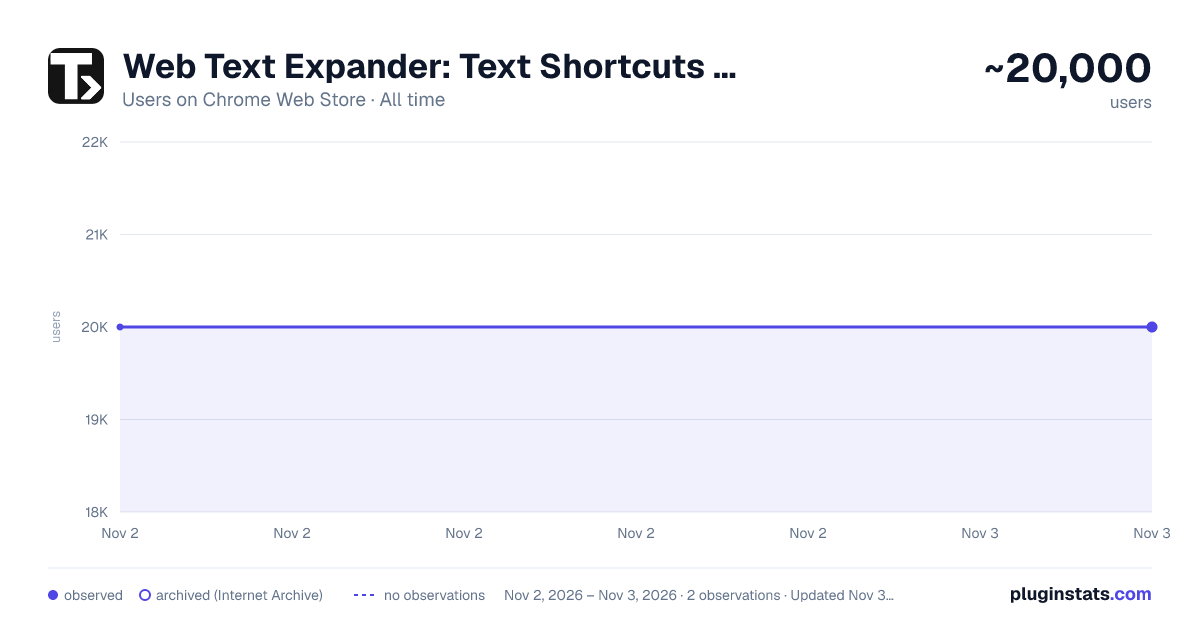
Web Text Expander: Text Shortcuts & Snippets has approximately 20,000 recorded users on Chrome Web Store, ranking #524 of 6,786 tracked listings.
Rating: 4.60 / 5 from 150 ratings
About Web Text Expander: Text Shortcuts & Snippets
Tired of retyping the same replies, prompts and form entries? This text expander inserts saved snippets via quick text shortcuts.
Elevate Your Productivity with Web Text Expander: Text Shortcuts & Snippets!
Are you tired of repetitive typing while browsing the web? Our Web Text Expander Chrome extension is here to make your daily tasks smoother and more efficient. This extension is your ultimate companion for quick access to text snippets and effortless text expansion.
❓ What is a text expander?
A text expander is a tool that takes the repetitive part out of typing. It allows you to create shortcuts or abbreviations for frequently used words, phrases, or whole paragraphs. When you type these shortcuts, the text expansion tool automatically changes them into the full content, saving you time.
Whether you're responding to emails, filling out forms, or working on various web-based tasks, our free text expander Chrome extension streamlines your workflow, making your digital life more efficient and productive.
🚀 How to use Web Text Expander: Text Shortcuts & Snippets?
- Install our text expander in Chrome.
- Create your shortcut and enter the corresponding expanded message in the dashboard.
- When you need to use the snippet, just type your shortcut, and the message will expand automatically.
- Open the extension to quickly add, edit, and delete text shortcuts.
⭐ Features:
- Text snippets
- Instant shortcut expansion
- Filtering by tags
- Fillable placeholders
- Caret position control
- Quick add
- Quick search
- Insertion of the current date/time
- Designed for the Chrome browser
- Gmail snippets integration
- User-friendly
- Private and secure
❇️ Highlights
💡 Unleash the Power of Text Snippets
Seamlessly create, manage, and utilize text shortcuts. Say goodbye to typing out the same phrases or addresses repeatedly. With shortcuts, your frequently used phrases are at your fingertips. This feature alone can save you hours!
💡 Auto Text Expander
Works like magic: type a shortcut, and it's instantly replaced with your text snippet. No delays. No additional actions.
💡 Universal Web Compatibility
Whether you're composing emails, filling out forms, or updating social media, Web Text Expander is ready to assist. It seamlessly integrates into your Chrome browser, providing a consistent and user-friendly experience across most websites.
💡 Filtering by Tags
Efficiently organize and manage your text snippets with our filtering by tags feature. Assign tags to your snippets for easy categorization, allowing you to quickly find the right snippet when you need it. Whether you have hundreds of snippets or just a few, tags make it simple to keep everything organized and accessible.
💡 Insertion of the Current Date/Time
Save time on routine tasks with the ability to insert the current date and time into your snippets automatically. Perfect for time-stamping emails, forms, or logs, this feature ensures that you always have up-to-date information without manually typing it out. Just create a snippet with the date/time placeholder, and let the extension do the rest.
💡 Caret Position Control After Expansion
Position the caret precisely where you need it once a snippet is expanded. Using a special placeholder within your snippet, the extension will automatically place the cursor at the designated spot, allowing you to start typing right where it matters. This feature eliminates the need to reposition your cursor manually, enabling faster and more efficient workflows.
💡 Quick Search Box
Easily locate the shortcuts and expanded texts you need with the intuitive quick search box. Simply type a keyword, and the extension will instantly surface matching snippets, ensuring you find the right one in seconds. Insert the snippet seamlessly with a single button press.
💡 Fillable Placeholders
Quickly fill in custom details using placeholders before expanding. This feature lets you tailor your text with names, numbers, or notes in the moment, so your messages stay personal without slowing you down.
💡 Quick Add
Add a shortcut instantly from any webpage with just a right-click. This feature lets you create text expander shortcuts on the fly, so you never lose your flow.
💡 Gmail Snippets Integration
Integrate your Gmail snippets into our Chrome extension. Speed up your email communication and enhance your productivity while using Gmail.
💡 Effortless Setup
No need to spend hours learning complex software. You'll be up and running in just a few clicks, saving precious time.
💡 Privacy and Security
We take your privacy seriously. Your data is stored securely and never shared with third parties.
🖍 Use Cases: Unlock the Potential of Text Shortcuts
Web Text Expander isn't just a convenient tool; it's a game-changer for various scenarios in your digital life. Here are some real-world examples of how you can leverage this Chrome extension for maximum efficiency:
📌 Email Communication
At work, quick and accurate email responses are crucial. You can set shortcuts for frequently used email templates, signatures, or responses. No more copying and pasting – just a few keystrokes, and your message is ready.
📌 Managing Prompts for LLMs
If you often work with AI tools like ChatGPT or Gemini, text shortcuts can make prompt management much easier. You can save your best-performing prompts, style guides, or structured queries as shortcuts. Instead of rewriting the same context every time you start a new chat, just type a few characters and your full prompt appears instantly. This keeps your workflow consistent across different AI platforms and saves time.
📌 Online Forms and Surveys
Filling out online forms and surveys can be tedious, especially when they ask for the same information repeatedly. Use shortcuts to input your name, address, or other details.
📌 Code and Programming…
Description from the Chrome Web Store listing.
README badge
Show your rank in a README or on your website. The badge updates automatically.
Charts
Images: 30d · 1y · all time · 1600×900 dark
Adoption over time
7/30/90-day growth
Ranking history
Ratings over time
Listing placement
Listing placement
Filled points are observed values; hollow points come from Internet Archive snapshots of the listing page. Dashed segments span periods with no observations — values between points are not interpolated.
Each band is one page of 20. Users on a linear scale. Placement is projected from users, so it can differ from the marketplace's own sort order. Hover a dot to see the listing.
Recent observations
Full history (2)Similar Chrome Web Store Tools plugins
All 20 Web Text Expander: Text Shortcuts & Snippets alternatives



Data source
Covers every Chrome Web Store extension with at least 100 users, found through the store's public sitemap. User counts are read from public listing pages. The 10% most-used extensions are refreshed daily, the next 40% weekly and the next 40% monthly; the least-used 10% are not refreshed. Google displays rounded user counts (and caps the display at 10,000,000+), so small changes may not be visible. Rating counts above 1,000 are rounded (e.g. 1.6K).
Listing: https://chromewebstore.google.com/detail/web-text-expander-text-sh/cmdcnfnhdcaoklhdlmdjfaoandbdcklh. First seen Nov 2, 2026; last successful collection Nov 3, 2026. See the methodology.