 PluginStats

Clear Cache & Cookies for One Site – Keep Logins | Cleaner users statistics
Clear cache & cookies for one specific site and stay logged in everywhere else. Auto-clean on tab close. Pay once, no subscription.
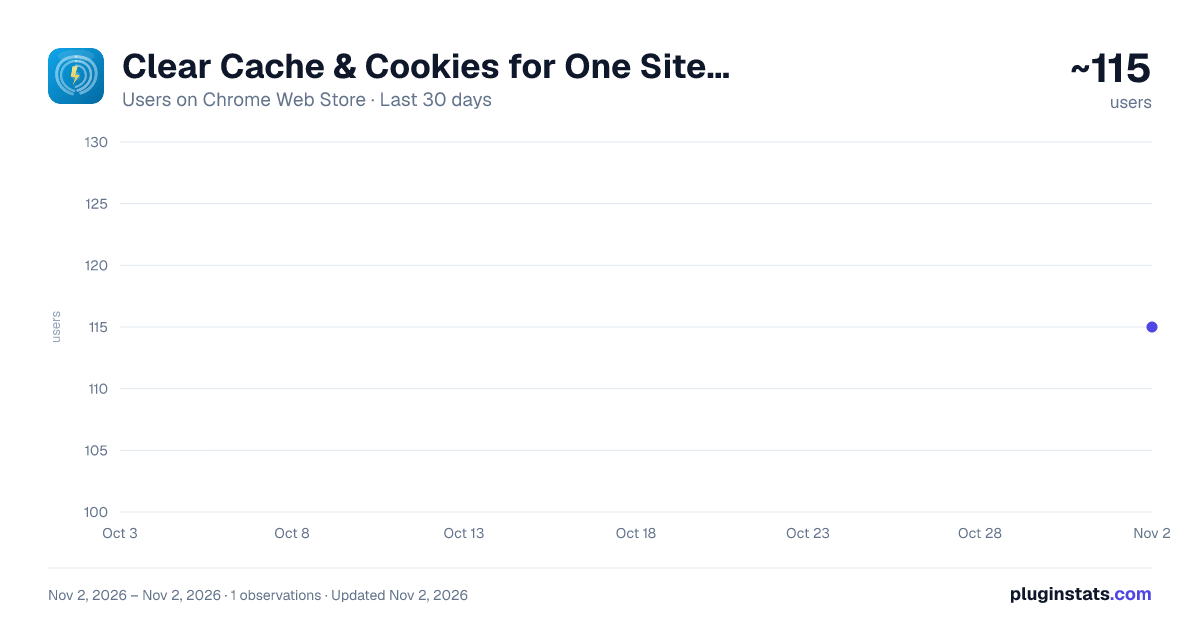
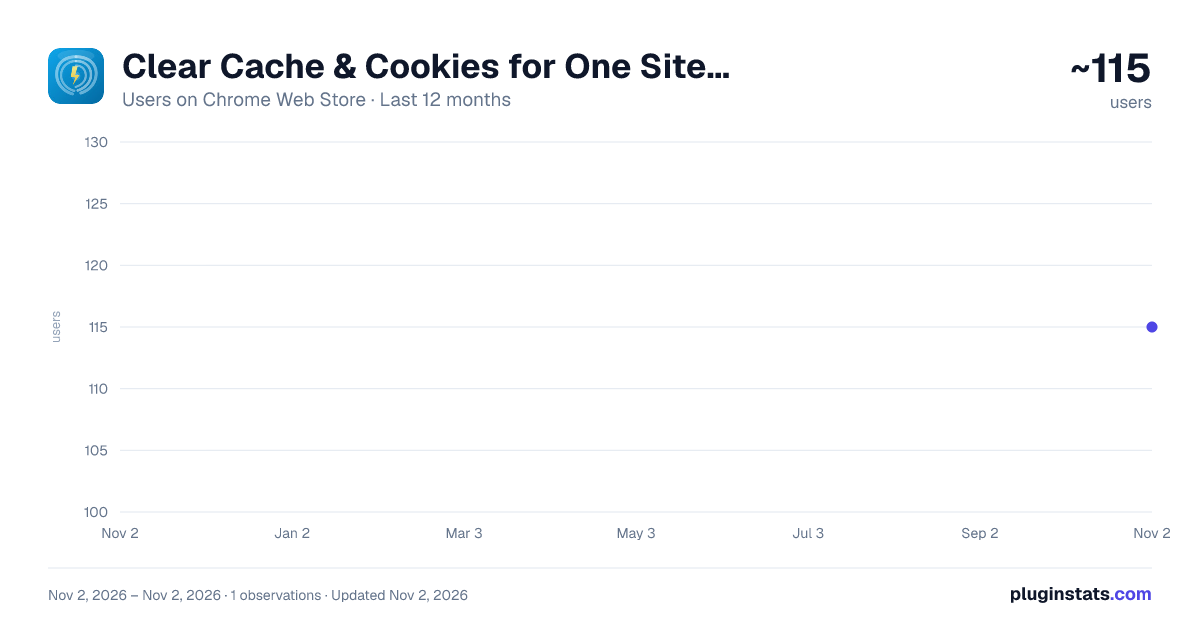
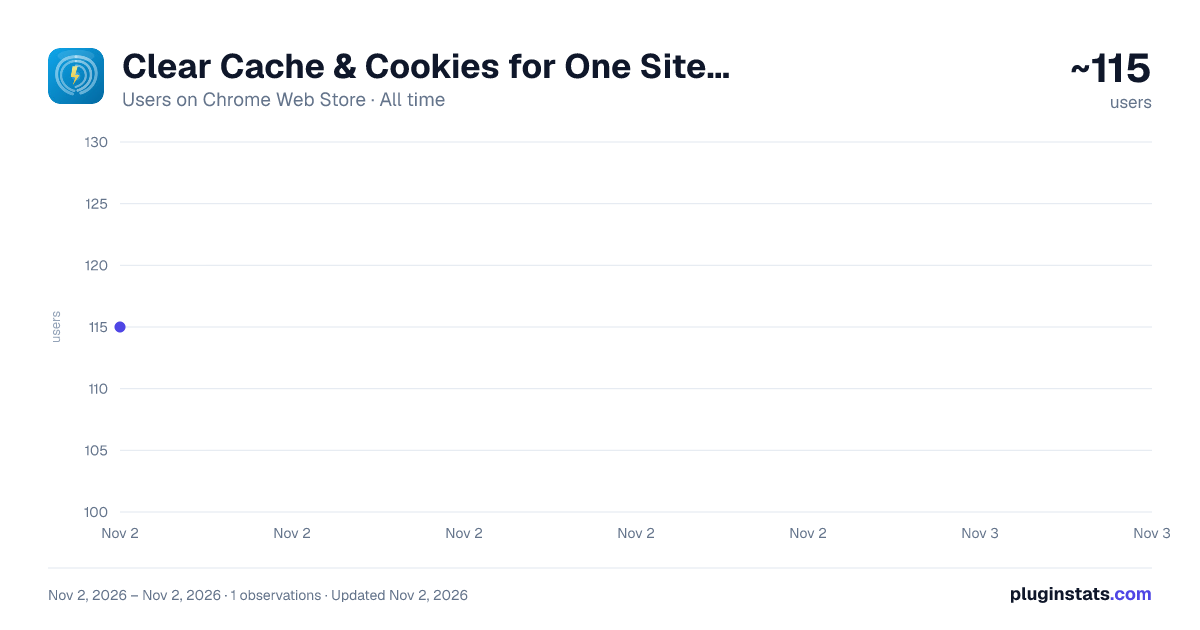
Clear Cache & Cookies for One Site – Keep Logins | Cleaner has approximately 115 recorded users on Chrome Web Store, ranking #6395 of 6,786 tracked listings.
Rating: 5.00 / 5 from 3 ratings
About Clear Cache & Cookies for One Site – Keep Logins | Cleaner
Clear cache & cookies for one specific site and stay logged in everywhere else. Auto-clean on tab close. Pay once, no subscription.
Chrome's "Clear browsing data" wipes every site and signs you out everywhere. Cleaner clears ONLY the site that's broken — and shows you exactly what it removed. Tired of doing it by hand? Cleaner Pro auto-cleans sites when you close them. Pay once, keep it forever.
Page stuck on an old version? Login loop? Site looking broken after a deploy? Pick the fix, click once, and the page reloads fresh.
★ KEY FEATURES • See what this site has stored before you clear it: cookies, storage size and saved keys • Get proof after every clean — "Removed 12 cookies + 1.5 MB" — and watch the count drop to zero • Fix a broken page and stay signed in: clears cache and service workers, keeps your cookies • Sign out & reset a site in one click to break a login loop or drop its trackers • Run a full reset — cache, cookies, local storage, session storage, IndexedDB, Cache Storage and service workers — as if you were visiting for the first time • Protect the sites you never want signed out of, even when clearing all sites • Auto-clean a site the moment you close its last tab • See which sites take the most space on this computer and free it up without signing out — Cleaner warns you inside the popup when a site keeps too much • Clear site data from the keyboard with Alt+Shift+D, no popup needed • Choose the current site or all sites, and a time range: last 15 minutes, last hour, today or all time
Also included: a Tab Manager side panel to see open tabs by estimated memory, name or recent use, and save a group of tabs as a session.
🔒 PRIVACY FIRST • Everything happens inside your browser. Cleaner has no servers, no analytics, no tracking and no ads • It counts cookies and measures storage size to show you results — it never reads their contents • The sizes it measures stay on your computer so the Storage page can list your biggest sites — wipe that list any time • No account, no sign-in • The only network request it ever makes is to verify a Pro license key, and only if you enter one
💡 HOW TO USE
- Open the site that is misbehaving and click the Cleaner icon
- See what the site has stored, then pick Fix broken page, Sign out & reset, Full reset or Custom
- Click once — Cleaner clears the data, hard-reloads the page and shows what was removed
❓ FAQ
Q: Will it sign me out of my accounts? A: Not unless you ask it to. "Fix broken page" keeps your cookies, so you stay signed in. Only "Sign out & reset", "Full reset" or a Custom choice with cookies removes logins — and only for the current site. Clearing cookies on all sites asks you to confirm first.
Q: Do I have to pay to clear my cache? A: No. Clearing cache, cookies and every other data type — on the current site or all sites — is free, with no time limit and no account. Pro only adds automation.
Q: Does it clear local storage too? A: Yes. Cleaner can clear cache, cookies, local storage, session storage, IndexedDB, Cache Storage and service workers. The popup shows what was stored and what is left.
Q: How is this different from Chrome's built-in Clear browsing data? A: Chrome's tool clears every site at once and takes several clicks deep in Settings. Cleaner targets just the site you are on, keeps your other logins, protects the sites you choose, and shows you what it actually removed.
Q: Why does it ask for access to all websites? A: To clear and measure data for whichever site you are on, and to auto-clean sites in the background. Cleaner cannot know in advance which sites you will want to clean. It never reads page content.
🆓 FREE vs PRO FREE — forever: • All clearing: current site or all sites, every data type, every time range, the 3 one-click fixes and Custom • Keyboard shortcut and auto-reload • 5 protected sites • Auto-clean 1 site when its last tab closes • Storage page and "Free up space" for any site, with a warning when a site gets heavy • 1 saved tab session, close up to 3 tabs at once
PRO — pay once, keep it forever. No subscription. $19.99 launch price, then $29. Works on up to 3 of your browsers: • Auto-clean unlimited sites when you close them • Scheduled cache cleaning in the background — never signs you out • Free up space automatically on heavy sites when you close them — keeps you signed in • Unlimited protected sites • Auto-Sleep idle tabs, close duplicate tabs, unlimited saved sessions and bulk close
Already on a monthly or yearly plan? Your key keeps working until it expires.
Description from the Chrome Web Store listing.
README badge
Show your rank in a README or on your website. The badge updates automatically.
Charts
Images: 30d · 1y · all time · 1600×900 dark
Adoption over time
7/30/90-day growth
Ranking history
Ratings over time
Listing placement
Listing placement
Filled points are observed values; hollow points come from Internet Archive snapshots of the listing page. Dashed segments span periods with no observations — values between points are not interpolated.
Each band is one page of 20. Users on a linear scale. Placement is projected from users, so it can differ from the marketplace's own sort order. Hover a dot to see the listing.
Recent observations
Full history (1)Similar Chrome Web Store Tools plugins
All 20 Clear Cache & Cookies for One Site – Keep Logins | Cleaner alternatives



Data source
Covers every Chrome Web Store extension with at least 100 users, found through the store's public sitemap. User counts are read from public listing pages. The 10% most-used extensions are refreshed daily, the next 40% weekly and the next 40% monthly; the least-used 10% are not refreshed. Google displays rounded user counts (and caps the display at 10,000,000+), so small changes may not be visible. Rating counts above 1,000 are rounded (e.g. 1.6K).
Listing: https://chromewebstore.google.com/detail/clear-cache-cookies-for-o/jlmoabcoiajndpebfigfpmmbnjnnepdi. First seen Nov 2, 2026; last successful collection Nov 2, 2026. See the methodology.