 PluginStats

UI Extractor – by Pixellize users statistics
Chrome Web Store · Developer Tools
Click any element on any webpage to extract a fully self-contained HTML + CSS snippet.
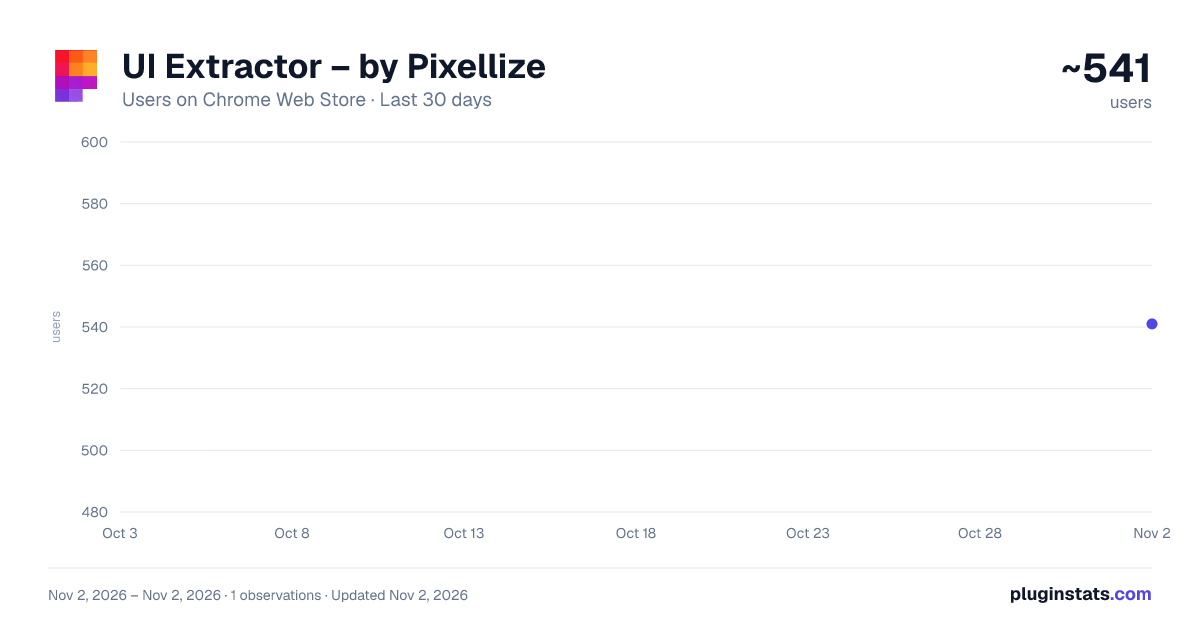
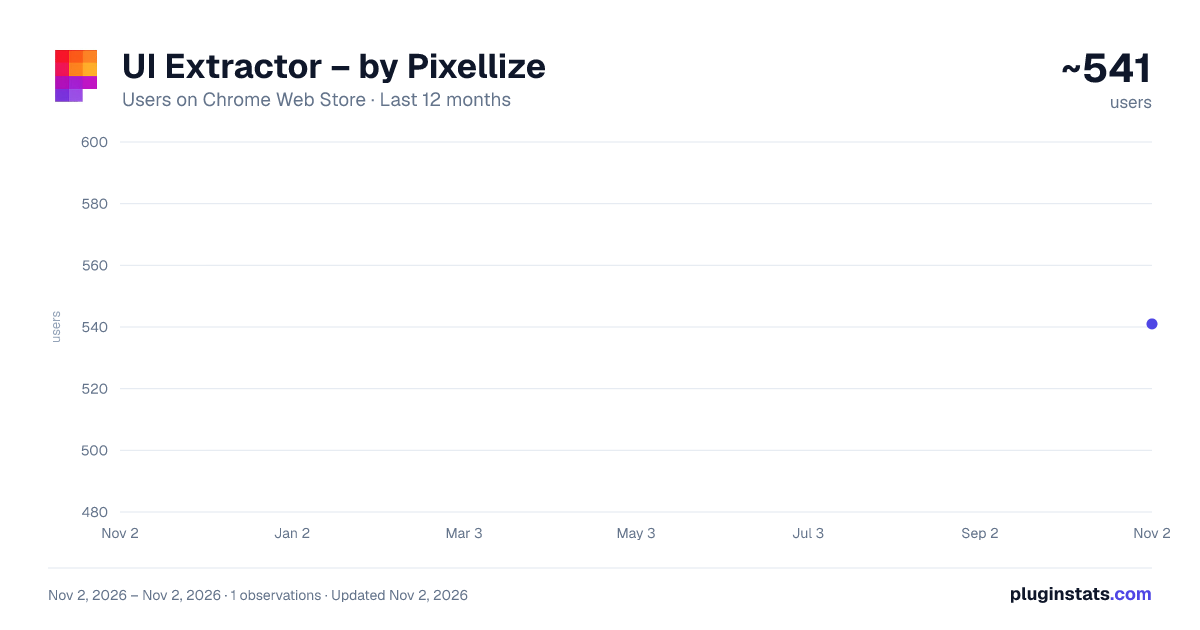
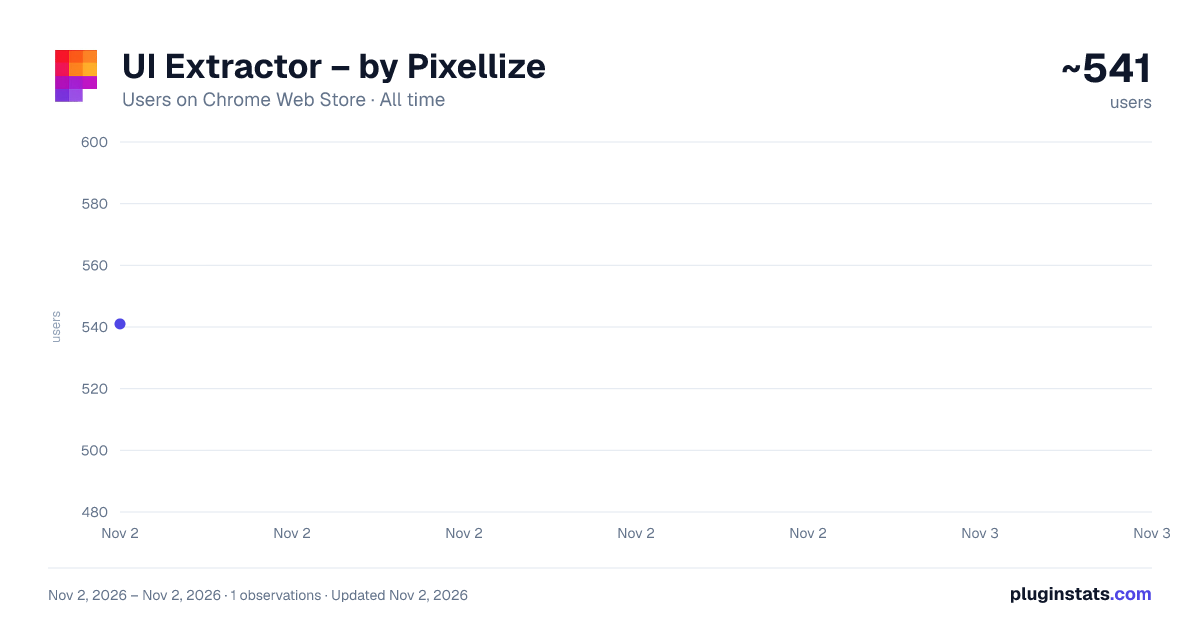
UI Extractor – by Pixellize has approximately 541 recorded users on Chrome Web Store, ranking #3226 of 6,672 tracked listings.
Rating: 4.70 / 5 from 10 ratings
About UI Extractor – by Pixellize
Click any element on any webpage to extract a fully self-contained HTML + CSS snippet.
Extract HTML + CSS From Any Website in One Click
Pixellize is a simple and powerful UI extractor that helps you capture any element from a webpage and convert it into clean, reusable code.
Just hover over an element, click to select it, and instantly get a fully working HTML and CSS snippet.
You do not need to open DevTools or manually search through styles. Pixellize does the work for you and delivers ready-to-use output.
What Pixellize Does for You: Pixellize collects everything required to recreate the selected element exactly as it appears on the original website. This includes:
• Styles from all linked CSS files. • Frameworks such as Bootstrap and Tailwind. • CSS variables, media queries, fonts, and animations.
It also handles complex selectors like .wrapper .card by rebuilding the correct parent structure. This ensures your extracted code works the same way in any environment.
Built for Real Use Cases: Pixellize is designed to save time and simplify your workflow. You get:
• Clean and structured HTML and CSS. • Code that is ready for development or editing. • One-click export to CodePen with proper separation of HTML and CSS. • Absolute URLs for images and fonts so nothing breaks outside the original site. • A fully browser-based experience with no login or setup required.
Who Is It For?
• Developers who want to reuse UI components quickly. • Designers who need accurate code from live websites. • Learners who want to study real-world UI implementations.
Pixellize helps you move faster by turning any UI into reliable, reusable code without extra effort.
Description from the Chrome Web Store listing.
README badge
Show your rank in a README or on your website. The badge updates automatically.
Charts
Images: 30d · 1y · all time · 1600×900 dark
Adoption over time
7/30/90-day growth
Ranking history
Ratings over time
Listing placement
Listing placement
Filled points are observed values; hollow points come from Internet Archive snapshots of the listing page. Dashed segments span periods with no observations — values between points are not interpolated.
Each band is one page of 20. Users on a linear scale. Placement is projected from users, so it can differ from the marketplace's own sort order. Hover a dot to see the listing.
Recent observations
Full history (1)Similar Chrome Web Store Developer Tools plugins
All 20 UI Extractor – by Pixellize alternatives



Data source
Covers every Chrome Web Store extension with at least 100 users, found through the store's public sitemap. User counts are read from public listing pages. The 10% most-used extensions are refreshed daily, the next 40% weekly and the next 40% monthly; the least-used 10% are not refreshed. Google displays rounded user counts (and caps the display at 10,000,000+), so small changes may not be visible. Rating counts above 1,000 are rounded (e.g. 1.6K).
Listing: https://chromewebstore.google.com/detail/ui-extractor-–-by-pixelli/emocjjojpnjfgjeekbgmfpmjbgkpgjoo. First seen Nov 2, 2026; last successful collection Nov 2, 2026. See the methodology.