 PluginStats
SmartMetrics - Productivity Tools and Services for Agencies users statistics
Detect tracking pixels, manage tasks, and create clients. Essential toolkit for agencies.
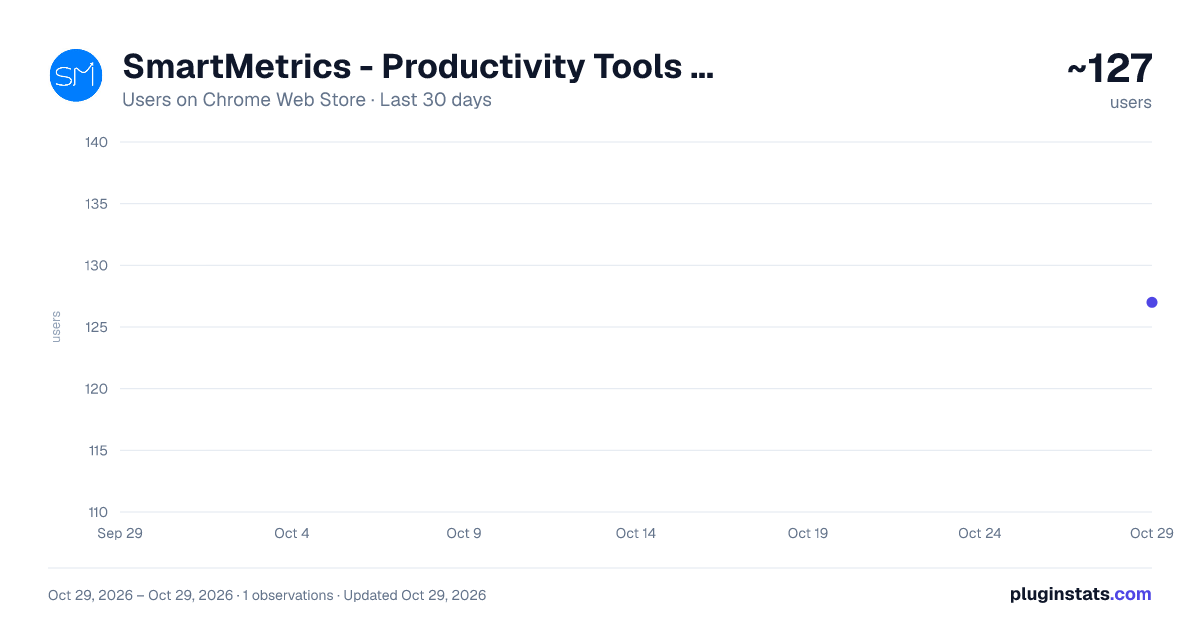
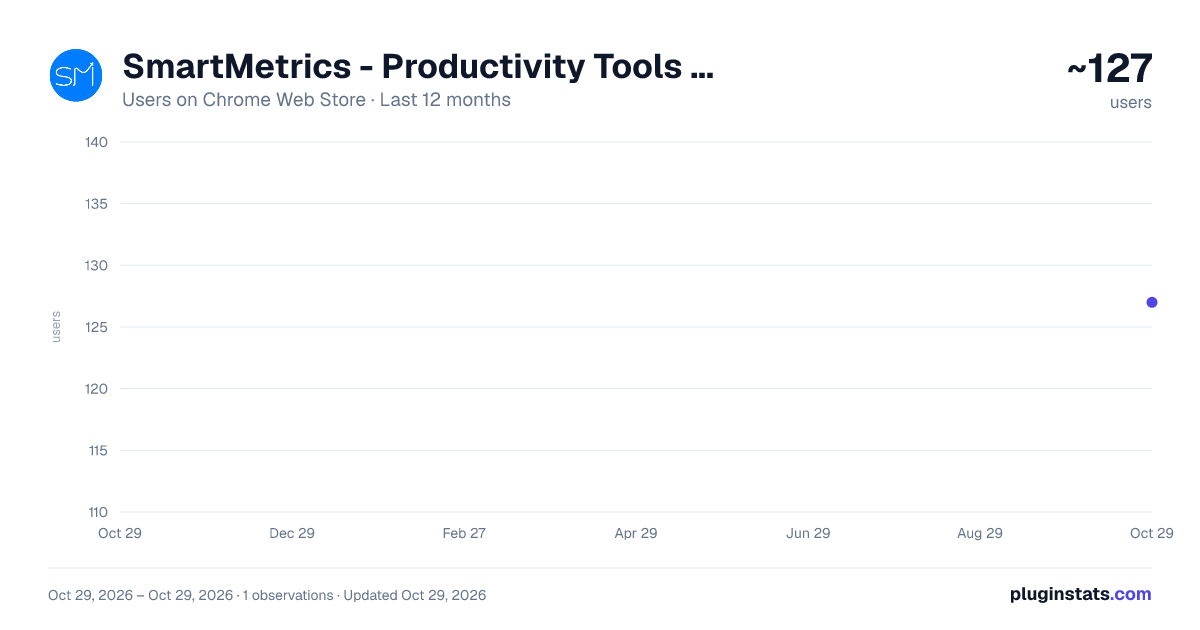
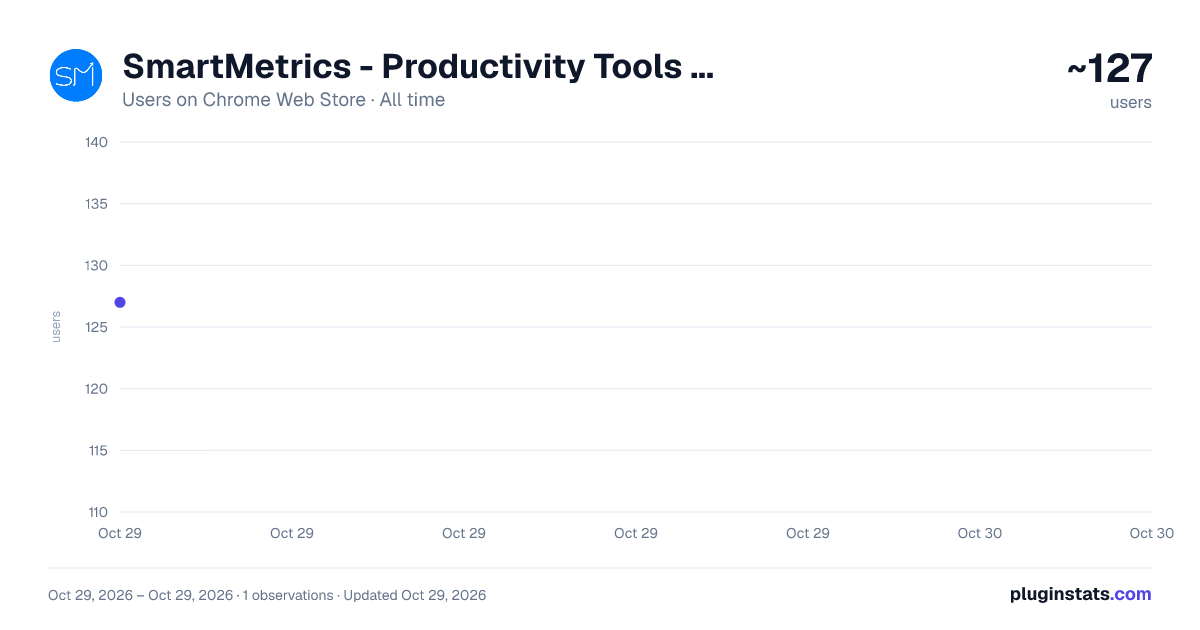
SmartMetrics - Productivity Tools and Services for Agencies has approximately 127 recorded users on Chrome Web Store, ranking #4736 of 5,223 tracked listings.
About SmartMetrics - Productivity Tools and Services for Agencies
Detect tracking pixels, manage tasks, and create clients. Essential toolkit for agencies.
SmartMetrics is the ultimate productivity toolkit for digital marketing agencies to identify tracking codes, manage client projects, and streamline workflows - all from your browser.
🎉 Version 2.0 Updates:
- NEW: Project task management with Kanban board integration
- NEW: Quick client creation from any website
- NEW: Auto-client detection based on current URL
- Improved UI with better tab navigation
- Bug fixes and performance improvements
Features: ✅ Instant Detection: Scans websites to find GTM, GA4, Google Ads (IDs and conversions), and Facebook Pixel IDs ✅ Real-Time Badge Updates: Badge counter shows detected IDs at a glance ✅ Project Task Management ✅ Quick Task Creation: Add tasks to client projects without leaving the page ✅ Auto-Client Detection: Automatically matches the current website to your clients ✅ Task Status Management: Organize tasks by column ✅ Mark as Done: Check off completed tasks directly from the plugin ✅ View Kanban Board: Jump directly to the full project board in SmartMetrics ✅ Create Clients On-The-Go: Add new clients directly from any website ✅ Auto-URL Detection: Pre-fills website URL from current page ✅ Company Name Extraction: Automatically extracts company name using AI
Who Is It For?
- Digital Marketing Agencies: Manage client projects, track pixels, and import testimonials
- Marketers: Verify tracking codes for analytics and campaigns
- Developers: Debug and implement tracking solutions faster
- Analysts: Audit websites to ensure data integrity
- Agency Teams: Streamline workflows with integrated task management
Setup:
- Get your API key from SmartMetrics Agency Dashboard → Manage Agency → SmartMetrics API
- Open the plugin and go to Settings tab
- Paste your API key and click Connect
- Start using all features immediately!
Privacy & Security:
- Local Storage: Your API key is stored locally in Chrome's encrypted storage
- Secure Communication: All API requests use HTTPS
- No Tracking: The plugin doesn't track your browsing or send analytics
- Pixel Detection: Happens locally in your browser - no data sent externally
🔗 Need help? Visit SmartMetrics.com
Description from the Chrome Web Store listing.
README badge
Show your rank in a README or on your website. The badge updates automatically.
Charts
Images: 30d · 1y · all time · 1600×900 dark
Adoption over time
7/30/90-day growth
Ranking history
Ratings over time
Listing placement
Listing placement
Filled points are observed values; hollow points come from Internet Archive snapshots of the listing page. Dashed segments span periods with no observations — values between points are not interpolated.
Each band is one page of 20. Users on a linear scale. Placement is projected from users, so it can differ from the marketplace's own sort order. Hover a dot to see the listing.
Recent observations
Full history (1)Similar Chrome Web Store Tools plugins
All 20 SmartMetrics - Productivity Tools and Services for Agencies alternatives



Data source
Covers every Chrome Web Store extension with at least 100 users, found through the store's public sitemap. User counts are read from public listing pages. The 10% most-used extensions are refreshed daily, the next 40% weekly and the next 40% monthly; the least-used 10% are not refreshed. Google displays rounded user counts (and caps the display at 10,000,000+), so small changes may not be visible. Rating counts above 1,000 are rounded (e.g. 1.6K).
Listing: https://chromewebstore.google.com/detail/smartmetrics-productivity/ekinglelpbchfgkbcldomlnliamomblm. First seen Oct 29, 2026; last successful collection Oct 29, 2026. See the methodology.