 PluginStats

Tab Activate users statistics
By Tab Activate · Chrome Web Store · Functionality & UI
New tabs open immediately instead of in the background
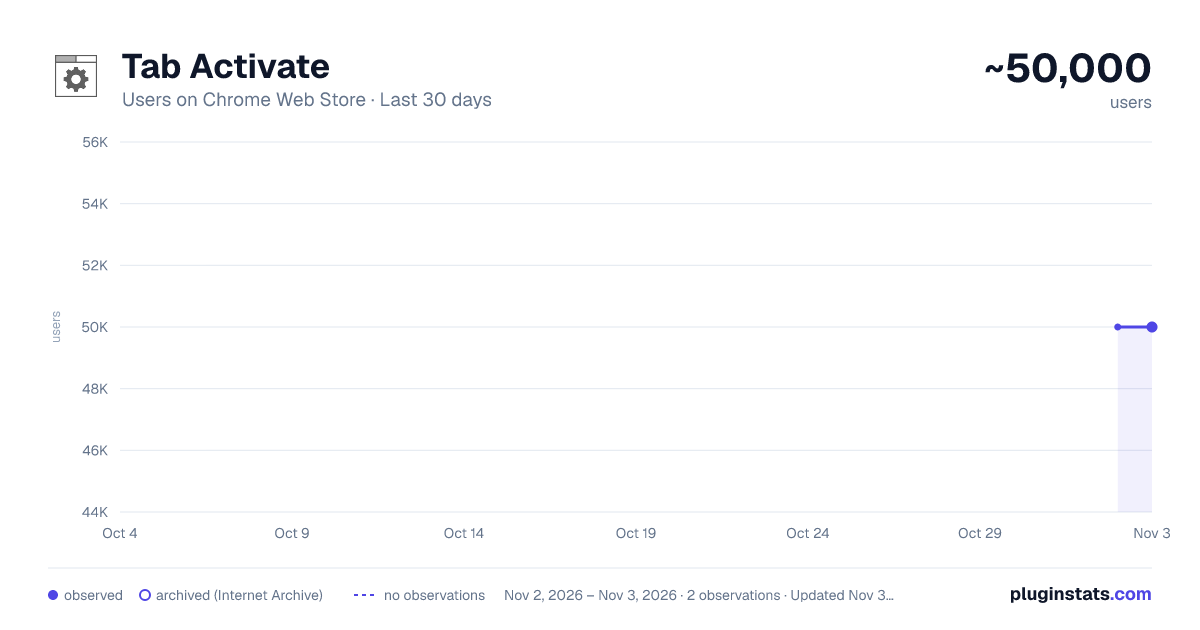
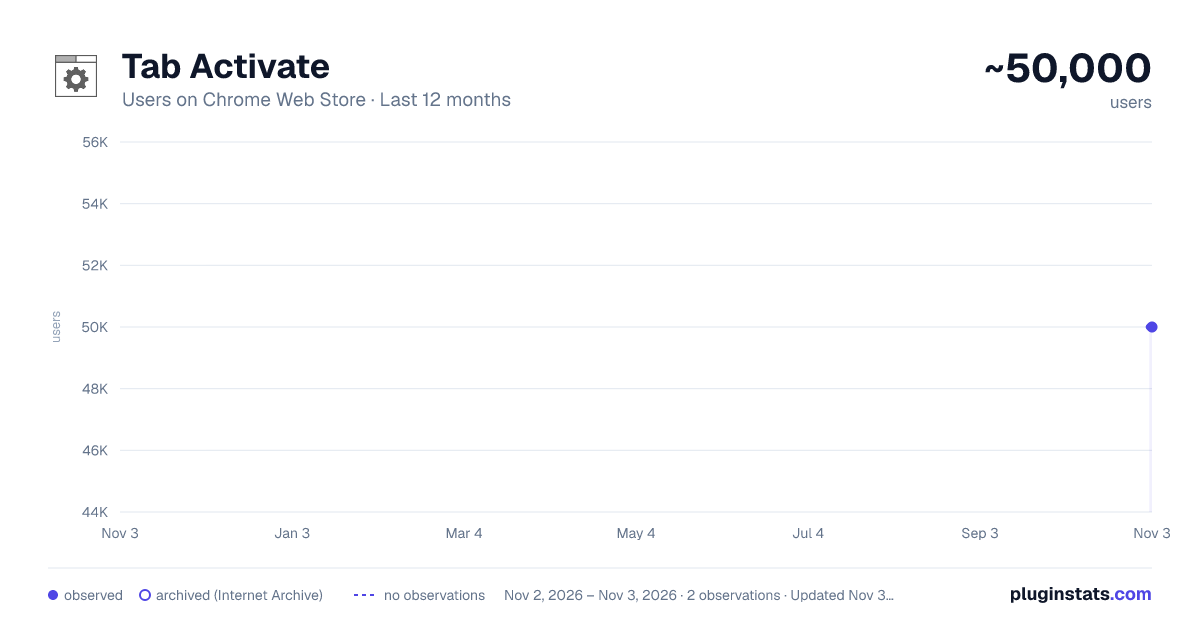
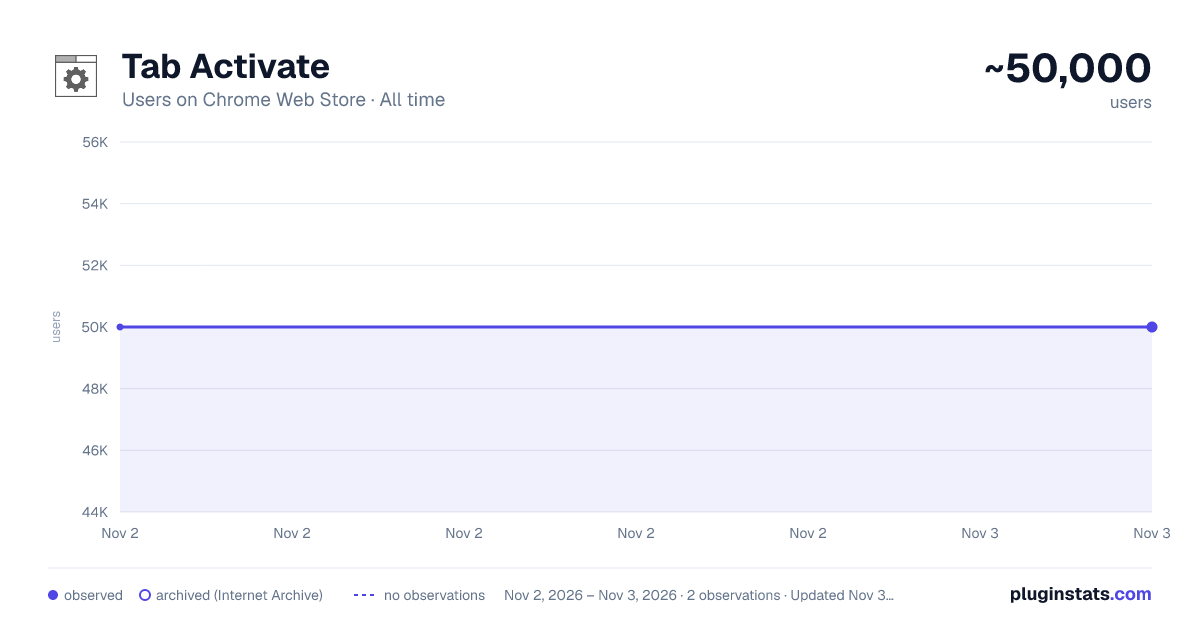
Tab Activate has approximately 50,000 recorded users on Chrome Web Store, ranking #323 of 6,786 tracked listings.
Rating: 4.10 / 5 from 279 ratings
About Tab Activate
New tabs open immediately instead of in the background
Opening a link in a new tab can happen several ways:
- Middle-click
- Control + click
- Right-click > Open link in new tab
- Website design
- and more
Chrome opens these new tabs in the background and provides no option to switch to them immediately.
With Tab Activate, new tabs open immediately instead of in the background.
To override Tab Activate and open a new tab in the background, press the Shift key while opening the new tab.
Tab Activate effectively reverses Chrome's new tab focus behavior.
In other browsers, this setting is called: "When you open a link in a new tab, switch to it immediately."
Required Permissions
Read and change all your data on the websites you visit: Required to detect when the Shift key is pressed (no website data is read or changed).
Due to limitations in the Chrome extension API, the only way to detect if the Shift key is being pressed is with the required permissions. Absolutely no data is changed or collected.
Changes
Version 4.0 Updated code for current API. Improved startup behavior with saved tabs.
Version 3.2 Refactored code. No longer requires bookmarks permission (bookmarks still work).
Version 3.1 Improved Shift key detection when the window loses focus. Improved error handling. Fixed a console error.
Version 3.0 Updated to Chrome Manifest V3.
Version 2.1 New icon. Fixed issues created by Chrome 79 extension API changes.
Version 2.0 As requested, bookmarks are now supported.
Version 1.2 New tabs open to the right of the previous tab and new background tabs open at the end.
Version 1.1 Shift key overrides Tab Activate and opens new tabs in the background.
Version 1.0 Initial release.
Description from the Chrome Web Store listing.
README badge
Show your rank in a README or on your website. The badge updates automatically.
Charts
Images: 30d · 1y · all time · 1600×900 dark
Adoption over time
7/30/90-day growth
Ranking history
Ratings over time
Listing placement
Listing placement
Filled points are observed values; hollow points come from Internet Archive snapshots of the listing page. Dashed segments span periods with no observations — values between points are not interpolated.
Each band is one page of 20. Users on a linear scale. Placement is projected from users, so it can differ from the marketplace's own sort order. Hover a dot to see the listing.
Recent observations
Full history (2)Similar Chrome Web Store Functionality & UI plugins
All 20 Tab Activate alternatives



Data source
Covers every Chrome Web Store extension with at least 100 users, found through the store's public sitemap. User counts are read from public listing pages. The 10% most-used extensions are refreshed daily, the next 40% weekly and the next 40% monthly; the least-used 10% are not refreshed. Google displays rounded user counts (and caps the display at 10,000,000+), so small changes may not be visible. Rating counts above 1,000 are rounded (e.g. 1.6K).
Listing: https://chromewebstore.google.com/detail/tab-activate/jlmadbnpnnolpaljadgakjilggigioaj. First seen Nov 2, 2026; last successful collection Nov 3, 2026. See the methodology.