 PluginStats

Converter for Excel users statistics
Convert Excel files (XLSX, XLS, CSV) to PDF — fast, private, and 100% on your device. Nothing is uploaded.
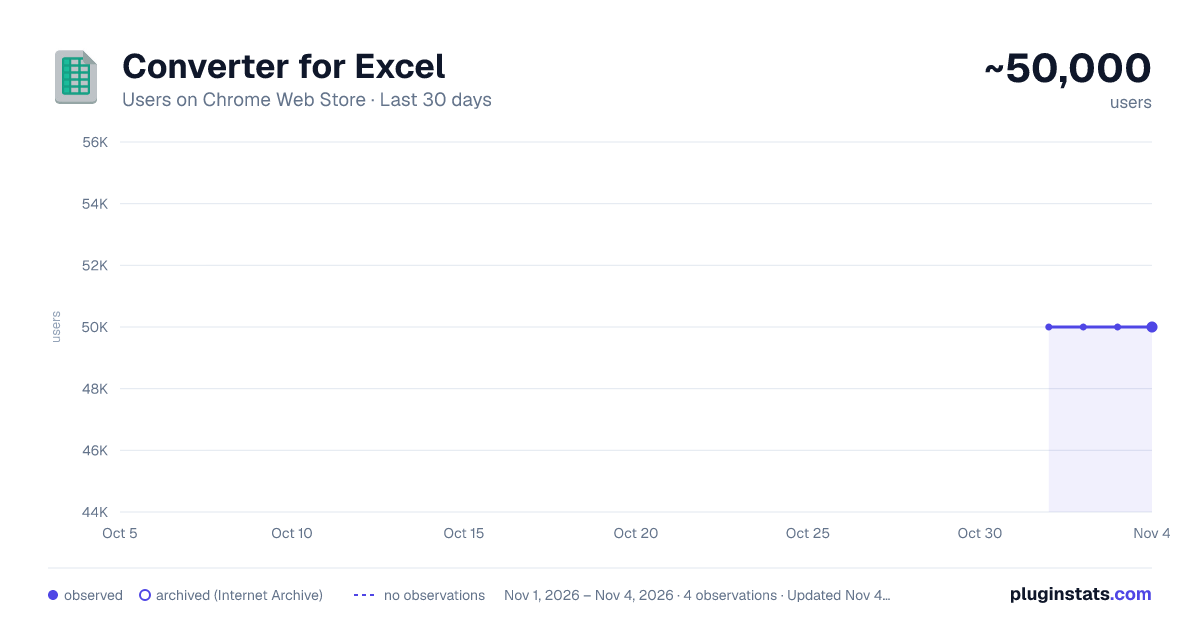
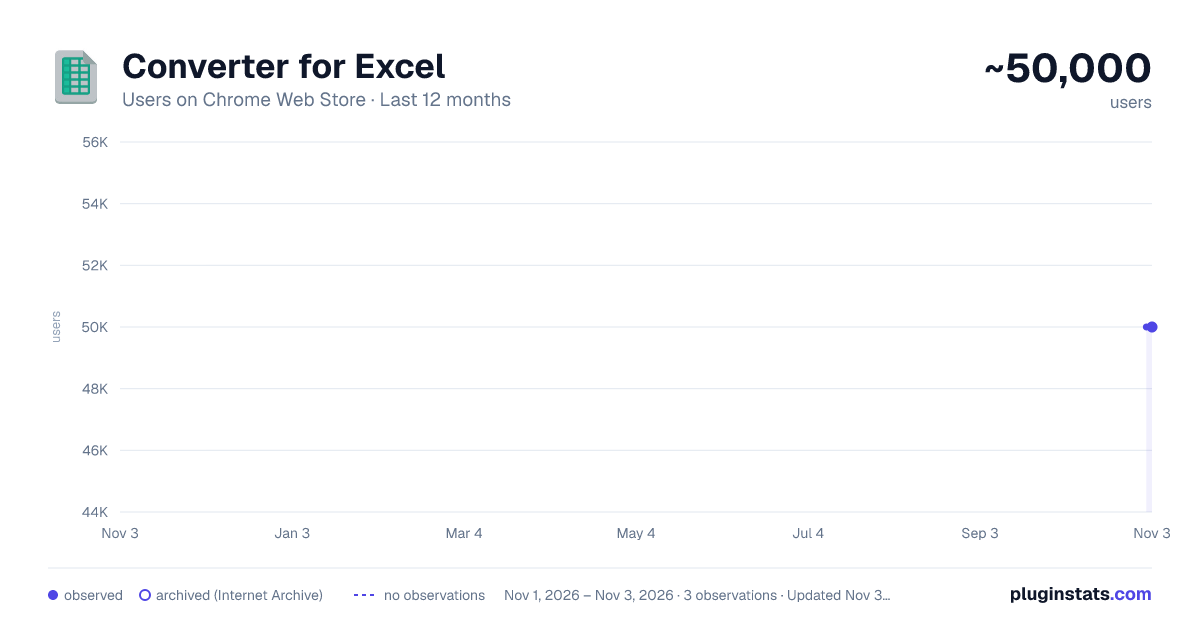
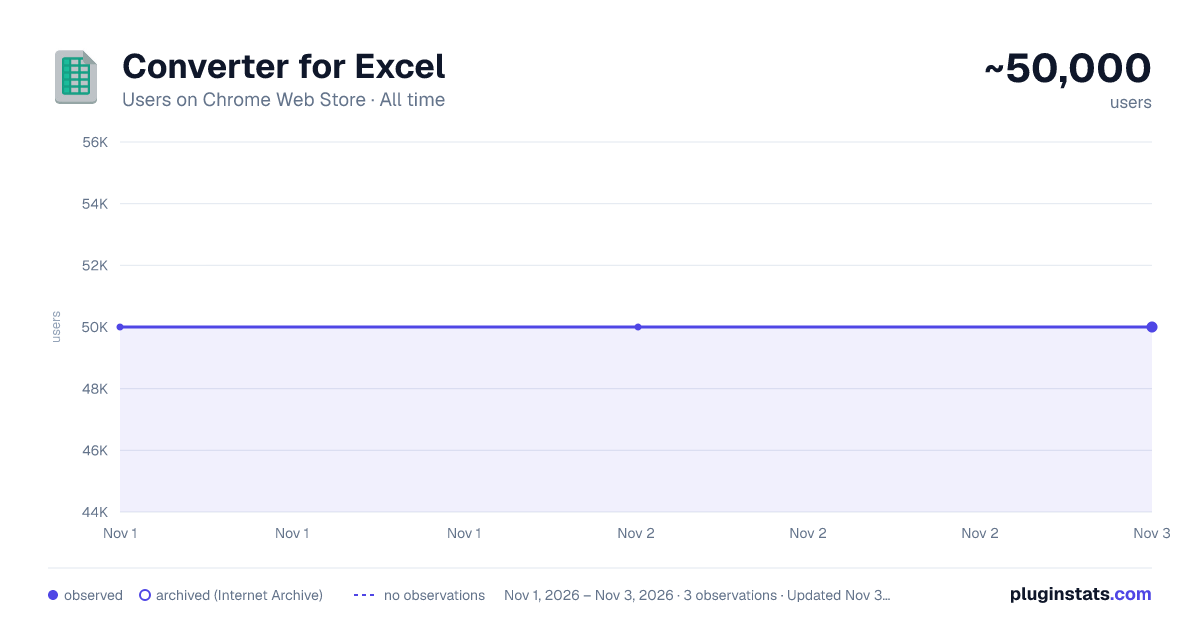
Converter for Excel has approximately 50,000 recorded users on Chrome Web Store, ranking #318 of 6,786 tracked listings.
Rating: 3.90 / 5 from 206 ratings
About Converter for Excel
Convert Excel files (XLSX, XLS, CSV) to PDF — fast, private, and 100% on your device. Nothing is uploaded.
Converter for Excel — Excel to PDF, 100% on your device
Converter for Excel turns your spreadsheets into clean, professional PDFs in seconds — and with this major update, every conversion now happens entirely inside your browser. Your files are never uploaded to any server. Nothing ever leaves your computer. The result is faster, far more private, and works even when you are completely offline.
This release is a ground-up rewrite focused on three things: protecting your data, fixing the rough edges that frustrated people for years, and giving you real control over how your PDF looks.
🔒 YOUR FILES NEVER LEAVE YOUR DEVICE In the past, your spreadsheet was sent to a third-party server to be converted. Not anymore. We rebuilt the entire conversion engine to run locally on your own machine using trusted, open-source libraries. When you convert a file, it is read and rendered to PDF right inside your browser — no uploads, no accounts, no sign-in, and no tracking of any kind. The extension no longer requests broad access to the websites you visit, so you can verify for yourself that it has no way to send your data anywhere. Your financial models, HR records, and customer lists stay yours.
✨ NEW FEATURES • Output options — choose page size (A4, Letter, or Legal), orientation (auto, portrait, or landscape), and margins. Fit wide sheets to the page width, turn cell gridlines on or off, treat the first row as a header, and show each sheet's name as a heading. • Sheet selection — pick exactly which tabs of a multi-sheet workbook you want in the PDF. • Batch conversion — convert many spreadsheets at once and download them all together in a single ZIP file. • More input formats — XLSX, XLS, are all supported. • Drag & drop — drop files straight onto the converter page or the toolbar popup, with full keyboard support for accessibility. • Real progress with Cancel — a genuine percentage bar replaces the old fake spinner, plus a Cancel button so you are always in control. • Quick convert from the popup — drop a file onto the toolbar icon to get a PDF instantly. • Right-click to convert — right-click a spreadsheet link on any web page and convert it without downloading it first. • Recent conversions — a handy local list of your latest files (file names only, stored on your device). • Dark mode — system-aware with a manual toggle, consistent across every screen. • Settings page — set your default output options and theme, and clear your local data whenever you like. • A fresh, modern redesign — a clean, guided flow (Choose → Convert → Download) that makes converting effortless.
🐛 BUGS FIXED This update resolves dozens of long-standing problems: • Removed the silent upload of your files to an outside server — the single biggest privacy risk in the old version. • Removed install-time and uninstall-time tracking. • Fixed crashes that happened when clicking Download before converting, or when choosing an empty file. • Replaced cryptic, raw error messages with clear, friendly explanations that tell you what to do next. • Added file-type and file-size checks before converting, so you get instant, helpful feedback. • Corrected the extension's name and description in 40+ languages — many languages previously advertised the wrong product entirely. • Removed leftover, incorrect text and branding throughout the interface. • Deleted an outdated, vulnerable code library and other dead code, making the extension lighter, safer, and faster to load. • Fixed a duplicate right-click-menu error that could appear in the background. • Cleaned up invalid configuration that could trigger browser or store warnings.
🌍 WORKS IN YOUR LANGUAGE The interface and the store listing are now correct in more than 40 languages, including Arabic, Chinese, French, German, Spanish, Japanese, Korean, Russian, Portuguese, Italian, Dutch, Polish, Turkish, and many more.
💡 WHY PEOPLE CHOOSE CONVERTER FOR EXCEL • Private by design — 100% local conversion. Your data stays on your device. • No sign-up, no limits, no watermarks, and no hidden costs. • Fast and works offline. • Free to use.
HOW TO USE IT
- Click the toolbar icon, or open the full converter page.
- Drag in one or more spreadsheets — or right-click a link to a spreadsheet.
- Choose your options and click "Convert to PDF".
- Download your PDF, or grab the whole batch as a ZIP.
We rebuilt Converter for Excel from the ground up to be the private, reliable, no-nonsense spreadsheet-to-PDF tool you deserve. Install it today and convert with complete confidence — knowing your files never leave your hands.
Disclaimer: Please note this extension is NOT made by Google and is made by an independent development team. All copyrights belong to their respective owners. Google doesn’t endorse or sponsor this Chrome extension. This extension is not owned by, it is not licensed by and is not a subsidiary of Google Inc.
Description from the Chrome Web Store listing.
README badge
Show your rank in a README or on your website. The badge updates automatically.
Charts
Images: 30d · 1y · all time · 1600×900 dark
Adoption over time
7/30/90-day growth
Ranking history
Ratings over time
Listing placement
Listing placement
Filled points are observed values; hollow points come from Internet Archive snapshots of the listing page. Dashed segments span periods with no observations — values between points are not interpolated.
Each band is one page of 20. Users on a linear scale. Placement is projected from users, so it can differ from the marketplace's own sort order. Hover a dot to see the listing.
Recent observations
Full history (3)Similar Chrome Web Store Education plugins
All 20 Converter for Excel alternatives



Data source
Covers every Chrome Web Store extension with at least 100 users, found through the store's public sitemap. User counts are read from public listing pages. The 10% most-used extensions are refreshed daily, the next 40% weekly and the next 40% monthly; the least-used 10% are not refreshed. Google displays rounded user counts (and caps the display at 10,000,000+), so small changes may not be visible. Rating counts above 1,000 are rounded (e.g. 1.6K).
Listing: https://chromewebstore.google.com/detail/converter-for-excel/geenipmnncdadogjkpolcjpehkiohlej. First seen Nov 1, 2026; last successful collection Nov 3, 2026. See the methodology.