 PluginStats

Add to Calendar users statistics
By Gbenga Ayelabola · Chrome Web Store · Workflow & Planning
Add events to Google Calendar directly from selected text.
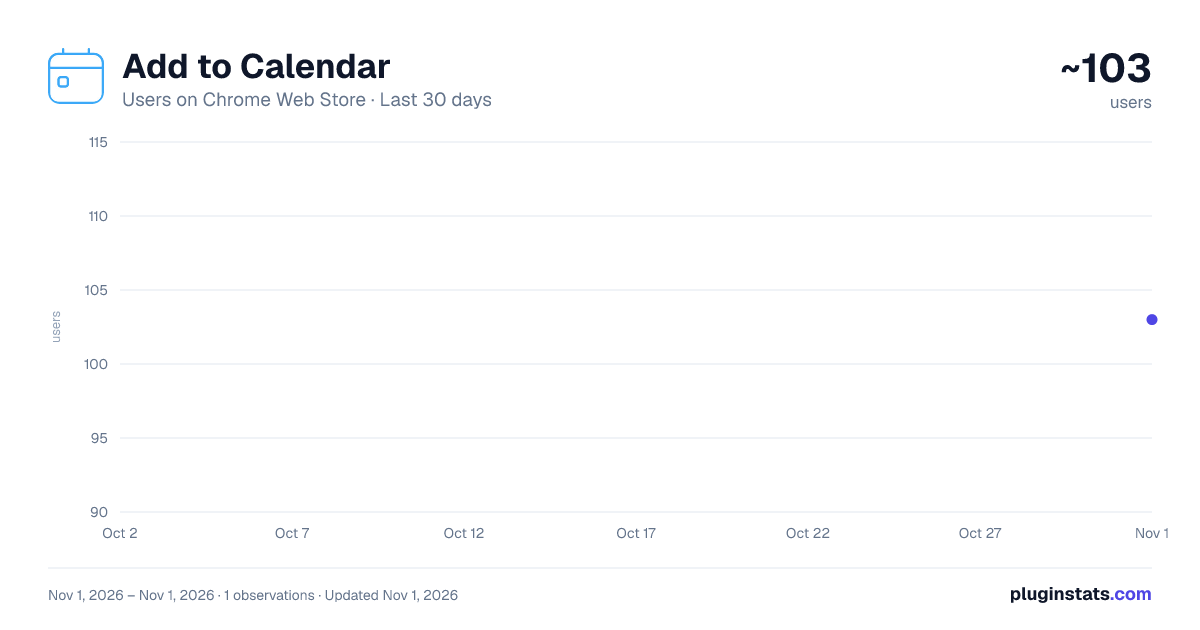
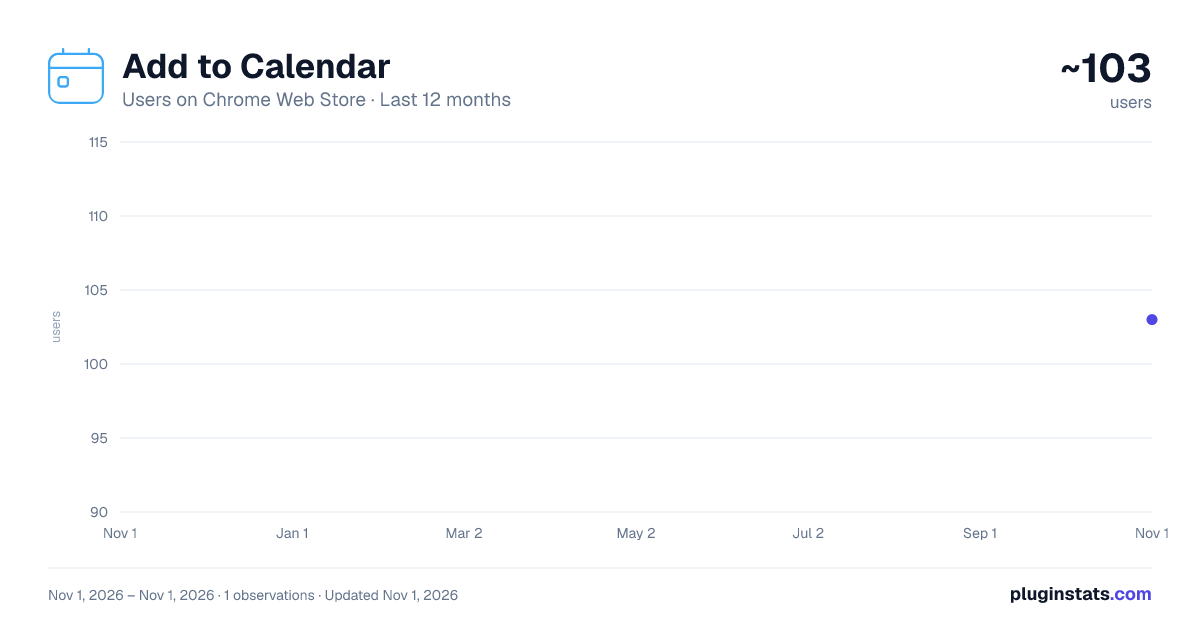
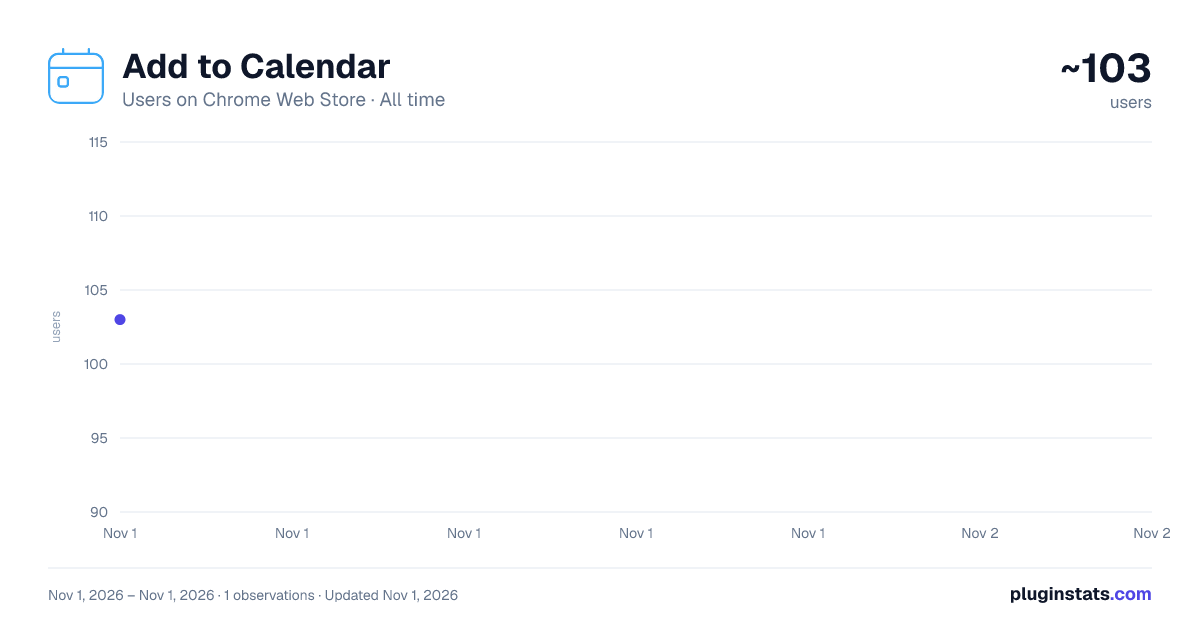
Add to Calendar has approximately 103 recorded users on Chrome Web Store, ranking #6576 of 6,672 tracked listings.
Rating: 2.50 / 5 from 2 ratings
About Add to Calendar
Add events to Google Calendar directly from selected text.
Add To Calendar Say Goodbye to Missed Opportunities. Stay Organized, Save Time, and Achieve More.
Tired of juggling schedules, missed deadlines, and forgotten events? Add To Calendar is here to revolutionize the way you manage your time! Designed with simplicity and efficiency in mind, this Chrome extension empowers you to seamlessly add dates, events, deadlines, and even Zoom invites to your Google Calendar with just a click.
Features That Keep You Ahead ✨ Smart Date Recognition Automatically detects and interprets a variety of date and time formats from your selected text. From "Tomorrow at 3 PM" to "15th Jan 2025," Add To Calendar understands it all, ensuring that your schedule stays up-to-date without the hassle of manual entry.
Natural Language Processing: Utilizes advanced algorithms to parse and comprehend complex date and time expressions. Context-Aware: Recognizes dates within different contexts, whether you're reading an email, document, or webpage.
🚀 Seamless Google Calendar Integration Add events to your Google Calendar with one simple click—no copying, pasting, or manual entry required. Experience a fluid workflow that keeps your calendar organized effortlessly.
Instant Sync: Events are synchronized in real-time, ensuring your calendar is always up-to-date across all your devices. Customization Options: Choose event details such as time zones, reminders, and privacy settings directly from the extension interface.
🌍 Supports Global Date Formats Whether you're using "2025-01-15," "15/01/2025," or even "Next Monday at 7 AM," our extension adapts to your regional preferences effortlessly, making it perfect for users worldwide.
Locale Detection: Automatically detects your regional settings to format dates and times accordingly.
Manual Override: Allows users to specify their preferred date and time formats in the settings panel.
📅 Works with Relative Dates Handles relative expressions like "This Friday at 6 PM" or "In 2 weeks" with precision, ensuring no ambiguity in your scheduling.
Dynamic Scheduling: Adjusts event dates based on the current date, accommodating ongoing changes seamlessly.
Recurring Events: Easily set up recurring events with flexible intervals (daily, weekly, monthly).
🔒 Privacy-Focused No personal data is collected. Your events are only processed locally and sent directly to your Google Calendar, ensuring your information remains secure and private.
Data Encryption: All data transmissions are encrypted to protect your privacy. Transparent Policies: Clear and concise privacy policies that outline how your data is handled.
💡 Easy-to-Use Interface Designed for everyone—from busy professionals to students—Add To Calendar is intuitive and straightforward, requiring minimal setup to get started.
User-Friendly Design: Clean and minimalistic interface that blends seamlessly with your browsing experience.
Quick Access: Easily accessible toolbar icon and context menu options for swift event additions.
🎥 Zoom Invite Integration Enhance your scheduling capabilities by adding Zoom meeting invites directly to your Google Calendar events, making virtual meetings seamless and organized.
One-Click Zoom Integration: Automatically generates Zoom meeting links when adding events that require virtual meetings.
Customizable Meeting Settings: Set meeting parameters such as password protection, participant limits, and waiting rooms directly from the event creation interface.
Automatic Reminders: Receives timely reminders for upcoming Zoom meetings, ensuring you never miss a virtual appointment.
Easy Access: Clickable Zoom links within calendar events for instant access to your meetings without the need to search through emails or messages.
How It Works Highlight Any Date, Time, or Event Description:
Whether it's a meeting date in an email, a project deadline in a document, or an event on a webpage, simply highlight the relevant text. Right-Click and Select "Add to Calendar":
Access the extension's functionality directly from the context menu without interrupting your workflow. Customize and Add Event:
Choose additional details like time zones, reminders, and, if needed, enable Zoom integration for virtual meetings. Watch as the Event is Automatically Added to Your Google Calendar:
With all details intact, your calendar is updated instantly, complete with reminders and Zoom invites if applicable.
Why Choose Add To Calendar? Never Forget an Important Event: Keep track of all your commitments effortlessly.
Save Time by Eliminating Manual Data Entry: Streamline your scheduling process with automated event additions.
Stay Productive and In Control of Your Schedule: Focus on what matters most while Add To Calendar manages your time.
Use Cases
Professionals: Simplify meeting scheduling and task management. Automatically add client meetings, project deadlines, and team events to your calendar, complete with Zoom links for virtual collaborations.
Students: Keep track of assignments, exams, and deadlines effortlessly. Receive reminders for upcoming classes and study sessions, ensuring academic success without the stress of forgotten tasks.
Freelancers: Manage multiple projects and deadlines with ease. Coordinate with clients, schedule deliverables, and integrate Zoom meetings for seamless virtual consultations.
Everyone Else: Whether it's a birthday, appointment, or casual event, Add To Calendar has you covered. Enhance your personal scheduling with easy event additions and virtual meeting integrations.
Built for Modern Life
We know you’re busy. That’s why we created a tool that blends into your daily workflow, helping you achieve more without the hassle of complicated setups or bloated features. With Add To Calendar, managing your time has never been easier or more efficient.…
Description from the Chrome Web Store listing.
README badge
Show your rank in a README or on your website. The badge updates automatically.
Charts
Images: 30d · 1y · all time · 1600×900 dark
Adoption over time
7/30/90-day growth
Ranking history
Ratings over time
Listing placement
Listing placement
Filled points are observed values; hollow points come from Internet Archive snapshots of the listing page. Dashed segments span periods with no observations — values between points are not interpolated.
Each band is one page of 20. Users on a linear scale. Placement is projected from users, so it can differ from the marketplace's own sort order. Hover a dot to see the listing.
Recent observations
Full history (1)Similar Chrome Web Store Workflow & Planning plugins
All 20 Add to Calendar alternatives



Data source
Covers every Chrome Web Store extension with at least 100 users, found through the store's public sitemap. User counts are read from public listing pages. The 10% most-used extensions are refreshed daily, the next 40% weekly and the next 40% monthly; the least-used 10% are not refreshed. Google displays rounded user counts (and caps the display at 10,000,000+), so small changes may not be visible. Rating counts above 1,000 are rounded (e.g. 1.6K).
Listing: https://chromewebstore.google.com/detail/add-to-calendar/cpkelldafnpcplbfeabnglmfeaepjfff. First seen Nov 1, 2026; last successful collection Nov 1, 2026. See the methodology.