 PluginStats

Pixel Art users statistics
By s.glebdev · Chrome Web Store · Art & Design
Turn any photo or picture into pixel art. Use pixel art maker, converter & generator to create cool pixel art grid easy.
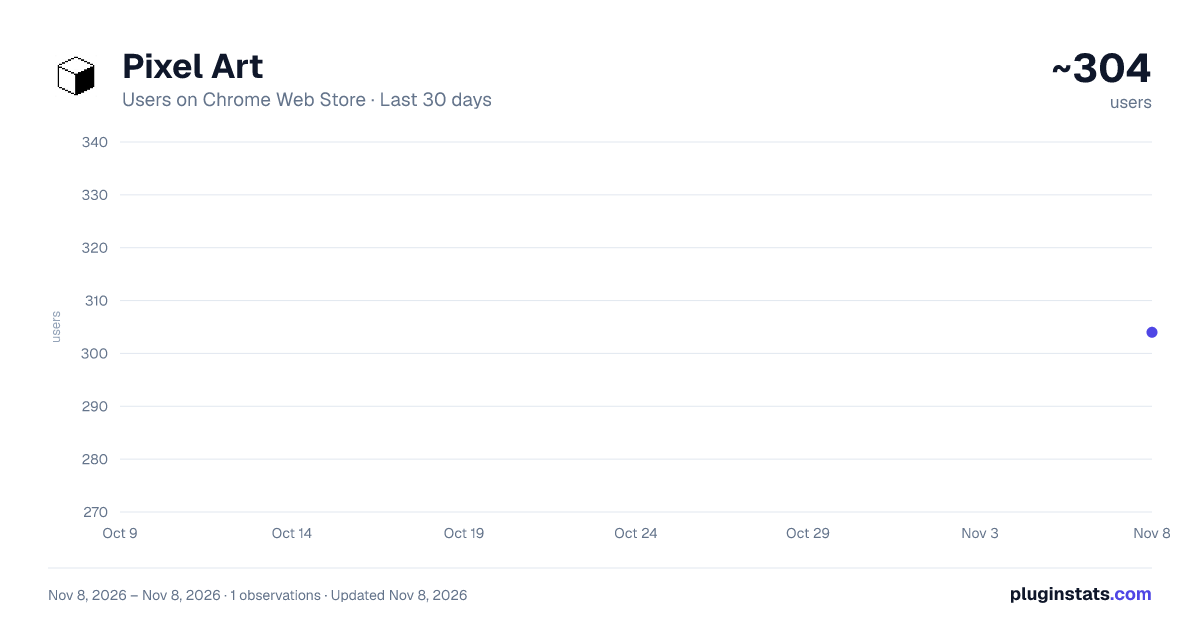
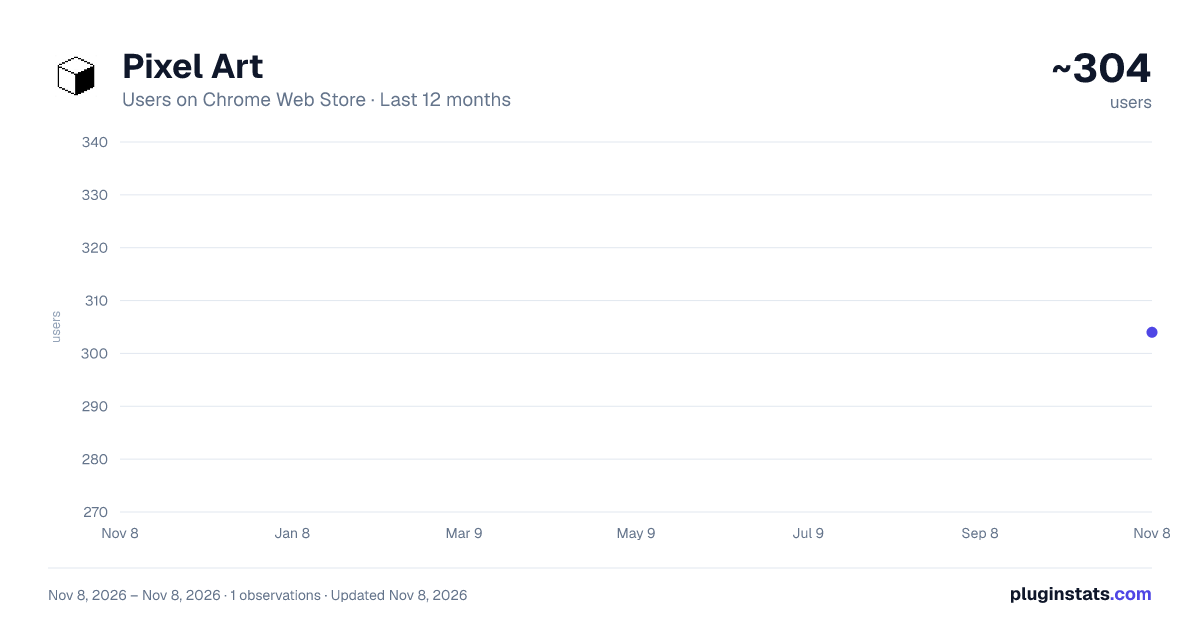
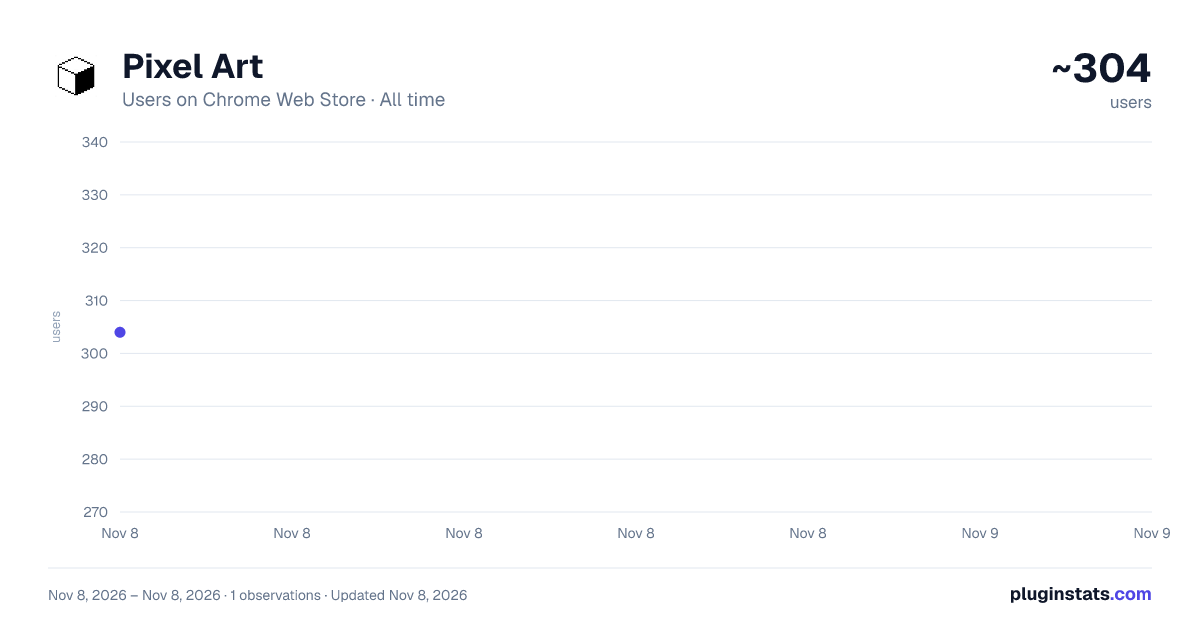
Pixel Art has approximately 304 recorded users on Chrome Web Store, ranking #5117 of 8,189 tracked listings.
Rating: 5.00 / 5 from 2 ratings
About Pixel Art
Turn any photo or picture into pixel art. Use pixel art maker, converter & generator to create cool pixel art grid easy.
🎨 Pixel Art — convert any image into a retro masterpiece
Pixel Art is a Chrome extension that turns your photos into stunning pixelated creations. Whether you want to convert an image to pixel art, explore a pixel art grid, or just pixelate a picture for fun — this tool makes it instant and easy.
🚀 How to get started
- Install the extension from the Chrome Web Store
- Open any photo or picture in your browser
- Click the Pixel Art icon in your toolbar
- Choose your grid size: 8x8, 16x16, 32x32, and more
- Download your retro creation in seconds!
🖼️ What can you do with this extension?
Our image to pixel art converter lets you instantly transform any photo into a beautiful pixelated result. No drawing skills required — just upload, convert, and enjoy.
✨ Why choose this extension?
➤ One-click conversion from photo to pixel art ➤ Multiple grid sizes including the popular 16x16 format ➤ Adjustable color palette — from full color to limited retro schemes ➤ No sign-up, no subscription — completely free ➤ Works offline — your images never leave your browser
🎯 Who is this extension for?
1️⃣ Designers and artists looking for a quick pixel art maker 2️⃣ Game developers who need simple sprites and game assets 3️⃣ Students exploring cute and easy pixel art ideas 4️⃣ Content creators who want cool retro visuals for social media 5️⃣ Anyone who wants to pixelate image backgrounds or portraits
🛠️ Key features
- image to pixel art: convert any photo in seconds
- picture to pixel art: supports JPG, PNG, WebP, and more
- Built-in grid editor for pixel by pixel drawing and tweaking
- Custom palette: reduce colors for an authentic retro look
- Grid sizes: 16x16, 32x32, 64x64 — from simple icons to detailed scenes
- Export as PNG for games, presentations, or social posts
📐 Grid sizes explained
Our converter supports a range of sizes: • 8x8 — ultra simple, great for icons • 16x16 — the classic format, perfect for game sprites • 32x32 — balanced detail for more complex scenes • 64x64 — high-resolution pixilart-style output • Custom — set your own dimensions
🌟 Easier than piskel or pixilart
Unlike desktop tools like piskel or pixilart, our extension works directly in Chrome — no installation, no accounts. Just open an image, pick a grid, and get an instant pixelated result. It's the simplest image pixelator built for everyday use.
💡 Ideas to try right now
- Turn a pet photo into a cute retro avatar
- Make simple icons for your indie game or app
- Pixelate image backgrounds for a vintage poster effect
- Create easy assets without any extra software
- Convert a selfie into a cool gaming profile picture
❓ Frequently asked questions
📌 Is the pixel art generator free? 💡 Yes! Completely free. No hidden fees, no subscription.
📌 What formats does the converter support? 💡 All common web formats: JPG, PNG, WebP, GIF frames, and more.
📌 How is this different from tools like piskel or pixilart? 💡 No downloads, no accounts needed. It's a fast image pixelator that works right in your browser tab.
📌 Can I do pixel by pixel drawing after converting? 💡 Yes! After converting, edit individual pixels in the built-in drawing editor.
📌 What grid sizes are available? 💡 8x8, 16x16, 32x32, 64x64, and custom. The 16x16 pixel art grid is selected by default.
📌 Does it work with any image? 💡 Yes — any photo or screenshot you can open in Chrome can be converted. URLs work too!
🎉 Ready to create?
Install Pixel Art now and turn any photo into a pixelated masterpiece. Explore pixel art ideas, build game assets, or just have fun with the retro aesthetic. Join thousands of users who already use our extension every day — and discover why it's the go-to pixle art tool for Chrome!
Description from the Chrome Web Store listing.
README badge
Show your rank in a README or on your website. The badge updates automatically.
Charts
Images: 30d · 1y · all time · 1600×900 dark
Adoption over time
7/30/90-day growth
Ranking history
Ratings over time
Listing placement
Listing placement
Filled points are observed values; hollow points come from Internet Archive snapshots of the listing page. Dashed segments span periods with no observations — values between points are not interpolated.
Each band is one page of 20. Users on a linear scale. Placement is projected from users, so it can differ from the marketplace's own sort order. Hover a dot to see the listing.
Recent observations
Full history (1)Similar Chrome Web Store Art & Design plugins
All 20 Pixel Art alternatives



Pixel Art on other marketplaces
Data source
Covers every Chrome Web Store extension with at least 100 users, found through the store's public sitemap. User counts are read from public listing pages. The 10% most-used extensions are refreshed daily, the next 40% weekly and the next 40% monthly; the least-used 10% are not refreshed. Google displays rounded user counts (and caps the display at 10,000,000+), so small changes may not be visible. Rating counts above 1,000 are rounded (e.g. 1.6K).
Listing: https://chromewebstore.google.com/detail/pixel-art/hoelbnpckhabboheiepjdehipgmlkina. First seen Nov 8, 2026; last successful collection Nov 8, 2026. See the methodology.