 PluginStats

Copy URL of All Tabs users statistics
Copy all open tab URLs in various formats or Open all URLs in the clipboard at once.
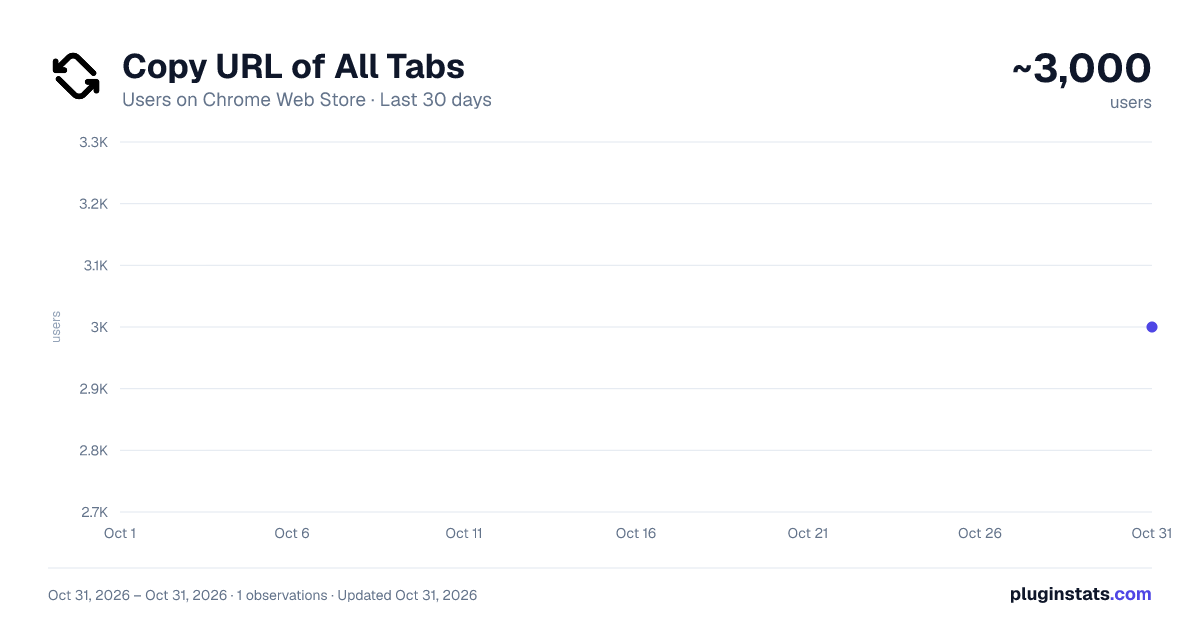
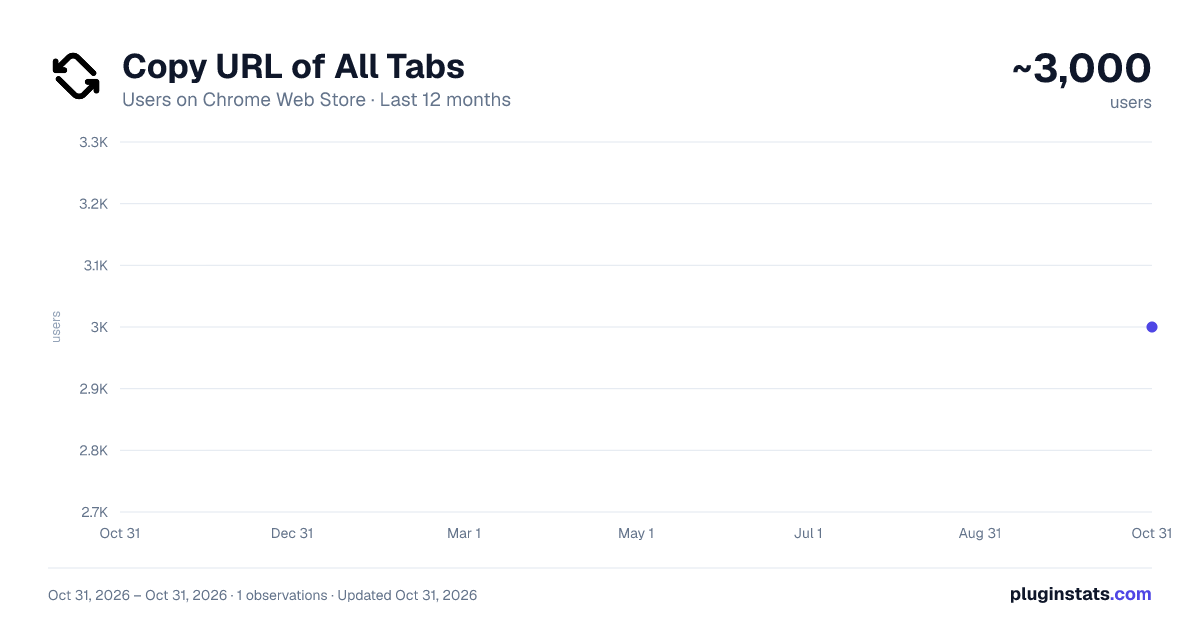
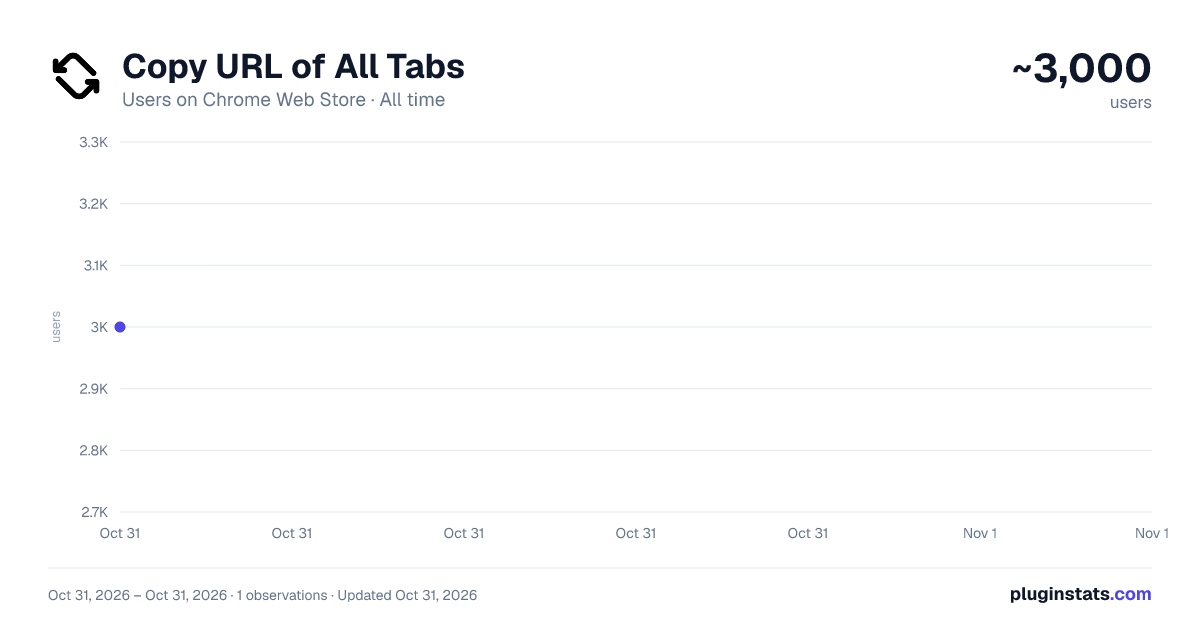
Copy URL of All Tabs has approximately 3,000 recorded users on Chrome Web Store, ranking #1432 of 6,786 tracked listings.
Rating: 4.00 / 5 from 3 ratings
About Copy URL of All Tabs
Copy all open tab URLs in various formats or Open all URLs in the clipboard at once.
About
Copy all open tab URLs in various formats or Open all URLs in the clipboard at once.
Features
The following functions can be selected from the pop-up menu.
- Copy Copy the URLs of all open tabs to the clipboard in any format (text, json, custom).
- Paste Open all URLs in the clipboard at once. The URLs to be opened can be filtered.
How to use
- Click on the icon of "Copy URL of All Tabs" on the right side of the address bar.
- Action
- To "Copy all tab URLs"
- Click "Copy" in the Popup Menu. The URLs of all open tabs are copied to the clipboard.
- To "Open the URL in the clipboard in a new tab"
- Click "Paste" in the Popup Menu. The URLs in the clipboard are opened at once.
- To "Open the Settings"
- Click "Options" in the Popup Menu.
- Alternatively, right-click on the "Copy URL of All Tabs" extension icon displayed to the right of the address bar and select "Options" from the menu.
For more detailed instructions, please refer to one of the following:
- User Guide
- https://github.com/from-es/copy-url-of-all-tabs/blob/main/docs/UserGuide/README.md
- https://github.com/from-es/copy-url-of-all-tabs/blob/main/docs/UserGuide/README.ja.md
System Requirements
Google Chrome or Chromium-based browsers (version 125 or later).
FAQ or Known Issues
Tab position setting is ignored when pasting URLs in Vivaldi Browser
Vivaldi prioritizes browser-side settings (Settings >> Tabs >> New Tab Position) over extension settings.
Links to pages opened with "Copy URL to all tabs" do not marked as "Visited"
If opened links are not marked as “visited”, then that is a Google Chrome specification; the behavior specification changed in an update in early 2025/03. For more information on this change, see the following article.
Partitioning :visited links history - Chrome Platform Status https://chromestatus.com/feature/5101991698628608
Countermeasures include,
- Switch to a browser that is not affected by this change
- Change Google Chrome settings to revert to the previous behavior
On Reddit, there were instructions on how to change browser settings to address this issue. If you refer to this, please be aware that there are security risks and do so at your own risk.
for Google Chrome or Chromium-based browsers
Reddit links stay blue when using Imagus or opening them manually https://www.reddit.com/r/imagus/comments/1j0v8k2/reddit_links_stay_blue_when_using_imagus_or/
for Microsoft Edge
Fix for visited links not turning purple on Edge https://www.reddit.com/r/Enhancement/comments/1kecupw/fix_for_visited_links_not_turning_purple_on_edge/
Support
Please note that as this is a free extension we are unable to provide personalized support.
If you have issue or feature requests, please report them at issues (https://github.com/from-es/copy-url-of-all-tabs/issues).
Related Links
Description from the Chrome Web Store listing.
README badge
Show your rank in a README or on your website. The badge updates automatically.
Charts
Images: 30d · 1y · all time · 1600×900 dark
Adoption over time
7/30/90-day growth
Ranking history
Ratings over time
Listing placement
Listing placement
Filled points are observed values; hollow points come from Internet Archive snapshots of the listing page. Dashed segments span periods with no observations — values between points are not interpolated.
Each band is one page of 20. Users on a linear scale. Placement is projected from users, so it can differ from the marketplace's own sort order. Hover a dot to see the listing.
Recent observations
Full history (1)Similar Chrome Web Store Tools plugins
All 20 Copy URL of All Tabs alternatives



Data source
Covers every Chrome Web Store extension with at least 100 users, found through the store's public sitemap. User counts are read from public listing pages. The 10% most-used extensions are refreshed daily, the next 40% weekly and the next 40% monthly; the least-used 10% are not refreshed. Google displays rounded user counts (and caps the display at 10,000,000+), so small changes may not be visible. Rating counts above 1,000 are rounded (e.g. 1.6K).
Listing: https://chromewebstore.google.com/detail/copy-url-of-all-tabs/glhbfaabeopieaeoojdlaboihfbdjhbm. First seen Oct 31, 2026; last successful collection Oct 31, 2026. See the methodology.