 PluginStats

Voice Typing for ChatGPT users statistics
By a.a.diakiv · Chrome Web Store · Accessibility
A simple extension by Diakiv A.A. that allows users to type text using their voice on chat.openai.com
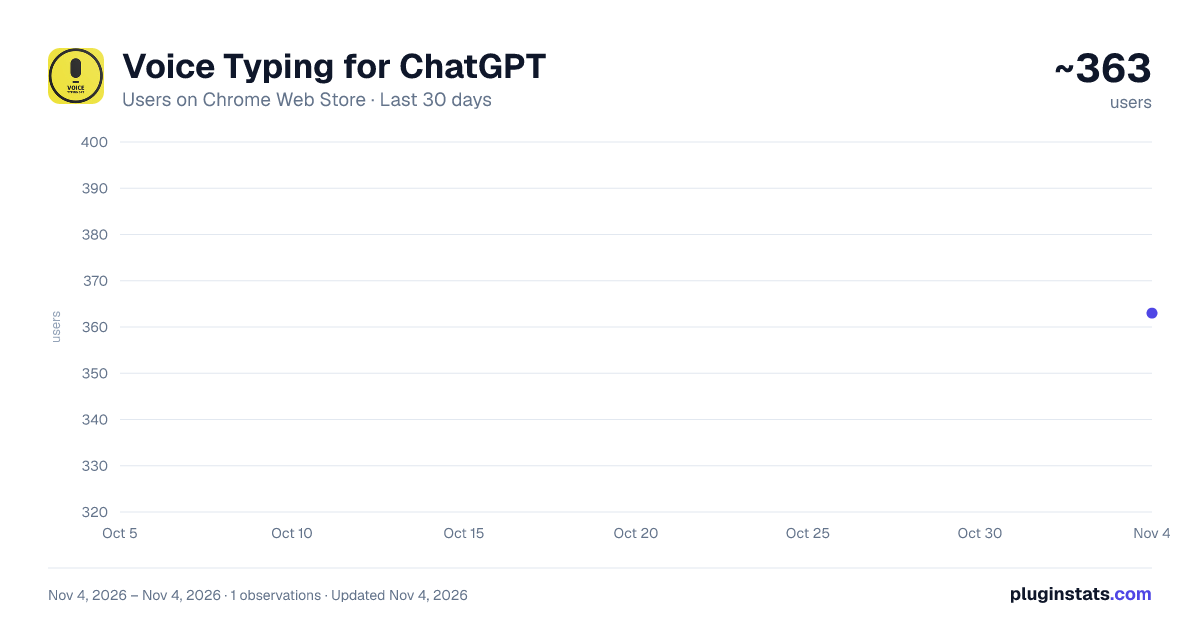
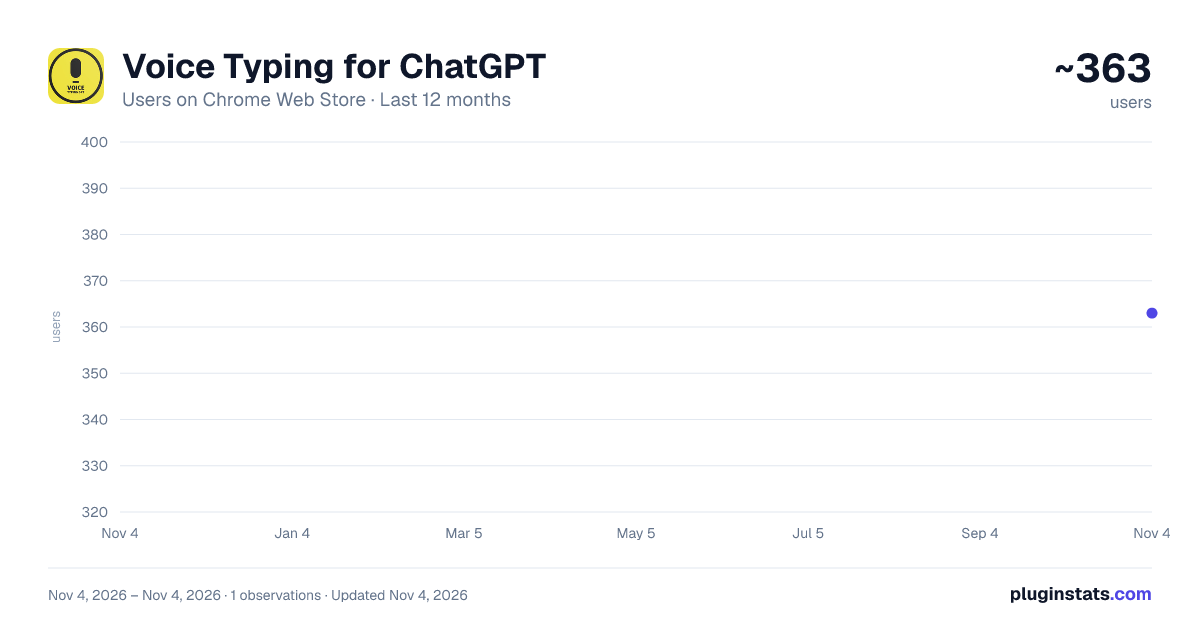
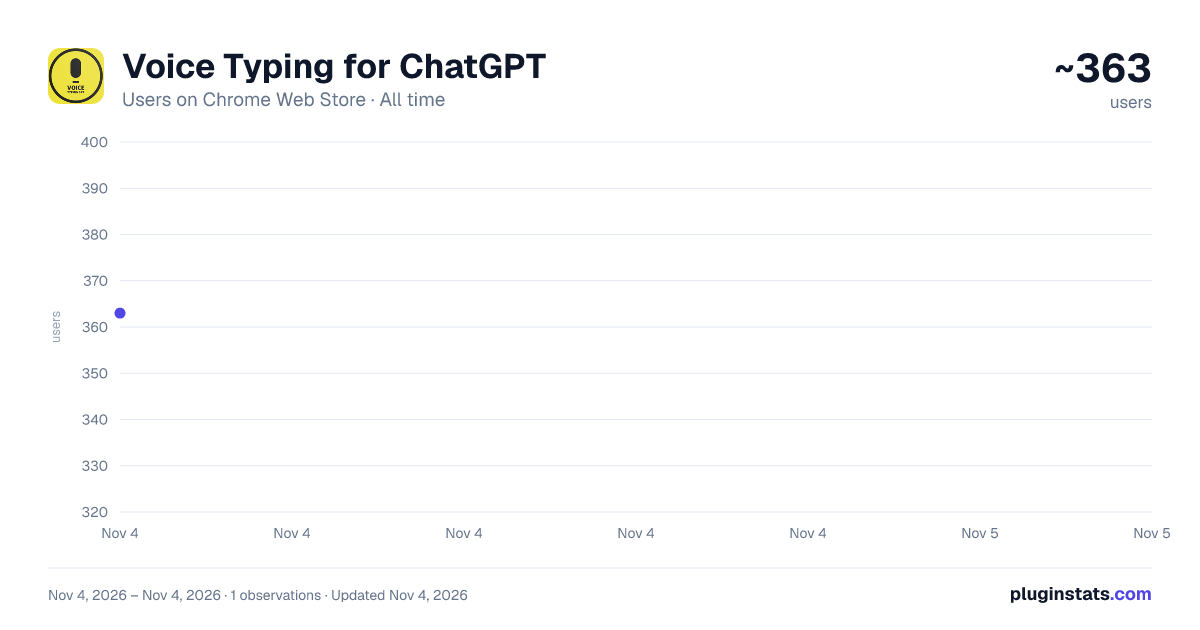
Voice Typing for ChatGPT has approximately 363 recorded users on Chrome Web Store, ranking #4082 of 7,072 tracked listings.
Rating: 2.70 / 5 from 6 ratings
About Voice Typing for ChatGPT
A simple extension by Diakiv A.A. that allows users to type text using their voice on chat.openai.com
Title: Voice Typing for chatGPT
Description:
"Voice Typing for chatGPT" is an intuitive and convenient browser extension that allows users to input text using their voice on the website chat.openai.com. The extension recognizes Russian, English, and Spanish speech, ensuring comfortable communication with chatbots and simplifying interactions with the service.
Main features:
Voice input of text on the chat.openai.com website Recognition of English, Russian, Spanish and French speech Simple and clear interface Fast switching between supported languages Extension window remains on top of all windows for convenient use
How to use:
Install the "Voice Typing for chatGPT" extension from the Chrome Web Store. Visit chat.openai.com. Click on the extension icon in the browser toolbar. In the pop-up window, select the language you want to speak (Russian, English, French, or Spanish). Click the SAVE & START button. A microphone with a flag indicating the language to be recognized will appear below the chatGPT text field. Click on the microphone and start speaking. To switch languages, click on the app button, select a new language, and click SAVE & START. The extension will automatically input the recognized text into the input field on the chat.openai.com website. To quickly invoke the function, press Shift+Alt+Y "Voice Typing for chatGPT" is designed to simplify the use of the OpenAI service and increase the efficiency of communication with chatbots. Enjoy seamless voice input and efficient communication with this convenient extension!
Description from the Chrome Web Store listing.
README badge
Show your rank in a README or on your website. The badge updates automatically.
Charts
Images: 30d · 1y · all time · 1600×900 dark
Adoption over time
7/30/90-day growth
Ranking history
Ratings over time
Listing placement
Listing placement
Filled points are observed values; hollow points come from Internet Archive snapshots of the listing page. Dashed segments span periods with no observations — values between points are not interpolated.
Each band is one page of 20. Users on a linear scale. Placement is projected from users, so it can differ from the marketplace's own sort order. Hover a dot to see the listing.
Recent observations
Full history (1)Similar Chrome Web Store Accessibility plugins
All 20 Voice Typing for ChatGPT alternatives



Data source
Covers every Chrome Web Store extension with at least 100 users, found through the store's public sitemap. User counts are read from public listing pages. The 10% most-used extensions are refreshed daily, the next 40% weekly and the next 40% monthly; the least-used 10% are not refreshed. Google displays rounded user counts (and caps the display at 10,000,000+), so small changes may not be visible. Rating counts above 1,000 are rounded (e.g. 1.6K).
Listing: https://chromewebstore.google.com/detail/voice-typing-for-chatgpt/daocapifjfgpmfkbfkokemddlfnmnkae. First seen Nov 4, 2026; last successful collection Nov 4, 2026. See the methodology.