 PluginStats
Audio Recorder: Free & Unlimited Recordings users statistics
Capture audio from your browser and auto-download it directly to your computer in your preferred format (MP3, WebM, WAV).
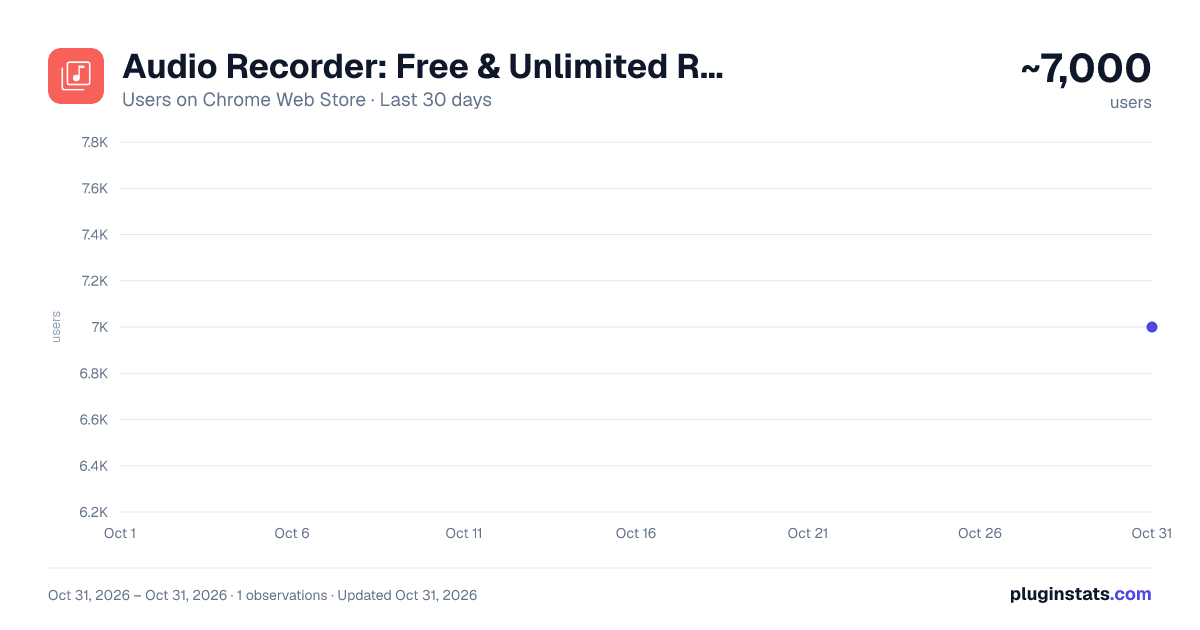
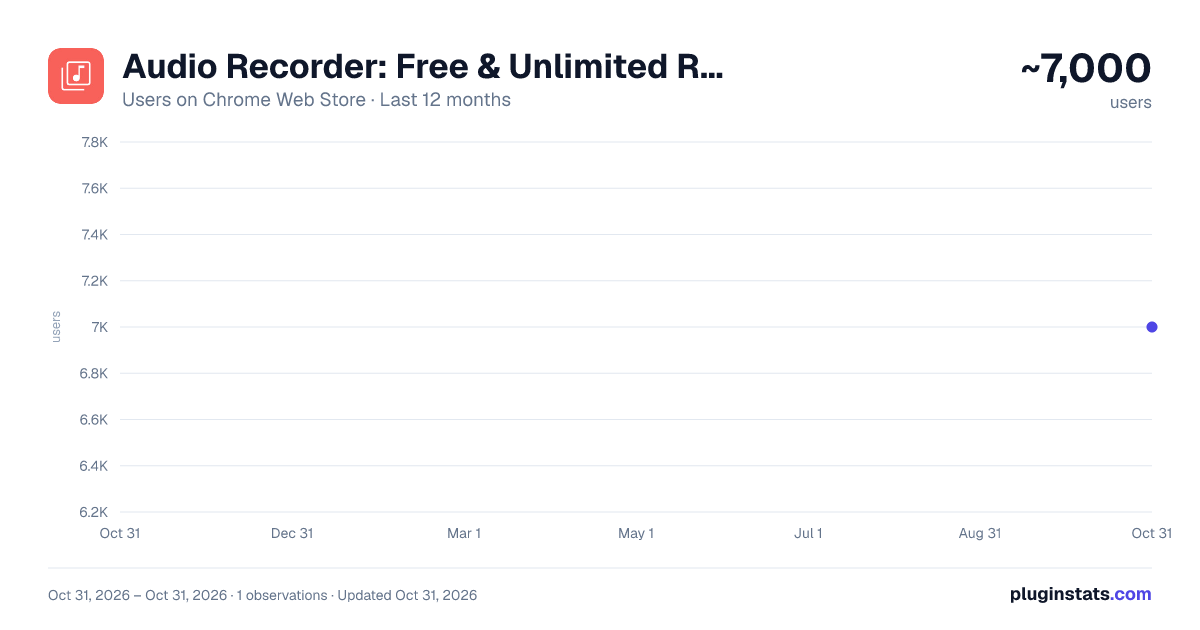
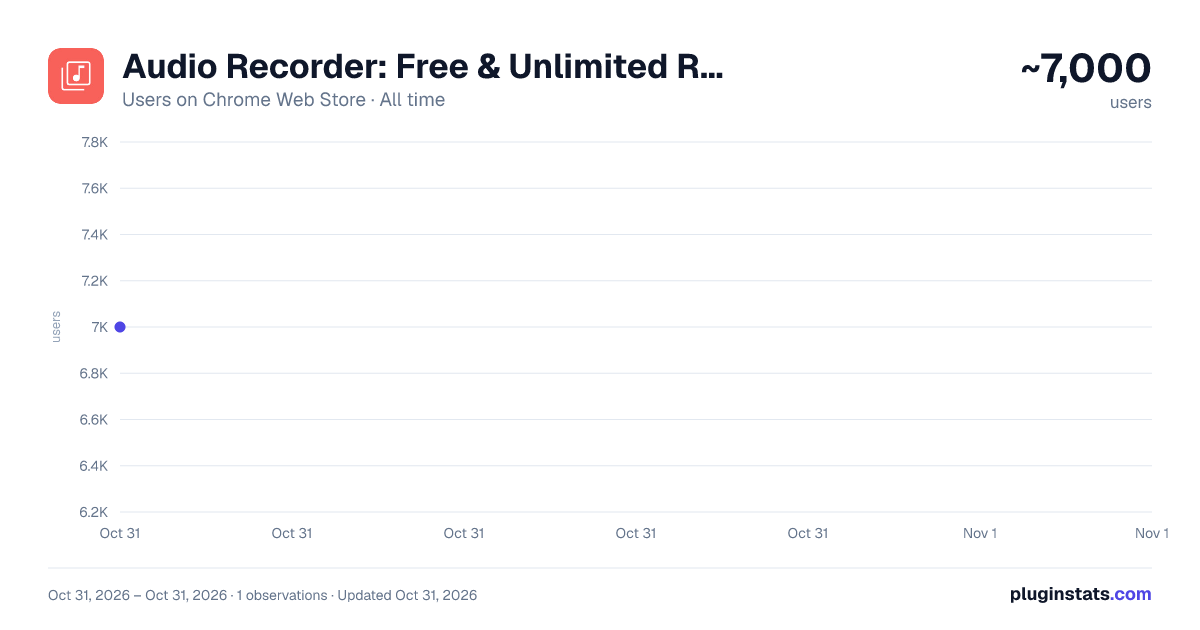
Audio Recorder: Free & Unlimited Recordings has approximately 7,000 recorded users on Chrome Web Store, ranking #864 of 5,946 tracked listings.
Rating: 4.80 / 5 from 42 ratings
About Audio Recorder: Free & Unlimited Recordings
Capture audio from your browser and auto-download it directly to your computer in your preferred format (MP3, WebM, WAV).
Want to save audio playing in your browser? Free Audio Recorder is your one-click solution! Effortlessly capture audio from your current tab and save it in your preferred format (MP3, WebM, WAV). This handy extension offers a seamless and free way to grab audio directly from your browser tab.
👍 Audio Recorder is a perfect tool for: ☑️ Saving online audio and music: Easily archive your favorite tunes, podcasts, and radio shows directly from your browser for offline enjoyment. ☑️ Recording online learning and meetings: Capture crucial information from lectures, webinars, and virtual conferences effortlessly. ☑️ Preserving live online audio: Archive memorable online performances, presentations, and discussions for future reference. ☑️ Quickly capturing any browser audio: For anyone who needs a simple and direct way to record sound from their current tab.
✨Key Features: ☑️ Record from Current Tab: Capture audio playing in your active browser tab with a single click. Perfect for saving online audio and streams. ☑️ Multiple Download Formats: Save your recordings in widely compatible MP3, efficient WebM, or high-fidelity WAV formats. ☑️ Easy One-Click Operation: Start, stop, and download your audio recordings quickly and intuitively within your browser. ☑️ Local Storage: Your recordings are saved directly to your local storage, ensuring privacy and easy access. ☑️ Free Audio Recorder: Enjoy all these essential audio recording features completely free of charge! ☑️ Unlimited Recordings & Duration: Capture all the audio you need, with no limits on the number or length of your recordings.
💡 How to Record Audio from Your Browser Tab: 1️⃣ Click the 'Add to Chrome' button to install the Audio Recorder. 2️⃣ Open the browser tab you want to record audio from, then click the Audio Recorder extension icon in your browser toolbar. 3️⃣ Click the Start Recording button. 4️⃣ Click Stop when finished. 5️⃣ Choose your preferred download format (MP3, WebM, WAV) and download your audio file directly to your local storage.
🔥 Enjoy simple and efficient audio recording directly in your browser. Install Audio Recorder for free today and start capturing audio from any tab with ease!
Description from the Chrome Web Store listing.
README badge
Show your rank in a README or on your website. The badge updates automatically.
Charts
Images: 30d · 1y · all time · 1600×900 dark
Adoption over time
7/30/90-day growth
Ranking history
Ratings over time
Listing placement
Listing placement
Filled points are observed values; hollow points come from Internet Archive snapshots of the listing page. Dashed segments span periods with no observations — values between points are not interpolated.
Each band is one page of 20. Users on a linear scale. Placement is projected from users, so it can differ from the marketplace's own sort order. Hover a dot to see the listing.
Recent observations
Full history (1)Similar Chrome Web Store Tools plugins
All 20 Audio Recorder: Free & Unlimited Recordings alternatives



Data source
Covers every Chrome Web Store extension with at least 100 users, found through the store's public sitemap. User counts are read from public listing pages. The 10% most-used extensions are refreshed daily, the next 40% weekly and the next 40% monthly; the least-used 10% are not refreshed. Google displays rounded user counts (and caps the display at 10,000,000+), so small changes may not be visible. Rating counts above 1,000 are rounded (e.g. 1.6K).
Listing: https://chromewebstore.google.com/detail/audio-recorder-free-unlim/kmjknihlphcclhfegkaeohghemeahppd. First seen Oct 31, 2026; last successful collection Oct 31, 2026. See the methodology.