 PluginStats

AutoScroll users statistics
By Mehar Fatma · Chrome Web Store · Tools
Automatically scroll web pages at a customizable speed.
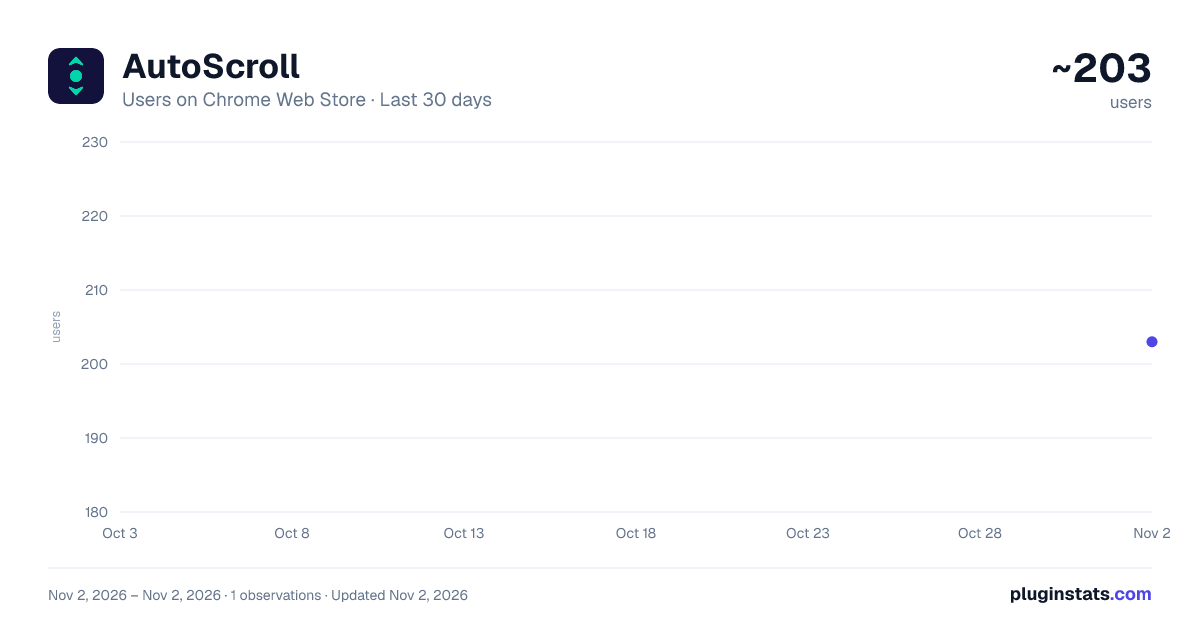
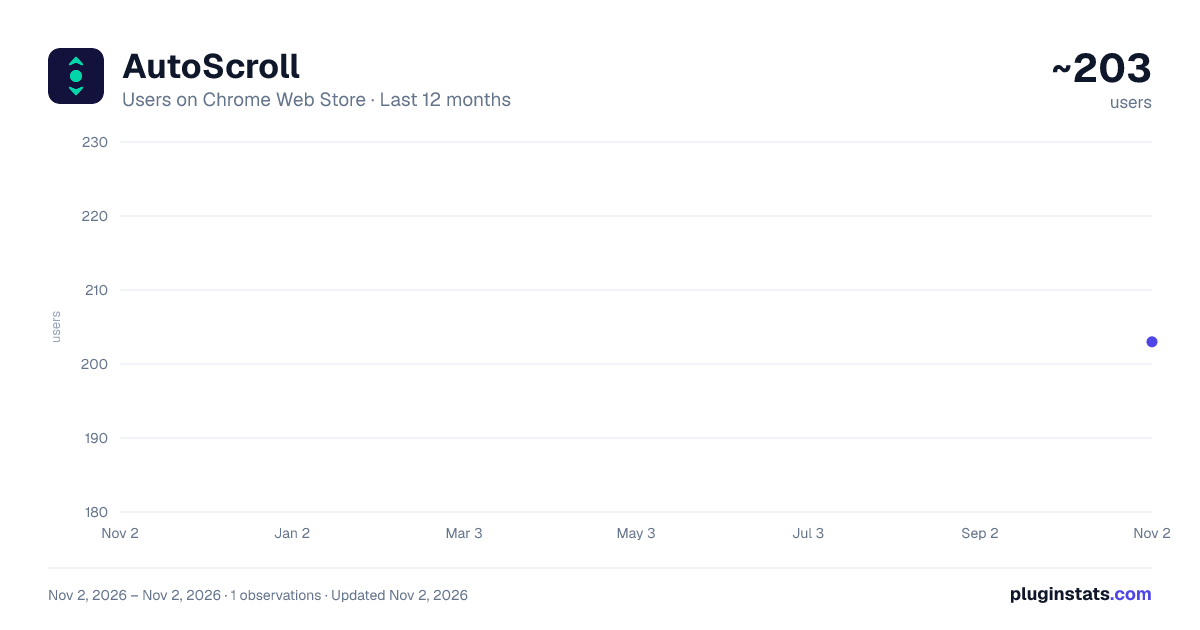
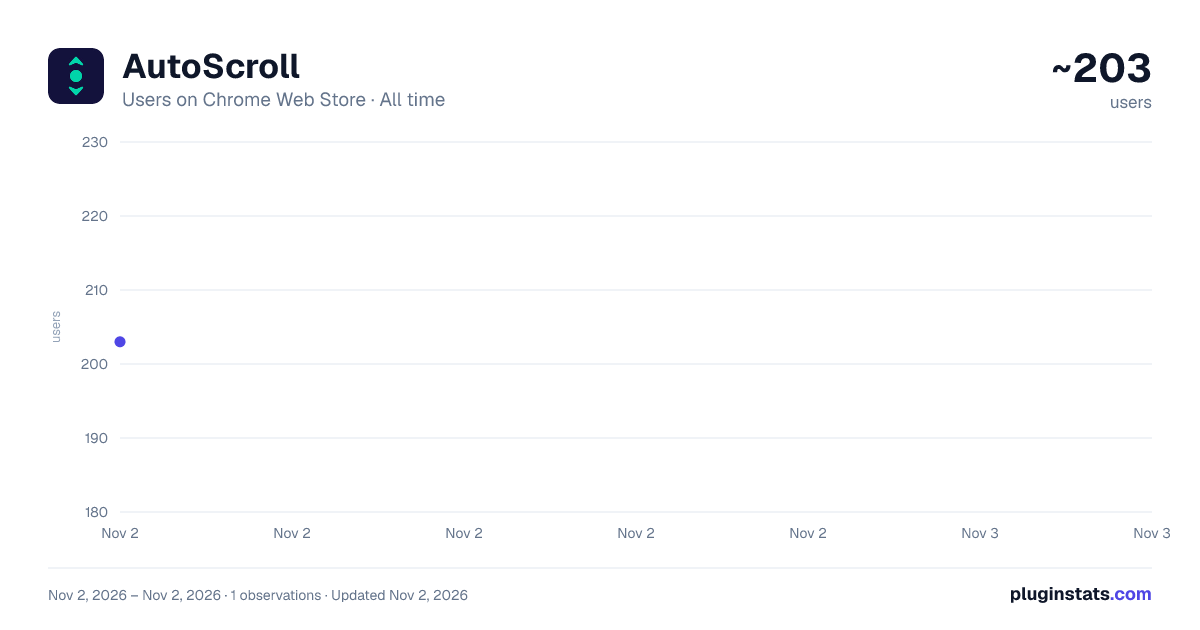
AutoScroll has approximately 203 recorded users on Chrome Web Store, ranking #4950 of 6,672 tracked listings.
Rating: 5.00 / 5 from 2 ratings
About AutoScroll
Automatically scroll web pages at a customizable speed.
AutoScroll: Hands-Free Scrolling
Tired of constantly scrolling through long articles, documentation, or online books? AutoScroll lets you sit back and read at your own pace — completely hands-free.
✦ WHAT IT DOES
AutoScroll automatically scrolls any webpage at a speed you set. Start it, adjust the pace, and focus entirely on reading — no mouse, no keyboard, no interruptions.
✦ FEATURES
✔︎ Adjustable Speed — Fine-tune scrolling from an ultra-slow Turtle pace to a blazing Turbo speed using a simple slider ✔︎ Speed Presets — One-click presets: 🐢 Turtle, 📖 Read, ⚡ Skim, 🚀 Turbo ✔︎ Smooth & Step Modes — Choose between fluid continuous scrolling or rhythmic step-by-step jumps ✔︎ Scroll Up or Down — Full control over direction ✔︎ Progress Ring — Always know how far you are through the page ✔︎ Spacebar Shortcut — Press Space to instantly toggle scrolling on or off ✔︎ Auto-Stop — Automatically stops when it reaches the bottom (or top) of the page ✔︎ Manual Override — Scroll manually at any time to instantly pause auto-scrolling
✦ WHO IS IT FOR
- Students reading long articles and research papers
- Readers going through online books, newsletters, or blogs
- Developers and tech professionals reviewing lengthy documentation
- Anyone who wants a more relaxed, hands-free browsing experience
✦ HOW TO USE
- Open any webpage you want to read
- Click the AutoScroll icon in your Chrome toolbar
- Set your preferred speed using the slider or presets
- Hit the Play button or press Space to start
- Pause anytime by clicking the button again or pressing Space
✦ PRIVACY
AutoScroll does not collect, store, or transmit any personal data. It does not track your browsing history or reading habits. Everything runs locally in your browser — no accounts, no servers, no data collection of any kind.
Simple. Fast. Distraction-free reading - the way it should be.
Description from the Chrome Web Store listing.
README badge
Show your rank in a README or on your website. The badge updates automatically.
Charts
Images: 30d · 1y · all time · 1600×900 dark
Adoption over time
7/30/90-day growth
Ranking history
Ratings over time
Listing placement
Listing placement
Filled points are observed values; hollow points come from Internet Archive snapshots of the listing page. Dashed segments span periods with no observations — values between points are not interpolated.
Each band is one page of 20. Users on a linear scale. Placement is projected from users, so it can differ from the marketplace's own sort order. Hover a dot to see the listing.
Recent observations
Full history (1)Similar Chrome Web Store Tools plugins
All 20 AutoScroll alternatives



Data source
Covers every Chrome Web Store extension with at least 100 users, found through the store's public sitemap. User counts are read from public listing pages. The 10% most-used extensions are refreshed daily, the next 40% weekly and the next 40% monthly; the least-used 10% are not refreshed. Google displays rounded user counts (and caps the display at 10,000,000+), so small changes may not be visible. Rating counts above 1,000 are rounded (e.g. 1.6K).
Listing: https://chromewebstore.google.com/detail/autoscroll/jlnbbaadbgcebmgdgbmhkpgnnconlonj. First seen Nov 2, 2026; last successful collection Nov 2, 2026. See the methodology.