 PluginStats

GemTube — One-click YouTube analysis users statistics
Chrome Web Store · Workflow & Planning
Open YouTube videos in Gemini with a prefilled prompt, plus tools to copy transcripts and comments.
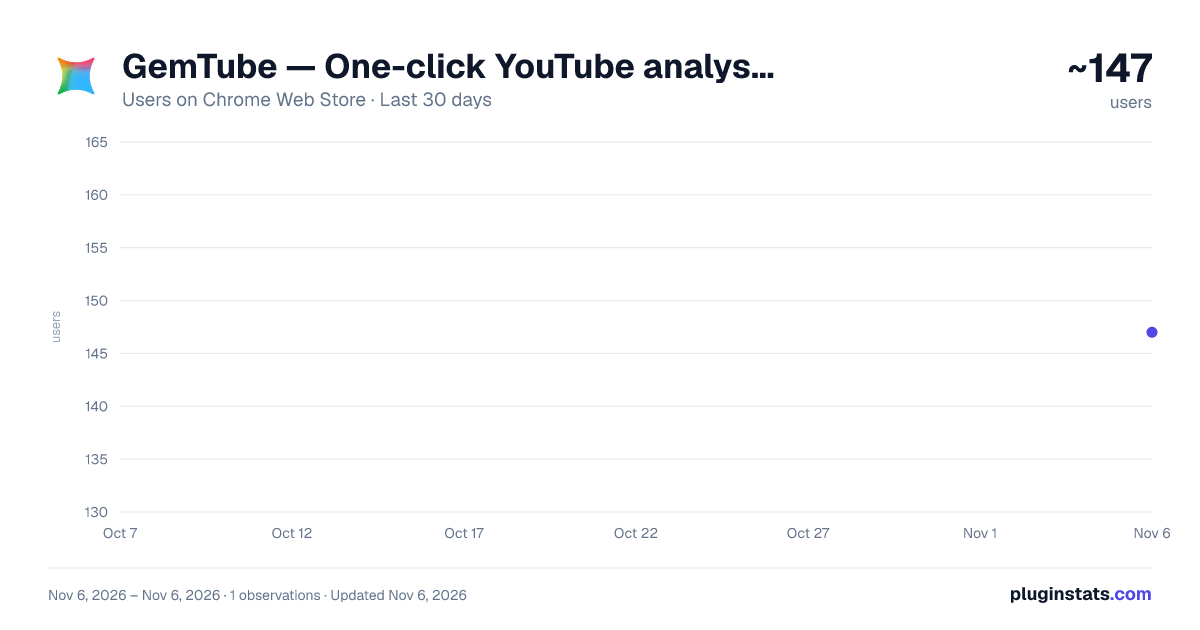
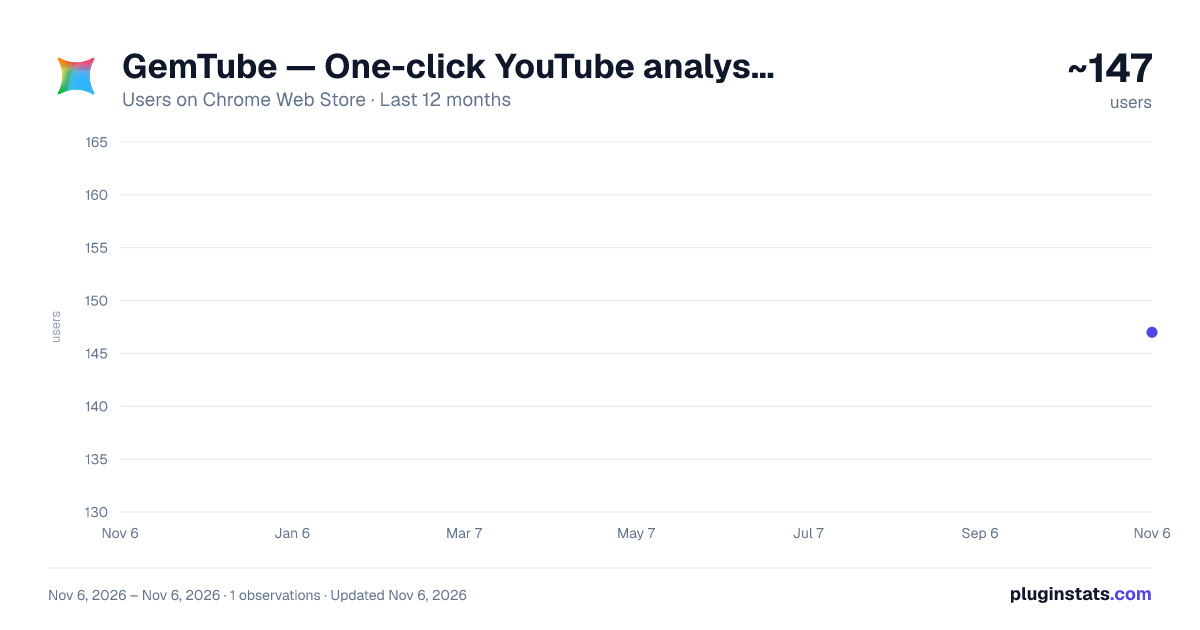
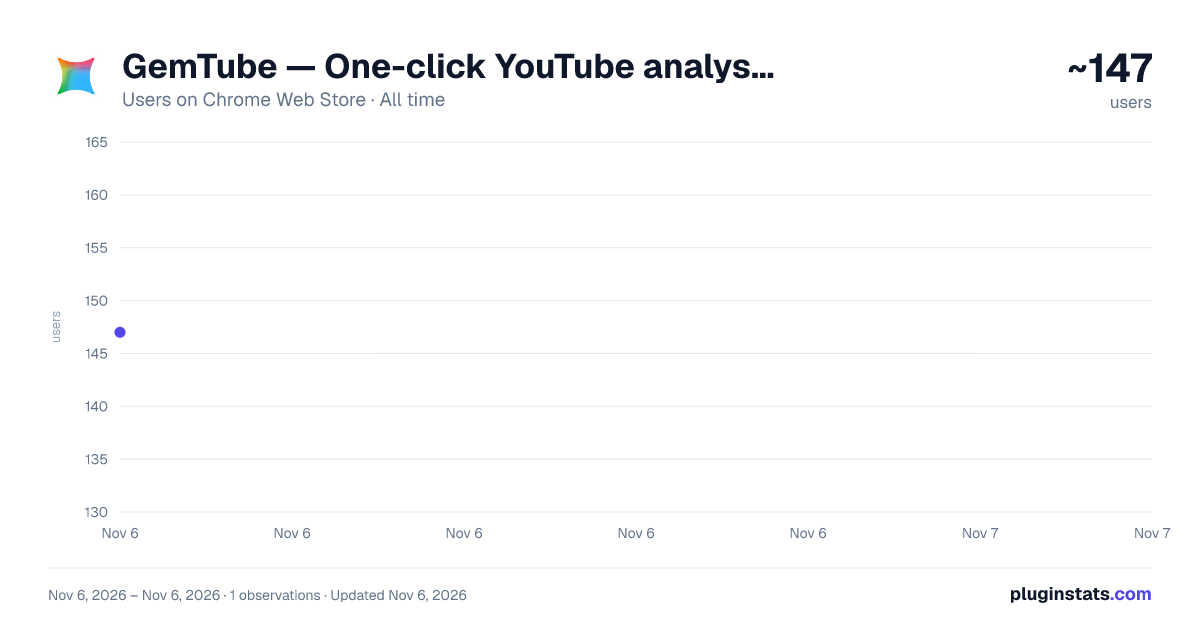
GemTube — One-click YouTube analysis has approximately 147 recorded users on Chrome Web Store, ranking #6525 of 7,624 tracked listings.
About GemTube — One-click YouTube analysis
Open YouTube videos in Gemini with a prefilled prompt, plus tools to copy transcripts and comments.
Unlock the Full Potential of YouTube and Gemini!
GemTube is the ultimate productivity tool designed to seamlessly integrate YouTube with Google's Gemini AI. Whether you are a researcher, student, or content creator, this extension empowers you to extract insights from videos faster than ever before.
Key Features:
-
✨ One-Click Gemini Navigation: Adds a "Sparkle" (✨) button to the YouTube video metadata. One click directs you to Gemini with the video URL and a customizable prompt pre-filled, streamlining your analysis workflow.
-
📋 Smart Subtitle Extraction:
-
Copy subtitles as clean text (perfect for reading).
-
Copy subtitles with timestamps (ideal for reference).
-
Exclusive Feature: Press Ctrl+C while watching a video (without selecting text) to instantly grab the current subtitle!
-
💬 Comment Scraper: Easily copy YouTube comments for sentiment analysis or feedback review. Automatically loads more comments to reach your target count.
-
🚀 Gemini Automation: Control Gemini via URL parameters. Create custom bookmarks to open Gemini in "Draft Mode", "Auto-Send Mode", or switch models (e.g., Gemini Advanced) automatically.
-
🌍 Multi-Language Support: Fully localized interface and prompts for English, Traditional Chinese, Simplified Chinese, and Japanese users.
Why Install GemTube?
- Save Time: No more manual copy-pasting of transcripts.
- Learn Faster: Get AI-generated summaries of long lectures or tutorials in seconds.
- Boost Productivity: Automate repetitive tasks and focus on what matters.
Privacy First: All your settings are stored locally on your device. We do not collect any personal data.
Upgrade your browsing experience today with GemTube!
Description from the Chrome Web Store listing.
README badge
Show your rank in a README or on your website. The badge updates automatically.
Charts
Images: 30d · 1y · all time · 1600×900 dark
Adoption over time
7/30/90-day growth
Ranking history
Ratings over time
Listing placement
Listing placement
Filled points are observed values; hollow points come from Internet Archive snapshots of the listing page. Dashed segments span periods with no observations — values between points are not interpolated.
Each band is one page of 20. Users on a linear scale. Placement is projected from users, so it can differ from the marketplace's own sort order. Hover a dot to see the listing.
Recent observations
Full history (1)Similar Chrome Web Store Workflow & Planning plugins
All 20 GemTube — One-click YouTube analysis alternatives



Data source
Covers every Chrome Web Store extension with at least 100 users, found through the store's public sitemap. User counts are read from public listing pages. The 10% most-used extensions are refreshed daily, the next 40% weekly and the next 40% monthly; the least-used 10% are not refreshed. Google displays rounded user counts (and caps the display at 10,000,000+), so small changes may not be visible. Rating counts above 1,000 are rounded (e.g. 1.6K).
Listing: https://chromewebstore.google.com/detail/gemtube-—-one-click-youtu/foffjgfhfapadjefaoieeckaapgnkfhf. First seen Nov 6, 2026; last successful collection Nov 6, 2026. See the methodology.