 PluginStats
LinkedIn Jobs Filter and Search - Jobs Hero users statistics
By soleado tech · Chrome Web Store · Workflow & Planning
Filter promoted, applied, and irrelevant LinkedIn jobs so you can focus on better opportunities faster.
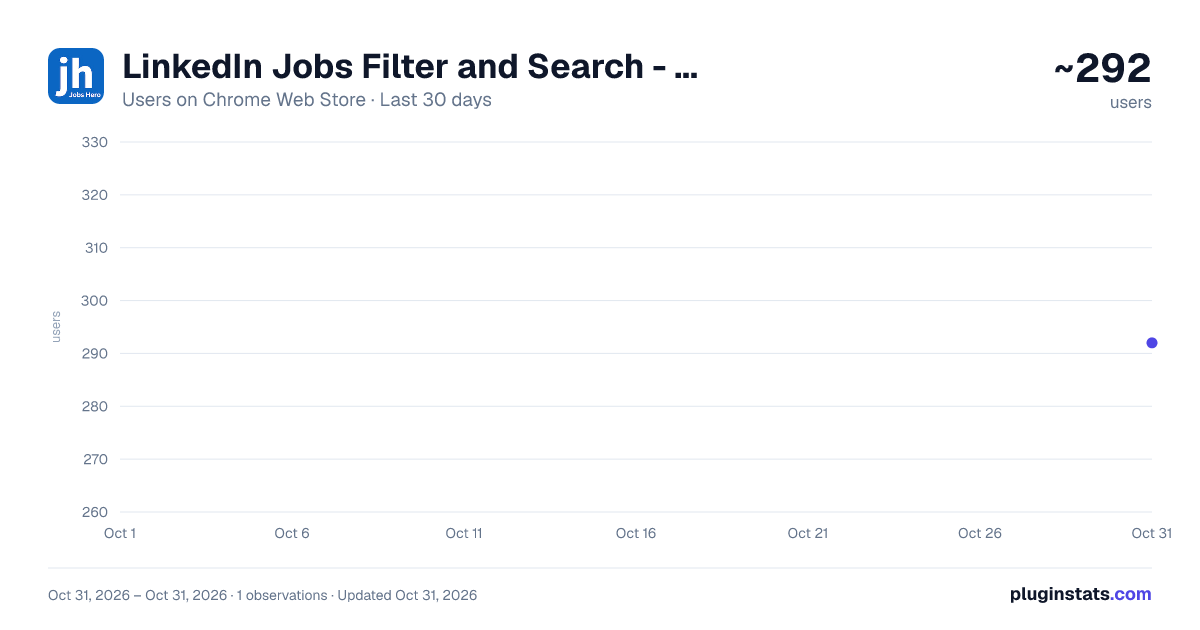
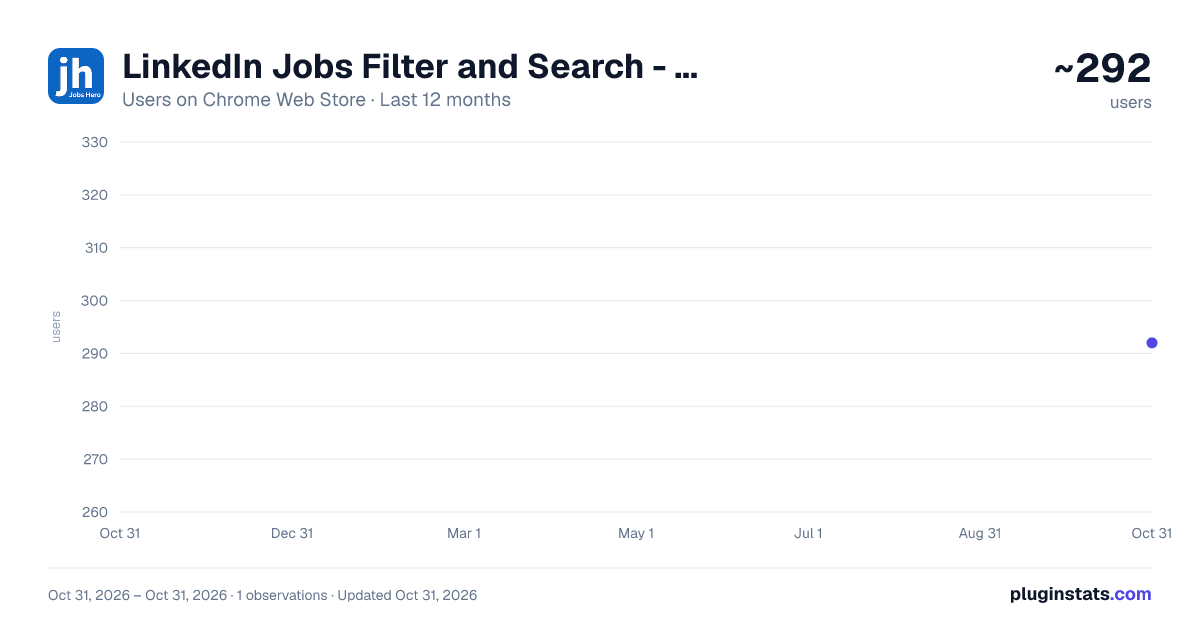
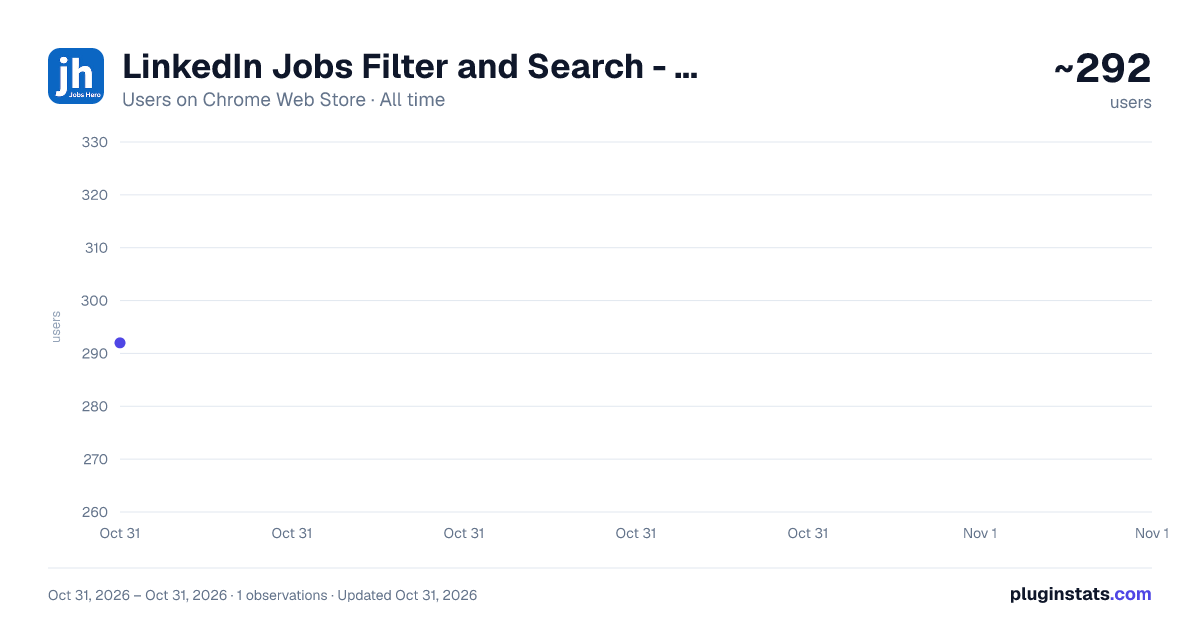
LinkedIn Jobs Filter and Search - Jobs Hero has approximately 292 recorded users on Chrome Web Store, ranking #3774 of 5,946 tracked listings.
Rating: 5.00 / 5 from 3 ratings
About LinkedIn Jobs Filter and Search - Jobs Hero
Filter promoted, applied, and irrelevant LinkedIn jobs so you can focus on better opportunities faster.
Tired of applying to "ghost jobs" on LinkedIn and hearing nothing back?
Jobs Hero is a LinkedIn job search productivity tool designed to help you bypass low-quality listings, filter out the noise, and focus on roles that matter.
Stop wasting hours scrolling through promoted listings, companies you want to avoid, or jobs you've already applied to. Jobs Hero cleans up your LinkedIn feed so you can apply smarter and move faster.
🚀 WHY USE JOBS HERO?
Save Time Every Week: Stop reading through useless, irrelevant, or low-signal job postings. Improve Focus: Spend more time on relevant opportunities and less time filtering noise manually. Declutter Your Feed: Instantly hide jobs that don't match your exact needs.
✨ CORE FEATURES
🎯 Smart Visibility Filters Instantly hide or dim jobs that waste your time: • Promoted/Sponsored listings • Jobs you have already viewed or applied to • Roles with "Easy Apply" (or limit strictly to Easy Apply) • Jobs with slow or weak review-time signals
🚫 Advanced Keyword & Company Blocking Want to avoid specific companies or keywords? • Add custom include/exclude keywords for job titles and descriptions • Create a Company Blacklist to hide roles from specific employers, recruiting agencies, or known ghost-listing companies
🏷️ On-Page Role Tagging Quickly scan the feed with visual tags for the roles you care about: • Backend, Frontend, Full Stack, Data, DevOps, AI/ML, Security, QA, Product, and more
💡 Instant Insight Chips Get lightweight company insights inside the job details pane before you spend time applying.
🔒 PRIVACY-FIRST BY DESIGN You own your data. Always.
ZERO remote API calls for your job data. NO account scraping or data selling. ALL preferences are saved locally on your device via Chrome storage.
Where does it work? • Works on LinkedIn Jobs when you're signed in • Works in classic search view, not AI Powered search (beta)
👇 INSTALL JOBS HERO FOR FREE TODAY Reclaim your job hunt. Filter out low-quality jobs, find better opportunities, and spend your time where it matters most.
Description from the Chrome Web Store listing.
README badge
Show your rank in a README or on your website. The badge updates automatically.
Charts
Images: 30d · 1y · all time · 1600×900 dark
Adoption over time
7/30/90-day growth
Ranking history
Ratings over time
Listing placement
Listing placement
Filled points are observed values; hollow points come from Internet Archive snapshots of the listing page. Dashed segments span periods with no observations — values between points are not interpolated.
Each band is one page of 20. Users on a linear scale. Placement is projected from users, so it can differ from the marketplace's own sort order. Hover a dot to see the listing.
Recent observations
Full history (1)Similar Chrome Web Store Workflow & Planning plugins
All 20 LinkedIn Jobs Filter and Search - Jobs Hero alternatives



Data source
Covers every Chrome Web Store extension with at least 100 users, found through the store's public sitemap. User counts are read from public listing pages. The 10% most-used extensions are refreshed daily, the next 40% weekly and the next 40% monthly; the least-used 10% are not refreshed. Google displays rounded user counts (and caps the display at 10,000,000+), so small changes may not be visible. Rating counts above 1,000 are rounded (e.g. 1.6K).
Listing: https://chromewebstore.google.com/detail/linkedin-jobs-filter-and/glkllakoboeiaefcfcbbdgfkkmkoggga. First seen Oct 31, 2026; last successful collection Oct 31, 2026. See the methodology.