 PluginStats
Flow Image Automator - Bulk AI Image Generation Toolkit for Google Flow users statistics
Automate Google Labs image generation. Bulk create AI images with Nano Banana 2 and Nano Banana Pro models.
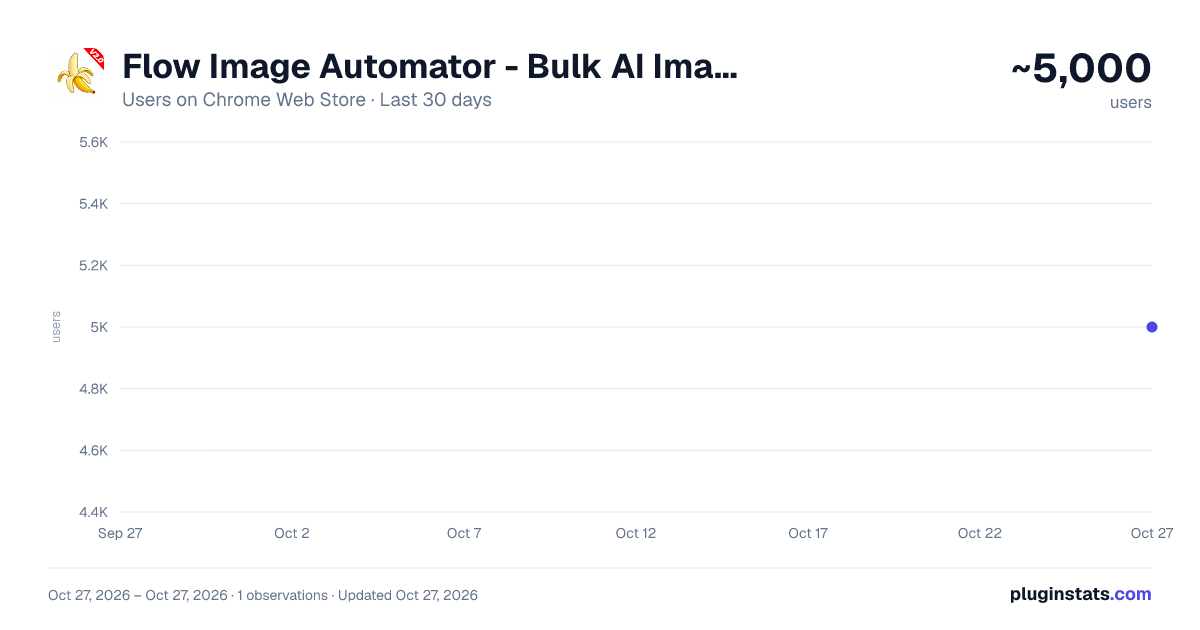
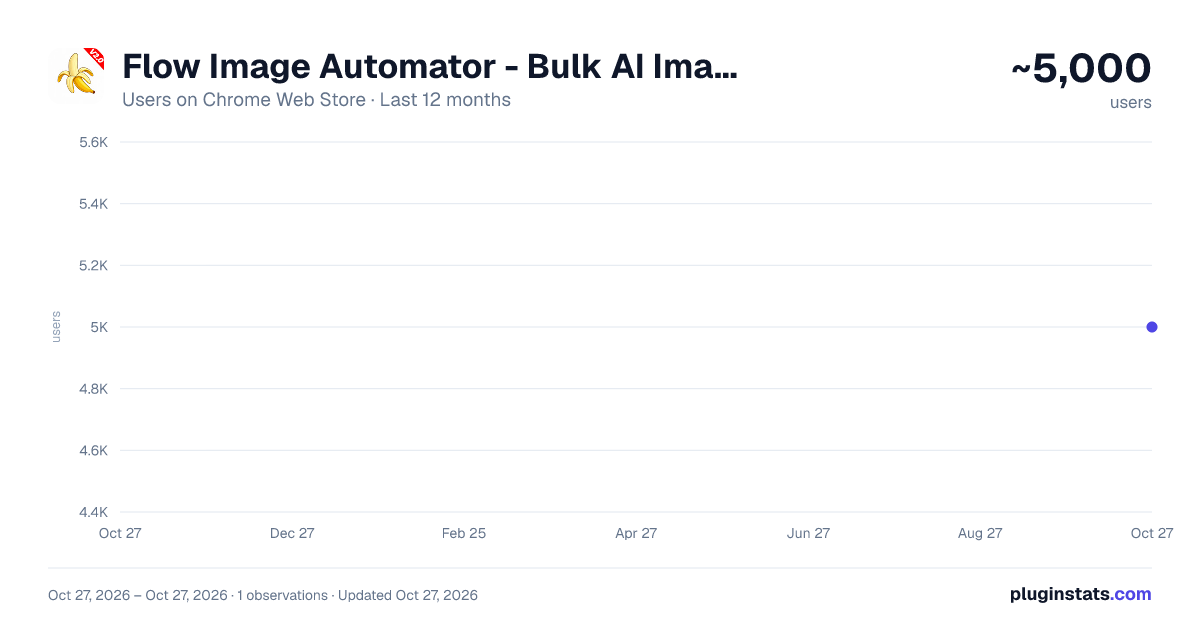
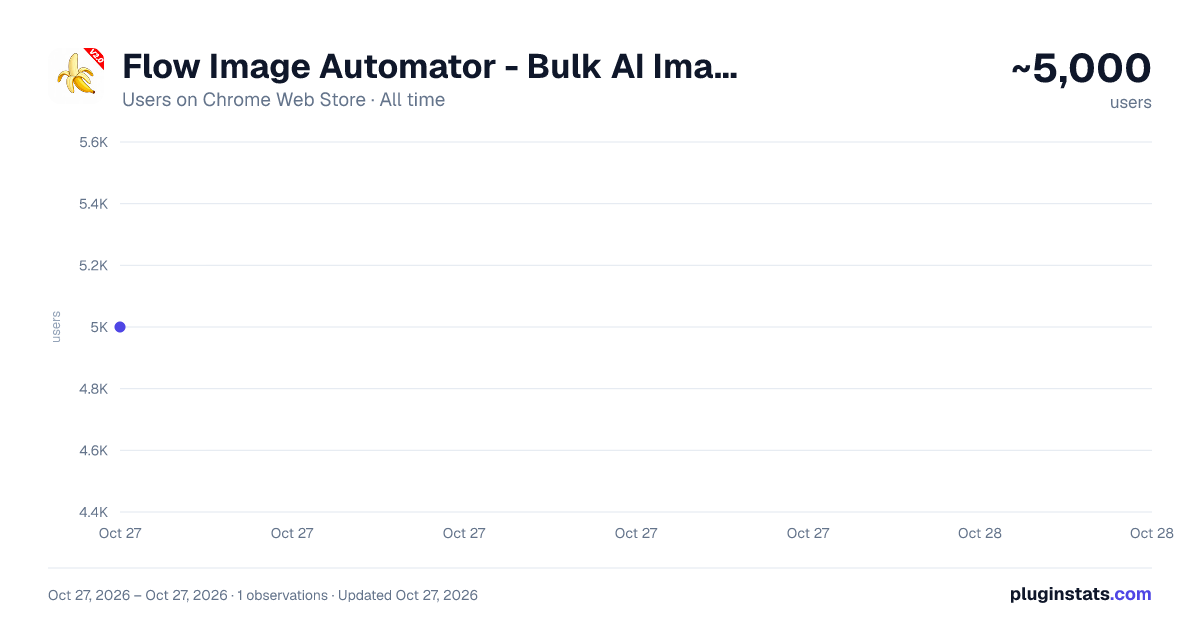
Flow Image Automator - Bulk AI Image Generation Toolkit for Google Flow has approximately 5,000 recorded users on Chrome Web Store, ranking #791 of 4,553 tracked listings.
Rating: 3.00 / 5 from 23 ratings
About Flow Image Automator - Bulk AI Image Generation Toolkit for Google Flow
Automate Google Labs image generation. Bulk create AI images with Nano Banana 2 and Nano Banana Pro models.
🚀 Flow Image Automator – Bulk AI Image Automation for Google Labs
Flow Image Automator is a browser extension built for Google Labs that automates AI image generation workflows. It supports bulk processing of prompts and images, allowing tasks to run sequentially without repeated manual steps.
Designed for creators, developers, and teams, Flow Image Automator enables structured handling of text-to-image and image-to-image workflows at scale.
If your workflow involves entering prompts individually, uploading images repeatedly, waiting for generation, and downloading outputs one by one, Flow Image Automator allows these steps to be handled automatically in a continuous process.
⚙️ What Flow Image Automator Does Flow Image Automator automates the full AI image generation cycle inside Google Labs: -Upload prompts or images in batches -Execute generation tasks sequentially -Detect completed outputs -Download generated images automatically -Export CSV files with generation details
📦 Core Features -Bulk AI Image Processing Run text-to-image and image-to-image workflows in sequence using multiple prompts and inputs.
-Prompt and Image Input Options Import prompts from text files, paste prompt lists, or upload multiple images for batch processing.
-Automated Workflow Execution The extension inputs prompts and images, applies selected settings, starts generation, waits for completion, and continues to the next task.
-Automatic Image Detection and Download Generated images are detected and downloaded as tasks complete.
-Structured Workflow Handling Organizes inputs and outputs into a consistent processing flow for larger datasets.
⚙️ Advanced Controls -Sorting options (A–Z, Z–A, Newest, Oldest) -Aspect ratio selection (1:1, 16:9, 9:16) -Resume processing from a selected task -Adjustable wait times between tasks -Retry handling for failed steps -Task tracking for incomplete runs -Multi-language interface support
🎯 Use Cases Flow Image Automator can be used for: -AI image generation workflows -Content creation pipelines -Marketing asset generation -Prompt testing and iteration -Batch processing of visual outputs
💡 Workflow Overview Flow Image Automator processes prompts and images in sequence, maintaining a consistent workflow structure when handling multiple generation tasks.
📌 Summary Flow Image Automator enables automated, structured AI image generation workflows within Google Labs by managing input processing, task execution, and output collection in a continuous system.
Description from the Chrome Web Store listing.
README badge
Show your rank in a README or on your website. The badge updates automatically.
Charts
Images: 30d · 1y · all time · 1600×900 dark
Adoption over time
7/30/90-day growth
Ranking history
Ratings over time
Listing placement
Listing placement
Filled points are observed values; hollow points come from Internet Archive snapshots of the listing page. Dashed segments span periods with no observations — values between points are not interpolated.
Each band is one page of 20. Users on a linear scale. Placement is projected from users, so it can differ from the marketplace's own sort order. Hover a dot to see the listing.
Recent observations
Full history (1)Similar Chrome Web Store Tools plugins
All 20 Flow Image Automator - Bulk AI Image Generation Toolkit for Google Flow alternatives



Data source
Covers every Chrome Web Store extension with at least 100 users, found through the store's public sitemap. User counts are read from public listing pages. The 10% most-used extensions are refreshed daily, the next 40% weekly and the next 40% monthly; the least-used 10% are not refreshed. Google displays rounded user counts (and caps the display at 10,000,000+), so small changes may not be visible. Rating counts above 1,000 are rounded (e.g. 1.6K).
Listing: https://chromewebstore.google.com/detail/flow-image-automator-bulk/eiboocmincdlldgkkidfhaphhoohkoii. First seen Oct 27, 2026; last successful collection Oct 27, 2026. See the methodology.