 PluginStats

Perplexity Switcher: Switch from Google to Perplexity users statistics
Chrome Web Store · Workflow & Planning
Easily switch between Google, Perplexity, Brave, and DuckDuckGo search results.
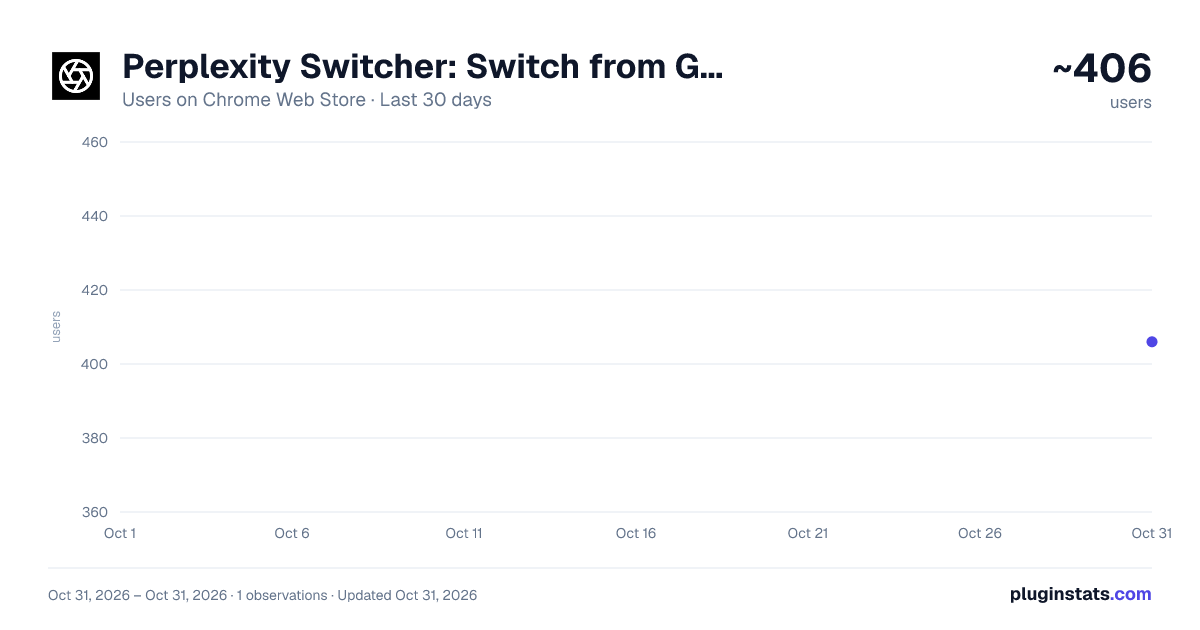
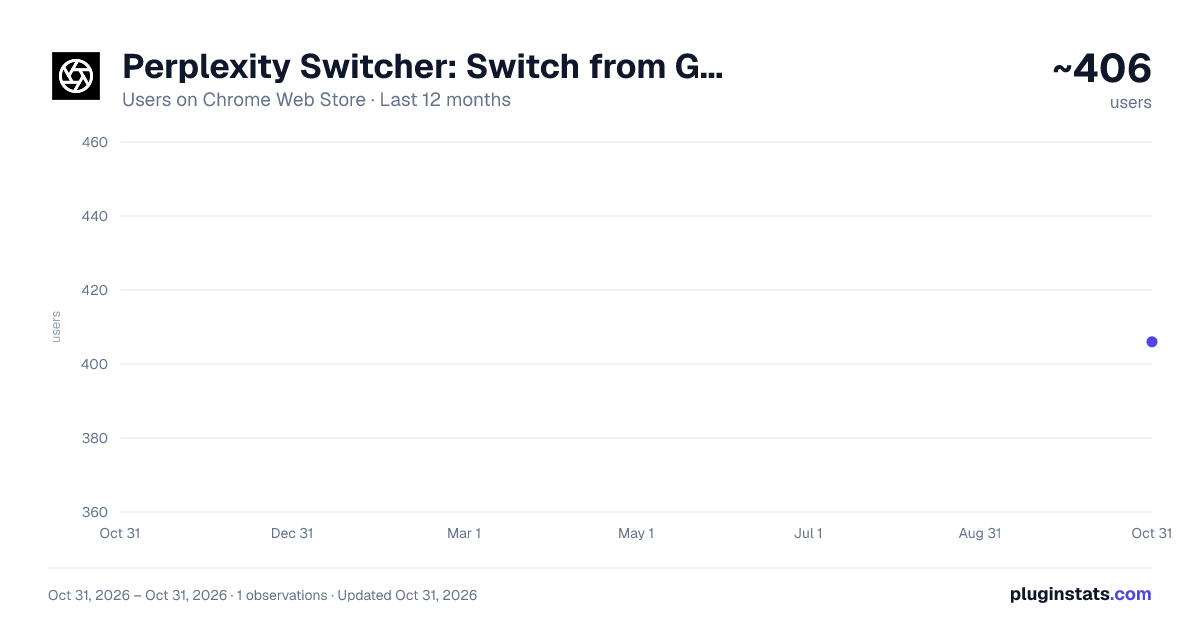
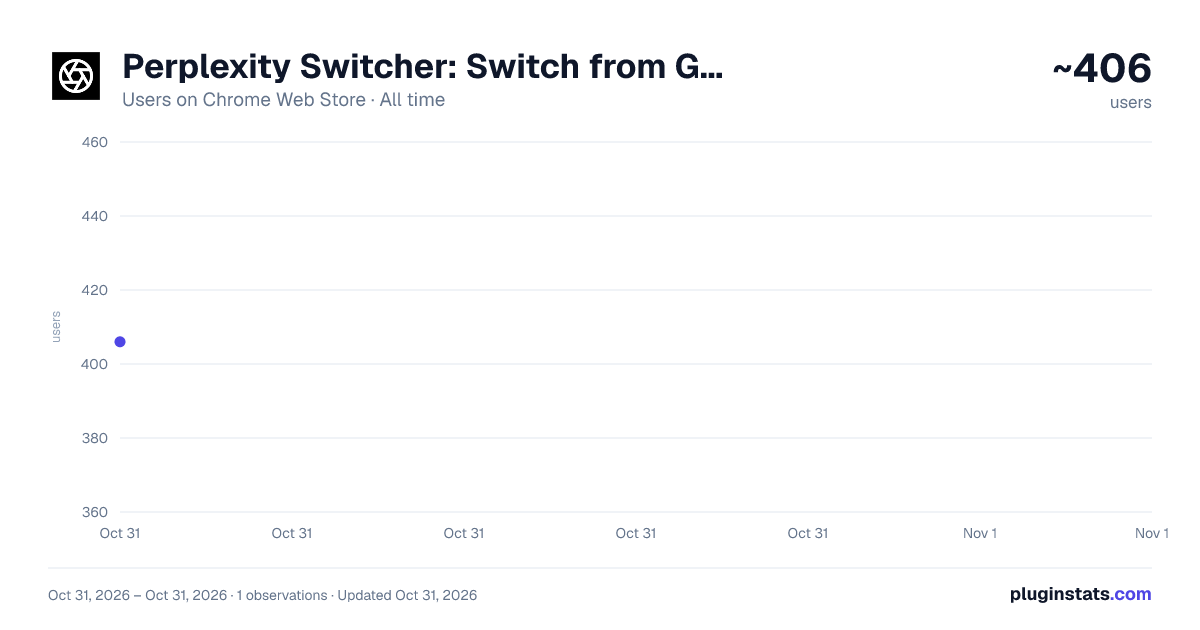
Perplexity Switcher: Switch from Google to Perplexity has approximately 406 recorded users on Chrome Web Store, ranking #3714 of 6,786 tracked listings.
Rating: 5.00 / 5 from 8 ratings
About Perplexity Switcher: Switch from Google to Perplexity
Easily switch between Google, Perplexity, Brave, and DuckDuckGo search results.
Overview
Google-Perplexity Search Switcher is a convenient Chrome extension that enhances your search experience by allowing you to seamlessly switch between Google and Perplexity search results. With a sleek, pill-shaped button integrated directly into the search pages, you can effortlessly toggle between the two search engines without the need to manually re-enter your query or navigate away.
Changelog:
Version 1.3.0 - February 20, 2025
- Added all Google Search engine
Version 1.2.0 - October 23, 2024
- Added Support for DuckDuckGo
Version 1.1.0 - October 19, 2024
- Added Support for Brave Search
Version 1.0.0 - October 15, 2024
- Initial Release
Key Features
-
Seamless Switching: Instantly switch between Google and Perplexity search results with a single click.
-
Automatic Query Transfer: Your search query is automatically transferred between platforms—no need to copy and paste.
-
Integrated Interface: A stylish, floating pill-shaped button appears on both Google and Perplexity search pages.
-
User-Friendly Design: Clean and modern UI with intuitive icons representing each search engine.
-
Consistent Experience: The button remains consistently accessible, enhancing your workflow without interruption.
How It Works
When you perform a search on Google, a pill-shaped button appears at the bottom right corner of the page, featuring both the Google and Perplexity icons.
The Google icon is highlighted, indicating the current platform.
Click on the Perplexity icon to switch to Perplexity.ai with the same search query automatically populated.
On Perplexity.ai, the process is mirrored:
The Perplexity icon is highlighted.
Click on the Google icon to return to Google search results for the same query. The extension intelligently detects your current platform and search query, providing a smooth and efficient transition between the two.
Why Use Google-Perplexity Search Switcher?
- Efficiency: Save time by eliminating the need to manually re-enter search queries across different platforms.
- Enhanced Research: Easily compare results from both search engines to get a comprehensive understanding of any topic.
- User Experience: Enjoy a non-intrusive, aesthetically pleasing interface that enhances your browsing without cluttering your screen.
Permissions
- Active Tab: Needed to read the URL and extract the search query for seamless switching.
- Web Access: Access to https://www.google.com/* & https://www.perplexity.ai/* to insert the floating button.
Privacy Policy
- No Data Collection: This extension does not collect, store, or transmit any personal data.
- Local Operation: All functionalities operate locally within your browser.
- Permissions Used Solely for Functionality: Permissions are strictly used to enable the core features of the extension.
How to Use
-
Install the Extension: Click on the "Add to Chrome" button to install the Google-Perplexity Search Switcher.
-
Perform a Search: Use Google or Perplexity.ai as you normally would. Use the Switcher:
-
Look for the floating pill-shaped button at the bottom right corner of the search results page.
-
The button displays both the Google and Perplexity icons.
-
The icon corresponding to the current platform is highlighted.
Switch Platforms:
- Click on the non-highlighted icon to switch to the other search engine.
- Your current search query will be automatically transferred.
Description from the Chrome Web Store listing.
README badge
Show your rank in a README or on your website. The badge updates automatically.
Charts
Images: 30d · 1y · all time · 1600×900 dark
Adoption over time
7/30/90-day growth
Ranking history
Ratings over time
Listing placement
Listing placement
Filled points are observed values; hollow points come from Internet Archive snapshots of the listing page. Dashed segments span periods with no observations — values between points are not interpolated.
Each band is one page of 20. Users on a linear scale. Placement is projected from users, so it can differ from the marketplace's own sort order. Hover a dot to see the listing.
Recent observations
Full history (1)Similar Chrome Web Store Workflow & Planning plugins
All 20 Perplexity Switcher: Switch from Google to Perplexity alternatives



Data source
Covers every Chrome Web Store extension with at least 100 users, found through the store's public sitemap. User counts are read from public listing pages. The 10% most-used extensions are refreshed daily, the next 40% weekly and the next 40% monthly; the least-used 10% are not refreshed. Google displays rounded user counts (and caps the display at 10,000,000+), so small changes may not be visible. Rating counts above 1,000 are rounded (e.g. 1.6K).
Listing: https://chromewebstore.google.com/detail/perplexity-switcher-switc/kmmnfpkefgneepmciebnnjjmmfmmebng. First seen Oct 31, 2026; last successful collection Oct 31, 2026. See the methodology.