 PluginStats

Internet Archive & Wayback Downloader users statistics
By Extensions Chrome · Chrome Web Store · Tools
Preserve web pages to the Wayback Machine, view snapshot history, and download PDF books and files from Internet Archive.
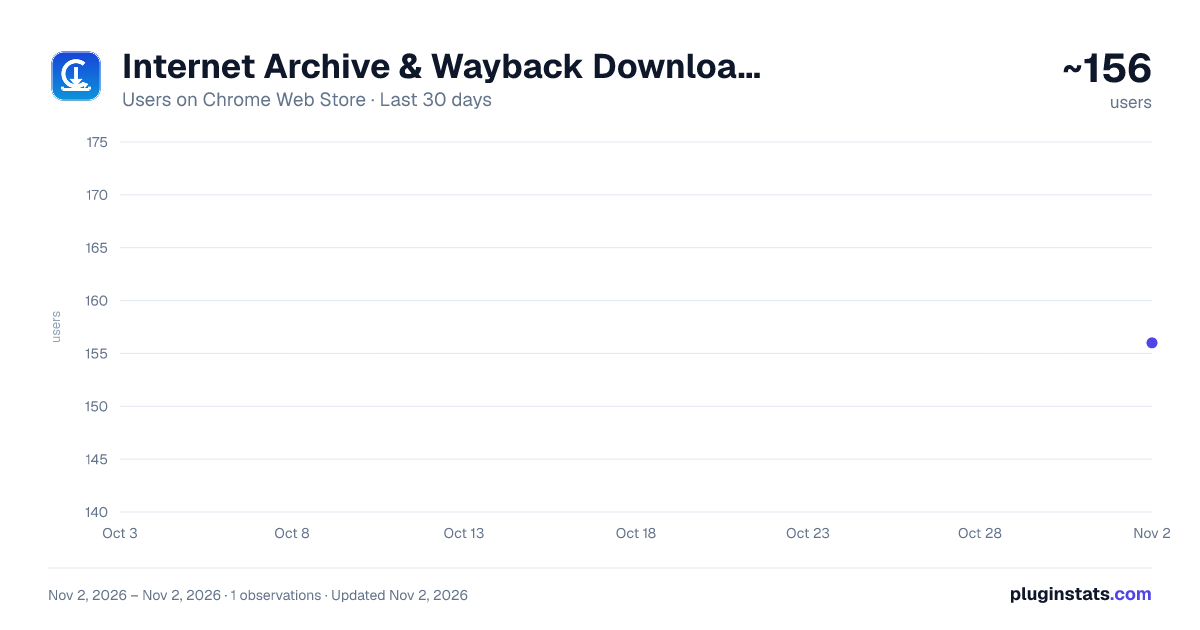
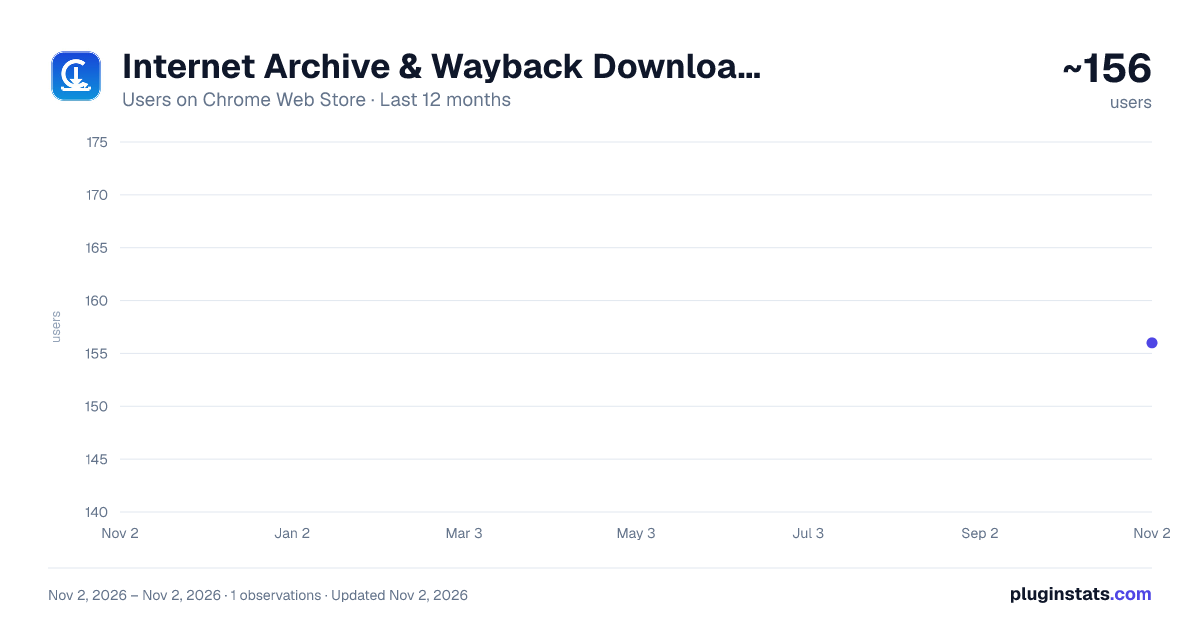
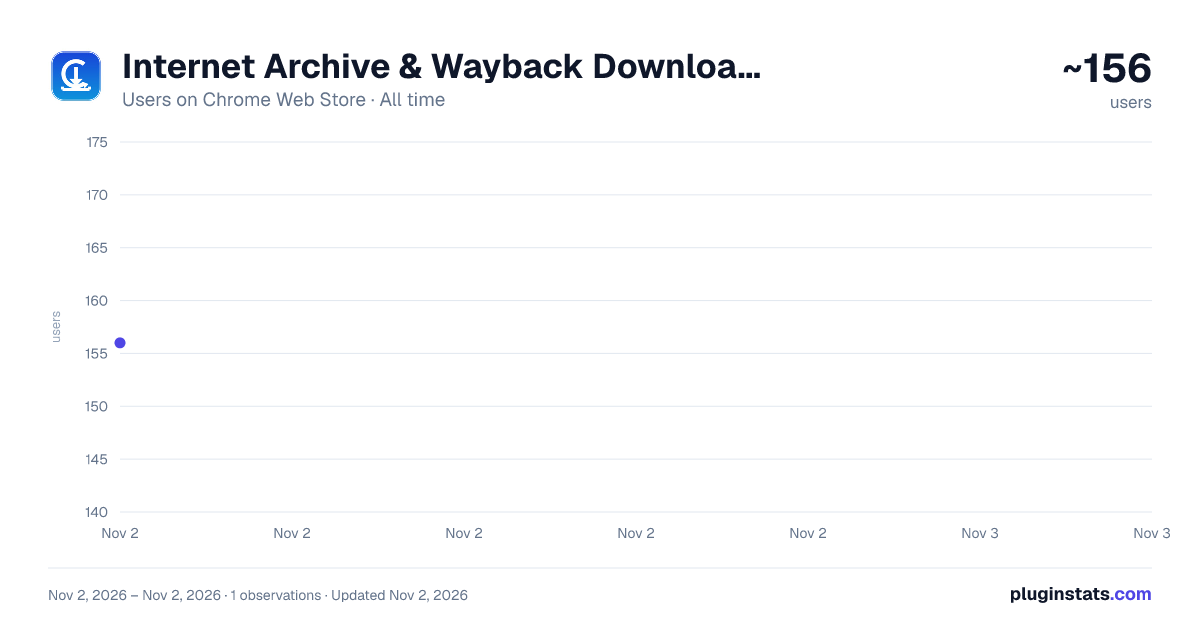
Internet Archive & Wayback Downloader has approximately 156 recorded users on Chrome Web Store, ranking #5638 of 6,786 tracked listings.
About Internet Archive & Wayback Downloader
Preserve web pages to the Wayback Machine, view snapshot history, and download PDF books and files from Internet Archive.
Internet Archive & Wayback Downloader - Web Time Machine & Book Grabber
Preserve and explore the history of the web, time-travel to past website versions, and download PDF books and documents directly from Internet Archive with a single click.
================================================== Internet Archive & Wayback Downloader is your all-in-one companion for digital preservation and research. Powered by the official Internet Archive and Wayback Machine APIs, this extension allows you to save any webpage permanently before it disappears, browse historical snapshots across the decades, check archival availability in real-time, and download PDF and eBook files directly from Archive.org item pages.
Whether you are investigating dead links, conducting academic research, archiving breaking news, or reading public domain books, this extension gives you instant, frictionless access to the world's largest digital library.
KEY FEATURES
⚡ Save Page Now (One-Click Archiving): Instantly archive the current webpage to the Wayback Machine. Ensure crucial articles, sources, or documents are preserved permanently.
🕰️ Time-Travel Navigation:
- Oldest Snapshot: Instantly jump back in time to the very first recorded capture of any website.
- Newest Snapshot: View the most recently archived version.
- Calendar Matrix: Open the full interactive calendar view to explore captures by year, month, and day.
🔍 Live Availability & Recent Snapshots: Automatically checks the Wayback Machine database for the active page and lists the most recent captures with timestamps and HTTP status codes right inside the popup.
📖 Archive.org PDF & Book Downloader: Visiting an item or book on Archive.org? The extension automatically detects available PDF, EPUB, MOBI, and text files, presenting clean, direct one-click download buttons with exact file sizes. An in-page floating toolbar also enhances Archive.org pages for effortless reading and downloading.
🔎 Universal URL Search: Lookup and verify the archive status of any URL without needing to navigate to it first. Quick preset buttons for common sites.
📜 Local History Log: Keep a private, searchable record of all pages you've saved, snapshots you've visited, and documents you've downloaded. Easily re-open past links, copy URLs, or export your history to JSON.
🌓 Sleek Dark & Light Themes: Modern, user-friendly popup interface featuring glassmorphic accents, responsive animations, and seamless dark/light mode toggling.
🖱️ Handy Context Menus: Right-click on any webpage, link, or highlighted text to immediately save, time-travel, or search the Internet Archive.
WHY CHOOSE THIS EXTENSION?
- 100% Privacy-Centric: No tracking, no user profiling, no remote telemetry, and zero advertisements.
- Minimal Permissions: Uses scoped activeTab and local-only storage. Does NOT require broad browsing history permissions.
- Fast & Lightweight: Pure vanilla JavaScript built strictly for Manifest V3 performance.
- Essential for Researchers, Students, Journalists, and curious web explorers.
HOW TO USE
- Click the extension icon in your Chrome toolbar while browsing any page.
- Click "Capture & Save to Archive" to preserve the current page forever.
- Click "Oldest", "Newest", or "Calendar" to view past versions in the Wayback Machine.
- When browsing Archive.org book or media details, open the "PDF & Books" tab or use the floating download button on the page to download documents immediately.
- Review your saved snapshots anytime in the "History" tab.
Experience the web as it was, prevent link rot, and help preserve history for future generations!
Description from the Chrome Web Store listing.
README badge
Show your rank in a README or on your website. The badge updates automatically.
Charts
Images: 30d · 1y · all time · 1600×900 dark
Adoption over time
7/30/90-day growth
Ranking history
Ratings over time
Listing placement
Listing placement
Filled points are observed values; hollow points come from Internet Archive snapshots of the listing page. Dashed segments span periods with no observations — values between points are not interpolated.
Each band is one page of 20. Users on a linear scale. Placement is projected from users, so it can differ from the marketplace's own sort order. Hover a dot to see the listing.
Recent observations
Full history (1)Similar Chrome Web Store Tools plugins
All 20 Internet Archive & Wayback Downloader alternatives



Data source
Covers every Chrome Web Store extension with at least 100 users, found through the store's public sitemap. User counts are read from public listing pages. The 10% most-used extensions are refreshed daily, the next 40% weekly and the next 40% monthly; the least-used 10% are not refreshed. Google displays rounded user counts (and caps the display at 10,000,000+), so small changes may not be visible. Rating counts above 1,000 are rounded (e.g. 1.6K).
Listing: https://chromewebstore.google.com/detail/internet-archive-wayback/jlnakjbnppknalkkfjbpmiknjpakpomd. First seen Nov 2, 2026; last successful collection Nov 2, 2026. See the methodology.